


To create IT for a Startup Dental Practice, the secure, dental-grade network, the correct wiring during the building of the facility, the imaging-ready workstations, robust software stack, and well-integrated cybersecurity measures are needed, based on the HIPAA standards. New practices can be easily scaled by cloud and hybrid workflows only when the systems are professionally configured. The appropriate IT base will help new dentists to eliminate downtime, imaging, and compliance risks and provide an efficient and smooth daily patient provision.
As in the United States, the dental practices are more dependent on technology than ever. Digital radiography, CBCT machines, online patient communication tools, and cloud practice management systems all involve the need to have a fast, stable, secure, and purpose-built network that is suitable in clinical settings. The general IT arrangement would not sustain such workflows, and most incoming dentists learn too late that dental technology needs its own dedicated thought, equipment, and strategic plan.
This guide breaks down everything a new dental practice needs to know about setting up IT correctly the first time, whether wiring and networking, integrating software, HIPAA compliance, cloud systems, and continuing support. This detailed roadmap will see you launch your first clinic or branch or expand into a multi-operatory setting without falling into the traps many startups make, and with your practice happily operational on your first day.
Why Technology Determines the Success of a Startup Dental Practice
A Startup Dental Practice is dependent on a reliable, purpose-built IT foundation more than anything. Modern dental practices are handling large volumes of digital data- high-resolution CBCT images, intraoral sensor images, charting documents, claims, real-time messaging and appointment change notices. When the technology infrastructure is not built to be used in clinical practice, new practice promptly undergoes freezing X- rays, slow imaging, software crashes, and severe productivity losses.
IT planning of dental professionals guarantees the ability of the infrastructure to support digital radiography, PMS platforms that are cloud-based, and imaging devices without any bottlenecks. New dentists applying to specialized providers do not face the challenges that a general IT firm tends to ignore, particularly with regard to the integration of imaging, HIPAA compliance and scalability that is scalable in the long term.
Planning IT During Construction: The Most Important Step Many Dentists Skip
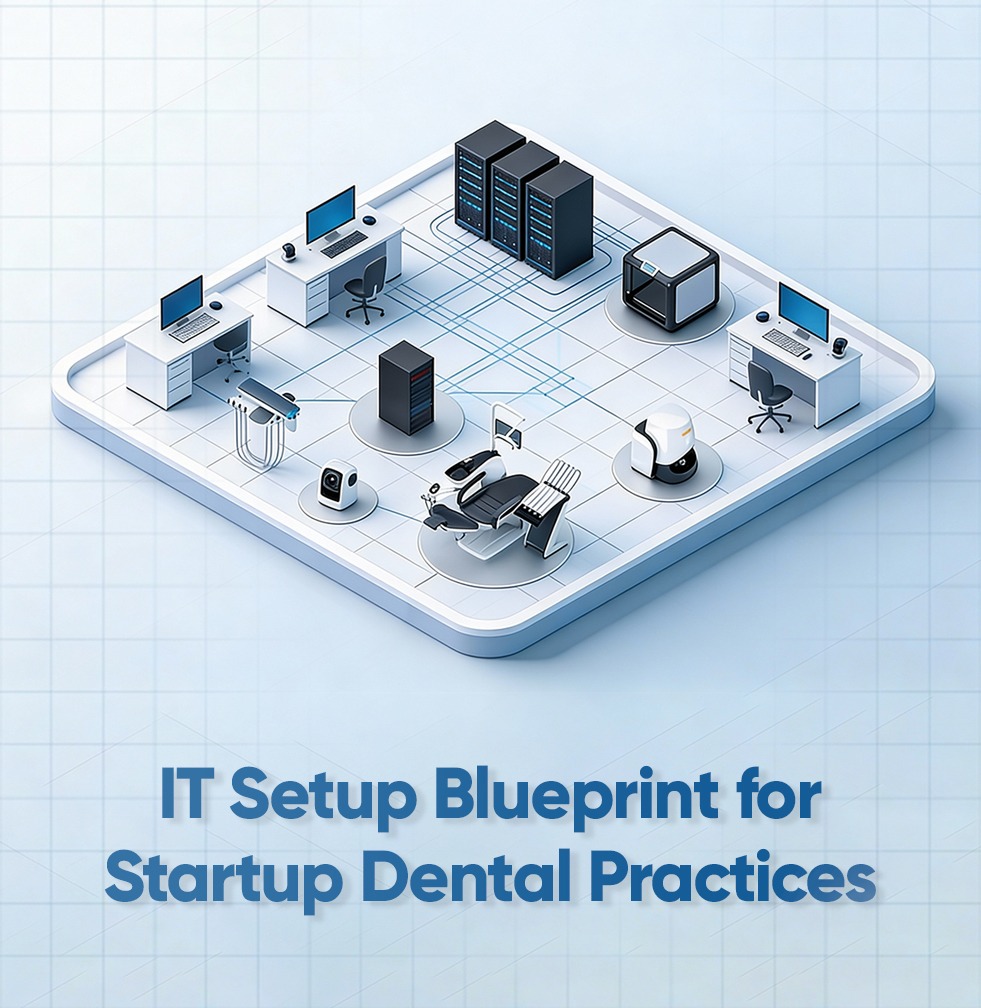
IT planning should not start after it is too late and the walls have been closed. The construction blueprint should be constructed with wiring pathways, operatory drops, CBCT room requirements, equipment placement and network rack positions. After drywall is installed, it becomes costly and time-consuming to fix the errors in the wiring and the grand opening may be postponed.
A proper design shows:
- network layout
- cable routes
- workstation placement
- firewall & switch locations
CBCT radiotherapy room shielding and power requirements.
Failure to plan early leads to startup dentists having a problem with the communication of their devices, lack of a stable Wi-Fi connection, and the Practice Management Software (PMS) not being stable at the beginning of the first month of practice. The collaboration with the IT teams that are unique to dental practice avoids these costly failures.
What IT Infrastructure a Startup Dental Practice Actually Needs
The clinic is supported by your digital foundation. It is used by every imaging device, workstation, sensor, server, sterilization room and even the admin desk. A dental office cannot be run without:
-
- Enterprise-grade switches
- Business firewalls
- VLAN (clinical, admin, guest Wi-Fi) segmentation
- Encrypted traffic
- High-quality ceiling-mounted Wi-Fi access points
- Structured Cat6a cabling
- LTE/5G internet failover
Since PHI moves over your network, then it must be in compliance with HIPAA. The HIPAA Security Rule and current cybersecurity advice provided by CISA should be mentioned in practices so that healthcare providers could be sure that the network is properly secured at the very beginning.
Legend Networking develops IT environments that are in line with these standards in their dental cybersecurity solutions.
Choosing Computers and Local Hardware for a Dental Startup
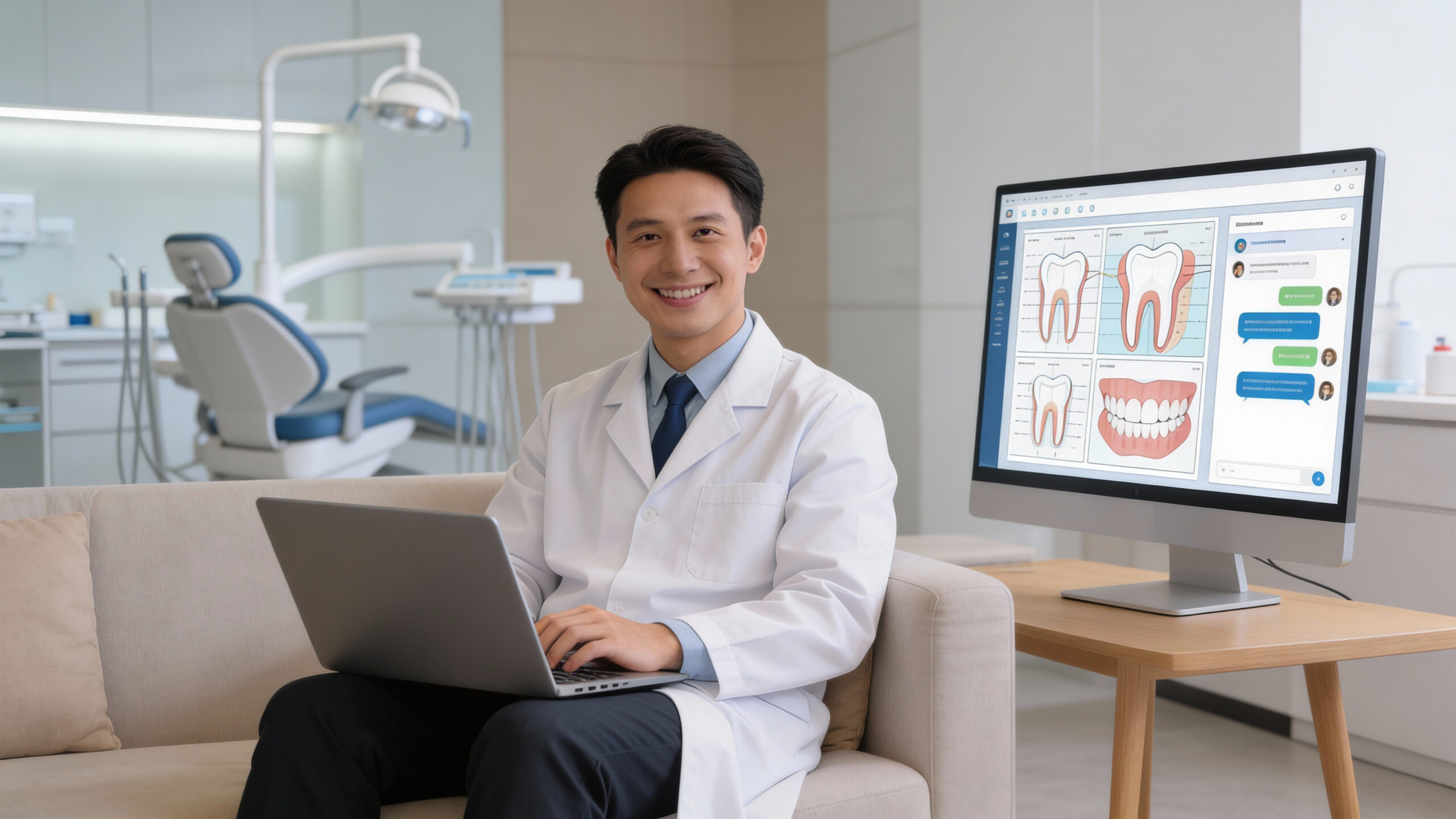
Dental imaging requires much more processing capabilities than the average office computer. Each operatory must have:
- State of the art multi-core chips.
- SSD storage
- 16-32GB RAM
- CBCT by means of GPU (where necessary)
- Radiography viewing medical grade monitors.
The reliability of the Admin workstations also must be as good as they are provided your PMS is cloud-based. The front desk provides slow computers, which result in scheduling, claims, and communication bottlenecks.
The Dental IT Services division of Legend Networking offers full IT implementation of new practices like planning hardware.
Cloud vs. Server: Which Is Best for Startup Practices?
The cloud PMS systems like ARCHY are now adopted by most U.S. Startup Dental Practices. Cloud services save on maintenance of the servers, enable access remotely and automatic updates. It is also a powerful hybrid-friendly software.
Most imaging devices (particularly CBCT) can however be processed locally to achieve speed. A hybrid architecture is typically the most suitable modern structure to use in a startup:
- scheduling, charting, billing cloud PMS.
- local PACS system or local workstation to render CBCT.
- redundant cloud backups that are encrypted.
To be technically valid, adhere to NIST cloud computing guidelines to conform to secure and compliant cloud applications.
Legend Networking aids practices to plan cloud environments and hybrid environments through cloud migration services.
Imaging, X-Ray, and CBCT Integration: The Heart of IT Setup
The general IT companies fail dental startups more in the imaging. Sensors, panorama X-ray machines, CBCT scanners, and intraoral cameras have specific network settings, fixed IP, compatibility of drivers, and efficient bandwidth.
This causes failure in integration resulting in:
- slow image loading
- freezing or black screens
- images not saved in the PMS.
- CBCT scans that are too long to produce.
- communication error in devices.
Proper imaging arrangement will assure:
- X-rays appear instantly
- CBCT scans render smoothly
- all the imaging files are included in the backups.
To take standards as a guideline, all imaging must be according to DICOM standards.
Need imaging configured the right way? Legend Networking’s Dental IT Services provide full startup dental practices support. ,

Selecting the Software Stack for a New Dental Practice
Your software ecosystem must work seamlessly with your imaging tools, billing workflow, and communication systems.
- Practice Management Software (PMS): ARCHY, Dentrix, Eaglesoft, OpenDental, Curve Dental
- Imaging Platforms: Dexis, Carestream, Planmeca Romexis, Vatech EzDent
- Billing / EDI Tools: ApexEDI, DentalXChange
- Patient Communication Apps: Weave, NexHealth, Modento, Lighthouse
Analytics: DentalIntel, Adit
HIPAA Backups & Compliance Tools: encrypted cloud backups, immutable backups, access logging
All software must be configured with encryption, permissions, and role-based access. Legend Networking handles this through complete dental software setup and support.
HIPAA Compliance and Cybersecurity for Startup Dental Practices
Dental practices are frequent targets of ransomware because PHI is extremely valuable. HIPAA needs administrative, technical, and physical security measures, including encryption and multi-factor authentication, employee education, device restrictions, and backup measures.
Startup practices must finish the written HIPAA risk analysis and put into effect:
-
- Encryption
- Multi-factor authentication
- Access controls
- Secure email
- Endpoint protection
- Immutable backups
Legend Networking offers these safeguards in the form of cybersecurity services based on HIPAA standards and data backup and recovery.
Cloud Workflows, Remote Access & Tele-Dentistry
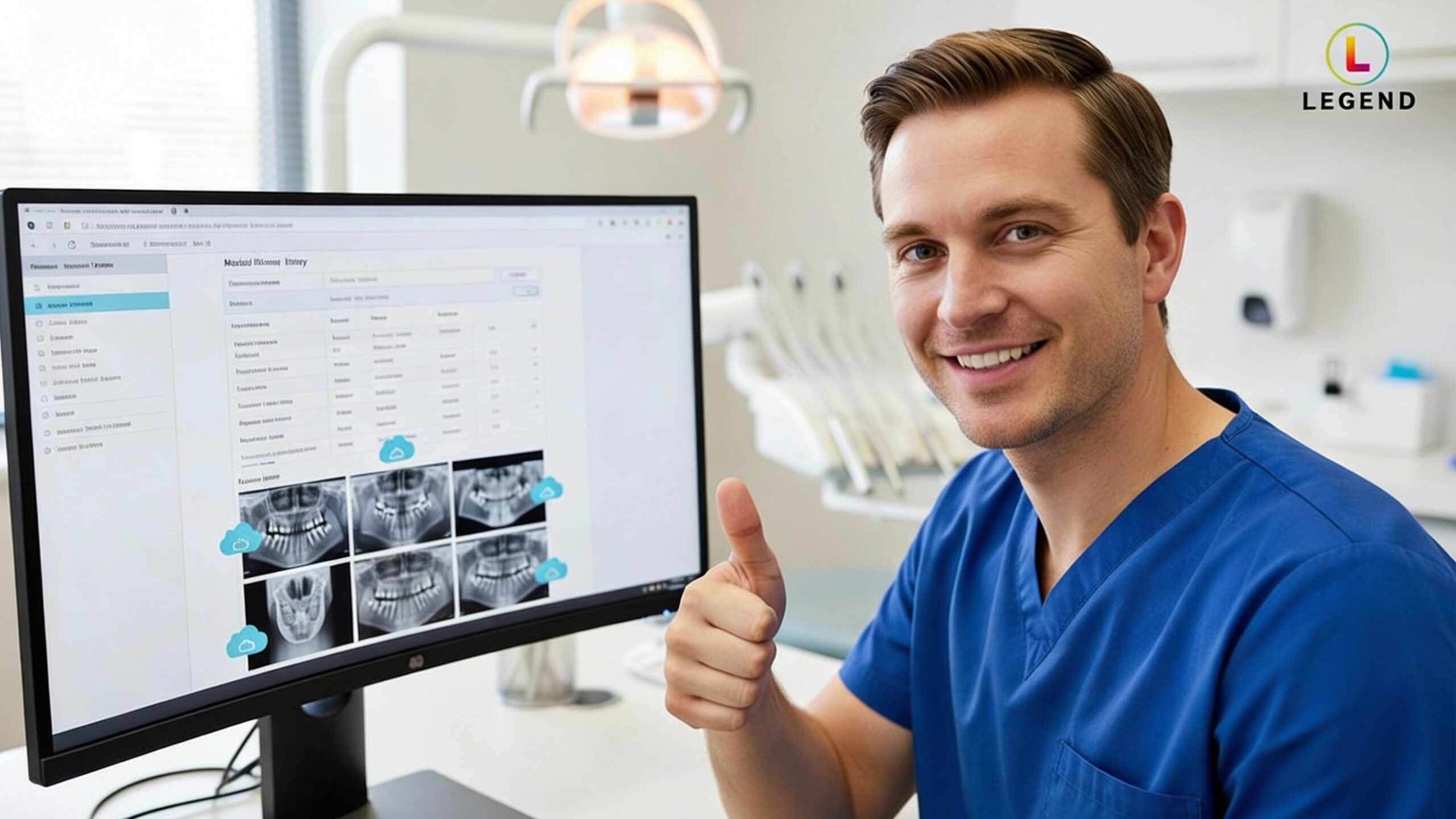
The use of clouds allows dentists to have access to the charts from their own living room, review the cases remotely, arrange a collaboration with specialists, and facilitate the use of tele-dentistry. SA and EC need to be tied at the earliest to ensure that the data does not leak out or the connection is broken.
Those who practice startups that make early preparations around cloud workflows have a smoother charting process, faster integration and stronger adaptation to new changes in technology. Legend Networking guarantees cloud systems, remote access, and imaging processes operate through cloud migration and IT support.
Why Professional Dental IT Services Are Worth the Investment
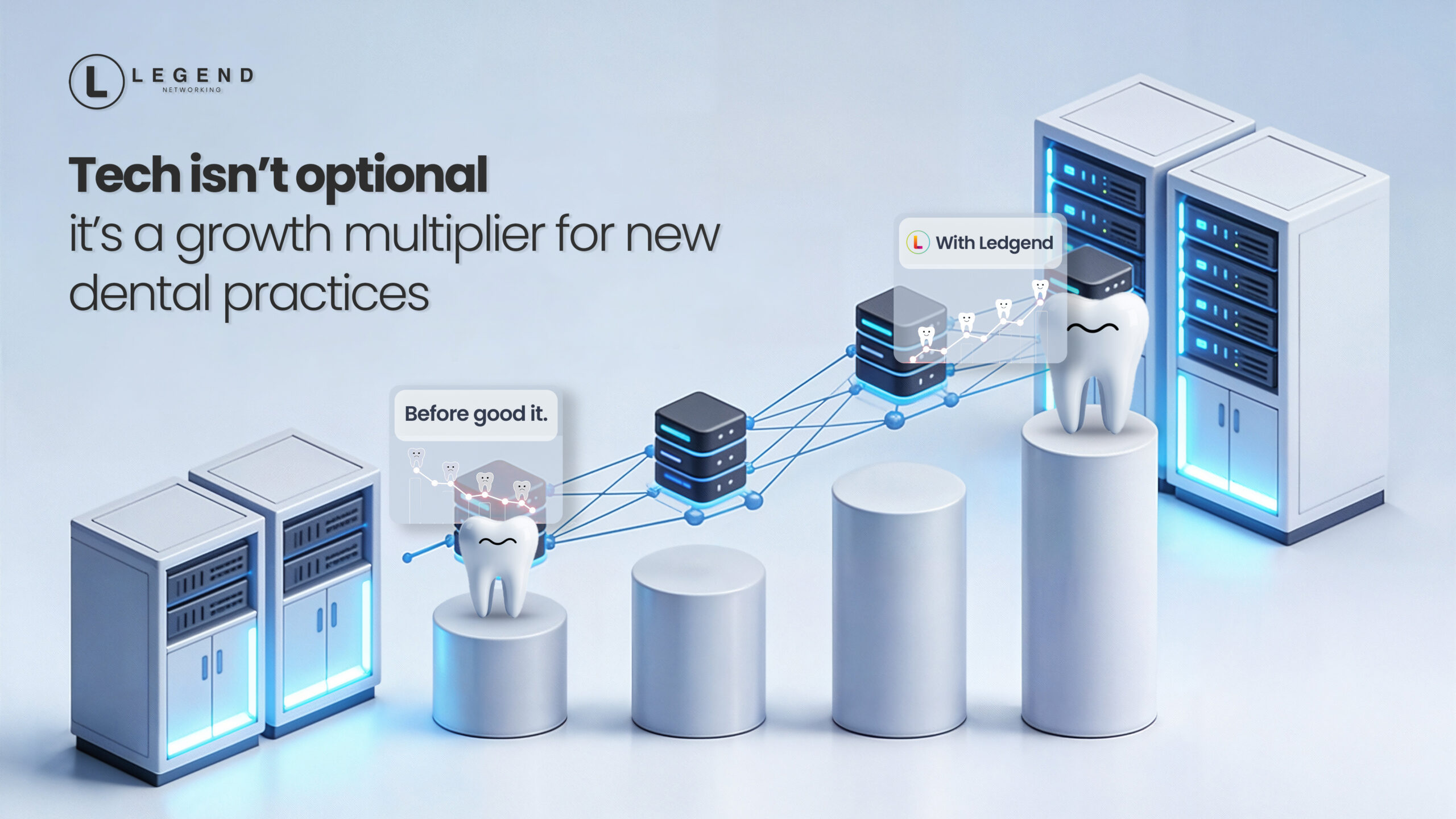
This ensures your Startup Dental Practice runs smoothly from day one. PMS integrations, dental imaging, and HIPAA compliance and cloud workflows are experienced. General IT firms usually set up imaging in an insecure manner or do not safeguard PHI. One of the specialized partners such as Legend Networking offers:
- Network Design Services
- Managed IT Services
- Cybersecurity Solutions
- HIPAA & Compliance
- Disaster Recovery
- IT Consulting
- Audio & Video Solutions
- Surveillance & Access Control
- Workstation & Server Setup
- VoIP Phone Systems
- Cloud Solutions
This makes you sure that your Startup Dental Practice will be smooth on day one.
Conclusion
To be a successful Startup Dental Practice, clinical equipment is not enough but a trustworthy digital base is needed. HIPAA-compliant, imaging-friendly, and cloud-friendly IT infrastructure your practice has fewer disruptions, content patients, and smoother operations day in, day out. New dentists with professional advice from a trusted partner are in a position to open their doors without fear and concentrate on caring for patients as opposed to technology failures.
FAQs
What is the cost of IT installation of a new dental practice in the US?
A complete IT base (networking, workstations, imaging integration, backups, and cybersecurity) will cost between $20,000 and $45,000. Final cost is dependent on the number of operatories and inclusion of CBCT.
Will cloud-based PMS be the right choice or use a local server?
Cloud based PMS has lower maintenance and remote flexibility, hybrid models (cloud PMS as well as local imaging workstation) are usually the most suitable in practices with high imaging.
What are the computer requirements of the operatories to facilitate imaging?
Use SSDs, dual-core, or quad-core CPUs, minimum 16GB-32GB RAM (greater needed to run CBCT), and use GPU acceleration where necessary. Do not use consumer laptops or low end office PCs.
What can I do to be HIPAA-compliant on the first day?
Use encryption, two-factor authentication, endpoint security, role-based access control, documented risk analysis, employee education, and backups. Collaborate with an IT company specialized in dental services and consult the HHS recommendations.
What is the timing of the IT planning?
Before construction begins. Construction level activities include wiring, rack placement and CBCT room planning, retrofitting is costly and time-consuming.






 Based in USA

