

If you’re searching for a dental IT support company near me, the best choice is a provider that specializes in supporting dental practices rather than a general IT company. A qualified dental IT provider understands practice management software, digital imaging systems, HIPAA compliance, cybersecurity, and the daily technology challenges dental offices face.
Whether your practice is in a major city or a growing suburban community, partnering with a HIPAA-compliant dental IT company helps reduce downtime, improve productivity, and protect sensitive patient information while supporting long-term business growth.
Quick Summary
- Choose a provider with proven dental industry experience.
- Ensure they offer HIPAA-compliant IT services.
- Look for proactive monitoring instead of break-fix support.
- Prioritize cybersecurity and ransomware protection.
- Verify experience with dental software and imaging systems.
- Select a provider that offers both remote and on-site support.
- Partner with an IT company that can grow with your practice.
Why Dental Practices Need Specialized IT Support
Technology is the backbone of every modern dental office.
From patient scheduling and digital X-rays to insurance claims and electronic health records, nearly every aspect of patient care depends on reliable technology.
Unfortunately, many practices only realize how important specialized IT support is after experiencing downtime, ransomware, or data loss.
Unlike traditional businesses, dental offices rely on interconnected clinical systems that require specialized knowledge to maintain.
That is why choosing a local dental IT support provider with dental industry expertise is one of the most important technology decisions your practice can make.
What Is Dental IT Support?
Dental IT support refers to technology services specifically designed for dental practices.
Unlike traditional IT companies, dental-focused providers understand both healthcare technology and regulatory requirements. Learn more about the differences between dental IT support vs. general IT support to understand why specialization matters.
Services typically include:
- Practice management software support
- Digital imaging integration
- Network management
- HIPAA compliance assistance
- Cybersecurity protection
- Cloud migration
- Microsoft 365 administration
- Backup and disaster recovery
- VoIP phone systems
- Wi-Fi optimization
- Remote monitoring
- Hardware lifecycle management
Professional dental IT services local providers help ensure these systems remain secure, compliant, and operational every day.
Why “Near Me” Still Matters
Many dental practices search for “IT support near me” because local expertise still provides significant value.
Although remote support resolves many issues within minutes, onsite assistance remains important for:
- New office setup
- Server installation
- Network cabling
- Hardware replacement
- Wi-Fi deployment
- Imaging equipment integration
- Office relocations
A provider with local technicians combines fast remote response with dependable onsite support whenever required.
What Makes a Great Dental IT Provider?
Not every IT company understands the needs of dental practices.
When evaluating providers, look for experience supporting:
- Dentrix
- Eaglesoft
- Open Dental
- Curve Dental
- Dexis
- Carestream
- Digital X-ray systems
- CBCT scanners
- Intraoral cameras
- Imaging servers
Experienced dental technology consultants near me understand how these systems work together, allowing them to diagnose and resolve issues more efficiently.
Common Technology Challenges Dental Offices Face
Every dental practice eventually encounters technology issues.
Some of the most common include:
- Slow Computers: Outdated workstations reduce efficiency at both the front desk and treatment rooms.
- Network Performance Issues: Large imaging files require fast, properly configured networks. Poor network design affects every workstation.
- Software Integration Problems: Dental software updates sometimes conflict with operating systems, servers, or imaging devices. Routine maintenance helps prevent these issues.
- Backup Failures: Many practices assume backups are working without testing them. Regular backup verification is essential for disaster recovery.
- Aging Infrastructure: Older servers and networking equipment become increasingly unreliable and vulnerable to cyber threats. Replacing aging hardware before failure helps avoid costly downtime.
Why HIPAA Compliance Matters
Dental practices manage electronic protected health information (ePHI), making HIPAA compliance essential.
A trusted HIPAA-compliant IT company helps implement safeguards as part of a HIPAA-compliant dental IT infrastructure that protects patient data and supports regulatory compliance.
- Data encryption
- Multi-factor authentication
- Access controls
- Audit logs
- Secure cloud backups
- Endpoint protection
- Password policies
- Email security
- Risk assessments
Compliance is an ongoing process, not a one-time project.
What Should My Dental Office Do About Ransomware?
Ransomware remains one of the biggest cybersecurity threats facing healthcare providers.
If an attack occurs:
- Disconnect affected systems.
- Contact your IT provider immediately.
- Isolate infected devices.
- Restore verified backups.
- Reset compromised credentials.
- Investigate how the attack occurred.
- Strengthen security controls before reconnecting systems.
Preparation is always more affordable than recovery.
A proactive dental cybersecurity company near me focuses on prevention through continuous monitoring and layered security.
Expert Insight
“Dental practices depend on technology every minute of the workday. Preventive maintenance, cybersecurity, and compliance are just as important as fixing technical issues. Our goal is to eliminate downtime before it affects patient care.”
— Certified Dental IT Professionals, Legend Networking
Managed IT vs. Break-Fix IT Support
| Managed IT | Break-Fix IT |
| Continuous monitoring | Support after problems occur |
| Predictable monthly pricing | Unexpected repair costs |
| Preventive maintenance | Reactive troubleshooting |
| Cybersecurity included | Often additional services |
| Faster response times | Delayed issue resolution |
| Better HIPAA compliance | Limited compliance support |
Most modern dental practices benefit from proactive managed services rather than waiting for systems to fail.
Schedule a Free IT Assessment
If your practice experiences recurring technology issues, slow systems, cybersecurity concerns, or compliance challenges, now is the perfect time to evaluate your IT environment.
Schedule a Free IT Assessment with Legend Networking to identify risks, improve performance, and build a technology strategy designed specifically for your dental practice.
How to Choose the Best Dental IT Support Company Near You
Finding the right dental IT support company near me involves more than comparing prices. Your IT provider should become a long-term technology partner that understands the unique demands of dental practices and helps your office grow securely.
Before signing a service agreement, ask the following questions:
- Do you specialize in supporting dental practices?
- Are your services designed to help maintain HIPAA compliance?
- Can you support our dental software and imaging systems?
- Do you offer both remote and on-site support?
- Is proactive monitoring included?
- What cybersecurity protections are provided?
- How quickly do you respond to emergencies?
- Can you support multiple office locations as our practice grows?
Choosing a provider with industry-specific experience often results in faster issue resolution, better security, and less downtime.
Choosing a dental IT provider isn’t just about technical support; it’s about finding a long-term technology partner that understands dental workflows, protects patient data, and helps your practice grow securely.
Benefits of Proactive Managed IT & Cybersecurity
Instead of two separate sections, combine them like this:
Modern dental practices face increasing technological and cybersecurity challenges. Waiting until systems fail often results in costly downtime, lost appointments, reduced productivity, and increased security risks.
A proactive dental managed services provider continuously monitors your systems, applies security updates, verifies backups, and identifies issues before they impact your practice.
At the same time, healthcare remains one of the most targeted industries for cyberattacks. Dental offices store sensitive patient information, making ransomware, phishing attacks, and data breaches serious business risks.
Investing in proactive managed IT and strong cybersecurity helps practices:
- Reduce downtime
- Prevent ransomware attacks
- Strengthen HIPAA compliance
- Improve system performance
- Protect patient information
- Lower long-term IT costs
Rather than reacting to problems, proactive IT helps keep your practice operating securely and efficiently every day.
What Should a Modern Dental Cybersecurity Strategy Include?
An effective cybersecurity strategy uses multiple layers of protection rather than relying on a single security product.
A comprehensive dental cybersecurity company near me should provide:
- Endpoint Detection and Response (EDR)
- Managed firewall protection
- Advanced email security
- Multi-factor authentication (MFA)
- Secure remote access
- Vulnerability assessments
- Security awareness training
- Patch management
- Encrypted cloud backups
- 24/7 network monitoring
Together, these measures help protect patient information while reducing the risk of ransomware, phishing attacks, and unauthorized access.
Why Dental Network Security Matters
Every device in your office connects to your network—from front-desk computers and operatories to digital X-ray machines, intraoral scanners, printers, and cloud applications.
Without proper security, one vulnerable device can expose your entire practice.
Professional dental network security includes:
- Secure firewall configuration
- Business-grade Wi-Fi
- Network segmentation
- VPN access for remote users
- Continuous traffic monitoring
- Device access controls
- Regular firmware updates
A secure network not only protects patient information but also improves the speed and reliability of daily operations.
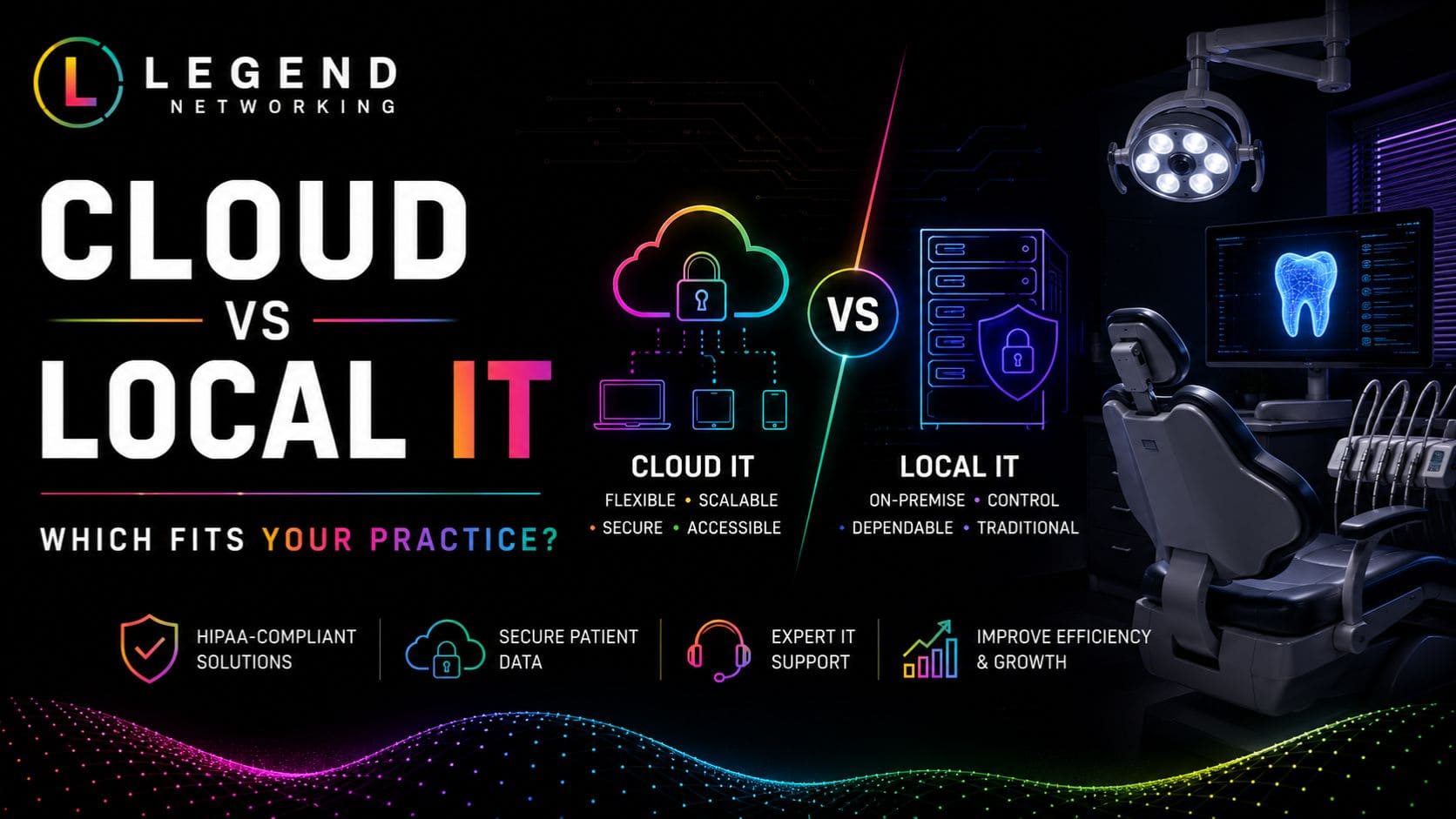
Cloud vs. Local Infrastructure
Many dental practices wonder whether they should move to the cloud or continue
using onsite servers.
The right choice depends on your workflow, budget, compliance requirements, and long-term growth plans.
| Cloud-Based Infrastructure | Local Servers |
| Secure remote access | Accessible primarily from the office |
| Automatic updates | Manual maintenance required |
| Lower hardware costs | Higher upfront investment |
| Easier scalability | Limited expansion |
| Built-in disaster recovery | Requires a separate backup strategy |
| Reduced server maintenance | Full responsibility for hardware |
Many practices today choose a hybrid environment, combining the flexibility of cloud solutions with the performance of on-site systems for imaging and specialized equipment.
Managed IT vs. In-House IT
As dental practices grow, many owners consider hiring an internal IT employee.
While this may seem like a logical step, most practices benefit more from partnering with a specialized dental managed services provider.
| Managed IT Services | In-House IT |
| Access to a team of specialists | One technician |
| Predictable monthly pricing | Salary, benefits, and training costs |
| 24/7 monitoring | Limited office hours |
| Built-in cybersecurity expertise | May require outside consultants |
| HIPAA-focused support | Varies by experience |
| Scalable as your practice grows | Additional hiring needed |
For small and mid-sized practices, managed services often provide greater expertise at a lower overall cost.
Benefits of Working with a Local Dental IT Support Provider
A local provider offers advantages beyond convenience.
When choosing a local dental IT support provider, you benefit from:
- Faster onsite response
- Familiarity with regional healthcare regulations
- Personalized support
- Easier office visits
- Stronger long-term relationships
- Better understanding of your business goals
Combined with remote monitoring, local expertise provides the best of both worlds.
Technology Planning for Long-Term Growth
Technology should evolve alongside your practice.
Experienced dental technology consultants near me help practices create a long-term IT roadmap by planning for:
- Office expansions
- New operatories
- Multi-location connectivity
- Hardware replacement schedules
- Cloud migration
- Software upgrades
- Cybersecurity improvements
- Budget forecasting
Rather than reacting to technology problems, your practice gains a proactive strategy that supports future growth.
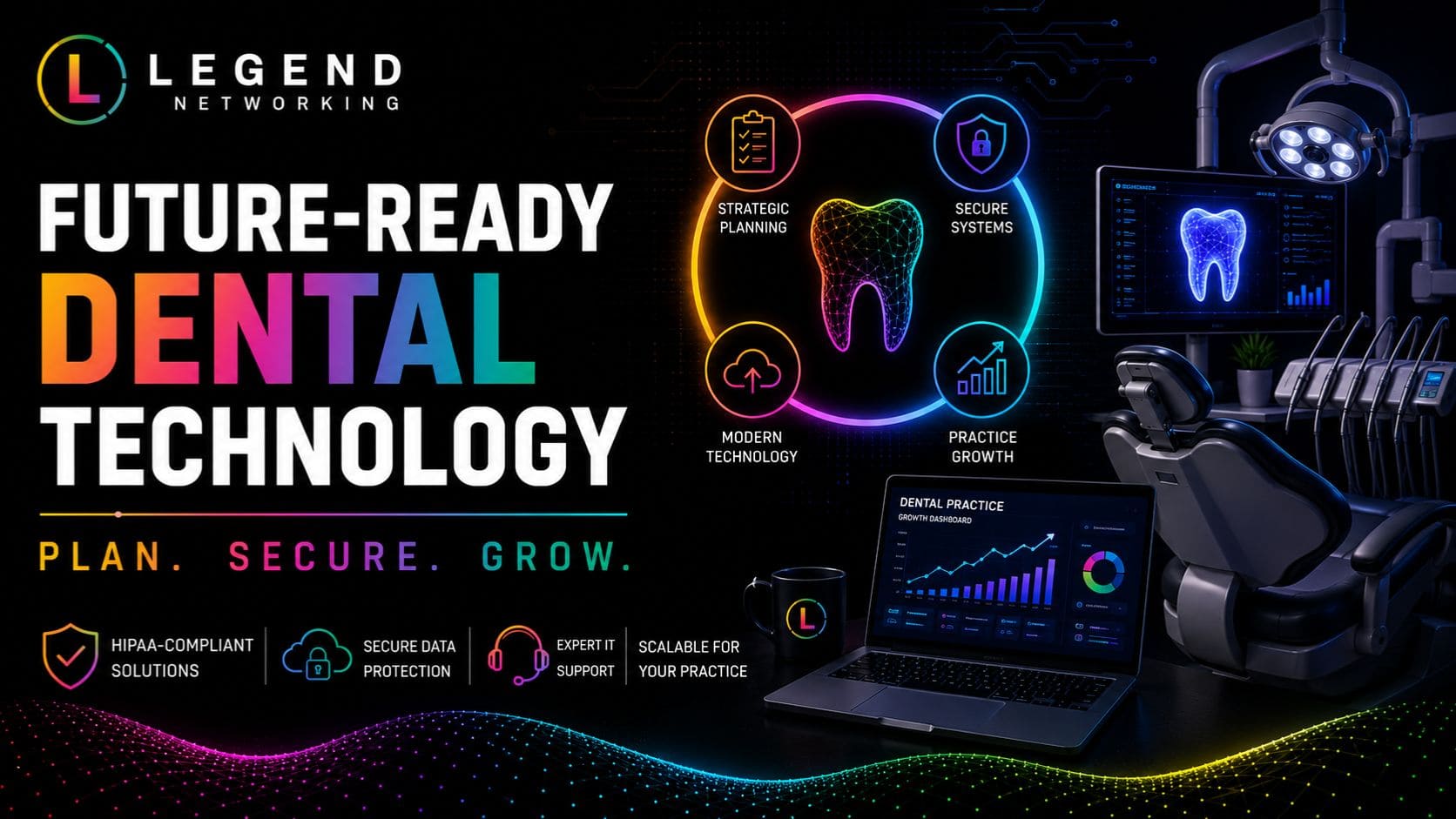
Why Dental Practices Choose Legend Networking
Dental practices need more than someone who can troubleshoot computers.
They need a trusted technology partner that understands clinical workflows, HIPAA requirements, cybersecurity risks, and the specialized software that keeps modern practices running.
Legend Networking provides comprehensive IT support for dental offices, including proactive monitoring, cybersecurity, cloud solutions, backup management, compliance support, and strategic IT consulting.
Whether you’re opening a new practice, expanding to multiple locations, or upgrading aging infrastructure, our team helps ensure your technology supports exceptional patient care every day.
Conclusion
Reliable technology is essential for delivering high-quality patient care and running an efficient dental practice. From digital imaging and patient records to cybersecurity and HIPAA compliance, every part of your technology infrastructure plays a role in protecting your patients and supporting your team.
Choosing the right dental IT support company near me means partnering with professionals who understand the unique technology challenges dental practices face. Visit our Google Business Profile to explore our services, customer reviews, and learn how we support dental practices with reliable IT solutions.
Frequently Asked Questions
Q. What should I look for in a dental IT support company near me?
Ans. Look for a provider with experience supporting dental software, digital imaging systems, HIPAA compliance, cybersecurity, and proactive managed IT services.
Q. Why is specialized dental IT support better than general IT?
Ans. Dental IT specialists understand the unique workflows, equipment, and compliance requirements of dental practices, allowing them to resolve issues faster and reduce downtime.
Q. What services does a dental managed services provider offer?
Ans. Services typically include network management, cybersecurity, cloud solutions, backup and disaster recovery, dental software support, Microsoft 365 management, and continuous monitoring.
Q. How does a HIPAA-compliant IT company help dental practices?
Ans. They implement safeguards such as encryption, access controls, audit logging, secure backups, firewalls, and multi-factor authentication to help protect electronic protected health information (ePHI).
Q. Can Legend Networking support multiple dental office locations?
Ans. Yes. Legend Networking provides scalable IT solutions for both single-location practices and multi-office dental organizations, ensuring consistent security and support across every location.
Q. How often should my dental office perform backups?
Ans. Critical patient data should be backed up automatically throughout the day, with encrypted off-site copies and regular restoration testing.
Q. What are the biggest cybersecurity risks for dental offices?
Ans. The most common threats include ransomware, phishing emails, weak passwords, outdated software, unsecured remote access, and employee error.
Q. Should my dental practice move to the cloud?
Ans. Many practices benefit from cloud or hybrid environments because they improve accessibility, scalability, disaster recovery, and collaboration while reducing hardware maintenance.
Q. How can a local dental IT support provider reduce downtime?
Ans. Through proactive monitoring, preventative maintenance, rapid remote assistance, and fast onsite support when hardware issues occur.
Q. When should I schedule a dental IT assessment?
Ans. You should schedule an assessment if your practice experiences recurring IT issues, slow systems, compliance concerns, aging hardware, cybersecurity risks, or plans to expand.




 Based in USA

