

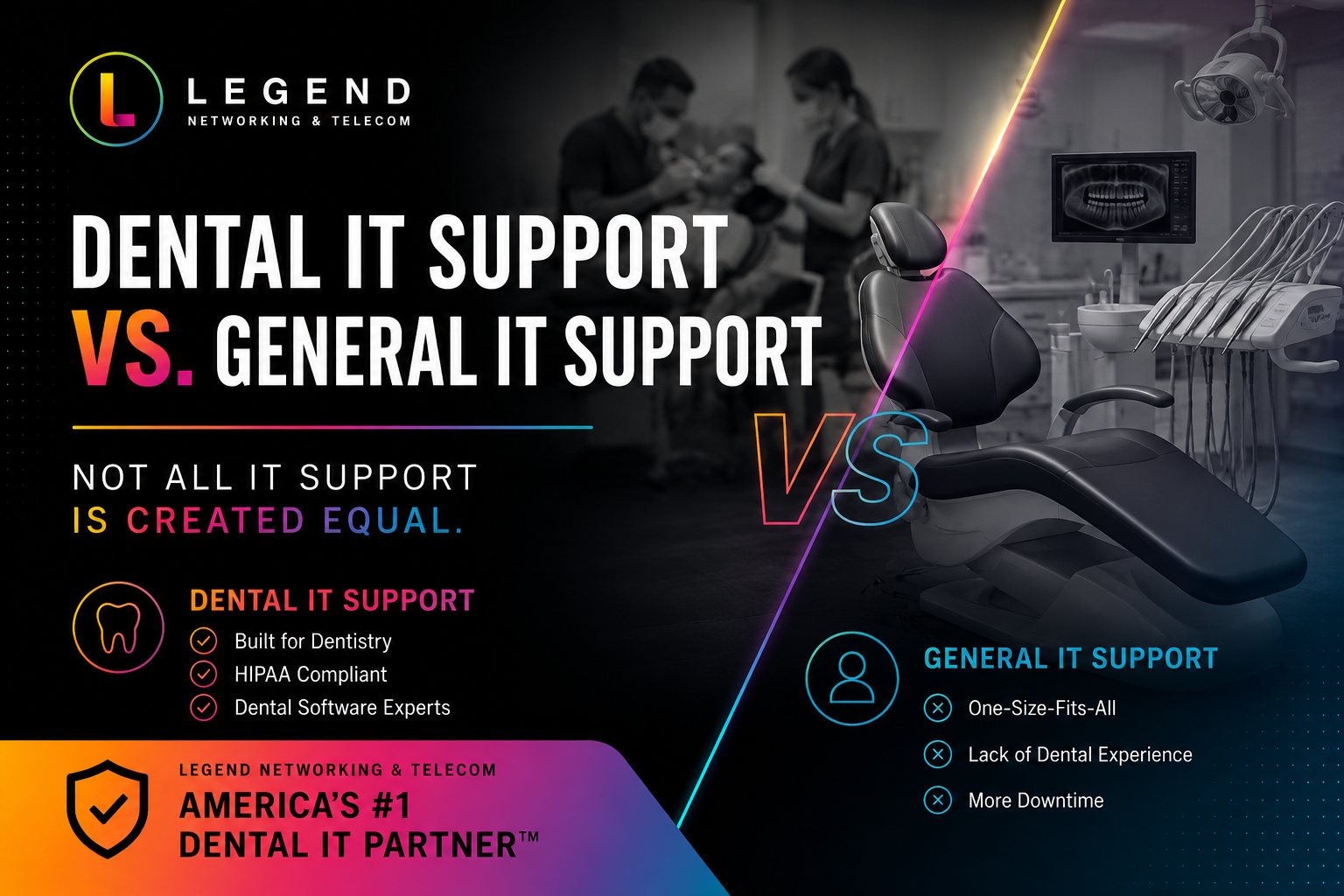
If you’re comparing dental IT support vs general IT support, the biggest difference is industry expertise. A general IT provider understands computers, networks, and software. A dental IT specialist understands those technologies plus the unique systems that dental practices rely on every day, including imaging software, practice management systems, digital X-rays, HIPAA compliance requirements, and cybersecurity risks specific to healthcare.
For most practices, specialized dental IT support reduces downtime, improves patient care, strengthens data security, and helps ensure compliance with healthcare regulations. When your technology directly affects patient records, treatment planning, scheduling, and revenue, working with a dental IT specialist often provides better long-term results than relying on a general IT provider.
Key Takeaways
- Dental practices use specialized software and hardware that require industry-specific expertise.
- A dental IT specialist understands dental imaging, digital radiography, and practice management platforms.
- HIPAA-compliant IT support helps protect patient data and reduce compliance risks.
- Managed IT for dental practices can reduce downtime and improve operational efficiency.
- General IT providers may lack experience with dental workflows and clinical technology.
- Cybersecurity threats targeting healthcare organizations continue to increase.
- Specialized dental office IT services can improve productivity and patient experience.
- Dental practice technology management supports future growth and scalability.
Why Technology Matters More Than Ever in Modern Dentistry
Technology has become the backbone of modern dental care.
From appointment scheduling and patient communication to digital imaging and electronic records, nearly every aspect of a dental practice depends on reliable technology.
When systems fail, operations can quickly grind to a halt. Patients experience delays. Staff productivity drops. Revenue can be impacted.
This is why many practices are reevaluating whether traditional IT support is enough.
What Is General IT Support?
General IT support focuses on maintaining standard business technology.
Typical services include:
- Computer troubleshooting
- Network management
- Email support
- Software updates
- Hardware installations
- Data backup solutions
- Cybersecurity monitoring
These services are valuable for many industries. However, most general IT providers work across multiple sectors and may not have experience supporting dental-specific systems.
While they can solve common technical issues, they may struggle when problems involve specialized dental applications.
What Is Dental IT Support?
Dental IT support is specifically designed for dental offices and dental service organizations.
A dental IT specialist understands the technology ecosystem unique to dentistry, including:
- Digital imaging systems
- Practice management software
- Electronic health records
- Intraoral cameras
- CBCT scanners
- Digital X-ray systems
- Insurance processing platforms
- HIPAA compliance requirements
Because they work exclusively or primarily with dental practices, they understand how technology affects clinical workflows and patient care.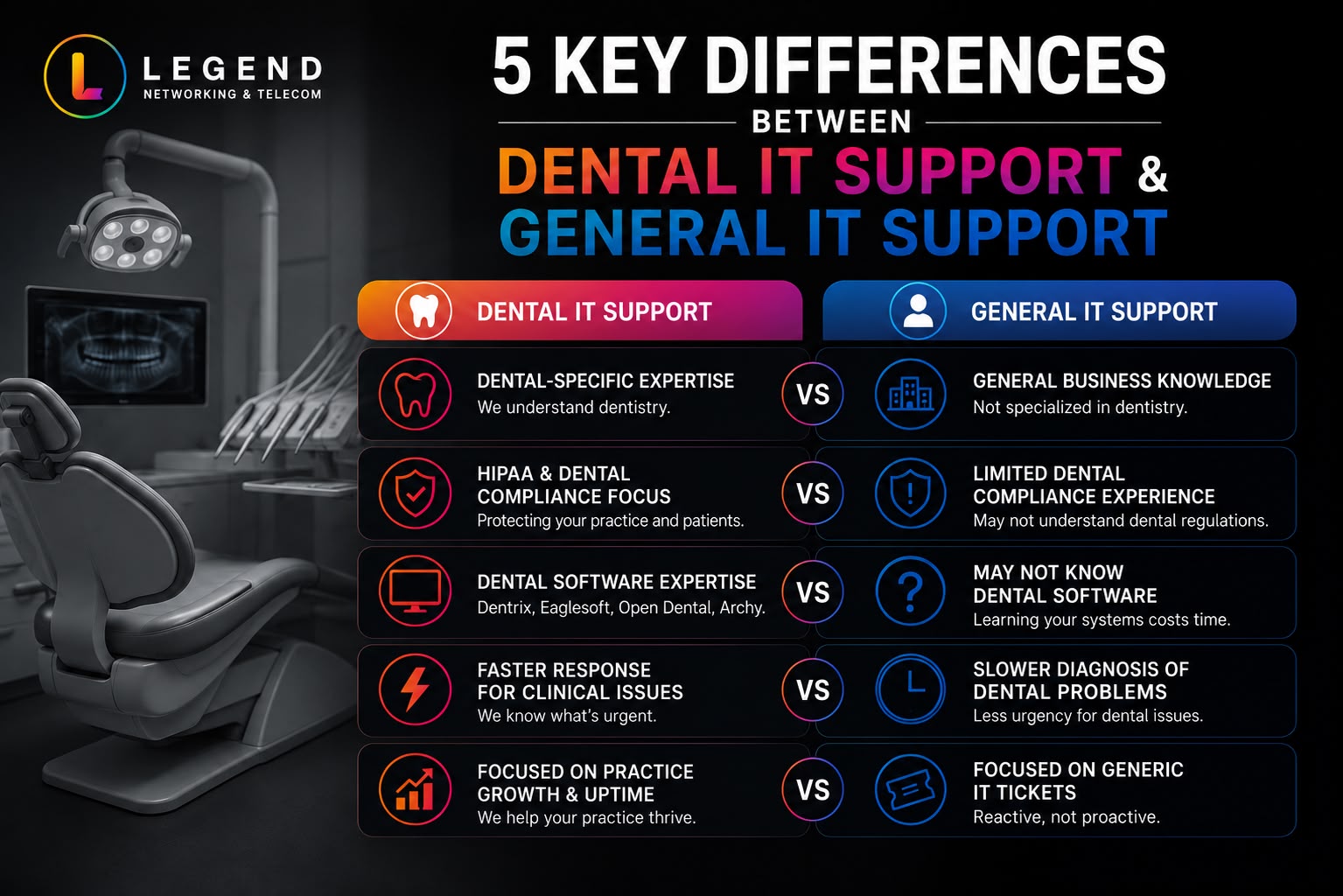
Dental IT Support vs General IT Support: Side-by-Side Comparison
| Feature | Dental IT Support | General IT Support |
| Dental software expertise | Yes | Limited |
| Digital imaging support | Yes | Often limited |
| HIPAA compliance knowledge | Extensive | Varies |
| Dental workflow understanding | Yes | No |
| Dental equipment integration | Yes | Limited |
| Healthcare cybersecurity experience | Specialized | Generalized |
| Practice management software support | Yes | Limited |
| Vendor coordination | Dental-specific | General |
The difference becomes particularly important when issues affect patient treatment or compliance requirements.
Why Dental Practices Have Unique Technology Needs
Unlike many businesses, dental offices rely on technology that directly supports patient care.
A network outage doesn’t simply prevent employees from checking email.
It can affect:
- Patient charts
- Treatment plans
- Digital imaging
- Appointment schedules
- Insurance claims
- Billing systems
Every minute of downtime impacts both patient experience and practice revenue.
That makes specialized dental technology support especially valuable.
Understanding Dental Practice Management Software
One area where specialization matters is practice management software.
Popular dental platforms often include:
- Scheduling tools
- Patient records
- Treatment planning
- Billing functions
- Insurance management
- Reporting capabilities
When issues arise, a dental IT specialist understands how these systems function within a dental workflow.
General IT providers may understand server infrastructure but lack experience in troubleshooting software-specific problems.
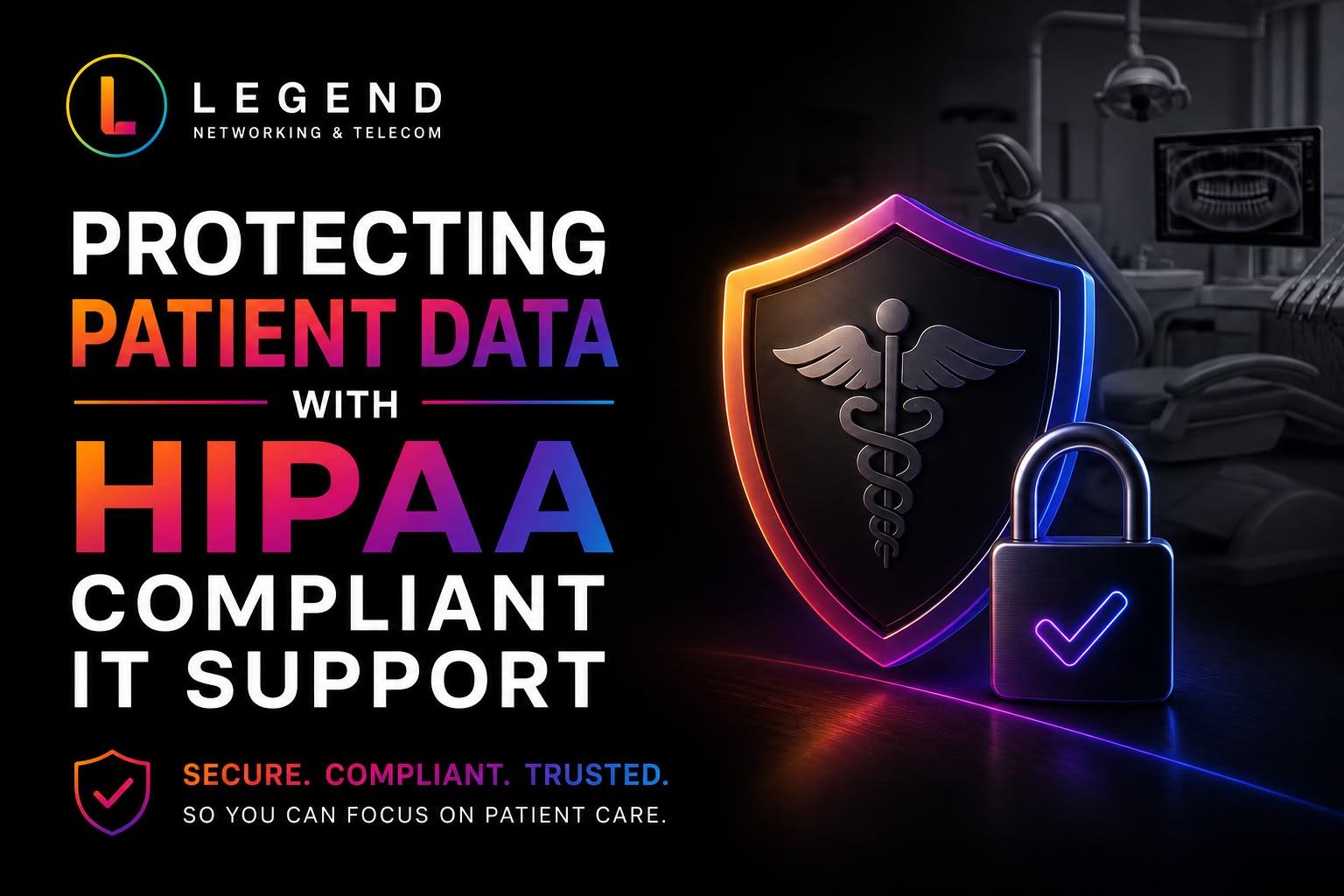
What Does HIPAA Compliant IT Support Mean?
HIPAA-compliant IT support refers to technology services designed to help healthcare organizations safeguard protected health information (PHI).
This includes:
- Access controls
- Encryption
- Secure backups
- Security monitoring
- Incident response planning
- Employee security policies
Dental practices handle sensitive patient information every day.
Failure to adequately protect this data can lead to financial penalties, reputational damage, and operational disruptions.
A provider offering HIPAA-compliant IT support understands these requirements and helps practices maintain stronger security controls.
What Should My Dental Office Do About Ransomware?
Ransomware has become one of the most significant cybersecurity threats facing healthcare organizations.
A ransomware attack can:
- Lock patient records
- Disrupt treatment schedules
- Delay insurance claims
- Create compliance concerns
- Result in significant financial losses
Dental practices should:
- Maintain secure backups.
- Implement multi-factor authentication.
- Conduct regular security assessments.
- Train employees to recognize phishing attacks.
- Monitor systems continuously.
- Partner with a qualified dental IT specialist.
Proactive protection is far less expensive than recovering from an attack.
Expert Insight from Legend Networking
“Many dental practices assume all IT support is the same until a software outage affects patient care. Specialized dental IT support reduces downtime because technicians understand both the technology and the clinical workflow behind it.”
— Certified Dental IT Professional, Legend Networking
This combination of technical and industry expertise is often what separates dental-focused providers from general IT firms.
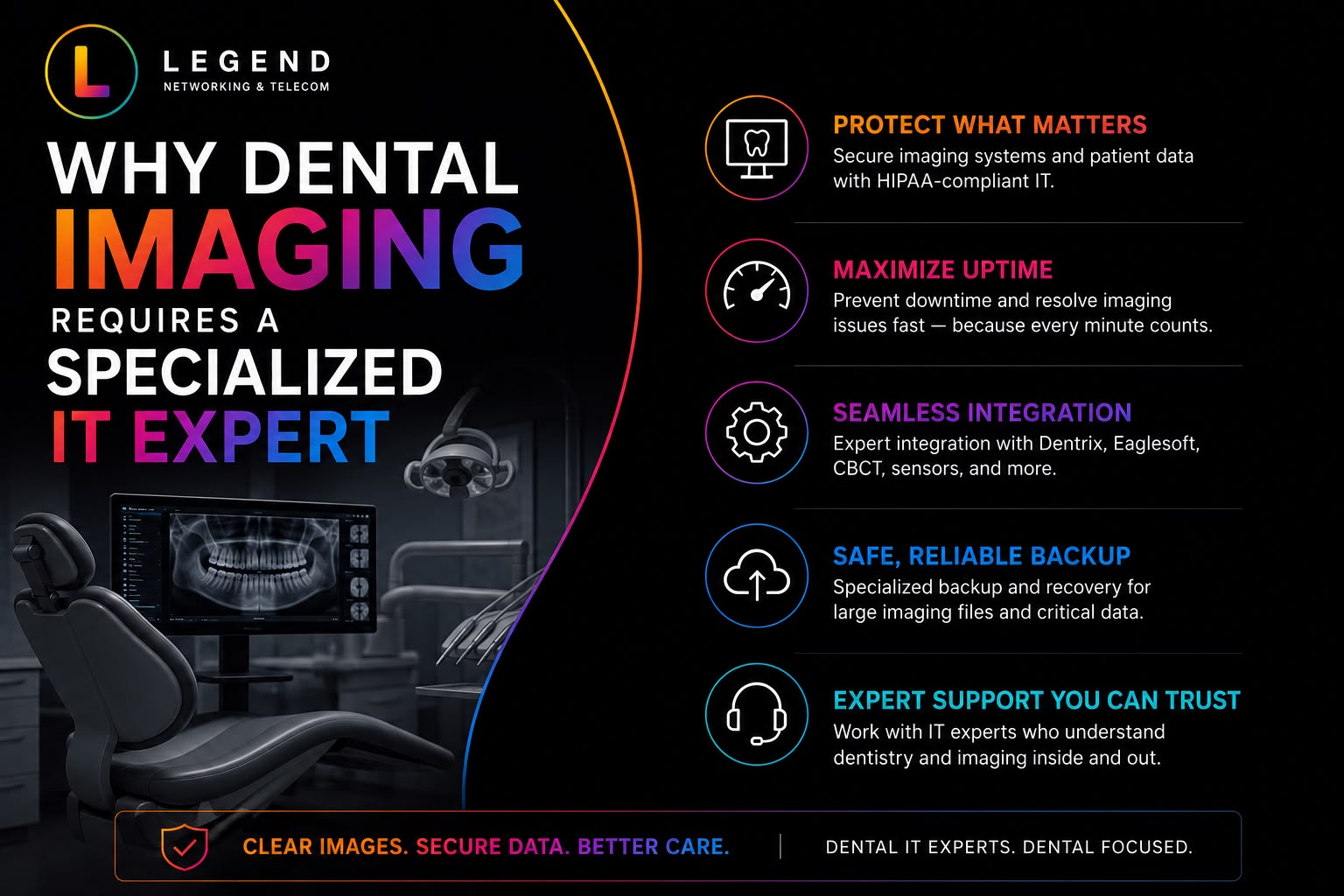
How Dental Imaging Creates Additional IT Challenges
Dental imaging systems generate large amounts of data.
These systems often include:
- Digital X-rays
- Panoramic imaging
- CBCT scans
- Intraoral photography
These files require:
- High-performance storage
- Fast network connectivity
- Reliable backup systems
- Secure access controls
A general IT provider may not understand imaging workflows, while a dental IT specialist routinely works with these technologies.
Cloud vs Local Servers for Dental Practices
Many practitioners wonder whether cloud systems or local servers are better.
Comparison Table
| Feature | Cloud Solutions | Local Servers |
| Initial Cost | Lower | Higher |
| Scalability | High | Limited |
| Remote Access | Excellent | Limited |
| Maintenance | Provider Managed | Practice Managed |
| Disaster Recovery | Strong | Depends on Backups |
| Hardware Requirements | Lower | Higher |
Both options can be effective.
The best choice depends on practice size, budget, compliance requirements, and long-term goals.
A qualified provider offering dental practice technology management can help evaluate the right approach.
Managed IT for Dental Practices vs In-House IT
Many growing practices compare outsourced support to internal IT teams.
Comparison Table
| Feature | Managed IT Services | In-House IT |
| Cost Predictability | High | Variable |
| Coverage Hours | Often 24/7 | Limited |
| Specialized Expertise | Broad Team | Individual Knowledge |
| Scalability | Easy | Challenging |
| Security Monitoring | Continuous | Varies |
| Vendor Relationships | Established | Limited |
For many practices, managed IT for dental practices delivers broader expertise at a lower overall cost.
Learn more about Managed IT Services
How Dental Office IT Services Improve Patient Experience
Technology affects more than operations.
It also affects patient satisfaction.
Reliable systems help ensure:
- Faster check-in processes
- Reduced appointment delays
- Efficient communication
- Accurate patient records
- Improved treatment planning
When technology works properly, staff can focus on patient care rather than troubleshooting technical issues.
The Hidden Costs of Downtime
Technology downtime is expensive.
Potential consequences include:
- Lost appointments
- Delayed treatments
- Reduced productivity
- Revenue loss
- Staff frustration
- Negative patient experiences
A specialized dental IT provider helps reduce these risks through proactive monitoring and maintenance.
Signs Your Practice Needs a Dental IT Specialist
You may benefit from specialized support if:
- Technology issues occur frequently.
- Staff spends significant time troubleshooting.
- Your office uses digital imaging systems.
- Compliance requirements feel overwhelming.
- Cybersecurity concerns are increasing.
- Growth plans require technology upgrades.
If any of these situations sound familiar, specialized support may deliver measurable value.
How Dental Practice Technology Management Supports Growth
Growth creates new technology challenges.
Adding providers, locations, and equipment requires careful planning.
Effective dental practice technology management helps ensure:
- Infrastructure scalability
- Security consistency
- Reliable performance
- Standardized processes
- Improved operational efficiency
Technology should support growth rather than create obstacles.
Why Specialized Expertise Matters
Technology is no longer a support function.
It’s a critical component of patient care.
The provider managing your systems should understand:
- Clinical workflows
- Regulatory requirements
- Dental software
- Imaging technology
- Security best practices
That combination of knowledge helps practices operate more efficiently and securely.
Schedule a Free IT Assessment
Is your current technology helping your practice grow—or holding it back?
A comprehensive assessment can identify security risks, performance issues, and opportunities to improve efficiency.
Schedule a Free IT Assessment to evaluate your technology environment and discover how specialized dental IT support can strengthen your practice.
Talk to a Dental IT Specialist
Every dental practice is different.
Whether you’re planning a technology upgrade, improving cybersecurity, or evaluating managed IT services, speaking with an experienced professional can help you make informed decisions.
Talk to a Dental IT Specialist to learn how industry-focused support can reduce downtime, improve security, and support long-term growth.
Frequently Asked Questions
Q. What is the difference between dental IT support and general IT support?
Ans. Dental IT support focuses on dental-specific software, imaging systems, HIPAA requirements, and clinical workflows. General IT support provides broader technology assistance across multiple industries.
Q. Why should dentists use a dental IT specialist?
Ans. A dental IT specialist understands the systems that dental practices rely on daily, reducing downtime and improving operational efficiency.
Q. Is HIPAA-compliant IT support required for dental practices?
Ans. Dental practices must protect patient information and comply with healthcare privacy regulations. HIPAA-focused IT support helps maintain secure systems and processes.
Q. What does managed IT for dental practices include?
Ans. Services often include cybersecurity, help desk support, network monitoring, backup management, software updates, compliance assistance, and technology planning.
Q. How can dental office IT services improve cybersecurity?
Ans. They provide proactive monitoring, endpoint protection, employee training, secure backups, and incident response planning.
Q. What should I ask a dental IT specialist before hiring them?
Ans. Ask about dental software experience, cybersecurity certifications, response times, compliance knowledge, and support for imaging systems.
Q. Can Legend Networking help with dental technology support?
Ans. Yes. Legend Networking specializes in supporting dental practices with cybersecurity, compliance, infrastructure management, and dental technology solutions.
Q. Does Legend Networking offer managed IT for dental practices?
Ans. Legend Networking provides managed IT solutions designed to help dental offices reduce downtime, improve security, and maintain reliable technology operations.
Q. How often should a dental practice conduct a cybersecurity assessment?
Ans. Most experts recommend at least annual assessments, with more frequent reviews for growing practices or those handling large volumes of patient data.
Q. What is dental practice technology management?
Ans. Dental practice technology management is the strategic planning, maintenance, security, and optimization of all technology systems used within a dental office.




 Based in USA

