

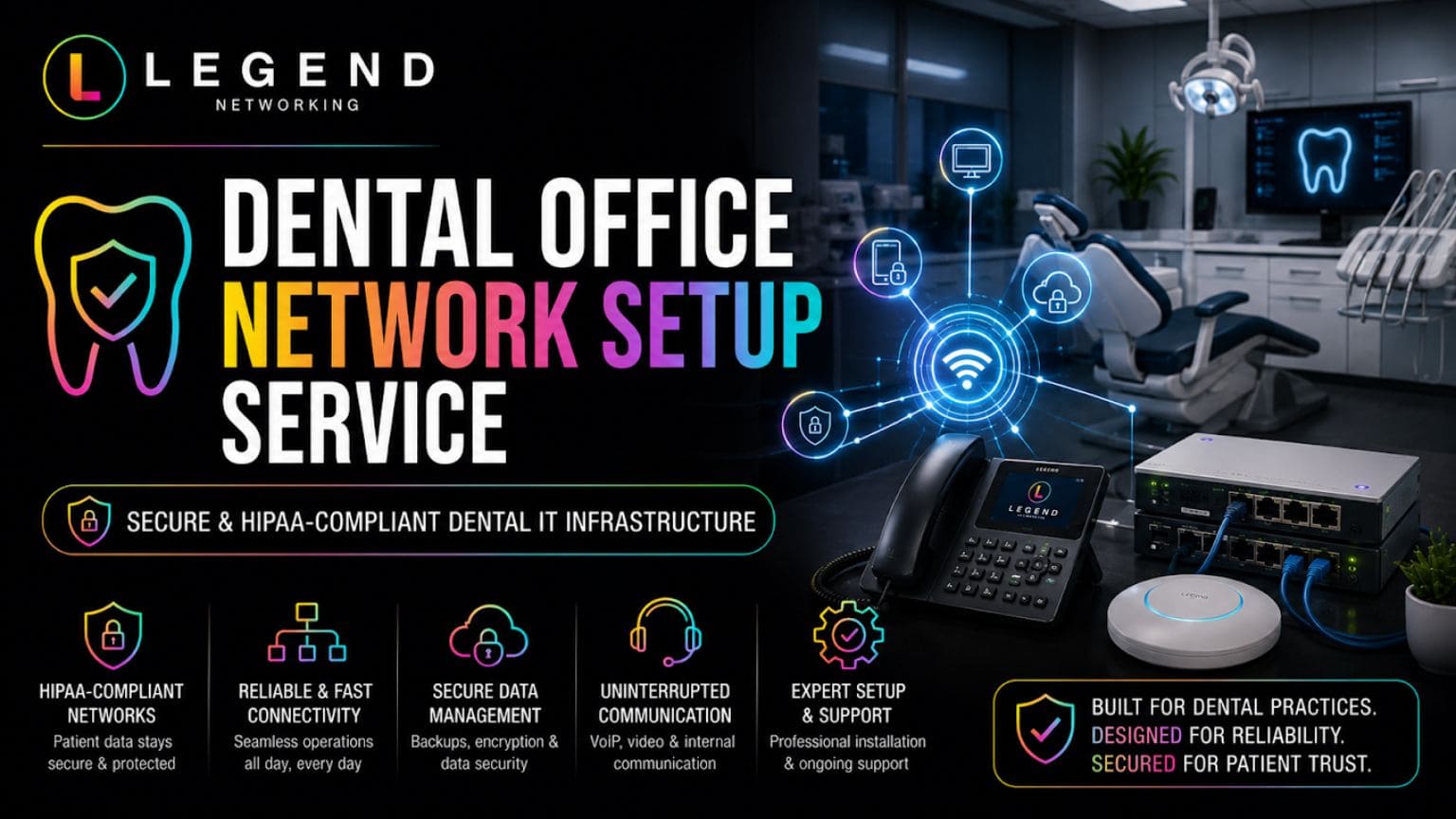
A dental office network setup service provides the infrastructure that supports patient records, digital imaging, practice management software, internet connectivity, cybersecurity, and HIPAA compliance. Without a properly designed network, dental practices can experience slow workflows, security vulnerabilities, system downtime, and compliance risks. A professionally configured dental network improves efficiency, protects sensitive patient data, and creates a scalable foundation for future growth.
Key Takeaways
- Supports fast access to patient records and digital imaging
- Improves dental software performance and reliability
- Helps maintain HIPAA compliance requirements
- Protects against ransomware and cyber threats
- Reduces costly downtime and workflow interruptions
- Supports future expansion and additional operatories
- Enables secure cloud and remote access solutions
- Creates a better experience for patients and staff
Why Dental Practices Need Specialized Network Solutions
Dental clinics operate in a much more demanding technical environment than a typical office setup. Every day, multiple systems must run at the same time without delays or interruptions. From digital X-rays and intraoral scanners to patient management software and billing systems, everything depends on fast, stable, and secure data flow across the entire network.
Unlike general business environments, dental workflows are highly time-sensitive. A delay in loading patient records or imaging files can slow down appointments, create bottlenecks at the front desk, and reduce overall productivity. On top of that, clinics must handle sensitive patient data that requires strict protection under healthcare compliance standards. This combination of performance demand and security responsibility makes a specialized setup essential.
Without a properly designed dental office IT infrastructure, practices often struggle with issues that directly impact daily operations. These may include slow software performance when multiple systems are in use, unstable internet connections during peak hours, or weak network security that puts patient data at risk. Even minor network inefficiencies can quickly become noticeable in a busy clinical environment.
A well-planned dental network is built specifically to handle these challenges. It ensures that every system, whether clinical or administrative, works in harmony without interfering with each other. Instead of a single overloaded connection, the network is structured to prioritize critical tasks and maintain consistent performance across all departments.
A properly designed setup typically delivers:
- Smooth and fast access to patient records, treatment histories, and digital imaging files
- Reliable performance of dental practice management and billing software even during peak usage
- Reduced downtime and fewer interruptions during patient appointments
- Strong, layered protection for sensitive patient data and internal communications
- A scalable structure that can easily support new operatories, devices, or additional software in the future
When these systems are properly integrated and optimized, the entire clinic operates more efficiently. Staff can focus on patient care instead of dealing with technical delays, and the overall patient experience becomes smoother and more professional.
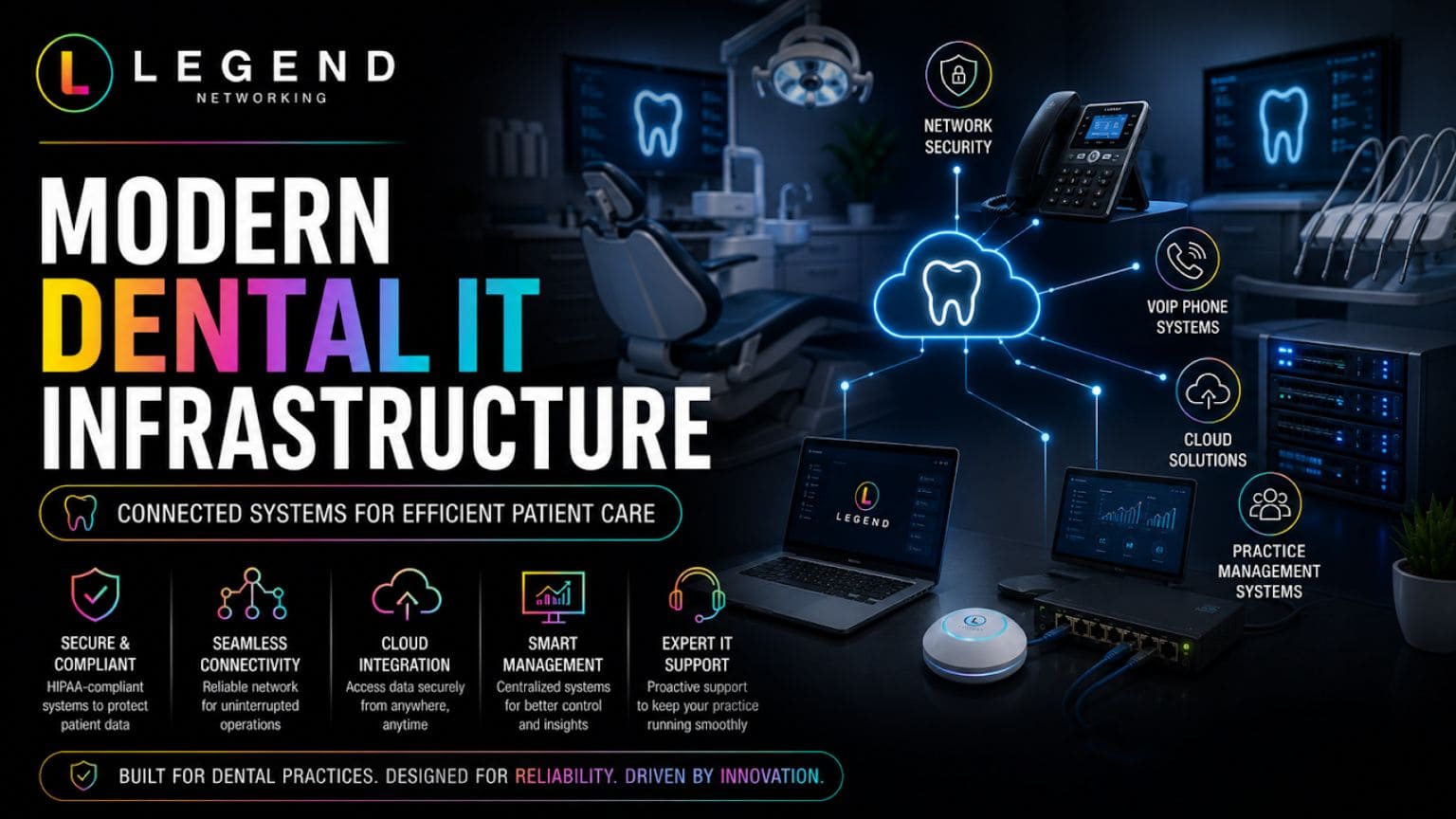
What Is Included in a Dental Office Network Setup Service?
A complete dental office network setup service is a structured, end-to-end process that goes far beyond simply installing an internet connection. Dental practices rely on multiple interconnected systems running at the same time, including patient records, imaging equipment, billing software, communication tools, and cloud applications. Because of this complexity, the network must be carefully designed, installed, and optimized to support both clinical and administrative workflows without interruptions.
Instead of a one-size-fits-all approach, a professional setup focuses on building a secure, scalable, and high-performance environment tailored specifically to the needs of a dental clinic. Every component is planned with stability, speed, and data security in mind, ensuring that the entire practice can operate smoothly throughout the day.
A properly executed setup typically includes several critical stages:
Network Planning and Design
This is the foundation of the entire system. Specialists evaluate the clinic layout, number of operatories, expected number of users, and types of dental technologies being used. They also consider future expansion so the network can grow with the practice. Proper planning helps avoid bottlenecks, weak coverage areas, and unnecessary downtime later on.
Structured Cabling Setup
High-quality structured cabling ensures stable and fast data transfer between all devices. Unlike basic or disorganized wiring, structured cabling creates a clean and organized infrastructure that supports long-term reliability. It also reduces signal loss, minimizes interference, and makes future upgrades much easier.
Firewall and Router Configuration
Firewalls and routers act as the first line of defense for the entire dental network. Proper configuration ensures that all incoming and outgoing traffic is monitored, filtered, and protected against unauthorized access. This step is critical for maintaining security and supporting HIPAA compliance requirements.
Switch Installation
Network switches help connect multiple devices within the clinic, ensuring smooth communication between workstations, servers, imaging equipment, and other systems. Proper switch configuration improves speed, reduces congestion, and ensures that data flows efficiently between departments.
Server Setup and Integration
The server plays a central role in managing patient data, dental software, and digital imaging files. During setup, the server is configured for performance, security, and backup management. It is also integrated with practice management systems to ensure seamless access to critical information.
Wireless Network Deployment
A modern dental office requires strong and reliable WiFi coverage throughout the entire facility. Wireless access points are strategically placed to eliminate dead zones and ensure consistent connectivity in operatories, reception areas, and administrative spaces. In many cases, separate networks are created for clinical use, staff operations, and guest access.
Security Configuration and Testing
Before the network goes live, security systems are fully configured and tested. This includes encryption protocols, access controls, endpoint protection, and monitoring systems. Testing ensures that all components are functioning correctly and that the network is protected against potential vulnerabilities.
Each of these steps plays a critical role in building a reliable infrastructure. When properly implemented, they create a stable environment that supports daily dental operations, protects sensitive patient data, and ensures long-term performance without unexpected disruptions.
Expert Insight
“Many dental offices focus on software selection but overlook network performance. A properly configured network often has a greater impact on productivity, security, and patient experience than any single software platform.”
— Legend Networking Dental IT Specialist
Cloud-Based vs Local Dental Networks
| Feature | Cloud-Based Environment | Local Server Environment |
| Initial Cost | Lower | Higher |
| Maintenance | Managed by the provider | Managed internally |
| Scalability | Excellent | Moderate |
| Remote Access | Easy | Limited |
| Hardware Requirements | Minimal | Significant |
| Disaster Recovery | Strong | Depends on backups |
Both models can work well when implemented correctly.
The right solution depends on practice size, growth plans, and compliance requirements.
For practices considering cloud migration, internal resources such as “Managed IT Services” and “Cloud Solutions for Healthcare” should be linked here using proper anchor text.
Dental Network Installation for Reliable Performance
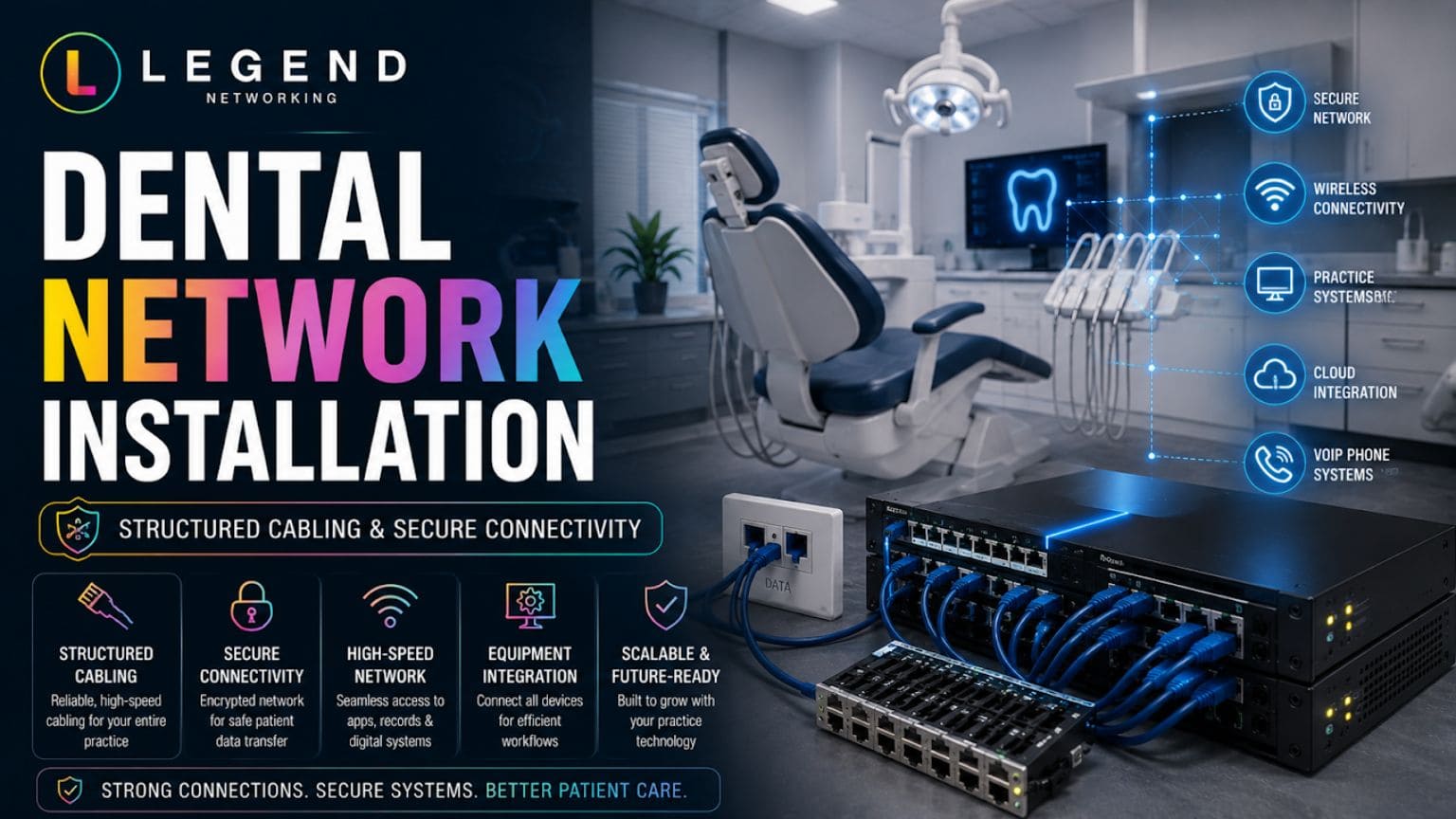
A professional dental network installation is the foundation of a stable and efficient dental IT environment. In a busy clinic, multiple systems must operate at the same time: patient management software, imaging devices, billing systems, communication tools, and cloud applications. If the network is not properly designed and installed, these systems can slow down or fail to communicate effectively, directly affecting daily operations and patient experience.
A properly executed installation ensures that every device in the clinic is seamlessly connected and able to exchange data in real time without delays or interruptions. This creates a smooth digital workflow where information moves quickly between departments, from the front desk to treatment rooms and back-end administrative systems.
A complete dental network installation typically includes the integration of:
- Workstations and front desk systems for scheduling, billing, and patient check-ins
- Digital imaging equipment, such as X-ray sensors, scanners, and intraoral cameras
- Central servers and storage systems for managing patient records and clinical data
- VoIP phone systems for internal and external communication
- Cloud-based applications used for remote access, reporting, and practice management
When this infrastructure is installed correctly, it eliminates communication gaps between systems, reduces latency, and prevents data bottlenecks. The result is a more responsive, reliable, and efficient clinical environment where staff can focus on patient care instead of dealing with technical disruptions.
Dental Server Setup for Centralized Data Control
A properly configured dental server setup acts as the central hub of a dental practice’s entire digital ecosystem. It is responsible for storing, organizing, and managing all critical data, including patient records, treatment histories, billing information, and high-resolution imaging files. Because of its central role, the server must be designed for both high performance and maximum security.
When set up correctly, the server ensures that all authorized users within the clinic can quickly access the information they need without delays. It also supports multiple software applications simultaneously, allowing seamless coordination between clinical and administrative workflows.
A strong dental server setup helps in several key areas:
- Improves data access speed across all workstations
- Centralizes patient records for easier management and retrieval
- Supports large imaging files and diagnostic data without lag
- Enables automated and secure backup systems for data protection
- Enhances overall system reliability and reduces the risk of downtime
When the server is properly optimized, it significantly improves the performance of the entire network. Staff experience faster loading times, smoother software operation, and more reliable access to patient data, all of which contribute to a more efficient and productive practice.
Network Security for Dental Practices
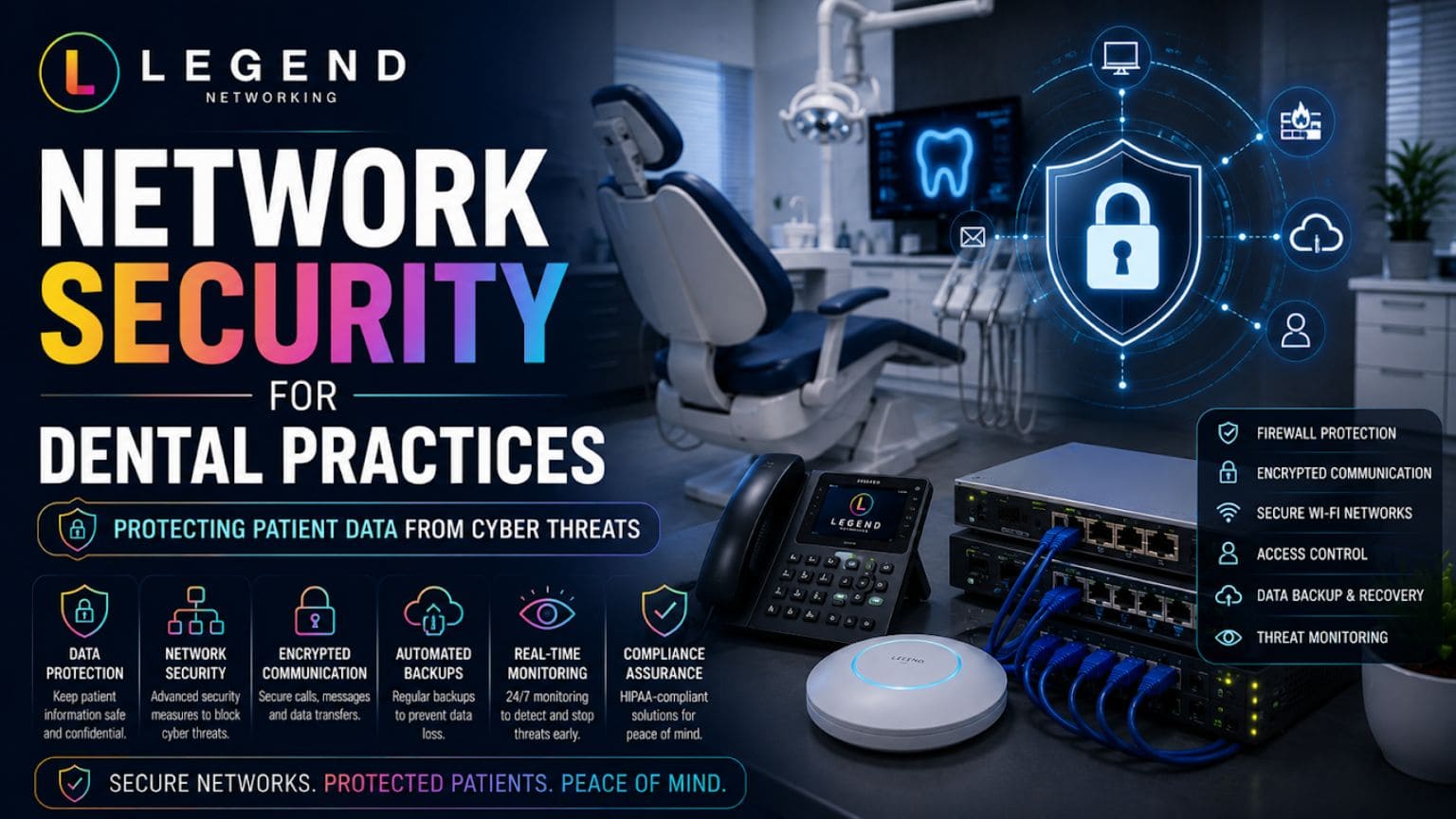
Security is one of the most critical components of any dental network because practices handle highly sensitive patient information. This includes personal identification details, medical histories, financial data, and insurance records. Without strong protection, this data becomes vulnerable to cyberattacks, ransomware, and unauthorized access.
A strong network security strategy for dental practices is built on multiple layers of protection designed to safeguard both data and systems. Rather than relying on a single defense mechanism, modern dental networks use a combination of tools and protocols to reduce risk at every level.
Key security elements typically include:
- Advanced firewall protection to filter and block unauthorized traffic
- Endpoint security is installed on all devices, including workstations and laptops
- Multi-factor authentication to verify user identities before access
- Encrypted data transfer to protect information during communication
- Continuous monitoring systems to detect suspicious activity in real time
Together, these measures create a secure environment where patient data remains protected at all times. This not only reduces the risk of breaches but also ensures compliance with healthcare security standards.
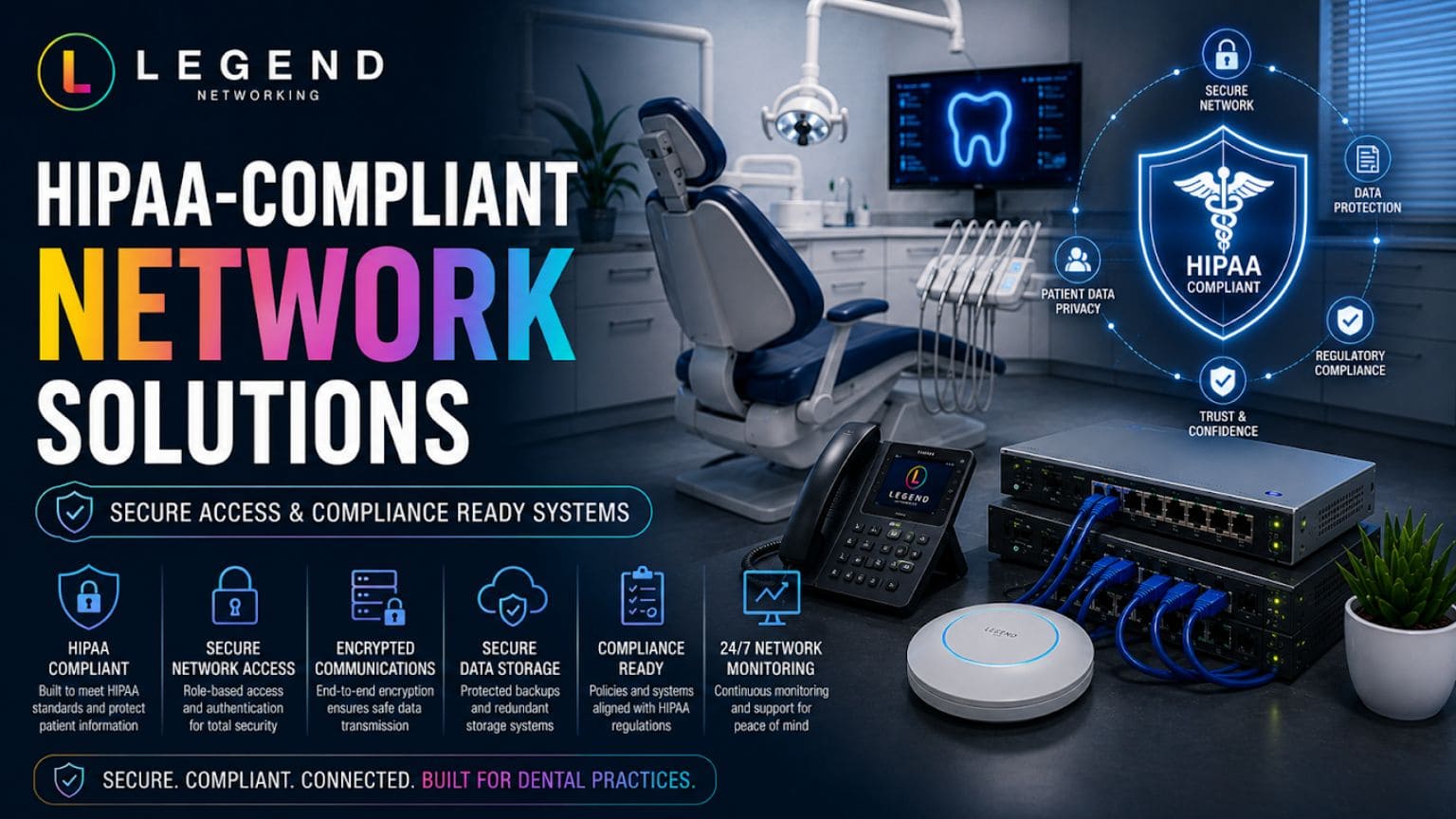
HIPAA-Compliant Network Solutions
Dental practices are legally required to follow strict HIPAA regulations when handling protected health information (PHI). This means that every part of the network, from data storage to communication systems, must be designed with security and privacy in mind.
HIPAA-compliant network solutions focus on building systems that protect patient data while still allowing authorized users to access it efficiently when needed.
These solutions typically include:
- Secure user access controls that restrict data based on roles
- Encrypted storage and data transfer to protect sensitive information
- Detailed audit logs and activity tracking for accountability
- Role-based permissions to limit access to the necessary data only
- Secure backup systems for data recovery and protection
- Controlled remote access for approved users working off-site
Compliance is not a one-time setup but an ongoing responsibility. Regular monitoring, updates, and audits are required to ensure that systems continue to meet regulatory standards and maintain patient trust.
Dental WiFi Setup for Smooth Connectivity
Modern dental offices depend heavily on wireless connectivity for both clinical and administrative tasks. From tablets used in operatories to front desk systems and cloud-based software, WiFi plays a central role in daily operations. A weak or poorly configured wireless network can lead to interruptions, slow performance, and security risks.
A professional dental WiFi setup ensures that wireless coverage is strong, stable, and secure across the entire facility. Instead of relying on a single network, the system is strategically designed to support different types of users and devices.
A proper setup typically includes separate networks for:
- Clinical systems and dental equipment used during treatments
- Administrative operations such as billing and scheduling
- Guest WiFi access for patients and visitors
This segmentation helps maintain high performance while preventing unnecessary network congestion. It also improves security by ensuring that patient-facing systems remain isolated from public access networks.
Dental Practice Network Management for Long-Term Stability
Installing a network is only the first step in building a reliable IT environment. Over time, systems require updates, monitoring, and optimization to maintain performance and security. This is where dental practice network management becomes essential.
Ongoing management ensures that the network continues to operate efficiently as technology and practice demands evolve. Without proper maintenance, even a well-designed system can become slow, outdated, or vulnerable.
Key components of network management include:
- Continuous system monitoring to detect issues early
- Regular security updates and software patches
- Backup verification to ensure data recovery readiness
- Performance optimization for faster and smoother operations
- Technical support and troubleshooting for daily issues
Proactive management helps prevent downtime, improves system reliability, and ensures that the practice can operate without unexpected interruptions.
Signs Your Dental Office Needs a Network Upgrade
Many dental practices continue using outdated systems without realizing how much it affects performance and security. As technology advances, older infrastructure often struggles to keep up with increasing demands.
Common warning signs that indicate a network upgrade is needed include:
- Slow or lagging dental software performance
- Frequent internet or connectivity interruptions
- Weak or inconsistent WiFi coverage in the clinic
- Outdated server hardware that limits performance
- Growing security concerns or potential vulnerabilities
- Expansion of clinic size, staff, or digital systems
When these issues occur regularly, it is often a clear sign that the existing infrastructure is no longer sufficient to support the practice’s needs.
Choosing the Right Dental Office Network Setup Service Provider
Not all IT providers have experience working specifically with dental practices. However, dental environments require specialized knowledge of clinical workflows, imaging systems, compliance requirements, and security standards.
Choosing the right dental office network setup service provider ensures that your infrastructure is not only functional but also optimized for long-term growth and compliance.
A reliable provider should have experience in:
- Dental practice management software systems
- HIPAA compliance and healthcare regulations
- Cybersecurity solutions for medical environments
- Network design, installation, and optimization
- Ongoing managed IT services and support
A specialized partner can design a network that supports daily operations today while remaining scalable for future expansion and technology upgrades.
Conclusion
A professional dental office network setup service is essential for building a secure, efficient, and future-ready dental practice. From installation and server setup to security and compliance, every component plays a role in daily operations.
With the right infrastructure in place, dental teams can focus on patient care while technology works seamlessly in the background.
Frequently Asked Questions
Q. What is a dental office network setup service?
Ans. A dental office network setup service involves planning, installing, configuring, and securing the technology infrastructure that supports a dental practice. This includes network cabling, servers, WiFi, firewalls, workstations, imaging equipment integration, and cybersecurity measures. The goal is to create a reliable environment where clinical and administrative systems can operate efficiently and securely.
Q. Why is specialized dental network installation important?
Ans. Dental practices use complex technologies that require consistent connectivity and fast data transfer. Digital imaging systems, patient management software, VoIP phones, and cloud applications all depend on a stable network. A professional dental network installation helps prevent slow performance, connectivity issues, and workflow disruptions that can negatively affect patient care.
Q. How does a dental office's IT infrastructure support daily operations?
Ans. A properly designed dental office IT infrastructure connects every technology system within the practice. It enables staff to access patient records quickly, process appointments efficiently, share imaging files seamlessly, and maintain secure communication between departments. A strong infrastructure also improves reliability and reduces downtime.
Q. What is included in a dental server setup?
Ans. A dental server setup typically includes server installation, operating system configuration, data storage management, user access controls, backup integration, security settings, and software deployment. The server acts as the central hub for patient records, imaging files, and practice management applications, ensuring secure and efficient access to information.
Q. How can network security protect a dental practice from cyber threats?
Ans. Network security for dental practices uses multiple layers of protection to defend sensitive patient information. These measures often include business-grade firewalls, endpoint protection, multi-factor authentication, encrypted communications, access controls, and proactive monitoring. Together, they help reduce the risk of ransomware attacks, data breaches, and unauthorized access.
Q. What makes a dental network HIPAA compliant?
Ans. HIPAA-compliant network solutions are designed to protect patient health information through secure access controls, encryption, audit logging, backup systems, and user authentication protocols. Compliance also requires ongoing monitoring, regular security updates, and documented policies that support data privacy and security requirements.
Q. Why should dental offices have separate WiFi networks?
Ans. A professional dental WiFi setup often separates clinical systems, administrative operations, and guest internet access into different network segments. This approach improves security by preventing public users from accessing sensitive systems while also maintaining better network performance for staff and dental equipment.
Q. How often should a dental practice upgrade its network infrastructure?
Ans. Most dental practices should evaluate their network infrastructure every three to five years or whenever significant technology changes occur. Frequent performance issues, expanding staff, new imaging equipment, cybersecurity concerns, or additional locations are common indicators that a network assessment and upgrade may be necessary.
Q. What are the benefits of working with Legend Networking for dental office network setup services?
Ans. Legend Networking specializes in technology solutions designed for dental practices. Their team understands the unique requirements of dental software, imaging systems, cybersecurity, compliance standards, and network performance. By implementing customized solutions, Legend Networking helps practices improve reliability, security, and operational efficiency while supporting future growth.
Q. Does Legend Networking provide ongoing dental practice network management?
Ans. Yes. Beyond installation, Legend Networking offers ongoing dental practice network management services that include proactive monitoring, security updates, backup verification, performance optimization, troubleshooting, and technical support. This ongoing management helps practices reduce downtime, maintain compliance, and keep critical systems operating at peak performance.




 Based in USA

