

Ransomware attacks have become one of the most disruptive cybersecurity threats facing healthcare organizations, including dental practices. A successful attack can interrupt patient care, lock access to electronic health records, delay appointments, and expose sensitive patient information. This guide explains how dental offices can respond, recover, and strengthen their defenses with a practical ransomware recovery plan, disaster recovery framework, and proven cybersecurity best practices.
Quick Answer
Dental cybersecurity is the combination of technologies, policies, employee training, and security practices that protect patient information, dental software, networks, and connected devices from cyber threats. A strong cybersecurity program includes multi-factor authentication (MFA), endpoint protection, encrypted backups, employee security awareness training, phishing prevention, network monitoring, disaster recovery planning, and continuous security updates. By investing in proactive dental IT security, dental practices can reduce the risk of ransomware attacks, protect sensitive patient information, maintain HIPAA compliance, and keep daily operations running without interruption.
Key Takeaways
- Dental practices are increasingly targeted by ransomware, phishing attacks, and credential theft because they store valuable patient information.
- Strong dental cybersecurity combines technology, policies, employee awareness, and continuous monitoring.
- Multi-Factor Authentication (MFA), endpoint protection, encrypted backups, and regular software updates significantly reduce cyber risk.
- Employee awareness training remains one of the most effective defenses against phishing attacks.
- A layered cybersecurity strategy protects patient data while supporting HIPAA compliance.
- Proactive cybersecurity is significantly less expensive than recovering from a ransomware attack or data breach.
- Working with a specialized dental IT provider helps practices strengthen security while maintaining operational efficiency.
Why Dental Cybersecurity Matters
Modern dentistry depends on technology more than ever before. Electronic health records, digital imaging systems, cloud-based practice management software, patient communication platforms, online scheduling, billing applications, and connected medical devices all help practices deliver better patient care.
However, every connected system also creates another potential entry point for cybercriminals.
Today’s dental practices don’t just protect patient records, they protect financial information, insurance details, diagnostic images, prescriptions, employee information, and business operations. A single cybersecurity incident can disrupt appointments, delay treatments, interrupt billing, and damage years of patient trust.
According to the IBM Cost of a Data Breach Report, healthcare continues to have the highest average cost of data breaches across all industries. Likewise, the Verizon Data Breach Investigations Report (DBIR) consistently identifies phishing, stolen credentials, and ransomware among the leading causes of security incidents affecting healthcare organizations.
These findings highlight why dental cybersecurity should be viewed as a business priority rather than simply an IT responsibility.
What Is Dental Cybersecurity?
Dental cybersecurity refers to the strategies, technologies, and processes used to protect dental practices from cyber threats while ensuring the confidentiality, integrity, and availability of patient information.
A comprehensive cybersecurity program protects:
- Electronic Protected Health Information (ePHI)
- Practice management systems
- Digital X-ray and imaging systems
- Financial records
- Employee accounts
- Cloud applications
- Email communications
- Backup systems
- Network infrastructure
- Connected devices
Rather than relying on a single security tool, effective dental cybersecurity uses multiple layers of protection that work together to reduce risk.
Why Dental Practices Are Prime Targets
Many practice owners assume attackers focus only on hospitals or large healthcare organizations.
Unfortunately, that assumption is no longer accurate.
Cybercriminals increasingly target small and medium-sized healthcare providers because they often have fewer security resources while still storing highly valuable patient information.
A successful attack can expose:
- Patient names
- Dates of birth
- Insurance information
- Treatment records
- Payment information
- Driver’s license details
- Medical histories
- Contact information
This information has significant value to cybercriminals and can be used for identity theft, financial fraud, and other malicious activities.
Why Attackers Target Dental Practices
Several factors make dental practices attractive targets.
Valuable Patient Data
Healthcare records typically contain more personal information than standard financial accounts, making them highly valuable on the black market.
Limited IT Resources
Many independent dental practices rely on small internal teams or outsourced providers without dedicated cybersecurity expertise.
Business Pressure
When appointments, scheduling systems, or patient records become unavailable, practices often face immediate operational disruption.
Attackers know businesses experiencing downtime are more likely to feel pressure to restore access quickly.
Growing Digital Infrastructure
Modern practices now depend on:
- Cloud applications
- Remote access
- Mobile devices
- Digital imaging
- Online payments
- Patient portals
While these technologies improve efficiency, they also expand the potential attack surface if not properly secured.
The Biggest Cybersecurity Threats Facing Dental Practices
Understanding today’s threat landscape is the first step toward building stronger defenses.
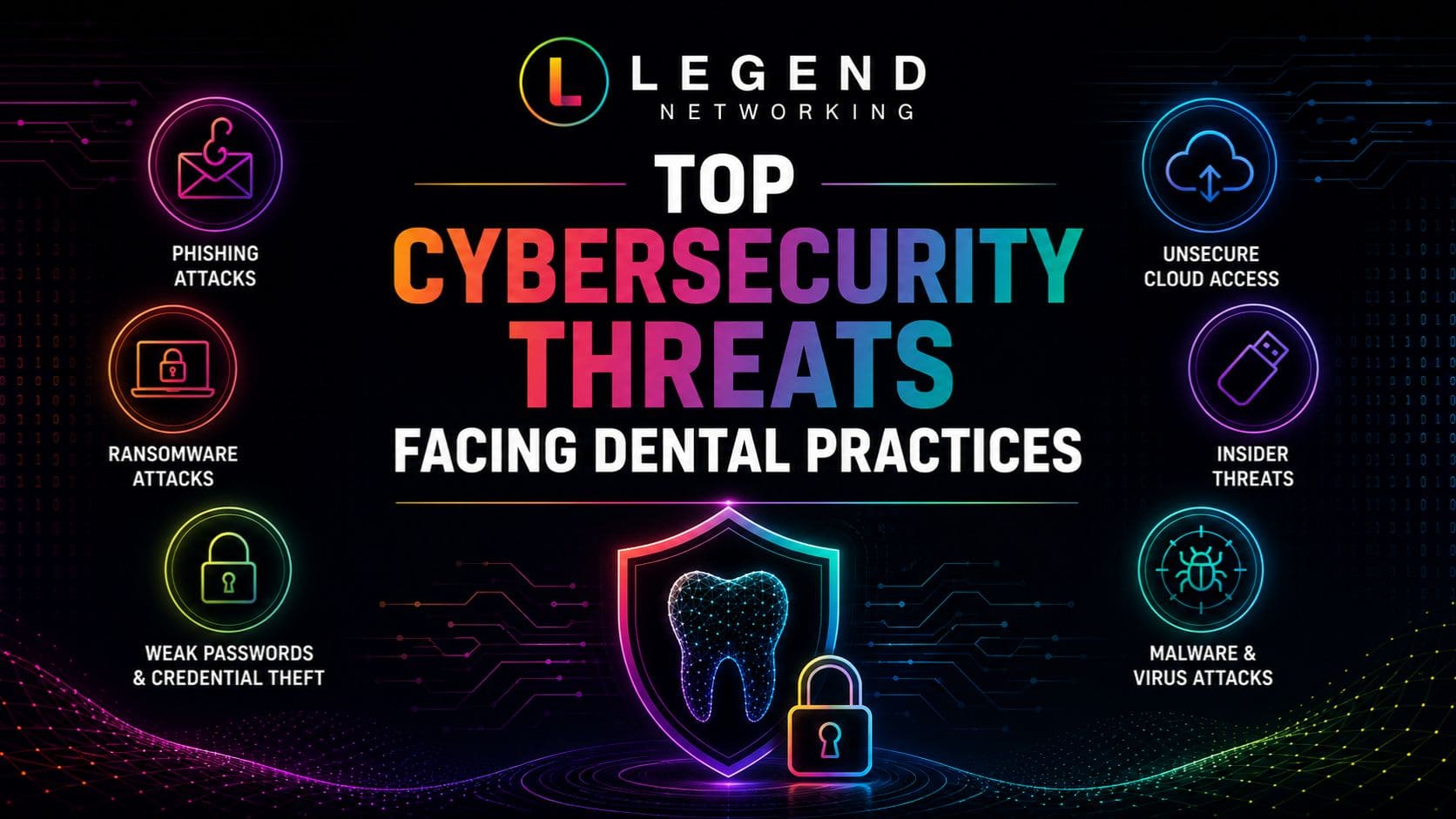
The most common cyber threats affecting dental practices include:
| Threat | Potential Impact |
| Ransomware | Encrypts patient records and disrupts operations |
| Phishing Emails | Steals passwords and installs malware |
| Credential Theft | Unauthorized access to practice systems |
| Insider Threats | Accidental or intentional data exposure |
| Malware | Corrupts systems and steals sensitive information |
| Business Email Compromise | Financial fraud and account takeover |
| Unpatched Software | Exploits known vulnerabilities |
| Lost or Stolen Devices | Exposure of patient information |
Every one of these threats can lead to significant operational disruption if appropriate security controls are not in place.
Cybersecurity Is More Than Antivirus
Many dental practices still believe installing antivirus software provides adequate protection.
Today’s cyber threats require a much broader strategy.
Modern dental IT security should include:
- Multi-Factor Authentication (MFA)
- Endpoint Detection & Response (EDR)
- Managed firewalls
- Email security
- DNS filtering
- Security awareness training
- Vulnerability management
- Patch management
- Secure backups
- Network monitoring
- Incident response planning
These security layers work together to reduce the likelihood of successful cyberattacks.
Expert Insight
The strongest cybersecurity programs don’t rely on one security product; they combine people, processes, and technology to reduce risk at every stage. Dental practices that regularly train employees, monitor their networks, secure their devices, and test their backups are significantly better prepared to defend against today’s evolving cyber threats.
Understanding Dental Ransomware
Among all dental cybersecurity threats affecting healthcare, dental ransomware remains one of the most disruptive . A ransomware attack can encrypt patient records, scheduling systems, imaging files, and billing applications, preventing your practice from accessing critical information until the issue is resolved.
Unlike traditional malware, ransomware is designed to interrupt operations. Even a few hours of downtime can lead to cancelled appointments, delayed treatment, lost revenue, and reduced patient confidence.
According to the Verizon Data Breach Investigations Report (DBIR), ransomware continues to be one of the leading causes of security incidents across the healthcare sector, making prevention a priority for every dental practice.
How Ransomware Attacks Begin
Many ransomware incidents start with seemingly harmless actions, such as:
- Clicking a malicious email attachment
- Downloading infected files
- Using weak or compromised passwords
- Exploiting outdated software
- Unauthorized remote access
- Visiting compromised websites
These attacks often begin with phishing emails before spreading throughout the practice’s network.
Warning Signs of a Ransomware Attack
Recognizing suspicious activity early may reduce the impact of an attack.
Common warning signs include:
- Files suddenly become inaccessible
- File extensions unexpectedly change
- Computers begin running unusually slowly
- Employees are unable to access shared folders
- Suspicious pop-up messages demanding payment
- Unusual login activity
- Disabled antivirus software
If any of these signs appear, disconnect affected devices from the network immediately and follow your incident response plan.
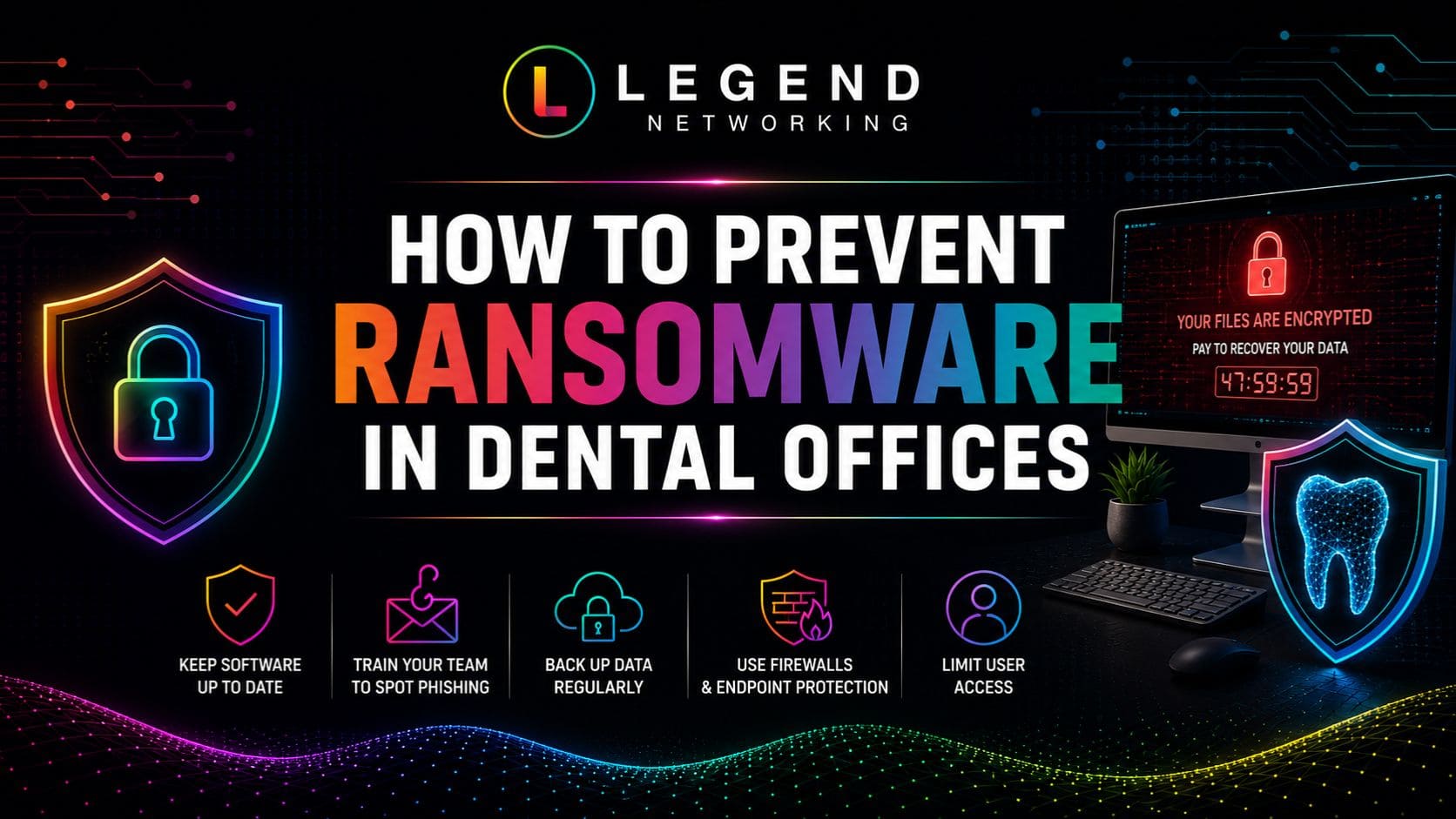
How to Prevent Dental Ransomware
Enable Multi-Factor Authentication (MFA)
MFA provides an additional layer of protection beyond passwords, making unauthorized account access much more difficult.
Keep Software Updated
Cybercriminals frequently exploit known vulnerabilities in outdated software.
Regularly update:
- Operating systems
- Practice management software
- Imaging software
- Browsers
- Firewalls
- Routers
- Antivirus solutions
Maintain Secure Backups
One of the best defenses against ransomware is having reliable backups.
Follow the 3-2-1 Backup Rule:
- Three copies of your data
- Two different storage locations
- One offline or cloud backup
Backups should be encrypted and tested regularly to ensure they can be restored successfully.
Limit User Permissions
Not every employee needs administrator access.
Using role-based permissions limits the spread of ransomware if one account becomes compromised.
Train Employees
Employees are often the first target of ransomware attacks.
Provide regular training on:
- Identifying suspicious emails
- Safe internet browsing
- Password security
- Reporting unusual activity
- Protecting patient information
Dental Phishing Attacks
Phishing remains one of the most successful attack methods against healthcare organizations.
Rather than exploiting technology, phishing attacks target people by convincing them to reveal passwords, click on malicious links, or download infected attachments.
For dental practices, one successful phishing email can provide attackers with access to patient records, financial systems, and cloud applications.
Common Phishing Emails Sent to Dental Practices
Cybercriminals frequently impersonate trusted organizations.
Examples include:
- Insurance providers
- Dental suppliers
- Banks
- Microsoft 365
- Google Workspace
- Shipping companies
- Practice management software vendors
- Government agencies
These emails often appear legitimate and create a false sense of urgency.
Red Flags to Watch For
Employees should verify emails that include:
- Unexpected attachments
- Urgent payment requests
- Password reset requests
- Unfamiliar senders
- Misspelled domain names
- Poor grammar
- Requests for confidential information
Encourage employees to verify suspicious emails before taking action.
How to Protect Against Phishing
Reducing phishing risk requires both technology and employee awareness.
Recommended security measures include:
- Email filtering
- Multi-Factor Authentication
- Security awareness training
- Password managers
- DNS filtering
- Endpoint Detection & Response (EDR)
- Regular phishing simulations
Practices that conduct routine phishing awareness exercises often experience significantly fewer successful phishing incidents.
Dental IT Security Best Practices
Strong dental IT security combines multiple layers of protection rather than relying on a single product or policy.
Identity Security
Protect user accounts by implementing:
- Multi-Factor Authentication
- Password managers
- Strong password policies
- Role-based access
- Account lockout policies
Identity protection remains one of the most effective ways to reduce unauthorized access.
Endpoint Security
Every device connected to your network should be secured.
This includes:
- Desktop computers
- Laptops
- Tablets
- Smartphones
- Imaging workstations
- Reception computers
Each device should include:
- Enterprise antivirus
- Endpoint Detection & Response (EDR)
- Disk encryption
- Automatic updates
- Screen locking
- Device inventory
Network Security
Your network should include:
- Managed firewall
- Secure Wi-Fi
- Guest network separation
- VPN access
- DNS filtering
- Continuous monitoring
- Intrusion detection
Proper network segmentation limits the spread of malware across connected systems.
Email Security
Email remains the primary delivery method for phishing and malware.
Implement:
- Spam filtering
- Malware scanning
- Email authentication (SPF, DKIM, and DMARC)
- Attachment scanning
- URL protection
Combined with employee training, these controls significantly reduce email-related risks.
Patient Data Protection
Protecting patient information is at the core of every dental cybersecurity program.
Patient records include:
- Personal identification
- Medical history
- Treatment plans
- Insurance information
- Payment details
- Diagnostic images
- Clinical notes
Because this information is highly sensitive, practices should implement multiple safeguards to protect confidentiality, integrity, and availability.
Best Practices for Protecting Patient Data
Use encryption for stored and transmitted data.
Restrict access using role-based permissions.
Review user accounts regularly.
Monitor audit logs.
Encrypt portable devices.
Secure cloud applications.
Test backups frequently.
Dispose of storage devices securely.
These measures help reduce the risk of unauthorized access while supporting compliance with HIPAA Security Rule requirements.
Practical Example
Scenario: Preventing a Ransomware Attack
A receptionist receives an email appearing to come from a dental supplier requesting an invoice review.
Before opening the attachment, she notices the sender’s email address contains a misspelled domain. Following her security awareness training, she reports the message to IT instead of opening it.
The email is confirmed to be a phishing attempt carrying ransomware.
Because the practice combined employee training with email filtering and endpoint protection, the attack was stopped before any systems were compromised.
This example demonstrates that effective cybersecurity depends on both technology and informed employees working together.
Dental Ransomware Recovery Framework
Recovering from a ransomware attack isn’t simply about restoring files, it’s about restoring trust, securing your environment, and ensuring your practice is prepared for future incidents. The following framework provides a structured approach that dental offices can use to recover efficiently while minimizing operational disruption.
| Phase | Objective | Key Actions |
| Prepare | Reduce the likelihood and impact of ransomware | Conduct risk assessments, implement MFA, maintain secure backups, train employees, and document an incident response plan. |
| Detect | Identify suspicious activity quickly | Monitor endpoints, review security alerts, analyze network traffic, and investigate unusual login attempts. |
| Contain | Prevent ransomware from spreading | Disconnect infected devices, disable compromised accounts, isolate network segments, and preserve evidence. |
| Recover | Restore systems safely | Verify backups, rebuild affected systems, restore critical applications, validate data integrity, and monitor for reinfection. |
| Improve | Strengthen future resilience | Review lessons learned, update security policies, improve employee training, and enhance technical safeguards. |
Following this framework helps practices respond consistently during high-pressure situations while reducing recovery time and improving long-term cybersecurity.
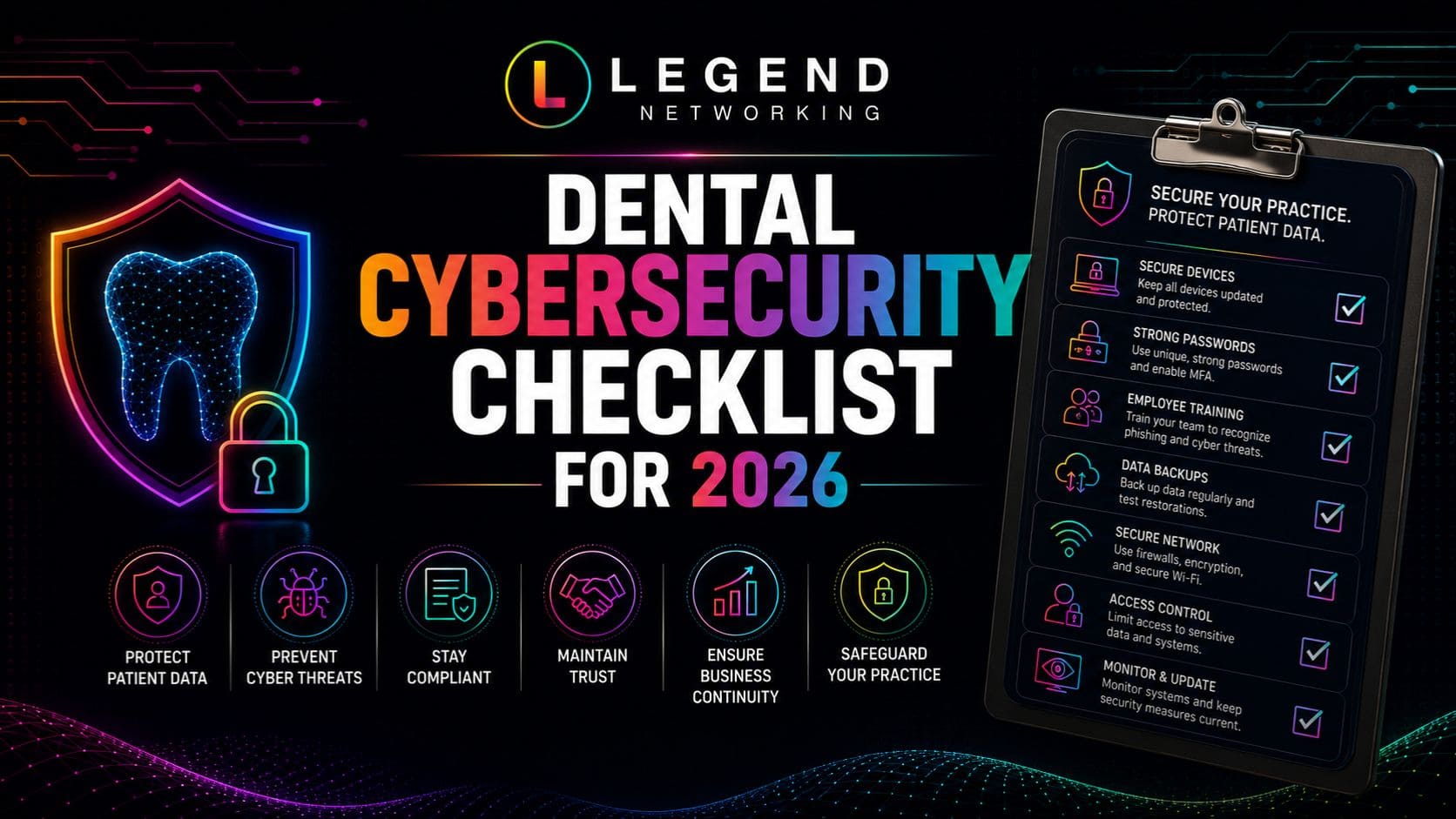
Dental Ransomware Recovery Checklist
Use this checklist immediately after a ransomware incident and review it regularly as part of your disaster recovery planning.
Immediate Response
☐ Disconnect infected computers from the network
☐ Notify your IT provider or cybersecurity team
☐ Activate your incident response plan
☐ Preserve system logs and evidence
☐ Identify affected systems
☐ Disable compromised user accounts
☐ Document the timeline of events
Recovery
☐ Verify backups are clean
☐ Restore critical business systems first
☐ Reset passwords for all users
☐ Enable Multi-Factor Authentication
☐ Scan restored systems for malware
☐ Validate restored patient data
☐ Resume operations gradually
Post-Incident Review
☐ Identify the root cause
☐ Update security controls
☐ Patch vulnerable systems
☐ Review firewall configurations
☐ Conduct additional employee training
☐ Update the disaster recovery plan
☐ Perform a new cybersecurity risk assessment
Practices should review this checklist at least annually and after every cybersecurity exercise to ensure it remains current.
Preventing Future Ransomware Attacks
The most successful ransomware recovery strategy is preventing attacks before they occur.
Implement Layered Security
Relying on a single security solution is no longer enough.
Combine multiple controls, including:
- Multi-Factor Authentication (MFA)
- Endpoint Detection & Response (EDR)
- Managed firewalls
- DNS filtering
- Secure email gateways
- Vulnerability management
- Network monitoring
Strengthen Employee Awareness
Employees continue to be one of the most effective defenses against ransomware.
Provide regular training covering:
- Phishing identification
- Password security
- Safe web browsing
- Social engineering
- Reporting suspicious activity
Conduct simulated phishing exercises throughout the year to reinforce security awareness.
Review Backups Frequently
Reliable backups remain one of the most important recovery tools.
Best practices include:
- Daily automated backups
- Immutable or offline backups
- Backup encryption
- Quarterly restoration testing
- Multiple backup locations
Remember:
A backup is only valuable if it can be successfully restored.
Maintain Software Updates
Attackers frequently exploit known software vulnerabilities.
Establish a patch management process that includes:
- Operating systems
- Practice management software
- Digital imaging applications
- Web browsers
- Firewalls
- Network devices
- Endpoint protection software
Prompt updates significantly reduce exploitable attack surfaces.
Expert Insight
Ransomware recovery is measured by preparation, not by luck. Dental practices with documented recovery procedures, tested backups, layered cybersecurity controls, and well-trained employees consistently recover faster and experience less operational disruption than organizations responding without a plan.
Conclusion
A ransomware attack can disrupt every aspect of a dental practice, from patient scheduling and clinical workflows to billing and access to electronic health records. While no organization can eliminate cyber risk, preparation dramatically improves the speed and success of recovery.
By implementing a documented dental ransomware recovery plan, maintaining secure and tested backups, strengthening dental IT security, and investing in ongoing employee awareness, your practice can minimize downtime, protect patient information, and recover confidently from a cyber attack on a dental office.
Ready to Strengthen Your Ransomware Recovery Strategy?
Preparation is the most effective defense against ransomware. Whether you want to improve your backup strategy, build a disaster recovery plan, or strengthen your cybersecurity posture, Legend Networking can help.
Our healthcare IT specialists provide:
- Ransomware Recovery Planning
- Disaster Recovery & Business Continuity
- Managed IT Services
- Endpoint Detection & Response (EDR)
- Network Security
- Backup & Disaster Recovery
- HIPAA Risk Assessments
- 24/7 Security Monitoring
Schedule a consultation with Legend Networking today to evaluate your cybersecurity readiness, improve your recovery strategy, and protect your dental practice from future ransomware attacks. Looking for a trusted dental IT partner? Visit our Google Business Profile to see client reviews and learn why dental practices rely on Legend Networking for reliable cybersecurity and managed IT support. Then, schedule a consultation to strengthen your practice’s security.




 Based in USA

