

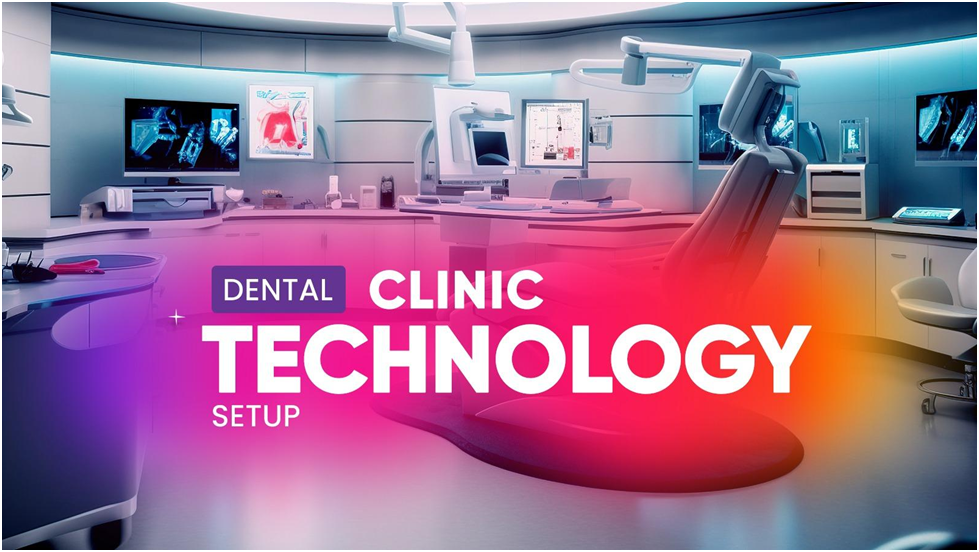
Dental startup IT setup is one of the most critical foundations for launching a modern dental clinic successfully.
Opening a dental clinic is not a matter of planning how to design the operatories and what equipment to buy. The current practices are heavily dependent on the digital systems in imaging, patient records, scheduling, billing, and communication. Even a well-designed practice, with no proper technology infrastructure, would experience slow workflows, risks to security and expensive downtime.
A well-planned dental startup IT setup ensures that your clinic opens with reliable systems, secure patient data, and efficient workflows from day one.
This report provides a list of the necessary dental startup technology checklist that every new practice must run through before opening.
Why IT Planning Matters for a Dental Startup
Dental clinics have been relying on technology in order to deal with patient records, imaging data, and treatment records. Digital imaging files and practice management systems of large sizes need to be supported with stable networks, powerful workstations, and stable backups.
The U.S. Department of Health & Human Services has identified the need to employ a set of safeguards to ensure the safety of electronic protected health information (ePHI) under the HIPAA Security Rule. Appropriate IT infrastructure can assist the dental practices in catering to these needs and still remain efficient.
That is why a lot of new clinics address specialised service suppliers like dental IT and managed technology solutions to develop the systems, which are specific to dental workflow.
Network Infrastructure and Internet Connectivity
Every dental practice is based on a stable network. HIM systems like imaging, cloud applications and patient records require a stable connection.
You need to have a network setup which consists of:
- Blazing fast business internet.
- Routers and firewalls of enterprise quality.
- Protect wireless networks among the personnel and patients.
- Operating rooms and imaging rooms should be properly cabled.
The size of a file containing dental imaging can be enormous, and therefore, the network should be structured to accommodate large data flow without necessarily making the practice sluggish.
Practice Management Software
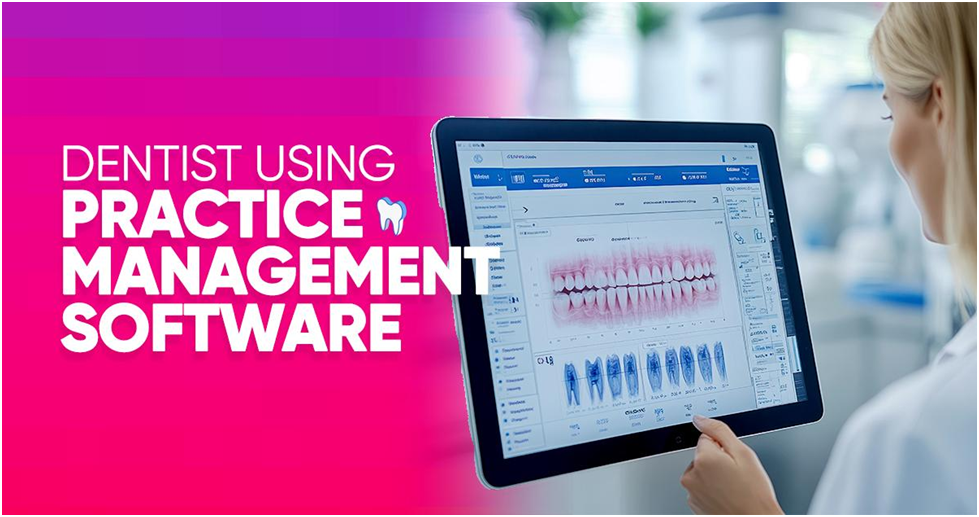
A dental office has a central point, which is the practice management software. It handles:
- Patient records
- Scheduling
- Insurance claims
- Treatment planning
- Billing and reporting
Numerous clinics are using systems like Dentrix, Eaglesoft and Carestream, which are interconnected with imaging systems and communication tools with patients.
Digital Imaging and Radiography Integration
Digital imaging is very important in modern dentistry, such as:
- Digital X-ray systems
- Cone beam CT scans
- Intraoral cameras
- Imaging storage servers
Such technologies will result in large data files that need to be processed and saved promptly. An effective new dental practice technology implementation plan will have imaging systems installed within the practice management software and storage systems.
Secure Data Backup and Disaster Recovery
The loss of data may interfere with the provision of patient care and the reputation of a clinic. Dental practices should ensure that they have backup systems in place that could preserve patient records.
A good backup strategy usually consists of:
- Backups with encryption that are automated.
- Off-site or cloud storage
- Disaster recovery planning
- Regular backup testing
Numerous practices implement services of secure data backup and recovery to ensure that patient records are safe even in case of hardware failure or cyber attacks.
HIPAA-Compliant Cybersecurity
Cyberattacks are usually aimed at healthcare organisations due to the sensitive information that is stored within them.
The secure dental startup technology environment should consist of:
- Firewall protection
- Security of all computers on the endpoint.
- Multi-factor authentication
- Staff security training
- Anti-phishing email security.
The HIPAA stipulates that healthcare providers should have technical measures which protect electronic patient information.
These requirements are described in detail, and the best practices are given in the HIPAA Security Rule guidance.
Workstations and Dental Operatory Computers
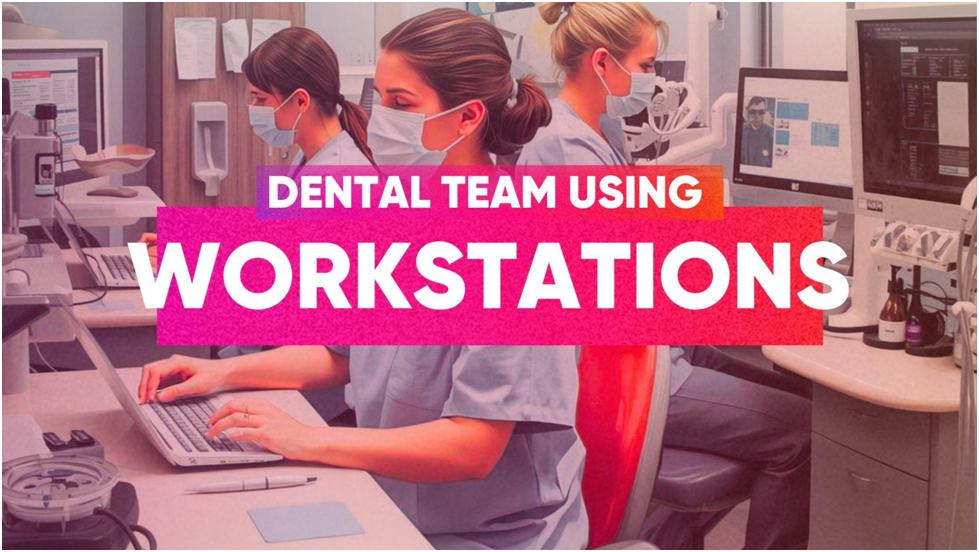
All dental facilities require good workstations within the treatment rooms and administrative offices.
Key considerations include:
- Imaging processing high-performance computers.
- Treatment planning monitors.
- Fast SSD storage
- Secure login systems
Good workstation planning eliminates delays in the workflow and slow software performance.
In the case of clinics in need of dedicated hardware management, there are specific dentist computer support services that are offered by specialized providers.
Cloud Solutions for Dental Offices
Current practices are shifting to cloud-based systems in large numbers to ensure more flexibility and scalability of the systems.
Dental teams can use cloud solutions to:
- Access systems remotely
- Cut down on the use of on-site servers.
- Enhance disaster recovery.
- Endorse multi-location practices.
Scalable infrastructure is also commonly applied to dental practices through cloud solutions implemented by clinics that are interested in this type of infrastructure.
VoIP Phone Systems and Communication Tools
The communication with the patient is essential to the schedule of appointments and follow-ups. New dental practices tend to adopt VoIP telephones with scheduling programs.
Benefits include:
- Call routing and recording
- Automated booking systems.
- Remote staff access
- Better interaction with patients.
The IT infrastructure of the practice should be connected to the communication systems to make sure that they are reliable.
IT Monitoring and Ongoing Support
The problem of technology can disrupt patient care if it is not resolved promptly. Active IT surveillance will assist in the identification of issues when they do not impact the practice.
Continuing care services normally involve:
- Offsite monitoring of systems.
- Frequent updates and services.
- Security patch management
- Technical assistance on demand.
IT specialists with extensive experience in dental will offer 24/7 monitoring and maintenance to reduce downtimes and ensure the smooth running of the systems.
Building a Strong IT Foundation for Your Dental Practice
Starting a dental clinic is a big business. The pre-open technology you have installed will influence your workflows, patient experience and healthcare regulations.
An IT checklist that has been well laid out will make sure that your practice opens with secure systems, effective workflow, and scalable systems.
The suppliers like dental managed services assist new practices in the design, installation and maintenance of technology environments that are designed specifically to support dental practice.
Your practice will not fail when technology is not used as an obstacle to patient care and is well-planned; your practice will be able to begin strong and expand.
Starting a new dental practice is accompanied with the important choices of technology. Never chance your IT set up.
Book a Free Dentist Consulting session with Legend Networking and receive a dental IT plan designed specifically to your clinic.
Frequently Asked Questions
Q. What does a dental startup IT set-up entail?
Ans. In the case of a dental startup IT system, the environment is bound to comprise network infrastructure, practice management software, imaging integration, workstations, cybersecurity measures, data backup, and a communication system.
Q. What is the significance of technology planning to a new dental practice?
Ans. Effective IT planning makes sure that systems become efficient, patient records are not lost, and employees can operate without delays when using slow and unreliable technology.
Q. What are the top priorities in technologies for a new dental practice?
Ans.Digital imaging, practice management software, secure networks, data backup systems and cybersecurity protections are important technologies
Q. What are some of the security considerations that dental startups would take?
Ans. Firewalls, encrypted backups, secure access controls, endpoint protection, and staff training should be used to protect patient data in dental practices.
Q. What is the frequency of dental IT systems monitoring?
Ans. IT systems must be monitored to ensure that performance problems, security risks, and hardware failures are identified in time to ensure that they do not disrupt patient care.
Q. What are the uses of cloud solutions in dental offices?
Ans.Cloud systems enable dental teams to remotely access software, lower the cost of hardware on-site, and enhance disaster recovery.
Q.What is the assistance of Legend Networking in terms of IT setup for dental startups?
Ans. Legend Networking focuses on the development of technology infrastructure within dental practices, such as installing a network, integrating imaging systems, and creating safe IT environments using new practices in mind.
Q. Does Legend Networking assist dental practices once they are opened?
Ans. Legend Networking offers continuous monitoring, maintenance, and support so that the dental practices can keep on running effectively as they expand.
Q. What is the reason Legend Networking is conversant with dental IT environments?
Ans. Legend Networking specialises in healthcare and dental technology systems, and provides support to practices in the network design, cybersecurity, cloud and compliance planning.
Q. Is it possible to use Legend Networking to serve multi-location dental practices?
Ans.Legend Networking creates scalable IT environments that enable dental organisations to grow to various sites and, at the same time, ensure performance and security are not compromised.




 Based in USA

