

Protecting patient information is a legal responsibility for every dental practice. Yet many HIPAA violations don’t happen because of sophisticated cyberattacks; they occur due to everyday mistakes such as weak passwords, unencrypted laptops, poor staff training, or missing security policies.
The good news is that most HIPAA violations are preventable. By understanding the most common compliance mistakes and implementing the right administrative, technical, and physical safeguards, dental practices can significantly reduce the risk of HIPAA fines, data breaches, and operational disruptions.
This guide explains the most common HIPAA violations dental practices face, why they happen, and the practical steps your practice can take to avoid them.
Quick Answer (TLDR)
The most common HIPAA violations in dental practices include failing to conduct regular HIPAA risk assessments, using weak passwords, sharing employee accounts, leaving devices unencrypted, lacking employee cybersecurity training, failing to secure patient records, and not having Business Associate Agreements (BAAs) with third-party vendors. These issues can increase the risk of HIPAA fines, dental data breaches, and compromised patient data security. Regular compliance reviews, employee education, and proactive IT management are essential for reducing these risks.
Key Takeaways
- Most HIPAA violations result from preventable operational and security mistakes.
- Employee training is one of the most effective ways to reduce compliance risks.
- Strong cybersecurity practices significantly lower the likelihood of a dental data breach.
- Regular HIPAA risk assessments help identify security gaps before they become violations.
- Business Associate Agreements (BAAs) are required for vendors handling patient information.
- HIPAA compliance is an ongoing process, not a one-time project.
- Proactive IT management helps dental practices avoid costly HIPAA fines and operational disruptions.
Why HIPAA Violations Are Increasing
Modern dental practices rely heavily on technology. Patient records, imaging systems, billing platforms, online appointment scheduling, and cloud-based communication tools all improve efficiency, but they also increase cybersecurity risks. Choosing the best dental practice management software can also help strengthen data security, simplify compliance workflows, and reduce the risk of HIPAA violations by providing built-in security and access controls.
Healthcare continues to be one of the most targeted industries for cybercrime. According to the IBM Cost of a Data Breach Report, healthcare organizations experience the highest average cost of data breaches across all industries. Likewise, the Verizon Data Breach Investigations Report (DBIR) consistently identifies healthcare as a frequent target of phishing, ransomware, and credential theft.
Many HIPAA violations are not caused by advanced hackers. Instead, they result from routine oversights such as outdated software, poor password management, or missing documentation.
What Counts as a HIPAA Violation?
A HIPAA violation occurs when a covered entity or business associate fails to protect protected health information (PHI) as required under HIPAA regulations.
Examples include:
- Unauthorized access to patient records
- Improper disclosure of PHI
- Failure to encrypt devices
- Missing security policies
- Lost or stolen laptops containing patient data
- Inadequate employee training
- Failure to conduct HIPAA risk assessments
- Missing Business Associate Agreements
- Weak access controls
- Delayed breach notifications
Some violations are accidental, while others result from negligence or failure to implement reasonable safeguards.
The 10 Most Common HIPAA Violations Dental Practices Make
1. Failing to Conduct a HIPAA Risk Assessment
One of the most common compliance failures is neglecting to perform a documented HIPAA risk assessment.
Without understanding existing vulnerabilities, practices cannot effectively protect patient information.
How to Avoid It
- Conduct annual risk assessments.
- Review technology after major upgrades.
- Document identified risks.
- Create an action plan to address security gaps.
2. Weak Password Policies
Simple or reused passwords remain one of the easiest ways attackers gain access to healthcare systems.
Examples include:
- Password123
- Practice name + year
- Shared staff passwords
Best Practices
- Require strong passwords.
- Use password managers.
- Enable Multi-Factor Authentication (MFA).
- Prohibit password sharing.
3. Shared Employee Accounts
Every employee should have a unique login.
Shared accounts make it impossible to determine who accessed patient records and increase insider security risks.
Solution
Implement role-based access with unique user accounts for every employee.
4. Lack of Employee Cybersecurity Training
Technology alone cannot prevent security incidents.
Employees remain the first line of defense against:
- Phishing emails
- Social engineering
- Password theft
- Malicious attachments
- Fraudulent websites
Regular security awareness training dramatically reduces human error.
5. Unencrypted Devices
Laptops, tablets, smartphones, and portable drives frequently contain patient information.
If a device is lost or stolen without encryption, it may result in a reportable HIPAA breach.
Prevention
- Enable full-disk encryption.
- Use remote wipe capabilities.
- Require device passcodes.
- Restrict personal devices from accessing patient records.
6. Missing Business Associate Agreements (BAAs)
Any vendor that accesses protected health information must typically have a signed Business Associate Agreement.
Examples include:
- Cloud storage providers
- Managed IT providers
- Practice management software vendors
- Email security providers
- Backup services
Failure to maintain current BAAs can create unnecessary compliance risks.When evaluating vendors, it’s equally important to understand how to choose the right dental practice management software that supports HIPAA compliance, secure data handling, and reliable vendor partnerships.
7. Poor Access Controls
Not every employee needs access to every patient record.
Applying the Principle of Least Privilege (PoLP) limits access based on job responsibilities and reduces insider threats.
Typical examples include:
| Role | Recommended Access |
| Receptionist | Scheduling and patient demographics |
| Dental Assistant | Clinical records and imaging |
| Dentist | Full patient records |
| Office Manager | Financial and administrative records |
| IT Administrator | System administration only |
8. Ignoring Software Updates
Outdated operating systems and applications often contain known security vulnerabilities.
Regular updates should include:
- Windows
- macOS
- Practice management software
- Imaging software
- Browsers
- Firewalls
- Routers
Patch management remains one of the simplest ways to reduce cybersecurity risk.
9. Inadequate Backup Strategy
Many practices discover problems with their backups only after ransomware or hardware failure occurs.
A strong backup strategy should include:
- Daily automated backups
- Cloud backup
- Offline backup
- Backup restoration testing
- Disaster recovery planning
Following the 3-2-1 Backup Rule greatly improves business resilience.
10. Poor Documentation
HIPAA compliance isn’t only about implementing security—it also requires documenting your compliance efforts.
Maintain records for:
- Risk assessments
- Employee training
- Security policies
- Incident response plans
- Backup testing
- Business Associate Agreements
- Compliance reviews
Well-organized documentation simplifies HIPAA audits and demonstrates due diligence.
Understanding HIPAA Fines and Penalties
One of the biggest misconceptions among dental practices is that HIPAA violations only result in warnings. In reality, enforcement actions can lead to significant financial penalties, corrective action plans, and reputational damage.
The Office for Civil Rights (OCR) considers several factors when determining penalties, including:
- The nature and extent of the violation
- The number of patients affected
- Whether the violation resulted from negligence
- How quickly the practice responded
- Previous compliance history
- Steps taken to correct the issue
Many enforcement actions begin with issues that could have been prevented through better policies, employee training, and proactive IT management.
Learn more: How to Prepare for a HIPAA Audit.
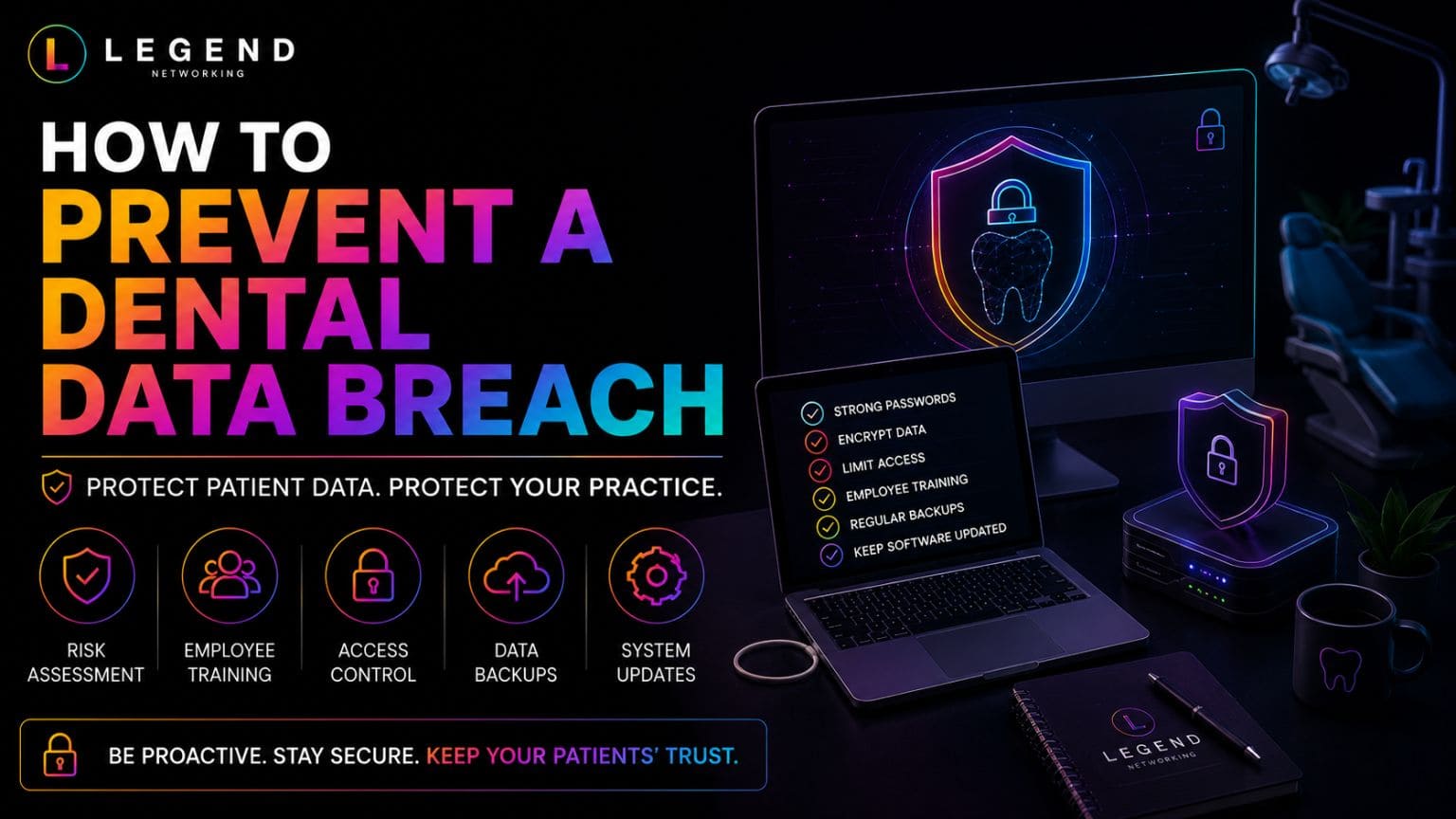
How to Prevent Dental Data Breaches
Preventing a dental data breach requires more than installing antivirus software. It involves building multiple layers of security that protect patient information before an incident occurs.
Strengthen Identity Security
Identity-based attacks continue to be one of the leading causes of healthcare breaches.
Protect user accounts by implementing:
- Multi-Factor Authentication (MFA)
- Strong password policies
- Password managers
- Role-based permissions
- Account lockout policies
Every employee should have unique login credentials with access limited to their job responsibilities.
Secure Every Device
Every connected device can become an entry point for cybercriminals.
Ensure all devices have:
- Full-disk encryption
- Endpoint Detection & Response (EDR)
- Automatic updates
- Screen lock policies
- Device inventory tracking
- Remote wipe capabilities
This includes desktops, laptops, tablets, mobile phones, and portable storage devices.If you’re searching for dental practice management software near you, prioritize solutions that offer strong security features, ongoing technical support, and seamless integration with your practice’s existing systems.
Build a Security-Aware Team
Employees remain one of the strongest defenses against cyber threats.
Training should cover:
- Recognizing phishing emails
- Safe internet browsing
- Password security
- Social engineering
- Secure handling of patient information
- Reporting suspicious activity
Short, regular training sessions are often more effective than a single annual presentation.
Protect Your Network
A secure network should include:
- Business-grade firewall
- Secure Wi-Fi
- Guest network separation
- VPN for remote users
- DNS filtering
- Continuous monitoring
Network segmentation helps contain threats before they spread across the practice.
Test Your Backups
Backups should be:
- Automated
- Encrypted
- Stored off-site
- Regularly tested
Remember:
A backup isn’t truly a backup until you’ve successfully restored it.
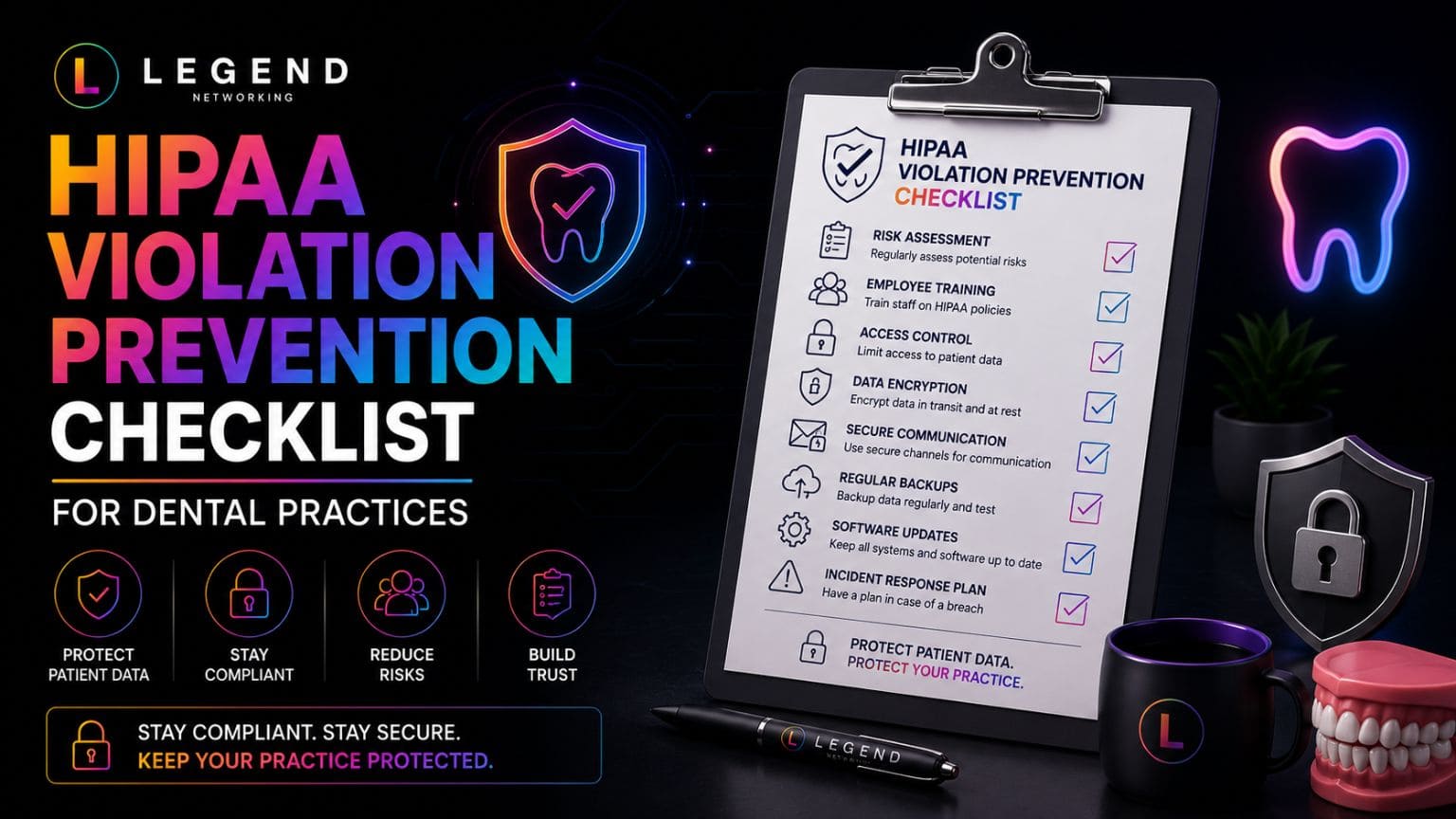
HIPAA Violation Prevention Checklist
Use this checklist throughout the year to identify potential compliance gaps before they become violations.
Administrative Controls
☐ Annual HIPAA risk assessment completed
☐ Employee cybersecurity training documented
☐ Security policies reviewed annually
☐ Incident response plan updated
☐ Business Associate Agreements signed
☐ Vendor security reviewed
Technical Controls
☐ Multi-Factor Authentication enabled
☐ Devices encrypted
☐ Firewall monitored
☐ Endpoint protection installed
☐ Email security configured
☐ Automatic updates enabled
☐ Backup restoration tested
☐ Audit logging enabled
Physical Controls
☐ Server room secured
☐ Visitor access managed
☐ Workstations lock automatically
☐ Backup drives stored securely
☐ Retired devices destroyed properly
Blog Image Text: Building a Strong Patient Data Security Strateg
HIPAA Violation Prevention Framework
Instead of reacting after problems occur, successful dental practices continuously improve their compliance program.
| Stage | Goal |
| Identify | Conduct HIPAA risk assessments and inventory all systems. |
| Protect | Implement administrative, technical, and physical safeguards. |
| Monitor | Continuously monitor systems, backups, and user activity. |
| Respond | Follow a documented incident response plan. |
| Improve | Review policies, train employees, and repeat assessments regularly. |
This continuous improvement cycle helps practices stay prepared for changing cybersecurity threats and regulatory expectations.
Practical Examples
Example 1: Shared Passwords
A front desk team shares one login for the scheduling system. When unauthorized changes are made to patient records, the practice cannot determine who accessed the system.
Better Approach: Assign unique user accounts with role-based permissions and enable audit logging.
Example 2: Lost Laptop
A dentist’s laptop containing patient records is stolen from a vehicle.
Without Encryption: The incident may require breach notification.
With Encryption: Patient information remains protected because the data cannot be accessed without the encryption key.
Example 3: Phishing Email
An employee clicks a fake invoice email that installs ransomware on the network.
Prevention:
- Employee awareness training
- Email filtering
- Endpoint Detection & Response (EDR)
- Immutable backups
Together, these controls reduce both the likelihood and impact of an attack.
Expert Insight
Most HIPAA violations don’t occur because organizations lack expensive security tools. They occur because basic security practices aren’t consistently followed. Regular employee training, documented policies, ongoing risk assessments, and proactive IT management remain the most effective ways to protect patient information and reduce compliance risks.
Conclusion
Most HIPAA violations in dental practices are preventable. The biggest risks often stem from everyday oversights, weak passwords, inadequate training, missing documentation, or outdated systems, rather than sophisticated cyberattacks.
By implementing strong administrative, technical, and physical safeguards, conducting regular HIPAA risk assessments, and fostering a culture of cybersecurity awareness, your practice can significantly reduce the likelihood of HIPAA fines, protect patient data, and maintain compliance.
Need expert IT support to keep your dental practice secure and HIPAA compliant? Legend Networking & Telecom helps dental practices strengthen cybersecurity, maintain compliance, and optimize their IT infrastructure. Contact our team today or visit our Google Business Profile to see why dental practices trust us for reliable IT support.
Frequently Asked Questions
Q. What is the most common HIPAA violation in dental practices?
Ans. One of the most common violations is failing to conduct a documented HIPAA risk assessment. Other frequent issues include weak passwords, missing Business Associate Agreements, poor employee training, and unencrypted devices.
Q. Can a small dental practice receive HIPAA fines?
Ans. Yes. HIPAA regulations apply regardless of practice size. Smaller practices are expected to implement reasonable safeguards to protect patient information.
Q. What causes most dental data breaches?
Ans. Most breaches result from phishing attacks, stolen credentials, ransomware, lost devices, weak passwords, and human error rather than sophisticated hacking techniques.
Q. How often should HIPAA risk assessments be completed?
Ans. Most practices should perform a comprehensive assessment at least annually and whenever significant changes are made to their IT environment.
Q. Does cyber insurance replace HIPAA compliance?
Ans. No. Cyber insurance may help reduce financial losses after an incident, but it does not replace your legal responsibility to comply with HIPAA.
Q. How can Legend Networking help prevent HIPAA violations?
Ans. Legend Networking helps dental practices implement secure IT infrastructure, conduct HIPAA risk assessments, strengthen cybersecurity, monitor systems, and maintain ongoing compliance through managed IT services.
Q. What should I do after discovering a possible HIPAA violation?
Ans. Immediately contain the issue, investigate what happened, document the incident, determine whether protected health information was affected, and follow your incident response plan. Depending on the circumstances, notification requirements under HIPAA may also apply.
Q. Are Business Associate Agreements required?
Ans. Dental practices store highly sensitive patient and financial information, making them common targets for ransomware, phishing attacks, and data breaches.
Q. How can I reduce the risk of HIPAA violations?
Ans. Conduct regular risk assessments, train employees, encrypt devices, implement multi-factor authentication, review access permissions, maintain secure backups, and monitor your systems continuously.
Q. Where can I learn more about HIPAA compliance for dental practices?
Ans. Start with our Complete Guide to HIPAA-Compliant Dental IT in 2026, then review our articles on HIPAA Compliance Checklists, HIPAA Audit Preparation, and Ransomware Prevention for Dental Practices for more detailed guidance.




 Based in USA

