

Strong password management for dental offices is one of the simplest and most effective ways to protect patient information, reduce cybersecurity risks, and support HIPAA compliance. A well-planned Password Management Dental Office strategy helps ensure that every employee follows secure credential practices across all systems. Every day, dental teams access electronic health records (EHR), practice management software, cloud applications, email, and financial systems using passwords that, if compromised, can provide attackers with access to sensitive data.
Unfortunately, weak passwords, credential reuse, shared employee accounts, and the lack of Multi-Factor Authentication (MFA) continue to be among the most common causes of healthcare security incidents. A single compromised account can lead to ransomware attacks, patient data breaches, business disruption, and costly regulatory consequences.
This guide explains the password management best practices every dental practice should implement, including creating a secure password policy for healthcare, deploying MFA for dental offices, using enterprise password managers, training staff to recognize security risks, and establishing access controls that protect electronic protected health information (ePHI). Whether you’re reviewing your current security policies or building a stronger cybersecurity program, these practical recommendations will help your team improve password security and reduce the risk of unauthorized access. Password management is just one part of protecting your practice. For a broader strategy, explore our comprehensive dental cybersecurity guide.
Quick Answer
Effective password management for dental offices combines strong password policies, Multi-Factor Authentication (MFA), password managers, role-based access controls, and regular employee security training. Every employee should use unique, complex passwords for business accounts, avoid password sharing, enable MFA wherever possible, and follow a documented password policy for healthcare organizations. These best practices reduce the risk of unauthorized access, ransomware attacks, and patient data breaches while supporting HIPAA compliance.
Key Takeaways
- Weak or reused passwords remain one of the leading causes of cybersecurity incidents.
- Multi-Factor Authentication (MFA) provides an essential additional layer of protection.
- Every employee should have unique login credentials with role-based access.
- Password managers improve both security and usability.
- Regular password policy reviews help maintain compliance and reduce cyber risks.
- Employee security awareness is just as important as technical safeguards.
- Strong password management supports HIPAA compliance and protects patient information.
Why Password Security Matters for Dental Practices
Passwords are often the first line of defense protecting patient information, financial records, cloud applications, and practice management systems. Unfortunately, they are also one of the most common ways cybercriminals gain unauthorized access to healthcare organizations.
Dental practices rely on numerous systems every day, including electronic health records (EHR), digital imaging software, appointment scheduling, billing platforms, Microsoft 365, cloud storage, and patient communication tools. If attackers compromise just one employee account, they may gain access to sensitive information that can disrupt operations and expose electronic protected health information (ePHI).
According to the Verizon Data Breach Investigations Report (DBIR), stolen credentials continue to play a significant role in healthcare security incidents. Microsoft’s security research also shows that enabling Multi-Factor Authentication (MFA) can block the vast majority of automated account compromise attempts.
Strong password management is therefore not simply an IT recommendation, it is an essential business and patient safety practice. Want more practical cybersecurity tips for dental practices? Visit our Google Business Profile to explore expert insights, see client reviews, and stay updated with the latest dental IT and cybersecurity guidance.
What Is Password Management?
Password management refers to the policies, tools, and processes used to create, store, protect, and manage passwords securely across an organization.
For dental practices, password management includes:
- Strong password creation
- Password managers
- Multi-Factor Authentication (MFA)
- Password rotation policies
- Employee security training
- Secure credential storage
- Role-based access controls
- Account monitoring
When implemented together, these controls reduce the likelihood of unauthorized access and improve overall cybersecurity.
Why Dental Teams Are Frequent Targets
Cybercriminals often target dental practices because employees access multiple business-critical systems throughout the day.
These accounts may provide access to:
- Electronic health records
- Appointment scheduling
- Insurance claims
- Patient payment information
- Microsoft 365
- Cloud backups
- Email accounts
- Financial systems
A compromised password can quickly become a compromised practice.
Common Password Risks in Dental Offices
Many successful cyberattacks begin with poor password habits rather than sophisticated hacking techniques.
Some of the most common risks include:
Reusing Passwords
Employees often reuse the same password across multiple applications.
If one account becomes compromised through a phishing attack or third-party breach, attackers may attempt to use the same credentials across other business systems.
Shared Employee Accounts
Shared usernames reduce accountability and make auditing nearly impossible.
Every employee should have a unique account with permissions based on their responsibilities.
Weak Passwords
Examples include:
- Welcome123
- Password1
- PracticeName2026
- 12345678
These passwords can often be guessed or cracked using automated tools.
Writing Passwords Down
Sticky notes attached to monitors or notebooks containing passwords remain surprisingly common.
Passwords should be stored securely using an approved password manager instead.
Saving Passwords in Browsers
Although browser-based password storage has improved, dedicated enterprise password managers generally provide stronger security controls, centralized management, and secure sharing capabilities for healthcare organizations.
The Cost of Weak Password Security
Poor password management can result in:
- Unauthorized access to patient records
- Ransomware attacks
- Data breaches
- HIPAA compliance issues
- Business disruption
- Financial losses
- Reputation damage
- Lost patient trust
Fortunately, many of these incidents can be prevented through stronger password policies and employee awareness.
Password Policy Best Practices
A documented password policy for healthcare organizations helps employees understand how passwords should be created, stored, and managed.
A strong policy should include the following guidelines.
Use Long Passphrases
Encourage passphrases instead of short passwords.
Example:
CoffeeRiverSunrise2026!
Long passphrases are generally easier to remember and more resistant to brute-force attacks.
Never Reuse Passwords
Every account should have a unique password.
This prevents attackers from accessing multiple systems if one credential is compromised.
Require Multi-Factor Authentication (MFA)
MFA should be enabled on:
- Microsoft 365
- Practice management software
- Cloud applications
- VPN
- Email accounts
- Password managers
MFA adds verification step, making stolen passwords significantly less useful to attackers.
Use Password Managers
Password managers allow employees to:
- Generate strong passwords
- Store passwords securely
- Share credentials safely when necessary
- Avoid password reuse
Enterprise password managers also simplify account management for administrators.
Review Access Regularly
Managers should periodically review:
- Active employee accounts
- Administrator privileges
- Former employee access
- Shared credentials
- Password policy compliance
Removing unnecessary access reduces overall security risk.
Expert Insight
One of the simplest ways to improve cybersecurity is by strengthening password management. Combining unique passwords, Multi-Factor Authentication, password managers, and employee training creates multiple layers of protection that significantly reduce the likelihood of unauthorized access to patient information.
Why Multi-Factor Authentication (MFA) Is Essential for Dental Offices
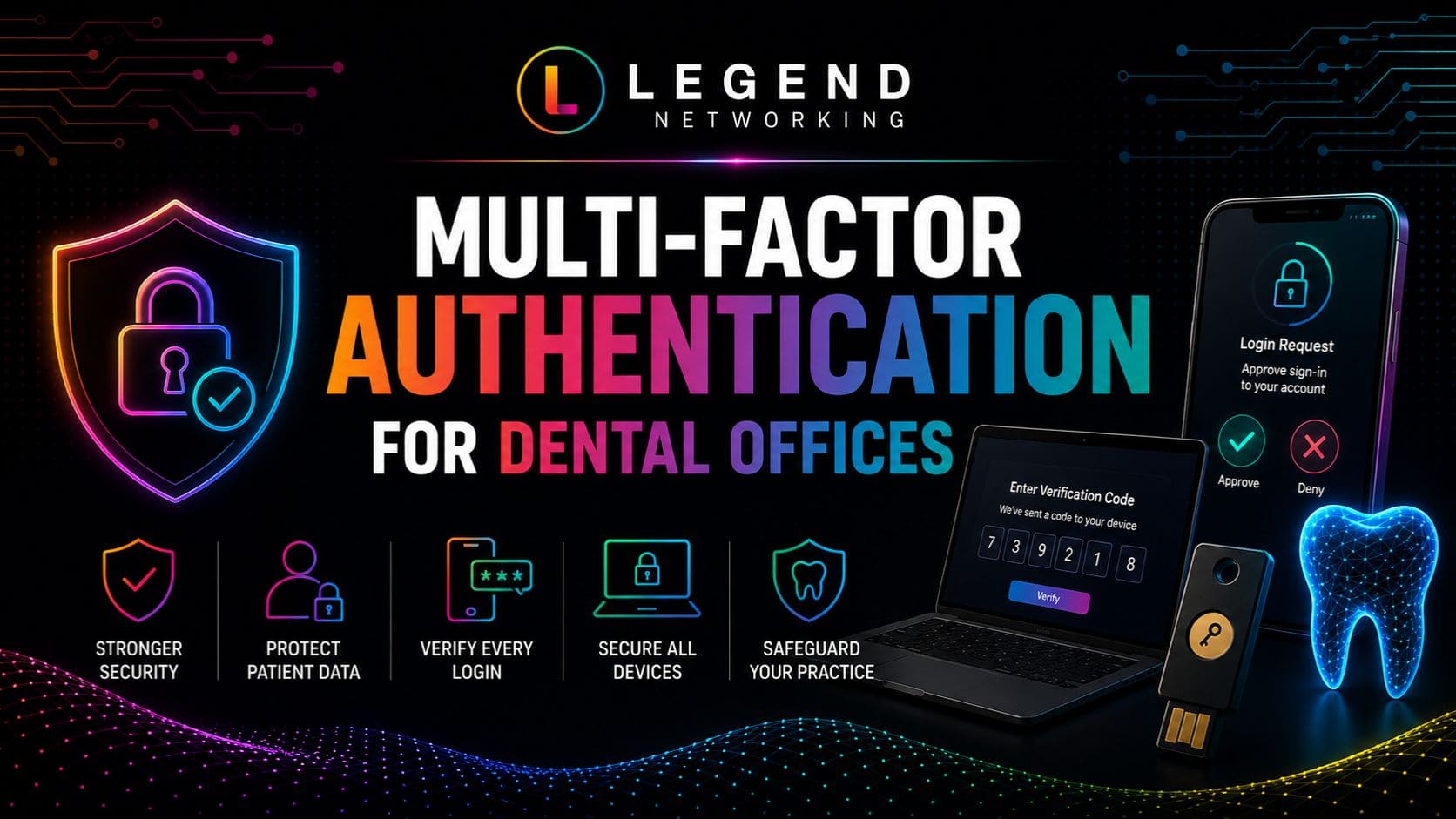
Passwords alone are no longer enough to protect sensitive patient information. Even the strongest password can be compromised through phishing attacks, malware, or third-party data breaches. Multi-Factor Authentication (MFA) adds layer of security by requiring users to verify their identity using a second authentication method before access is granted.
For dental practices, implementing MFA is one of the most effective ways to reduce unauthorized access to electronic protected health information (ePHI), cloud applications, and business-critical systems.
According to Microsoft Security, enabling MFA blocks the vast majority of automated account compromise attacks, making it one of the highest-impact cybersecurity improvements a healthcare organization can implement.
Where MFA Should Be Enabled
Every dental office should prioritize MFA for systems containing sensitive information.
Enable MFA on:
- Microsoft 365
- Google Workspace
- Practice management software
- Electronic Health Record (EHR) systems
- Remote Desktop (RDP)
- Virtual Private Networks (VPN)
- Cloud backup platforms
- Password managers
- Financial and accounting software
The broader your MFA coverage, the lower the likelihood of unauthorized access through compromised credentials.
Best MFA Methods
Not all authentication methods provide the same level of security.
| Authentication Method | Security Level | Recommended |
| Authenticator App | Excellent | ✅ Yes |
| Hardware Security Key | Excellent | ✅ Yes |
| Push Notification | Very Good | ✅ Yes |
| SMS Code | Moderate | Use only if stronger options aren’t available |
| Email Verification | Moderate | Acceptable but less secure |
Whenever possible, use authenticator apps or hardware security keys instead of SMS-based verification.
Password Managers for Dental Practices
Managing dozens of unique passwords manually is unrealistic for most employees. This often leads to password reuse, weak credentials, or insecure storage methods.
A password manager solves these challenges by securely storing passwords in an encrypted vault while generating strong, unique credentials for every account.
Benefits of Using a Password Manager
Implementing an enterprise password manager helps dental practices:
- Create complex, unique passwords
- Eliminate password reuse
- Securely share credentials when necessary
- Reduce forgotten passwords
- Improve employee productivity
- Strengthen HIPAA compliance efforts
Many password managers also integrate with MFA for an additional layer of protection.
Password Manager vs. Manual Password Storage
| Password Manager | Manual Password Storage |
| Generates strong passwords automatically | Employees create passwords manually |
| Encrypted storage | Passwords stored in notebooks or spreadsheets |
| Secure credential sharing | Passwords shared via email or chat |
| Centralized administration | Limited oversight |
| Reduces password reuse | High likelihood of reused passwords |
Enterprise password managers significantly reduce human error while simplifying credential management across the organization.
Password Management Framework for Dental Practices
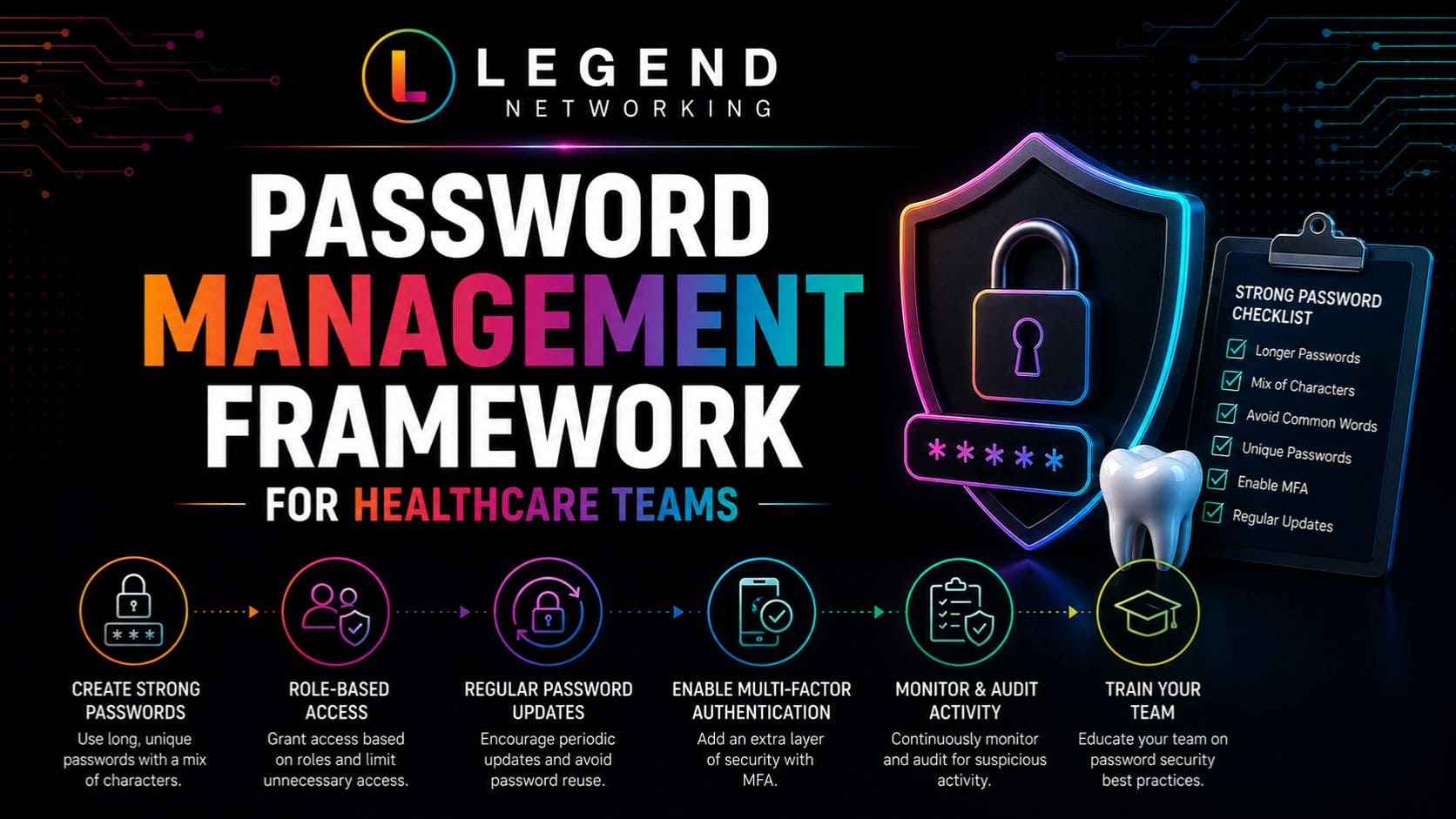
Strong password security should become part of your overall cybersecurity strategy rather than an isolated policy.
The following framework helps dental practices establish consistent password management practices.
| Phase | Objective | Key Actions |
| Create | Build strong credentials | Use unique passphrases and password managers for every account. |
| Protect | Prevent unauthorized access | Enable MFA, encrypt devices, and restrict administrative privileges. |
| Monitor | Identify suspicious activity | Review login attempts, monitor account activity, and investigate failed authentication attempts. |
| Review | Maintain security | Remove inactive accounts, review permissions, and update password policies annually. |
| Educate | Reduce human error | Train employees on phishing awareness, password hygiene, and secure credential management. |
Following this framework encourages continuous improvement rather than one-time implementation.
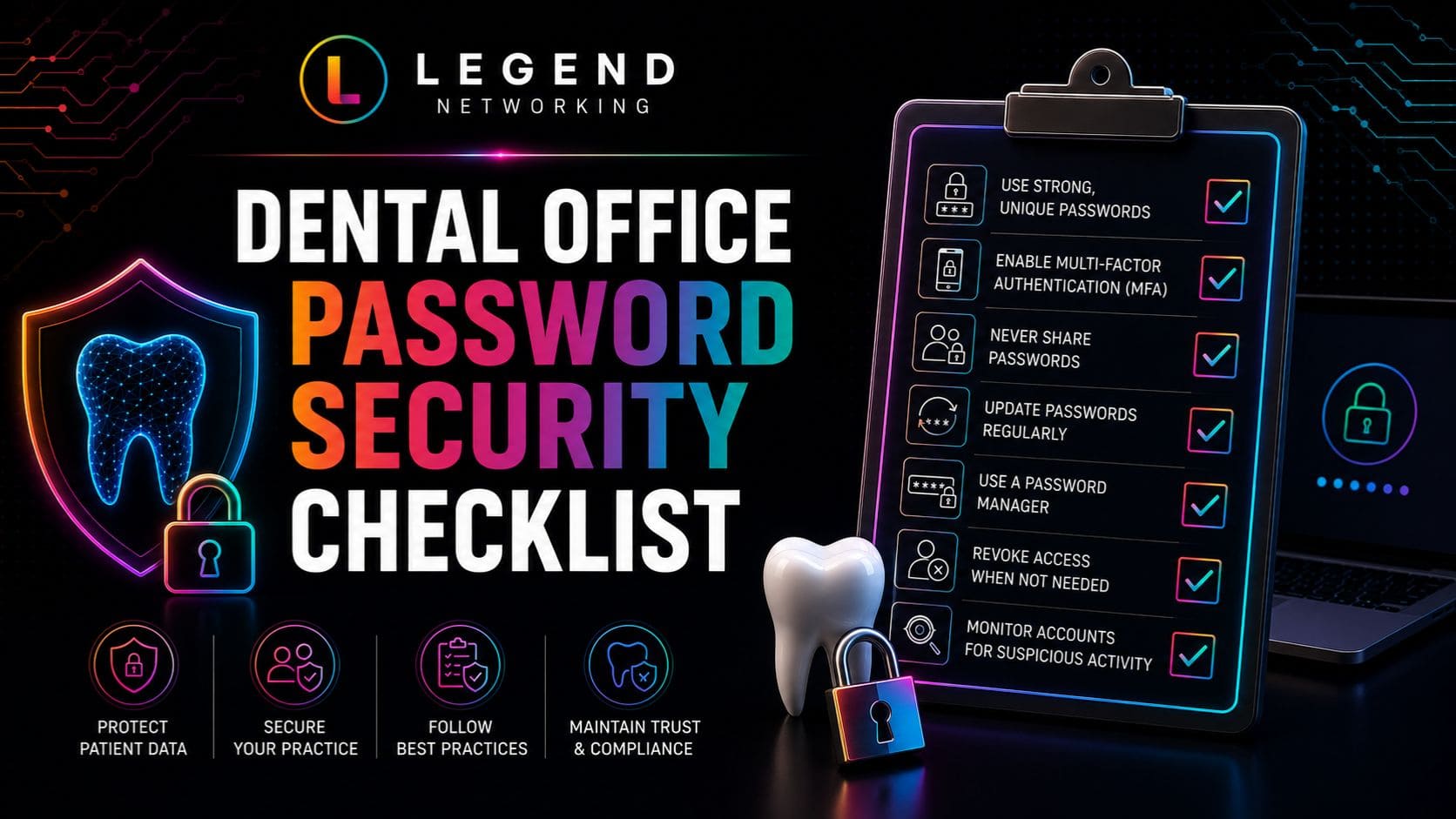
Password Security Checklist
Use this checklist to evaluate your dental practice’s password security.
Password Policy
☐ Password policy documented
☐ Minimum password length enforced
☐ Unique passwords required
☐ Password reuse prohibited
☐ Shared accounts eliminated
☐ Password manager implemented
Multi-Factor Authentication
☐ Microsoft 365 protected
☐ Email accounts protected
☐ Practice management software secured
☐ VPN access secured
☐ Administrator accounts protected
☐ Remote access requires MFA
User Management
☐ Every employee has a unique account
☐ Role-based permissions configured
☐ Inactive accounts removed
☐ Administrator privileges reviewed regularly
☐ Temporary accounts are disabled after use
Employee Awareness
☐ Password security training completed
☐ Phishing awareness training completed
☐ Password manager training provided
☐ Security policies reviewed annually
☐ Employees know how to report suspicious activity
Review this checklist quarterly to ensure password security practices remain effective as your practice grows and technology evolves.
Common Password Management Mistakes
Many cybersecurity incidents result from everyday habits rather than sophisticated attacks.
Avoid these common mistakes:
- Reusing passwords across multiple systems
- Sharing passwords between employees
- Storing passwords on sticky notes
- Saving passwords in unsecured spreadsheets
- Delaying MFA implementation
- Leaving former employee accounts active
- Using predictable passwords based on practice names or birthdays
- Ignoring failed login alerts
- Failing to review user permissions regularly
Addressing these issues can significantly reduce your practice’s overall cybersecurity risk.
Practical Examples
Example 1: Password Reuse
A front desk employee uses the same password for both a personal social media account and the practice’s Microsoft 365 account. After the personal account is compromised in a third-party breach, attackers successfully access the practice’s email system using the same credentials.
Better Approach: Require unique passwords for every account and use a password manager to generate and store them securely.
Example 2: Shared Login Credentials
Multiple employees use the same account to access scheduling software. When unauthorized changes are made to appointments, the practice cannot determine who accessed the system.
Better Approach: Provide every employee with an individual account and enable audit logging to improve accountability.
Example 3: No MFA Enabled
An employee unknowingly enters login credentials into a phishing website. Because MFA is not enabled, attackers immediately access the practice’s cloud applications.
Better Approach: Enable Multi-Factor Authentication for all business-critical systems to reduce the impact of compromised passwords.
Expert Insight
Strong password security is one of the simplest and most cost-effective ways to reduce cyber risk. Dental practices that combine password managers, Multi-Factor Authentication, employee awareness training, and regular access reviews create multiple layers of protection that significantly reduce the likelihood of account compromise.
Conclusion
Strong password management is one of the simplest and most effective ways to improve cybersecurity in a dental practice. By implementing unique passwords, enforcing a clear password policy for healthcare, enabling Multi-Factor Authentication (MFA), using enterprise password managers, and providing ongoing employee security training, dental teams can significantly reduce the risk of unauthorized access, ransomware attacks, and patient data breaches.
Password security is not a one-time task, it requires continuous monitoring, regular policy reviews, and employee awareness. Regular proactive IT maintenance for dental practices helps ensure your security policies, software, and systems remain up to date against evolving cyber threats. As cyber threats continue to evolve, maintaining strong credential management practices will help protect patient information, support HIPAA compliance, and ensure your practice remains resilient against emerging security risks.
Ready to Strengthen Password Security in Your Dental Office?
Protecting patient information starts with securing the accounts your team uses every day. Whether you need help implementing Multi-Factor Authentication (MFA), creating a secure password policy, deploying an enterprise password manager, or improving your overall cybersecurity strategy, Legend Networking is here to help.
Our healthcare IT specialists provide:
- Password Policy Development
- Multi-Factor Authentication (MFA) Implementation
- Password Manager Deployment
- User Access & Identity Management
- HIPAA Risk Assessments
- Managed IT Services
- Cybersecurity Monitoring
- Employee Security Awareness Training
Schedule a consultation with Legend Networking today to strengthen your dental office’s password security, protect patient data, and build a more secure IT environment. If your organization manages multiple clinics, our multi-location dental IT support solutions help standardize security, simplify user access management, and protect every location.
Frequently Asked Questions
Q. Why is password management important for dental offices?
Ans. Strong password management protects patient information, financial records, cloud applications, and practice management systems from unauthorized access. Weak or compromised passwords are one of the most common causes of cybersecurity incidents in healthcare, making password security a critical component of protecting electronic protected health information (ePHI).
Q. What makes a strong password for healthcare organizations?
Ans. A strong password should:
- Be at least 14–16 characters long
- Use a passphrase instead of a single word
- Include a combination of uppercase letters, lowercase letters, numbers, and special characters
- Be unique for every account
- Never contain personal information such as birthdays or practice names
Using a password manager is the best way to generate and securely store complex passwords.
Q. Should every employee have their own login credentials?
Ans. Yes. Every member of your dental team should have unique user credentials. Individual accounts improve accountability, simplify auditing, and reduce the risk associated with shared passwords. Role-based access also ensures employees can only access the systems and data necessary for their responsibilities.
Q. Is Multi-Factor Authentication (MFA) really necessary?
Ans. Absolutely. Multi-Factor Authentication (MFA) adds a second verification step beyond a password, making it much more difficult for attackers to gain access using stolen credentials. It should be enabled on all business-critical systems, including Microsoft 365, email, cloud applications, VPNs, and practice management software.
Q. How often should passwords be changed??
Ans. Rather than requiring frequent password changes without reason, current cybersecurity guidance from organizations like NIST recommends using strong, unique passwords and changing them immediately if there is evidence of compromise. Regular account monitoring and MFA provide stronger protection than frequent password resets alone.
Q. Are password managers safe for dental practices?
Ans. Yes. Enterprise password managers are considered one of the safest ways to manage credentials. They generate strong passwords, store them in encrypted vaults, and reduce password reuse. Many also integrate with MFA and provide secure credential sharing for authorized staff.
Q. How can Legend Networking improve password security for our dental office?
Ans. Legend Networking helps dental practices strengthen password security by implementing password policies, deploying Multi-Factor Authentication, configuring password managers, managing user access, conducting cybersecurity assessments, and providing ongoing employee security awareness training tailored to healthcare organizations.
Q. What are the most common password mistakes made by dental teams?
Ans. Common mistakes include:
- Reusing passwords across multiple accounts
- Sharing passwords with coworkers
- Using weak or predictable passwords
- Storing passwords on sticky notes
- Saving passwords in unsecured spreadsheets
- Failing to enable MFA
- Leaving inactive employee accounts active
Addressing these issues significantly improves your practice’s overall cybersecurity.
Q. How does password management support HIPAA compliance?
Ans. Strong password management supports the HIPAA Security Rule by helping prevent unauthorized access to electronic protected health information (ePHI). Combined with role-based access controls, MFA, employee training, and audit logging, password security is a key component of protecting patient data.
Q. Where can I learn more about cybersecurity for dental practices?
Ans. Explore our related resources to strengthen your cybersecurity program:
- Complete Guide to Dental Practice Cybersecurity
- Ransomware Recovery for Dental Offices
- HIPAA-Compliant Dental IT
- HIPAA Compliance Checklist for Dental Practices
- How to Prepare Your Dental Practice for a HIPAA Audit
These guides provide practical strategies for improving password security, protecting patient data, and maintaining HIPAA compliance.




 Based in USA

