

Ransomware
A compromised workstation can spread to imaging, shared files and the practice server. Recovery depends on protected copies outside the affected environment.
Services
When technology fails, your schedule shouldn't.
Monitored backups, protected recovery points and a clear recovery plan for dental practices across DFW.
Dental practices depend on connected databases, images, servers and workstations. A backup strategy must protect the right data, alert someone when a job fails and provide a realistic path back to production.
Legend Networking has supported dental environments since 2004. We help DFW practices identify what must be protected, reduce single points of failure and prepare for recovery before downtime becomes a crisis.
Disaster recovery is business continuity for the systems behind scheduling, treatment, imaging and revenue.
A compromised workstation can spread to imaging, shared files and the practice server. Recovery depends on protected copies outside the affected environment.
A failed drive, controller or operating system can stop scheduling, charting, imaging and billing in the middle of the day.
Deleted patient files and overwritten databases require versioned backups—not a single copy that changes every night.
North Texas weather, power loss and equipment damage can interrupt access to the systems your team needs to treat patients.
No single device is a recovery strategy. Legend combines monitoring, protected copies, verification and an organized response around your dental environment.
Review My Current BackupBackup jobs are monitored so failures are found before an emergency.
Encrypted local and offsite copies reduce dependence on one device or location.
Recovery points are reviewed and restoration procedures are documented.
A practical response plan identifies what comes back first and who coordinates each vendor.
“As soon as possible” is not a recovery specification. Every critical system needs an objective based on the impact of downtime and the amount of data the practice can afford to lose.
The maximum acceptable time that Dentrix, Open Dental, Eaglesoft, imaging or another critical system can remain unavailable after an incident.
THE QUESTIONHow long can the practice operate without this system?
The maximum amount of recent scheduling, charting, billing or imaging data the practice can afford to lose when systems are restored.
THE QUESTIONHow far back can the practice safely recover?
Recovery targets depend on data volume, software architecture, backup integrity, available hardware and budget. Legend evaluates the environment before recommending realistic objectives.
Define My Recovery ObjectivesBackup protects data. Disaster recovery brings the connected clinical environment back into operation.
The plan should reflect clinical operations, not just a list of files.
Patient schedules, charts, billing and the databases behind Dentrix, Open Dental, Eaglesoft and other platforms.
Dental images, scans and the storage systems connected to operatories and imaging workstations.
Servers, network services, identity, permissions and the configurations required for systems to communicate.
Shared documents and other critical resources needed to communicate, collect and keep the office moving.
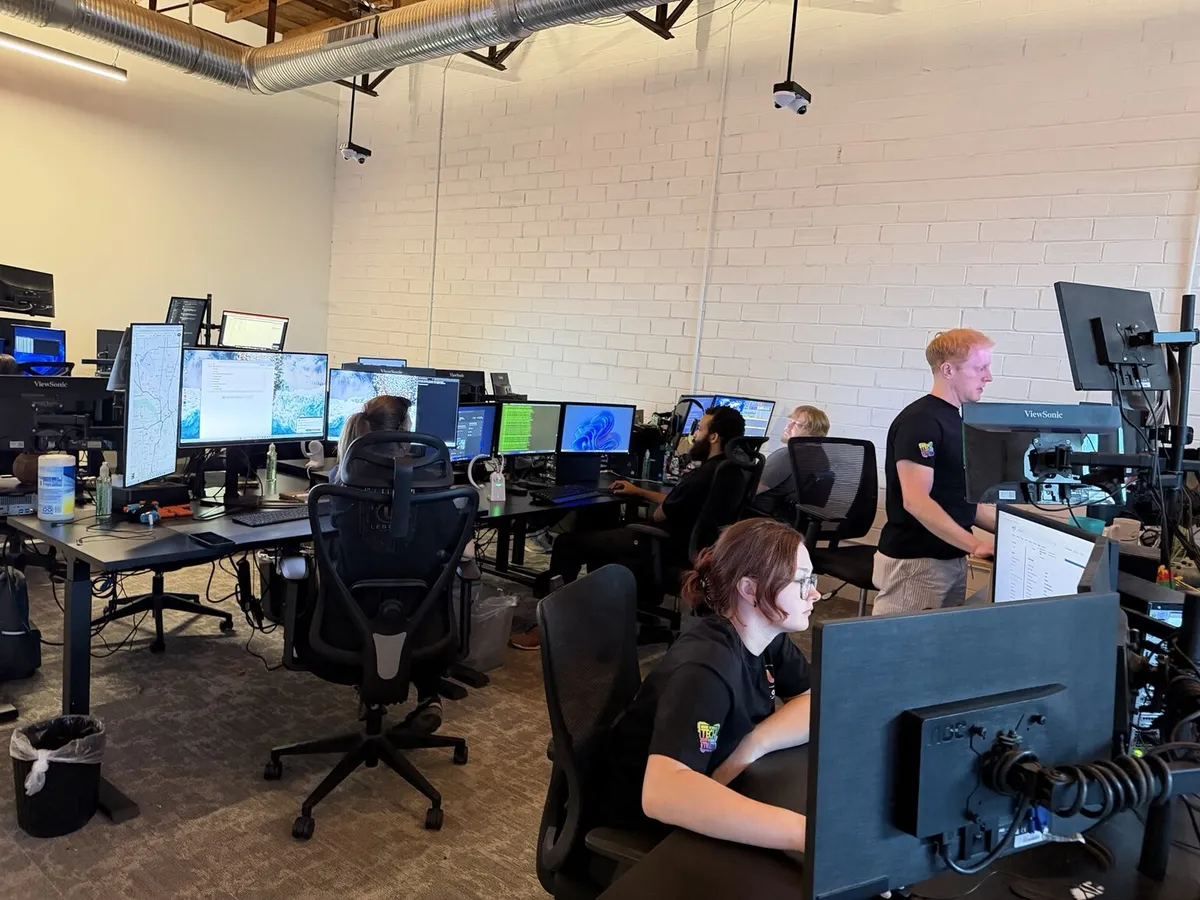
Backup alerts cannot sit unnoticed. Legend's centralized team monitors environments, coordinates escalations and supports recovery across DFW.
Monitoring identifies failed jobs, unavailable devices and capacity concerns before the practice needs the backup. When an incident occurs, the response is coordinated around the clinical systems that must return first.
Inventory servers, databases, imaging storage, existing backup tools and critical workflows.
Review coverage, job history, retention, offsite protection and likely recovery gaps.
Define recovery priorities and a practical protection strategy for the practice.
Track backup health, address failures and keep the plan aligned as systems change.
Legend can coordinate Veeam-managed backup workflows, a local NAS backup appliance and encrypted offsite Dental Vault storage as part of a layered strategy. The final design depends on the practice’s software, imaging volume, server environment and recovery objectives.
Legend understands the relationship between practice-management databases, imaging storage, servers, networks and workstations. That context matters when the goal is not simply restoring files—it is reopening the schedule.
At minimum, the practice should protect its practice-management database, dental images, important shared files, server configuration and other data required to resume operations. The exact scope depends on the software and imaging environment.
Not necessarily. File synchronization can copy deletions or encrypted files to the cloud. A recovery strategy should include isolated, versioned copies, monitoring and a documented restoration process.
Backup jobs should be monitored continuously and restoration procedures should be tested on a defined schedule. The right frequency depends on the practice’s systems, risk tolerance and recovery objectives.
Yes. Legend can assess the existing backup, confirm what data is covered, identify failed jobs or missing protections and recommend a recovery plan for the practice.
Backups support the availability and protection of electronic patient information, but they are only one part of a broader HIPAA security and risk-management program.
Yes. Legend can standardize backup monitoring, retention, escalation and recovery planning across individual practices, growing groups and DSOs.
Yes. Legend combines remote monitoring and recovery coordination with scheduled onsite support across Dallas, Fort Worth and surrounding Metroplex communities.
Recovery Time Objective, or RTO, is the maximum acceptable time a system can remain unavailable. Recovery Point Objective, or RPO, is the maximum amount of recent data the practice can afford to lose. Legend helps establish realistic objectives for practice-management, imaging and other critical systems.
Let Legend review your current backup environment and identify the questions your recovery plan must answer.
800-794-1588