

In this guide
- Backup, disaster recovery and business continuity are not the same thing
- What needs to be backed up
- Why dental practices lose data
- The 3-2-1 rule, applied to a dental office
- Local, cloud and hybrid
- Setting RTO and RPO before choosing tools
- Restore testing: the part that gets skipped
- Building the disaster recovery plan
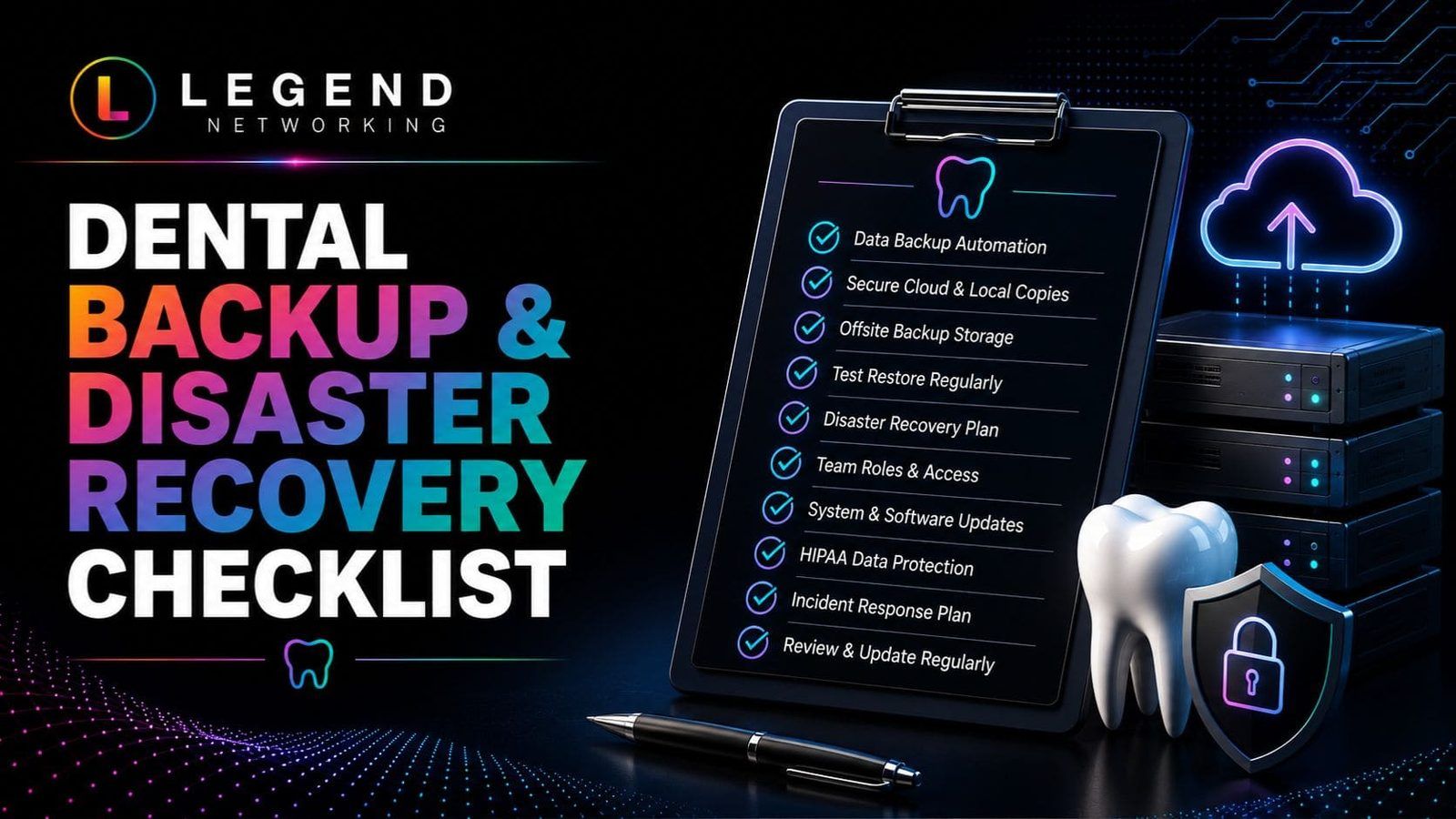
- Readiness checklist
- Who runs this day to day
- Frequently asked questions
Backup, disaster recovery and business continuity are not the same thing
These three terms get used interchangeably, and that is where most gaps start.
| Term | What it covers | What it does not cover |
|---|---|---|
| Backup | Copies of data, where they live, how often they are made, whether they are encrypted | Getting systems running again |
| Disaster recovery | Restoring systems and data in a defined order, within defined targets, by named people | Running the practice while systems are down |
| Business continuity | How the office keeps seeing patients during the outage — paper workflow, phones, communication | The technical restore itself |
A practice can have flawless backups and still lose a week, because nobody documented what gets restored first or who calls the imaging vendor. Treat the three as separate deliverables with separate owners.
What needs to be backed up
A dental environment is rarely one system. A backup scope that only covers the server misses a lot.
- Practice management database and its application configuration
- Digital X-rays, CBCT volumes and clinical photography
- Electronic health records and clinical notes
- Scheduling, billing and insurance claim data
- Microsoft 365 mail, files and Teams content
- Data held in cloud applications by third-party vendors
- Workstation-level documents and scanned forms
- Server images, network configuration and licensing details
Cloud applications deserve particular attention. A vendor hosting your data is not the same as a vendor backing it up on your behalf and letting you restore a point-in-time copy. Ask each vendor, in writing, what they retain and how a restore is requested.
Why dental practices lose data
Ransomware gets the headlines, but the causes are broader.
Ransomware and other malware. Attackers encrypt files and target connected backup devices in the same operation, which is why an isolated or immutable copy matters. Reducing the chance of reaching that point is a security problem rather than a backup problem — see the dental cybersecurity guide and our dental cybersecurity services for the controls that sit in front of a backup.
Hardware failure. Servers, drives, NAS units and power supplies fail, sometimes without a warning sign in monitoring.
Human error. Deleted folders, an overwritten file, an update applied to the wrong system, or a misconfigured backup job that has been silently failing.
Software and database corruption. A failed upgrade or a corrupted practice management database can make records unreadable with no attacker involved.
Site-level events. Fire, flooding, prolonged power loss or theft take out everything in the building, including the backup appliance in the closet.
The 3-2-1 rule, applied to a dental office
The 3-2-1 backup rule is still the clearest starting framework.
Three copies. The live data plus two backups, so one failing copy is not the end of the plan.
Two different media or platforms. A local appliance plus cloud storage, rather than two volumes on the same box. Correlated failure is the risk you are designing around.
One copy off-site. Cloud storage or a second location, so a fire or flood at the practice does not take the backups with it.
Many practices extend this with an immutable copy — storage that cannot be altered or deleted for a set retention window. That is the copy that survives an attacker who has administrative credentials.
Local, cloud and hybrid
| Approach | Strength | Trade-off |
|---|---|---|
| Local backup | Fastest restore for large imaging data | Exposed to fire, theft and ransomware if it stays connected |
| Cloud backup | Off-site by default, geographically separate, less hardware to maintain | Restore speed is bounded by your internet connection |
| Hybrid | Local copy for speed, cloud copy for survivability | Two systems to monitor rather than one |
| Immutable / offline | Resistant to deletion and encryption | Retention windows and handling need to be managed deliberately |
For most practices, hybrid is the practical answer: restore small mistakes quickly from local storage, and rely on the cloud copy for the site-level event. Cloud backup is a component of the strategy, not a replacement for the whole of it. Who monitors the backup jobs and runs the restore tests is usually set out in the practice's dental office IT support agreement.
Setting RTO and RPO before choosing tools
Two numbers drive nearly every design decision.
| Metric | Question it answers | What it changes |
|---|---|---|
| Recovery Time Objective (RTO) | How long can the practice operate without this system? | Restore method, local vs cloud, standby hardware |
| Recovery Point Objective (RPO) | How much recent work can we afford to re-enter? | Backup frequency and snapshot intervals |
Set them per system rather than for the practice as a whole. The practice management database and imaging usually carry the tightest targets, because chairs stop without them. Staff file shares and archived documents can usually tolerate more. Agree these targets with the clinical team, write them into the recovery plan, and use them to judge whether the current backup schedule is adequate — not the other way round.
Restore testing: the part that gets skipped
An untested backup is an assumption. Testing turns it into evidence.
Restore individual items. Pull back a file, a mailbox item and a specific image study. Confirm they open in the application they came from, not just that a file appeared.
Restore the database. A practice management backup is only proven when the restored database mounts and the application connects to it.
Run a tabletop or full exercise. Walk the recovery plan with the team: who declares the incident, who calls the IT provider, who calls the imaging vendor, how patients are contacted, what the front desk does on paper.
Monitor daily. Confirm jobs completed, review failures, watch capacity, and treat a failed-job alert as a same-day item. Backup failures that nobody reads are the most common reason a restore is not available when it is needed.
Record the date, what was restored and how long it took. That log is the evidence a recovery plan is real, and it provides useful evidence for internal reviews, audits, and insurer questions.
Building the disaster recovery plan
A usable plan is short and specific. It should cover:
Restoration order. Network and identity first, then the practice management database, then imaging, then scheduling, billing, email and everything else. Write the sequence down before you need it.
Named roles. Who declares an incident, who authorises downtime, who speaks to patients, who coordinates vendors. Include the after-hours route to each person.
Vendor contacts. Practice management, imaging, internet, phones, cyber insurance and your IT provider, with account numbers attached.
Procedures. How each restore is performed, how a restore is validated before the team goes back to work, and how the practice records what happened.
Continuity workflow. What the office does clinically while systems are down: paper charting, a plan for phones, and how the day's records are reconciled afterwards.
If an incident has already happened, the sequence is different from planning — start with the dental ransomware recovery playbook for the post-incident steps.
Readiness checklist
Backups
☐ Automated daily backups enabled across every in-scope system
☐ Backups encrypted in transit and at rest
☐ Cloud or other off-site copy in place
☐ Local copy available for fast restores
☐ Immutable or offline copy maintained
☐ Microsoft 365 and cloud applications explicitly included
Monitoring
☐ Backup reports reviewed daily
☐ Failures investigated and closed out
☐ Storage capacity tracked
☐ Backup logs retained
Recovery plan
☐ RTO and RPO documented per system
☐ Restoration order defined
☐ Roles and after-hours contacts named
☐ Vendor contact list current
☐ Downtime workflow written for the clinical team
Testing
☐ Item-level restores tested on a regular cadence
☐ Database restore proven, not assumed
☐ Recovery exercise run and reviewed
☐ Test results and timings logged
Review the list on a set schedule, and again whenever software, servers or vendors change.
Who runs this day to day
Backup and recovery is a maintenance job, not a project. Someone has to read the alerts, run the tests, keep the plan current and re-scope after every equipment change. Practices generally either assign that clearly to an internal owner with time for it, or fold it into a managed agreement — the trade-offs are covered in the guide to managed IT services for dental practices.
If you would rather it be someone else's standing responsibility, our dental backup and disaster recovery services cover encrypted local and off-site copies, monitoring, restore testing and recovery planning as an ongoing programme rather than a one-time install.
Frequently asked questions
What is dental data backup and recovery?
It is the combination of two things: keeping encrypted, verified copies of practice data — practice management records, imaging, email, financial and cloud application data — and being able to restore those copies into working systems within a defined timeframe. Backup is the copy; recovery is the process that puts it back.
What is the best backup strategy for a dental office?
Start with the 3-2-1 rule: three copies of the data, on two different types of storage, with one copy off-site. Add an immutable or offline copy so that backups cannot be encrypted or deleted along with production data, and confirm every system is in scope, including Microsoft 365 and vendor-hosted applications.
Is cloud backup enough on its own?
Cloud backup covers the off-site requirement well and protects against fire, theft and flooding. On its own it can be slow to restore large imaging data, because restore speed is limited by your internet connection. Most practices pair a cloud copy with a local one so routine restores are fast and site-level events are still covered.
How often should dental data be backed up?
Backup frequency should follow the RPO you set. Daily automated backups are a common baseline; practices that cannot afford to re-enter a day of charting and billing schedule more frequent snapshots for the practice management database and imaging.
How often should backups be tested?
Monitor jobs daily, run item-level restore tests on a regular cadence, and run a broader recovery exercise periodically with the whole team. Log each test with the date, what was restored and how long it took, so the plan is backed by evidence rather than assumption.
What is the difference between disaster recovery and business continuity?
Disaster recovery is the technical restoration of systems and data in a defined order. Business continuity is how the practice keeps treating patients while that restoration is under way — paper workflow, phone coverage and patient communication. A complete plan documents both.
Does having backups take care of a practice's HIPAA compliance?
No. Backup and recovery support several of the HIPAA Security Rule's requirements around availability and contingency planning, but compliance also depends on risk analysis, access controls, documented policies, workforce training and evidence that all of it is maintained. Treat backup as one required piece of a wider programme.