
Dental IT support in Washington, DC
A new practice opening in a downtown medical building, a second office in Bethesda or Arlington, or a sensor that stops sending images to the chart can stall the whole schedule. Legend supports Washington-area dental practices with managed IT, cybersecurity, backups, dental software and imaging support and startup planning, and works with your software and equipment vendors so your team makes one call.
- 22+Years in Dental IT
- 3,500+Practices
- 24/7Monitoring
- Greater WashingtonRemote + scheduled onsite
What dental practices are saying.
Real feedback from the dental teams we support, paired with the practices behind the reviews.
Read all verified testimonials- ★★★★★Google review
“When we have an issue, we send an email or call, and the problem gets handled very promptly and in a very professional manner.”
My DFW DentistIrving, Texas
- ★★★★★Google review
“Blake and Joel did an amazing job installing our digital equipment here at Mecca Dental. They made sure everything was precise and to our liking, and the wire management was great.”
Mecca DentalFrisco, Texas
- ★★★★★Google review
“As a new practice owner, the whole team has been great. Jack, Carter and Gerald have been especially helpful.”
Inspiration DentistryWylie, Texas
- ★★★★★Google review
“I’ve been using this IT service for over 4 years, and they have been incredibly reliable and helpful every single time. What makes this company stand out is that it’s privately owned. The owner personally reaches out and takes the time to ensure everything is handled with care and attention. That level of personal service is rare these days!”
Wylie Children’s DentistryWylie, Texas
- ★★★★★Google review
“This company has my office running so smooth. We had a LOT of bumps along the way. They continually solved all of them. I am baffled how well they can remotely solve problems without sending anyone to be present in the office physically.”
Indian Creek DentalCarrollton, Texas
- ★★★★★Google review
“Ryan R. was awesome! He knows what he is doing and funny, lol. Thank you, Ryan!”
Anderson DentistryColleyville, Texas
One team behind every system your Washington, DC dental practice runs on
An independent office on Capitol Hill, a startup in Rockville and a group adding locations from Silver Spring to Reston each run on different systems. Legend records the systems, owners and work at every address, then supports them under one plan.
Managed IT services
Monitor and maintain the networks, servers and workstations your schedule depends on, track recurring problems to their cause and give your front desk one number for requests and escalations.
Cybersecurity + HIPAA safeguards
MFA, endpoint protection, access controls and network security protect electronic patient information and support your practice’s HIPAA responsibilities alongside its own policies, risk analysis and training.
Backup + recovery
Keep protected copies of charts, images and the practice database, test restores on a schedule and set the order in which systems come back after an outage, a hardware failure or ransomware.
Dental software + imaging
Follow an imaging or software fault across the acquisition workstation, sensor, storage, permissions, network and chart bridge, then resolve it with the publisher or equipment supplier responsible.
Dental startup IT
Plan cabling, internet delivery, network equipment, imaging and workstation positions from the floor plan and equipment list, coordinated with your contractor and building management before opening day.
DSO + multi-location IT
Apply one standard for access, devices, security, backups and vendor escalation across offices in the District, Maryland and Virginia, while recording the software and workflow each office keeps.
Keep software and imaging consistent across your Washington-area offices.
A practice that adds an office in Maryland or Northern Virginia often inherits a different practice-management version, sensor or imaging workstation with it. Legend documents each office’s software versions, acquisition devices, image storage and bridges before anything is standardized, so a change at one address does not break the path from sensor to patient chart at another.
Legend supports the IT environment beneath dental software and imaging for Washington, DC practices and coordinates with the software or equipment vendor when an issue crosses that boundary, so your team has one place to call.








Know where support comes from and how physical work is arranged.
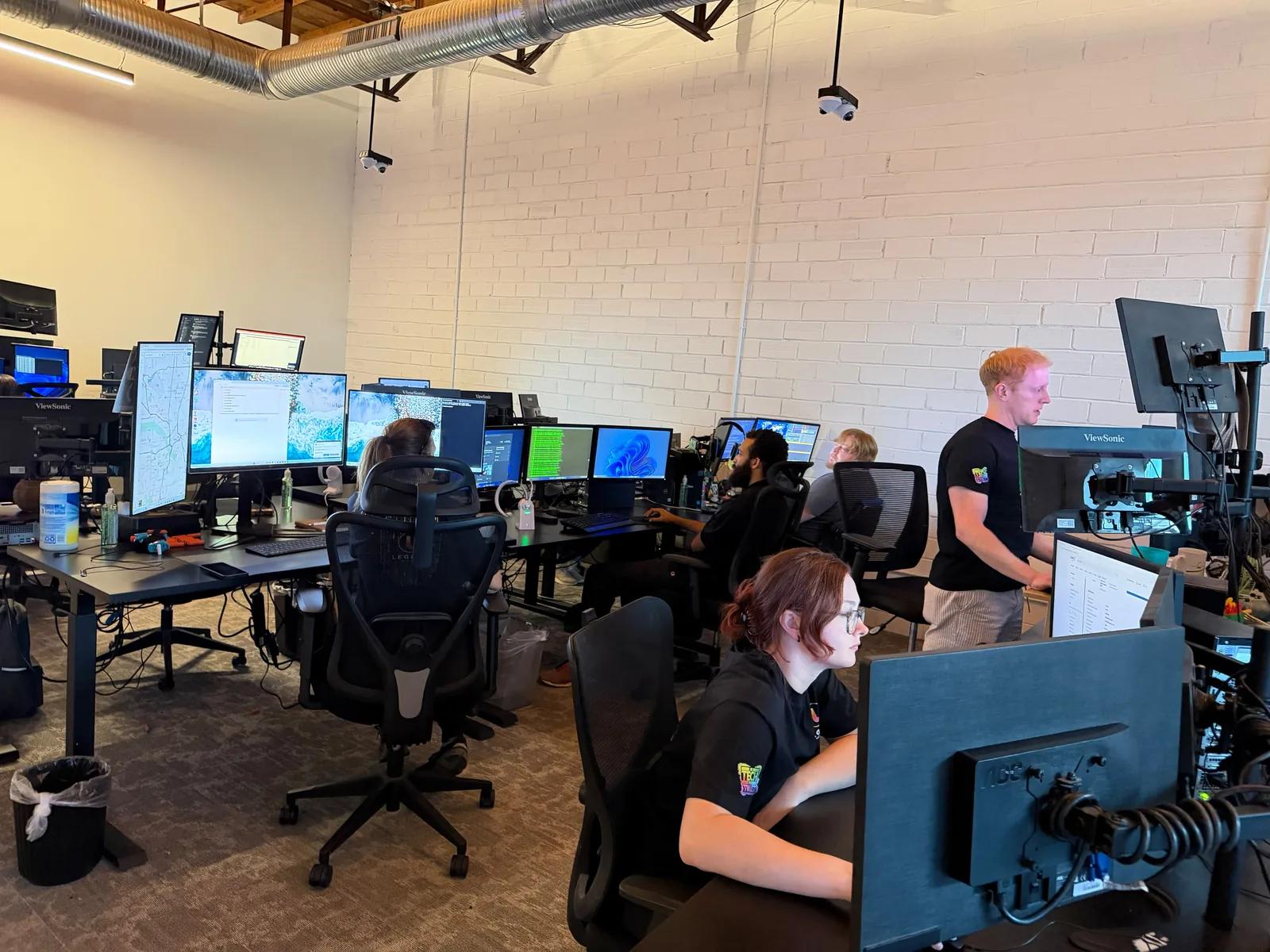
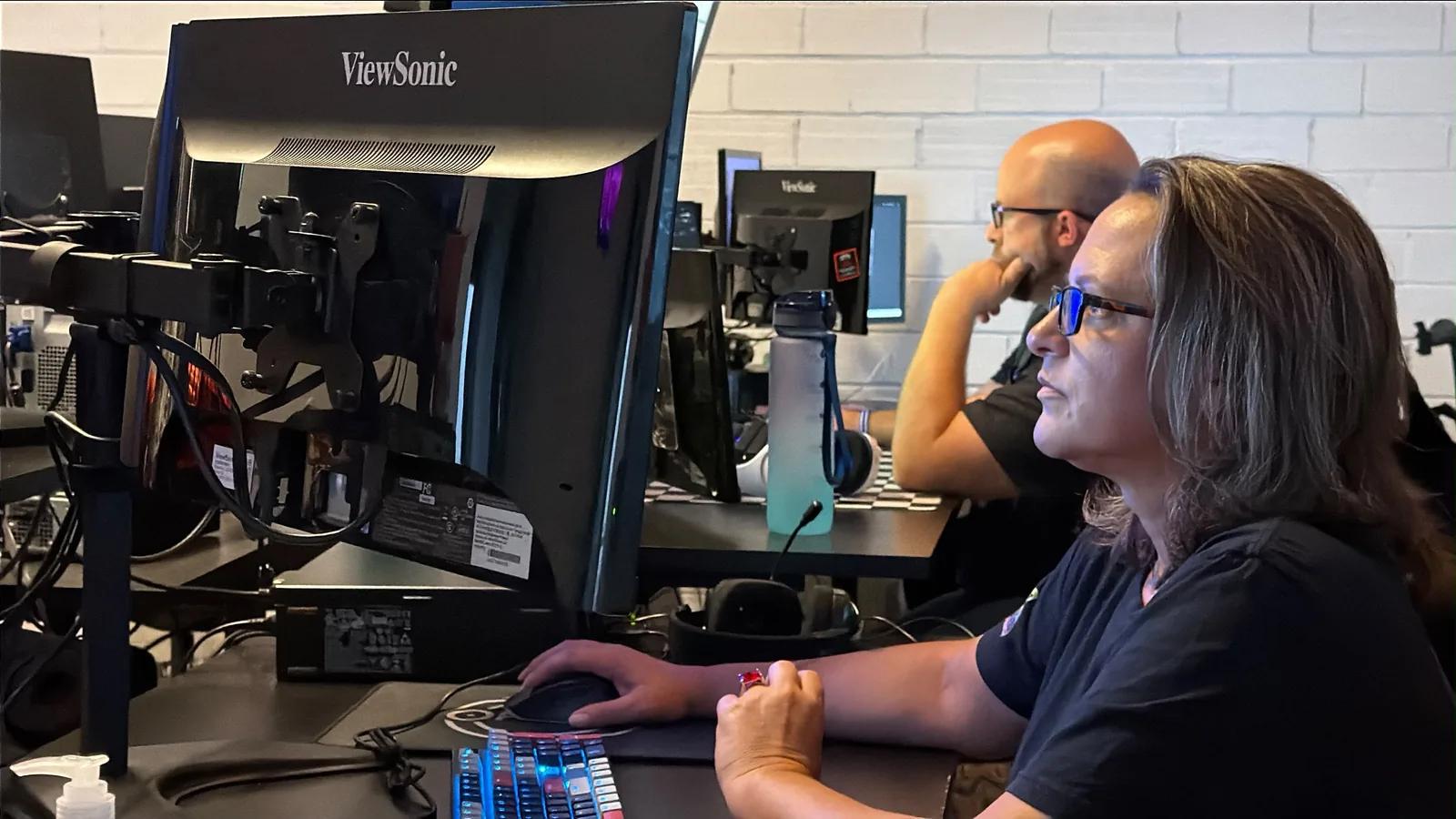
Legend’s support team works from its Dallas headquarters and handles day-to-day requests from Washington-area practices remotely. Cabling, installations and equipment moves in DC, Maryland and Virginia are scheduled onsite by appointment, with the scope agreed in advance and planned around patient hours.
Monitoring is continuous
24/7 monitoring watches supported environments for alerts. The helpdesk is also staffed 24/7 and reached at one general number, 1-800-794-1588.
Remote first. Onsite by appointment.
Many issues are diagnosed and resolved remotely. Work that needs hands on cabling, servers, workstations or imaging equipment is scheduled with your Washington-area office in advance.
Dental since 2004
Dental workflows, practice-management software and imaging are the context for our IT work.
Dental IT supportA real Dallas headquarters
Legend’s in-house engineers work from its Dallas headquarters, with no outsourced first-level triage.
Startup to multi-site
Plan technology for a new office, an established practice or a dental group with several locations.
DSO IT support
Washington · Bethesda · Silver Spring · Arlington · Alexandria · Rockville · Fairfax · Tysons · College Park · Reston
Front-desk systems, operatories, imaging, software, networks, security and backups, with remote support and scheduled onsite work for Washington-area practices in DC, Maryland and Virginia.
Hold every office in the region to one security and recovery standard.
A group with offices in the District, Maryland and Virginia needs the same protection at each address. Legend applies MFA, endpoint protection, access controls, network segmentation and protected backups across every office, keeps the logs an investigation needs and documents who restores which system after an outage or incident.
Organizations in the District of Columbia affected by a qualifying breach may also face state notification duties in addition to HIPAA requirements.
Six technical safeguards we implement
- Multifactor authentication
- Endpoint detection
- Access controls
- Network segmentation
- Protected backups
- Incident-response planning
See the dental practices we've helped in the DC area
 Orthodontic practice opening IT setupAlexandria, Virginia · Sparkle Orthodontics
Celebrating the opening of a new orthodontic practice
Legend’s January 2026 post congratulates Dr. Suzanne Lopez on the grand opening of Sparkle Orthodontics in Alexandria, Virginia, and says Legend was part of the project.
View project→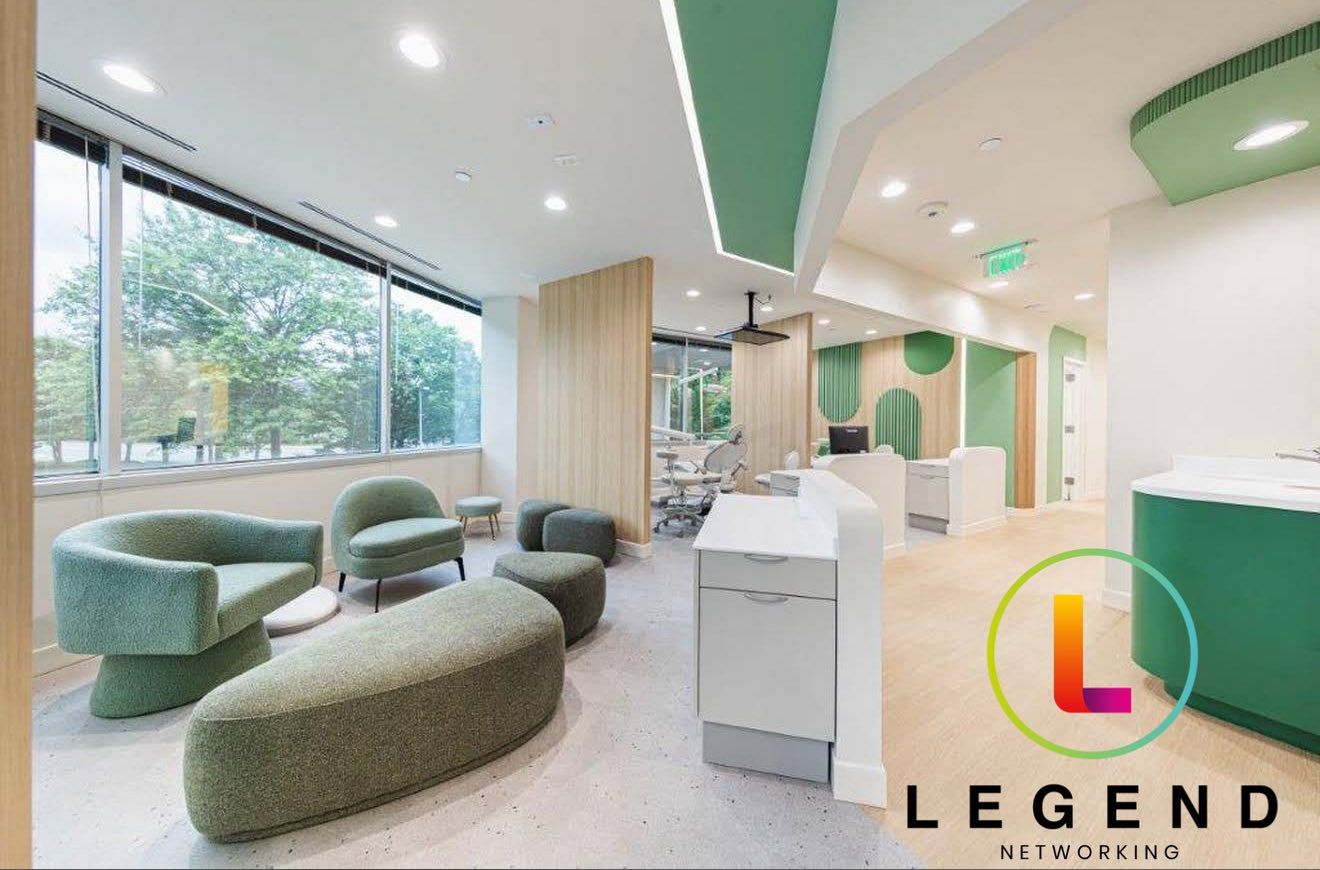 Pediatric dental practice IT setupFairfax, Virginia · Little Chik Pediatric Dentistry
Technology setup for a new pediatric dental practice
Legend provided the IT for Dr. Michelle Chik’s new pediatric practice in Fairfax, Virginia: workstations, displays and networking from front desk to operatory, with ongoing support.
View project→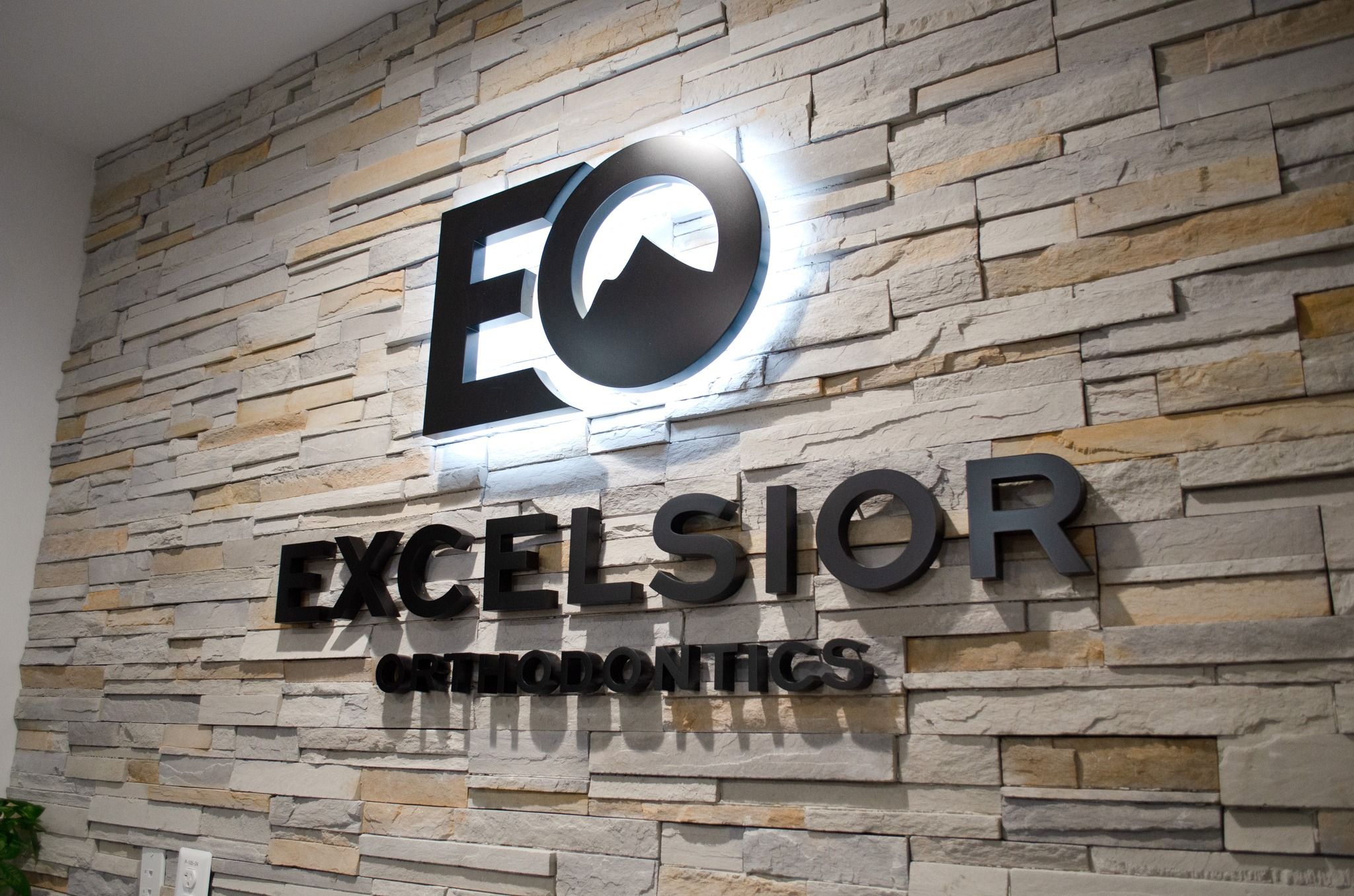 Orthodontic practice IT buildoutPurcellville, Virginia · Excelsior Orthodontics
Full IT install and long-term support for an orthodontic practice
Legend worked with Dr. Minh Nguyen on Excelsior Orthodontics in Purcellville, Virginia, from a phase one buildout through a full IT install, a Macintosh-based setup and long-term support.
View project→Your team should be focused on patients. Let Legend handle the technology.
One dental IT partner to manage the systems behind your practice and coordinate the vendors that support them.
- 01
Tell us what isn’t working
Slow computers, imaging errors, software issues or recurring downtime. We start with what your team experiences.
- 02
Get a clear path forward
Understand what needs attention, what it will accomplish and what to prioritize.
- 03
Let us handle the details
We manage the IT work and coordinate with your software, imaging and equipment vendors.
- 04
Know who to call
Your team has a familiar support partner who understands your practice and its technology.
Answers before the assessment.
Direct answers for Washington-area practices on support, software, security, startups and what to prepare before changing your technology.
Do you provide dental IT support in Washington, DC?
Yes. Legend supports dental practices in Washington, Bethesda, Silver Spring, Arlington, Alexandria, Rockville, Fairfax, Tysons, College Park and Reston with managed IT, cybersecurity and HIPAA technical safeguards, backups, dental software and imaging support, startup planning and multi-location coordination. Day-to-day requests go to Legend’s Dallas help desk and are handled remotely, and onsite work is scheduled by appointment.
How is onsite dental IT support in Washington, DC arranged for offices in Maryland and Virginia?
By appointment. Legend’s Dallas help desk diagnoses and resolves many issues remotely, and work that needs hands on cabling, network equipment, servers, workstations or imaging devices is scheduled ahead with an agreed scope. Visits to offices in the District, Montgomery County or Northern Virginia are planned around patient hours so operatories stay in use.
What do managed IT services in Washington, DC cover for a dental practice?
Monitoring, maintenance and support for the networks, servers and workstations behind your schedule, plus security and backup oversight, documentation of recurring problems and one route for help-desk requests and vendor escalations. Legend shapes the plan around the software, imaging and operatories your Washington team uses; hardware, major cabling projects and software licensing are quoted separately.
What should we prepare for an assessment of dental IT services in Washington, DC?
Bring user and device counts for each office, your practice-management and imaging software, the problems your team reports most, your current IT agreement, backup reports and any network diagrams, plus opening, relocation or acquisition dates. Legend reviews networks, systems, backups and security exposure and gives your practice a prioritized list of what to fix first. That review is the Free Dental IT Assessment.
Do cloud-based dental IT solutions in Washington, DC still need local IT support?
Yes. Cloud practice-management software still depends on your internet connection, firewall, workstations, imaging devices and user accounts, and a slow or failed network stops the front desk as surely as a failed server. Legend supports that local environment for Washington-area practices and works with the software vendor when the fault sits inside the application.
Who fixes Dentrix, Eaglesoft or Open Dental problems for a Washington, DC office?
Legend starts with what the software depends on: connectivity, permissions, workstations, server and database health and the imaging bridge. When the fault is inside the application itself, Legend works it through with the software publisher, so your Washington front desk reports the problem once instead of relaying messages between vendors.
Does Legend offer dental software and imaging support in Washington, DC?
Yes. Legend supports the IT behind sensors, intraoral scanners, panoramic and CBCT units, including DEXIS, Vatech, Carestream, Planmeca/Romexis and Dolphin, and the bridge that attaches each image to the patient chart. When an image will not appear, note the operatory, workstation and error message; Legend traces the path from there and brings in the manufacturer when the device itself is at fault.
Can Legend deliver dental startup IT services in Washington, DC?
Yes. Legend has served over 3,500 practices since 2004, startups among them, and plans the technology while the floor plan can still change: cabling, equipment positions, internet delivery, network equipment, workstations, imaging, phones and software, with readiness checks before the first patient. Near Washington, Legend supported the February 2026 startup launch of Smile Craft Orthodontics in Jessup, Maryland.
Can Legend support a Washington, DC dental group with offices in Maryland and Virginia?
Yes. For DSOs and groups spread across the District, Maryland and Virginia, Legend sets one standard for devices, access, security, backups and escalation and records the software and workflow differences each office keeps. A newly acquired office is inventoried first, so a Bethesda location and a Tysons location are supported the same way without forcing a platform change on day one.
How does dental cybersecurity in Washington, DC support HIPAA?
It puts technical safeguards around electronic patient information: firewalls, endpoint protection, multifactor authentication, access controls, network segmentation, monitoring and protected backups. These support your practice’s HIPAA responsibilities alongside its own policies, risk analysis and staff training. A group with offices in DC, Maryland and Virginia should plan breach notification under each jurisdiction’s rules with its advisers.
What does dental backup and recovery in Washington, DC involve?
A recovery order first. Legend identifies the systems needed for scheduling, chart access, imaging and phones, keeps protected backup copies, tests restores and documents who escalates what. When a building power shutdown, an internet outage or ransomware takes a Washington office offline, your team already knows which systems come back first and how.
Is the dental IT helpdesk in Washington, DC staffed around the clock?
Yes. Monitoring watches supported environments around the clock for alerts, and the helpdesk is also staffed 24/7 at one general number, 1-800-794-1588, so calls outside office hours go to the same staffed helpdesk. Washington practices reach the same Dallas team for both, with onsite visits scheduled separately.
How does a Washington, DC dental office move to a new IT provider?
Documentation comes first. Legend gathers administrative access, vendor accounts, network settings, backups and licensing from the outgoing provider, confirms the backups restore, then moves monitoring, security and help-desk support onto one plan. The previous provider’s access is removed only after everything is verified, and changeover work is scheduled outside your Washington office’s patient hours.
How much does dental IT support cost in Washington, DC?
It depends on practice size, the number of users and devices, locations, infrastructure and the services included. Instead of quoting a generic Washington figure, Legend assesses the environment first and recommends the level of support your practice needs, with hardware, major cabling projects and software licensing quoted separately. The first step is the Free Dental IT Assessment.
Which dental practices near Washington, DC has Legend worked with?
Legend’s published project updates include the February 2026 startup launch of Smile Craft Orthodontics in Jessup, Maryland, Maple Glen Modern Dentistry in Ambler, Pennsylvania, which Legend worked on from early planning through opening, and Calm Family Dental in Middletown, Delaware, shown in June 2024 ahead of opening. Each is documented with photographs on Legend’s Work page.
Who provides IT support for a dental office in Washington, DC?
Legend Networking, a Dallas-based dental IT company that has served over 3,500 dental practices since 2004. Its in-house engineers handle Washington-area requests remotely from the Dallas help desk, with no outsourced first-level triage, and schedule onsite work in the District, Maryland and Virginia by appointment. Start with a Free Dental IT Assessment of your office.
Do you offer dental network support in Washington, DC?
Yes. Legend designs, monitors and supports the firewalls, switches, Wi-Fi, cabling and internet connections Washington dental offices run on, segmented so imaging, front-desk and guest traffic stay apart. In multi-tenant medical buildings Legend coordinates cabling access and internet hand-off with building management, and onsite network work is scheduled by appointment.
Resources for Washington, DC practice technology decisions.
Use these guides to prepare questions about startup dependencies, network design and recovery before your assessment.
What Does Dental IT Support Cover? The Complete Guide for Practices, Startups and DSOs (2026)
Read the article→InfrastructureDental Startup IT: The New Dental Office Technology Guide, From Lease to Day 90
Read the article→InfrastructureDental IT Network Design That Supports Secure, Scalable Practices
Read the article→SecurityDental Data Backup and Recovery: A Practical Guide
Read the article→Get a clearer picture of your practice technology.
Schedule your Free Dental IT Assessment with a dental IT expert for Washington-area practices. Start with the systems you have, the problems you see and the priorities ahead.
- Review networks, systems, backups and security exposure
- Understand recurring support problems
- Identify immediate priorities and longer-term planning needs