Home › Dental IT Support › Open Dental IT Support
Open Dental IT Support for Dental Practices
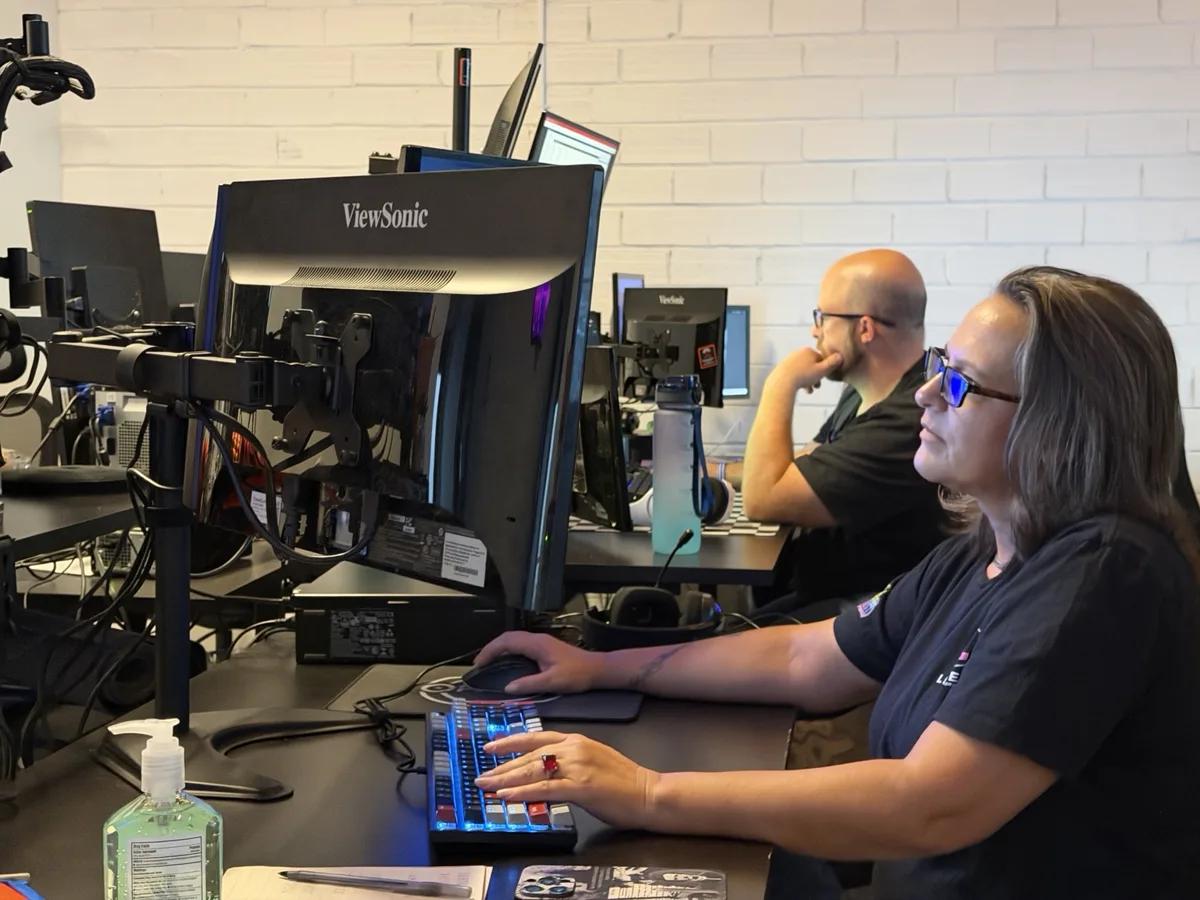
Your team should not have to decide whether an Open Dental problem belongs to the server or cloud environment, a workstation, Windows, the network, an imaging device, an integration, a backup job or the software vendor. Legend Networking supports the IT environment Open Dental depends on — and coordinates the right vendors when the issue crosses systems.
From daily troubleshooting and remote support to new workstations, infrastructure upgrades, backup validation, imaging/device integrations and planned Open Dental migration or conversion, the goal is simple: keep the schedule moving and give your practice one accountable technical path forward.
*Legend Networking is an independent IT services provider. Open Dental® is a registered trademark of its respective owner.
What does a dental IT company support around Open Dental?
We maintain the physical and virtual infrastructure that allows Open Dental to run smoothly without performance bottlenecks. This includes optimizing MySQL/MariaDB database configurations, fine tuning eConnector services, designing fast local network segments for digital imaging transfers, securing workstations for HIPAA compliance, and scheduling encrypted backup logs.
Operational boundary
Legend handles the complete IT ecosystem: hardware, local networks, imaging bridges, eConnector security, backup verification, and workstation setup. Official Open Dental software support remains responsible for licensing, proprietary application defects and vendor-only changes.
When Open Dental becomes an IT problem
Slow Database Queries
Opening patient charts takes several seconds. The culprit is typically MySQL/MariaDB indexing lag or local server drive bottlenecks.
How we helpeConnector Drops
Automated patient reminders or eServices fail intermittently. This usually points to Windows service freezes or local firewall blocks.
How we helpWorkstation Connection
Operatories lose sync with the server database. This indicates failing physical switches, VLAN mismatches, or IP address conflicts.
How we helpImaging Bridge Faults
Clicking the acquisition icon opens blank screens. Typically caused by broken API linkages or local sensor driver conflicts.
How we helpUnprotected Open Backups
Standard backup software cannot copy the open database cleanly, leaving you vulnerable to severe ransomware data loss.
How we helpFailed Local Printing
Treatment plans or prescription labels get stuck in print spools. Points to driver incompatibility with modern Windows 11 clients.
How we helpNot sure whose problem it is? Start with Legend.
Stop playing middleman between software publishers and hardware technicians. We take absolute ownership and resolve Open Dental infrastructure issues directly. Get a Free Open Dental IT Assessment →
Open Dental support vs Open Dental IT support: who should you call?
| Issue Type | Primary Responsibility | Legend IT Service Role |
|---|---|---|
| Software updates & license validation | Open Dental Software Support | Installation dry-run staging & validation |
| Database corruption repairs | Open Dental Software Support | Automated backup restoration & monitoring |
| Server replacement & networking hardware | Legend Networking | Hardware, RAID configurations & compliance |
| Workstation drops & device disconnects | Legend Networking | VLAN partitions & device driver updates |
Support for the full Open Dental environment
Database Optimization
Fine tuning MySQL / MariaDB storage engines for rapid query speeds.
eConnector Stability
Ensuring patient reminder engines operate without local Windows service hangs.
Workstation Tuning
Ensuring DirectX compliant graphic drivers match diagnostic monitors perfectly.
Secure Local Networks
VLAN segmentations isolating clinical data from unsecured guest Wi Fi access.
Imaging Integrations
Supporting API bridges, intraoral sensors, panorex, and CBCT device links.
Recovery Assurance
Staged restores executed regularly in isolated sandboxes to verify data paths.
Ransomware Defenses
Deploying endpoint detection security (EDR) optimized specifically for dental databases.
Predictable Scaling
Step by step technological lifecycle roadmaps that eliminate support bloat.
Planning an Open Dental migration or conversion?
Whether you are setting up a brand new server, refreshing operatory computers, transitioning practice ownership, or transitioning to or from Open Dental, migrations require surgical cut-over timelines. We staging offline verification to guarantee your clinical operations run smoothly.
THE LEGEND 8 STEP MIGRATION TIMELINEDiscover
Audit DB size & MySQL configuration
Protect Data
Lock backup integrity & run dry dry runs
Prepare
Stage prerequisite frameworks & drivers
Coordinate
Confirm schedule with OD & hardware vendors
Cut Over
Freeze database & run rapid file copy
Reconnect
Map eConnector, client paths & printers
Validate
Verify database tables & imaging bridges
Document
Update diagnostic charts & recovery guides
*No blind Friday-night migrations.
COMMON MIGRATION ROADMAPS WE MANAGE DAILYOpen Dental Server Migration
WHY IT HAPPENSYour server is past its 5 year hardware lifecycle or eConnector responses lag due to disk bottleneck constraints.
LEGEND'S ROLEWe pre configure Dell enterprise server arrays, staging safe database updates overnight to eliminate clinical disruption.
Workstation Refresh
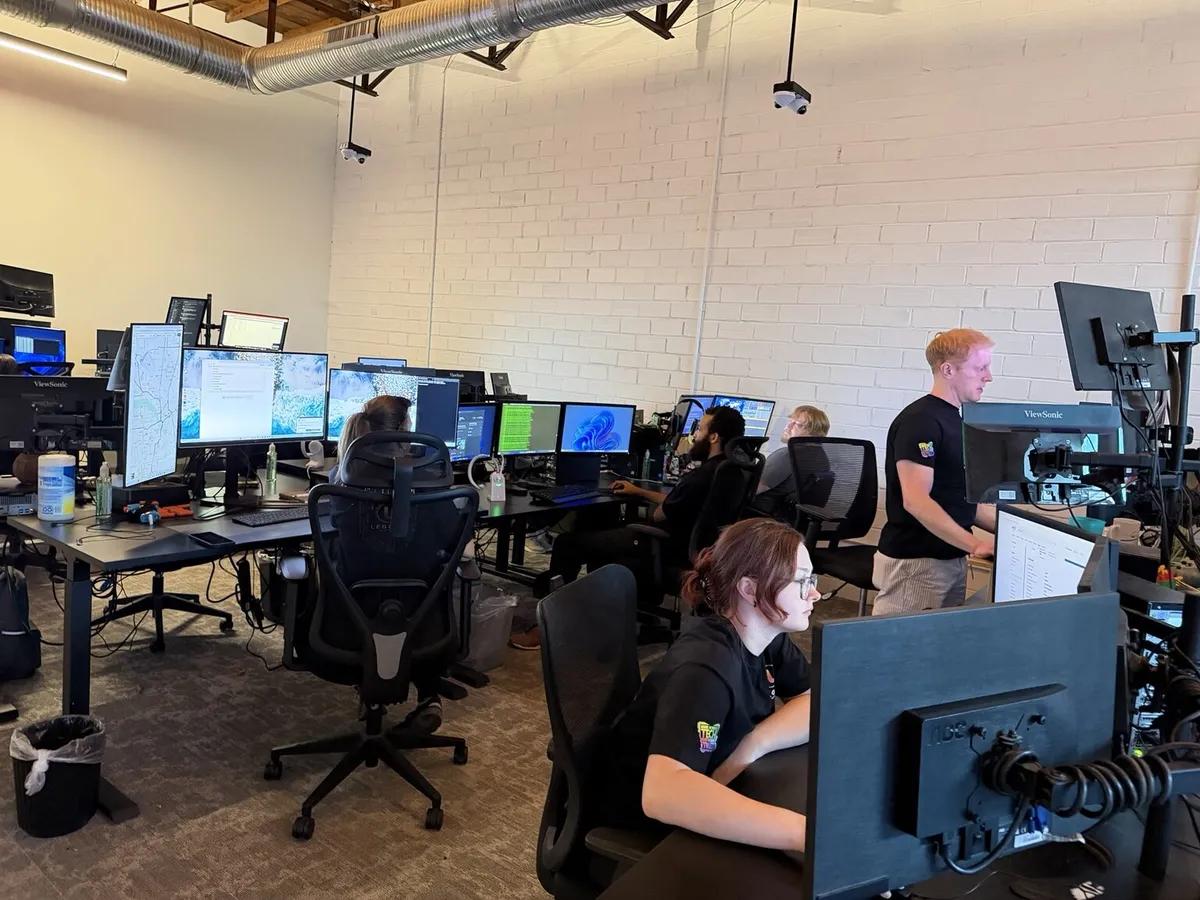
WHY IT HAPPENSUpgrading aging computers to fast, HIPAA-compliant Windows 11 hardware.
LEGEND'S ROLEWe map exact database paths, imaging device drivers, document scanners, and label print parameters onto new clients.
Practice Move / Transition
WHY IT HAPPENSMoving into a new physical location, adding operatories, or transferring data between changing practice owners.
LEGEND'S ROLEWe dismantle, re install, and re certify networks, imaging connections, local domain configurations, and email transition paths.
Platform Conversion
WHY IT HAPPENSTransitioning from a legacy on premise system to Open Dental, or migrating from local hardware to Open Dental Cloud.
LEGEND'S ROLEWe extract legacy SQL tables, run verification trials, establish API endpoints, and design custom ISP redundancy strategies.
Planning an Open Dental server migration, hardware refresh, or office move?
Get absolute technical clarity before the cables are unplugged. Our technical estimators map your migration step by step with 100% fixed fee proposals. Plan Your Open Dental Migration →
Open Dental system requirements and upgrade readiness
| Readiness Check | What Legend Evaluates & Confirms |
|---|---|
| MySQL/MariaDB Performance | Configuring thread cache sizes, innodb_buffer_pool allocation constraints, and SSD storage performance parameters to optimize database execution. |
| eConnector Environment | Confirming proper Windows service permissions, secure SSL wrapper ports, and external webhooks mapping to protect patient communications. |
| DirectX GPU Compatibility | Verifying local workstations utilize dedicated, DirectX 11/12 compliant graphic cards for seamless 3D rendering and panorex imaging. |
Is Open Dental fully optimized for Windows 11?
Yes, but it is highly dependent on your MySQL/MariaDB database configurations and active G7/G8 update paths. Unpatched Windows 11 rollouts can occasionally conflict with legacy database dependencies. Our engineers audit and patch local operating systems before executing updates, guaranteeing zero downtime inside your operatory rooms.
Open Dental imaging, devices and integrations
TYPICAL OPEN DENTAL IMAGING INTERFACE FLOW*One broken dependency inside this sequence immediately halts patient acquisition paths.
Universal Sensor Support
We configure driver paths for Apteryx, Schick, Dexis, Planmeca, and Carestream sensors.
Open API Optimization
Fine tuning REST API bridges and eConnector performance settings for instant responses.
Storage Path Stability
Mapping redundant network folders to protect local imaging databases from corruption.
Device Vendor Liaison
We coordinate directly with imaging and sensor hardware manufacturers to resolve conflicts.
CBCT GPU Acceleration
Enabling multi core hardware optimizations so high volume volumetric scans render instantly.
HIPAA Compliant Audits
Configuring encrypted storage volumes that pass strict HIPAA access audit checks.
Open Dental backup and disaster recovery Four recovery levels
Backup Completed
Local backup engine copies the database cleanly. Open files are managed via precise VSS writer shadow copies.
Backup Protected
Files are instantly encrypted and replicated securely to SOC 2 compliant, dental-only cloud nodes with immutable protection.
Backup Recoverable
Database restore scripts run automatically inside safe virtual sandboxes to prove backups are uncorrupted.
Practice Recoverable
Ransomware action plans are updated. Annual bare-metal restoration drills guarantee uptime within 4 hours.
Related Practice-Continuity Materials: Ransomware Defense Rules Open Dental Cloud Options Review HIPAA Audit Checklists
Troubleshooting Why is Open Dental slow, disconnected or unstable?
| Performance Symptom | Likely Technical Cause | Immediate Diagnostic Step |
|---|---|---|
| One workstation slow | Failing Ethernet cabling behind operatory monitor or corrupt local database cache paths. | Verify local workstation ping latency to server, rebuild local caches, test port speeds. |
| Several workstations slow | Physical network switch bottlenecks, subnet mismatches, or server side thread throttling. | Audit managed switches, check server processes, and verify MySQL memory buffer thresholds. |
| Same time every day lag | Conflict with anti virus schedules, raw shadow copies, or cloud backups running in open hours. | Audit background processes and reschedule backups to secure off peak clinical windows. |
Remote speed first. Onsite when the fix needs hands.
Your dental practice relies on continuous operational availability. Because Open Dental issues frequently stem from server resources, workstation permissions, or imaging bridge settings, our nationwide remote helpdesk resolves over 92% of tickets in under 15 minutes without waiting for a truck roll. When hardware fails or physical expansion is needed, we dispatch verified local dental technicians directly to your operatory.
92% Resolved Remotely
Instant screen share diagnostics target database locks, printer pool congestion, and imaging bridges immediately, avoiding clinical downtime.
Onsite Tactical Dispatch
When hardware breaks, switches blow, or physical sensors fail, local technicians arrive equipped with direct operatory knowledge and pre tested configurations.
Open Dental and Cloud/eConnector create different IT responsibilities.
Choosing between a legacy self hosted database and a cloud practice management system transforms your internal infrastructure needs. Legend supports both, ensuring proper configuration for either path.
| Architecture Role | Classic Open Dental (On Premise) | Open Dental Cloud / Hybrid |
|---|---|---|
| Server / Database | Local server runs MySQL database. Backup & database caches managed locally. | No local server needed. Open Dental hosts cloud data, local failover applies. |
| Local Network Demand | High LAN dependence for database query blocks. Managed gigabit switches required. | High WAN dependence. Strict router QoS and redundant dual ISP backup rules are critical. |
Can Legend support Open Dental Cloud?
Yes, absolutely. Even with cloud database hosting, you depend entirely on your local firewall security, high performance gigabit routing, dual ISP connection failovers, local digital imaging sensor drivers, and print server operations. Legend manages and maintains this entire on premise network.
Protect the environment around Open Dental without promising HIPAA compliance.
Cybersecurity is not a product you install; it is a continuously validated state. Legend configures technical safeguards like active endpoint detection (EDR), secured network segmentation, and locked server environments. We protect you from technical breaches without selling empty compliance certificates.
Technical Safeguards
We deploy strict firewall policies, endpoint encryption, active network event tracking, and locked MySQL database permissions to meet technical requirements.
HIPAA Reality Check
An IT provider cannot make a practice compliant. Your administrative procedures, staff training, and privacy manuals dictate true compliance.
Explore related security services: Managed Firewall Endpoint EDR Encrypted Backups
Open Dental support gets harder when every office is different.
For dental support organizations (DSOs) and multi practice groups, arbitrary IT configurations cause cascading support friction. We standardize your clinics onto an identical technology stack, simplifying upgrades and stabilizing performance.
Standardized Inventory
Every switch, firewall, server, and printer is cataloged and identically configured.
Verified Baselines
We enforce uniform workstation group policies to stop unauthorized configurations.
Centralized Access
Group wide active directories allow staff credentials to roam securely across clinics.
Migration Playbooks
Consistent timelines for new practice acquisitions eliminate server deployment bottlenecks.
One Support Queue
DSO executives gain real time visibility into ticket metrics across all locations.
Unified Roadmaps
Scheduled lifecycle replacements prevent sudden hardware support failures.
Learn more about our dedicated DSO IT Support services
Open Dental expertise matters most when the problem crosses systems.
When Open Dental database lags, generic IT providers point fingers at the software publisher, while software publishers point back at your local network. Legend takes complete, end to end accountability.
Dental IT Since 2004
Two decades focused exclusively on dental practice hardware, server setups, and EDR.
Practices Monitored
Experience managing Open Dental environments across thousands of operatory layouts nationwide.
Accountability
We coordinate directly with imaging, sensor, and software vendors. Zero finger pointing.
*Practice stats and verified Open Dental database telemetry verified directly from Legend internal logs.
Switch IT providers without turning Open Dental into the transition risk.
Fear of database disconnects or operational downtime prevents many practices from leaving subpar IT providers. Our proven 8 step takeover framework executes in the background with absolute transparency and zero disruption.
Silent Inventory & Discovery
We scan and document the network, mapping database endpoints quietly.
Collect Admin Credentials
We handle the reclaiming of MySQL master administrative credentials.
Verify Database Recovery
We run off network test restores of your active Open Dental folders first.
Deploy Legend Monitoring
Our software agents watch server temperatures, disc writes, and database services.
Review Active Security
Identifying and removing outdated administrative access accounts.
Coordinate Allied Vendors
Registering our direct escalation points with DEXIS, Schein, and ISPs.
Remove Old Provider Access
Locking out historical remote connections securely in one click.
Build Dynamic Roadmap
Documenting a multi year technology guide for predictable growth.
Download the Complete Guide to Switching IT Providers Without Downtime
Open Dental IT Support FAQ
Direct answers to technical integration, database deployment, and daily network concerns.
Does Legend replace official Open Dental support?
Can Legend migrate Open Dental to a new server?
Can Legend assist in converting to or from Open Dental?
Does Legend support local eConnector configurations?
Why is Open Dental slow on a single computer?
Why is Open Dental lagging across the entire practice?
Does Open Dental support Windows 11?
What are the local server requirements for Open Dental?
How does Legend handle database backups?
Can Legend support multiple locations?
What happens if Open Dental and an imaging vendor blame each other?
Related Legend Guides
Practical resources designed to help dental practice managers make informed technology infrastructure decisions.
Dental IT Support Cost Guide 2026
Read GuideOpen Dental vs Dentrix: Structural Differences
Read GuideSwitch IT Providers Without Clinical Downtime
Read GuideDental Backup & Disaster Recovery Checklist
Read GuideDental Cyber Insurance Security Requirements
Read GuideDSO IT Support: Enterprise Scaling Rules
Read GuideOpen Dental and related product names are trademarks of their respective owners. Legend Networking provides independent IT infrastructure support and vendor coordination and does not claim manufacturer authorization, certification or affiliation.