

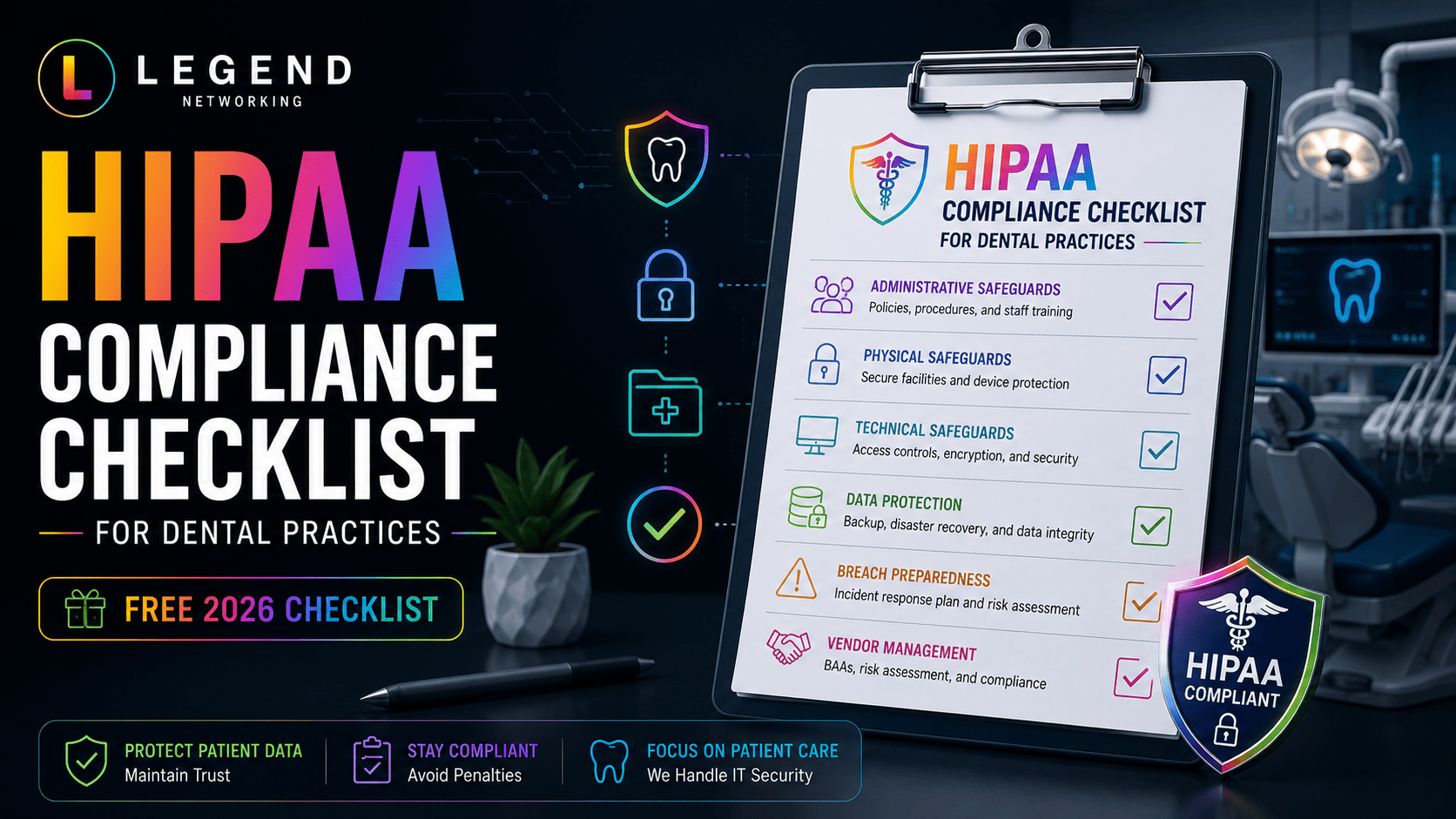
This page is the action list, not the explainer. If you want the background on the Privacy Rule, the Security Rule, safeguard categories, and who owns compliance inside a practice, read the HIPAA-compliant dental IT guide first. Come back here to work through the tasks.
Nothing on this checklist certifies a practice as HIPAA compliant, and neither can a vendor. What it does is give you a defensible, documented picture of what is in place, who owns it, and what proves it.
Quick Answer
Work the checklist in eight blocks — administrative, technical, physical, vendor, training, risk analysis, incident readiness, and documentation. For each line, record three things: an owner (a named person, not "the office"), the evidence that proves it happened, and a status (done, in progress, or gap). Items without an owner drift; items without evidence cannot be shown to anyone reviewing your program.
How to Use This Checklist
Copy the list into a shared document or spreadsheet with four columns:
| Item | Owner | Evidence | Status |
|---|---|---|---|
| Example: workforce HIPAA training on the practice's documented cadence | Practice administrator | Signed attendance log + course completion export | Done — 2026-06-04 |
Rules that keep it honest:
- One named owner per line. Co-ownership means no ownership.
- Evidence must be a file, log, export, or signed record someone else could read — not a memory.
- Anything marked "gap" gets a target date and lands in your remediation list.
- Review the whole sheet on a cadence your practice defines in writing, and after any staff change, software change, location change, or security incident.
1. Administrative Checklist
- Designate a HIPAA Privacy Official in writing.
- Designate a HIPAA Security Official in writing.
- Maintain a current, written set of privacy and security policies and procedures that match how the office actually operates.
- Maintain a workforce sanction policy for privacy and security violations.
- Document a process for granting, modifying, and revoking system access.
- Run periodic access reviews across practice management software, imaging, email, cloud storage, and remote access.
- Remove departing staff from every system on their last day, including shared services and door codes.
- Maintain a Notice of Privacy Practices and a documented process for patient rights requests (access, amendment, restriction, confidential communications).
- Keep an inventory of systems and locations where ePHI is created, received, stored, or transmitted.
- Record the date and outcome of each policy review.
Evidence to keep: signed designation memos, dated policy documents with version history, access review exports, offboarding checklists, the ePHI system inventory.
2. Technical Checklist
- Unique named login for every workforce member; no shared or generic accounts.
- Role-based permissions matched to job function, reviewed periodically.
- Multi-factor authentication on email, remote access, cloud practice management, and administrator accounts.
- Automatic screen lock and session timeout on all workstations.
- Full-disk encryption on workstations, laptops, and any portable media.
- Encryption in transit for email containing PHI, remote sessions, and file transfers to labs and specialists.
- Managed endpoint protection or EDR on every device that touches ePHI.
- Business-grade firewall; guest Wi-Fi separated from clinical systems.
- Audit logging enabled in the practice management system and retained for a defined period.
- A defined patch cycle covering operating systems, practice management and imaging software, firewall, and network firmware.
- Documented backup schedule with copies on separate media and at least one off-site or immutable copy.
- Restore tests performed and recorded, not assumed. See dental backup solutions for the mechanics.
Evidence to keep: user account list with roles, MFA enrollment report, encryption status report, EDR console export, patch reports, backup job history, dated restore-test records, log retention settings.
3. Physical Checklist
- Server, NAS, and network equipment in a locked room or cabinet with controlled key or code access.
- Front-desk and operatory monitors positioned or shielded so patients cannot read them.
- Visitor and after-hours access procedures for areas holding equipment or records.
- Any remaining paper records stored in locked storage, with a shredding process.
- Documented, verifiable disposal or wipe for retired computers, drives, and imaging media.
- An asset inventory that records which devices exist, where they are, and who uses them.
Evidence to keep: asset inventory, key/code holder list, disposal or certificate-of-destruction records, photos or notes from a walkthrough.
4. Vendor and Business Associate Checklist
- Maintain a list of every vendor that creates, receives, stores, or transmits ePHI on your behalf.
- Execute a Business Associate Agreement with each of them before ePHI is shared.
- Store signed BAAs where they can be produced quickly, with renewal or review dates tracked.
- Review vendor remote-access accounts and remove them when an engagement ends.
- Record what each vendor is permitted to access and why.
Evidence to keep: vendor register, signed BAAs with dates, vendor access list, offboarding notes.
5. Training Checklist
- Deliver HIPAA and security awareness training at onboarding, before access is granted where practical.
- Repeat training on a cadence your policy defines, and after significant changes.
- Cover role-specific realities: front desk disclosures, phishing, safe handling of radiographs and referrals, texting and email rules, personal device use.
- Train staff on how to report a suspected incident, with a blame-free path.
- Log attendance, date, topics, and materials for every session.
Evidence to keep: signed attendance logs, training platform completion reports, course outlines, phishing simulation results if you run them.
6. Risk Analysis and Risk Management Checklist
- Conduct a documented risk analysis covering all ePHI systems, not just servers.
- Record identified risks, likelihood, potential impact, and the decision made for each.
- Maintain a risk management plan showing how identified risks are being reduced, with owners and target dates.
- Repeat the analysis when systems, locations, staffing, or workflows change materially, and on a cadence you define in policy.
- Keep prior versions so progress over time is visible.
Evidence to keep: the risk analysis report, the risk register, remediation tickets or project records, dated prior versions.
7. Incident Readiness Checklist
- Written incident response plan naming who is called first, in what order.
- Contact details for IT provider, cyber insurance carrier, and privacy counsel, stored somewhere accessible when the network is down.
- Documented downtime procedures so the practice can keep seeing patients without systems.
- Instructions to preserve evidence rather than wiping or rebuilding immediately.
- A clear statement that breach determinations are made with qualified counsel, not informally.
- An incident log capturing date, discovery, actions taken, and outcome for every event — including small ones.
Evidence to keep: the plan document, offline contact sheet, downtime forms, incident log entries, after-action notes. The ransomware recovery playbook covers the response sequence in detail.
8. Documentation Checklist
- Central, access-controlled location for all compliance documentation.
- Version dates on every policy and plan.
- Retention that satisfies your policy and applicable requirements, with a documented retention period.
- An index so a specific document can be produced without a search through inboxes.
- Evidence organized by safeguard category so it maps to how a review is likely to be structured. The HIPAA audit preparation guide explains how to build that evidence inventory.
Turning Gaps Into a Plan
When you finish a pass, you will have a set of gap lines. Planning guidance, not a legal ranking: a practical first pass is to prioritize gaps by likely exposure and operational impact rather than by effort — items involving credentials, remote access, untested backups, and missing BAAs are common examples. HIPAA does not prescribe a universal remediation order, so document the reasoning behind your own priorities. Common HIPAA violations in dental practices walks through remediation examples for each pattern.
Assign every gap an owner and a date, then re-review. A checklist that never changes state is a document, not a program.
If you want the technical items implemented, monitored, and evidenced for you, our HIPAA compliance service covers the environment side while your practice keeps ownership of the program.
Practices that also handle card payments should review our dental HIPAA and PCI compliance services, which cover both frameworks in one program.
Frequently Asked Questions
What should a dental HIPAA compliance checklist include?
Administrative, technical, physical, vendor, training, risk analysis, incident readiness, and documentation items — each with a named owner, the evidence that proves it, and a current status.
Who should own each item on the checklist?
A single named person. In most practices the Privacy Official owns policy, patient rights, and training items; the Security Official owns technical and incident items, often working with an IT provider; the owner or administrator signs off on the whole sheet.
What counts as evidence for a checklist item?
Something a third party could read: a signed policy with a date, a training attendance log, an access review export, a backup restore-test record, a signed BAA, a patch report, or an incident log entry.
How often should the checklist be reviewed?
On a cadence your practice sets in writing, and additionally after staff changes, new software or locations, or any security incident. HIPAA does not prescribe a single universal interval for every practice.
Does completing this checklist make my practice HIPAA compliant?
No. It gives you a documented view of your program and its gaps. Compliance conclusions and any legal determinations should involve qualified privacy or security counsel.