
Prosthodontic IT Support for Practices and In-House Labs
The network, the CAD and scanner PCs, the connections to your mills, printers and labs, backup and every portal login, looked after for your practice.
- 3,500+Practices served since 2004
- 22+Years in dental IT
- 24/7Monitoring
- 4.8Rating from 173 Google reviews
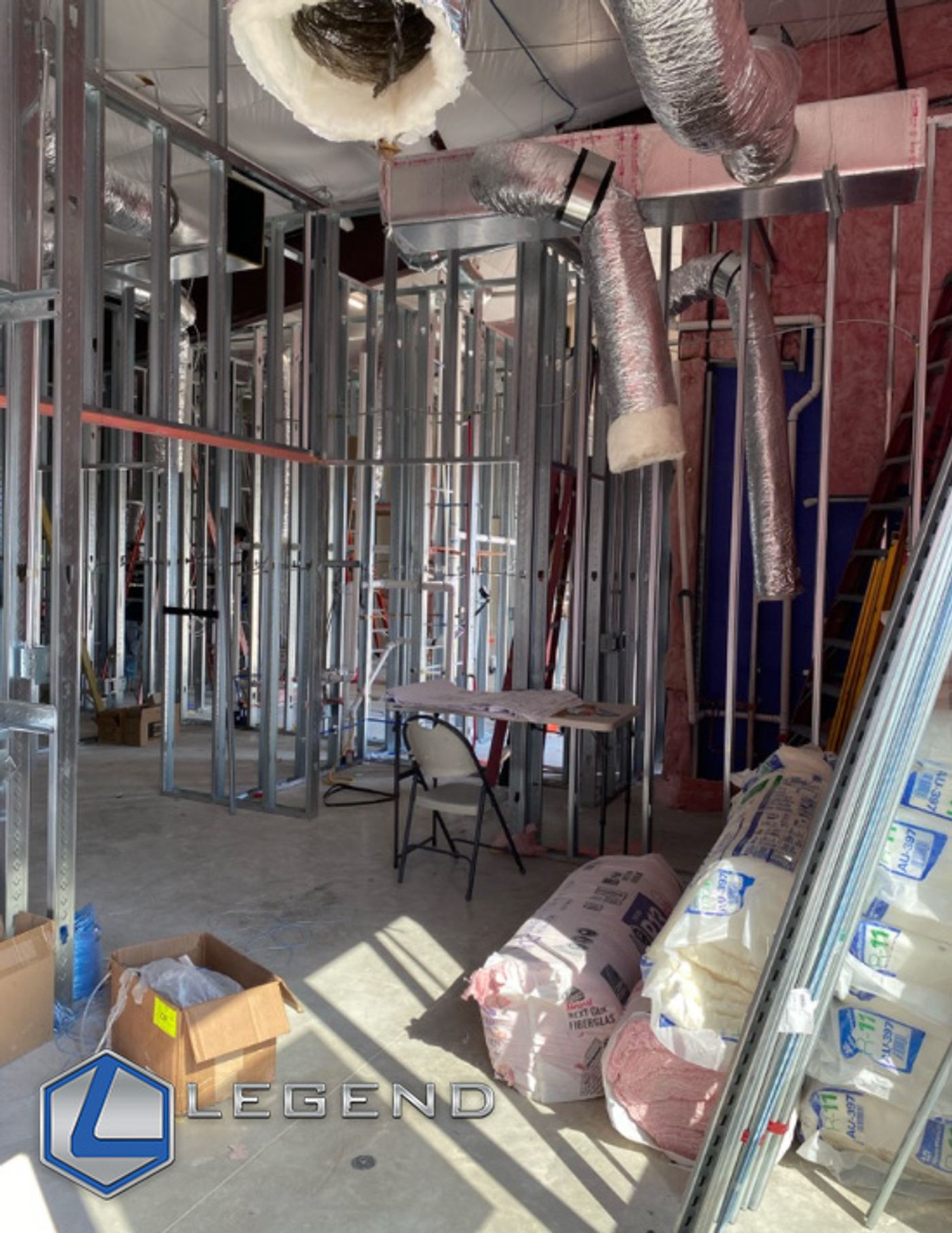
Top Star Prosthodontics · Georgetown, TXFramed walls and ductwork during the buildout
Prosthodontic IT support
Prosthodontic IT support is the care of the technology a restorative specialty practice runs. Much of it is a small digital lab: scanner and CAD design PCs, plus mills and 3D printers on the office network. It also covers the practice software and imaging, the connections to outside labs, security for every login, backup of scan and design files, and a helpdesk with onsite visits when a fix needs hands.
What does your prosthodontic practice need right now?
Opening a prosthodontic office
Bring IT in while the plan is still on paper. That way the scanner and CAD seats, the lab corner and the network closet get their data drops and a place on the network before the walls close. Legend worked with Dr. Amir El Hassan on the opening of Top Star Prosthodontics. New practices are always custom quoted. See how we approach dental startup IT.
Replacing your current IT company
Start with a Free Dental IT Assessment: written findings and prioritized recommendations on your computers, software, network security, backups and performance. Then plan the handover around the cases in progress. List the admin and portal logins, the scanner and CAD PCs, the licence details and where scan files are backed up before anything changes. Read how to switch dental IT providers without downtime.
Adding a mill, printer, scanner or in-house lab
Each new device brings its own PC, network and file needs, and a new place where case files live. Before it arrives, check three things: the PC meets the maker’s published requirements, the device has a planned spot on the network, and the backup knows where its files are saved. We keep the computers, network, backups and accounts around it working, and the vendor or reseller supports the device.
How is IT in a prosthodontic practice different from a general dental office?
A prosthodontic practice runs a design and manufacturing workflow next to the clinical one. Scans, designs and lab cases move between devices, vendor clouds and outside labs every day, and each device maker publishes its own rules for the PC and network underneath.
General dental office vs prosthodontic practice
| Layer | General dental office | Prosthodontic practice |
|---|---|---|
| Workstations | Front-desk and operatory PCs | GPU workstations for CAD design and scanner PCs the vendor approves. 3Shape: “Using a PC from the approved PC catalog is crucial when using the 3Shape TRIOS intraoral scanner.” |
| Windows | Moving PCs to Windows 11 is routine | Some older scanner carts can’t move to Windows 11: 3Shape lists TRIOS MOVE and the TRIOS 3 cart. |
| Network | Office PCs, phones and guest Wi-Fi | Scanners, mills and printers each publish their own network needs. |
| Files | Patient data lives mostly in the practice software and imaging | Scans, CBCT, photos and design files often sit on the scanner PC or in a vendor cloud that the practice backup never sees. |
| Outside accounts | A few vendor logins | Every lab and scanner portal is a login to manage: 3Shape Communicate, MyiTero, Medit Link, DS Core. |
| Who does what | One IT company | IT, the scanner or CAD vendor and the reseller each own a piece (next section) |
Scanner, CAD or network: what does IT handle?
Who owns what
| Who | Owns |
|---|---|
| Your IT company | The PCs, network, Wi-Fi, Windows, backup and user accounts |
| The scanner or CAD vendor, or the reseller you bought from | Scanner hardware, software licences and faults inside the application |
| A case that won’t reach the lab | IT checks the PC and the network first, then hands over to the vendor |
Legend handles the PC, network, Wi-Fi, Windows, backup and accounts. The vendor and reseller own the licences, the scanner hardware and application faults.
What a prosthodontic practice runs on
For new prosthodontic offices, established practices and practices adding lab equipment.
Startups and new offices
Plan the network, data drops and PCs for the scanner, CAD and lab areas before the walls close. New practices are always custom quoted.
Workstations and lab PCs
We look after the computers, Windows, drivers and accounts around your CAD and scanner software, to the vendor’s published requirements. The vendor or reseller supports the application.
Network and Wi-Fi
Check whether clinical, lab-device and guest traffic are kept apart, and whether each device has a planned connection. The Free Dental IT Assessment shows how yours is set up today.
Backup and recovery, including scan and design files
Ask whether the scanner-PC folders and CAD project folders are in the backup, and when a restore was last tested. Backup protection from $39.99 per month (storage-dependent).
Security checklist
Every lab and scanner portal should have named logins and multi-factor sign-in where it is offered. Remove leavers’ access the day they go. The assessment shows where your office stands.
Phones and fax lines (checklist)
Before you change phones, list which lines carry lab and referral faxes, and plan for when the copper phone lines go away.
Software and imaging we support, and the lab tools you run
Legend supports the IT environment for
Lab and design tools you may run
We keep the computers, network, backups and accounts around them working; the vendor or reseller supports the application.
- exocad
- 3Shape TRIOS, Unite and Communicate
- Medit Link
- iTero
- Primescan and CEREC
- SprintRay
- Formlabs
Prosthodontic practices Legend has worked with
Prosthodontic projects documented on Legend’s own project pages.
Top Star Prosthodontics
Legend worked with Dr. Amir El Hassan on the opening of Top Star Prosthodontics.
Hallmark Prosthodontics
Dr. Anna Karina Thorn’s new practice: Legend was part of its grand opening in November 2025.
Book a Free Dental IT Assessment →
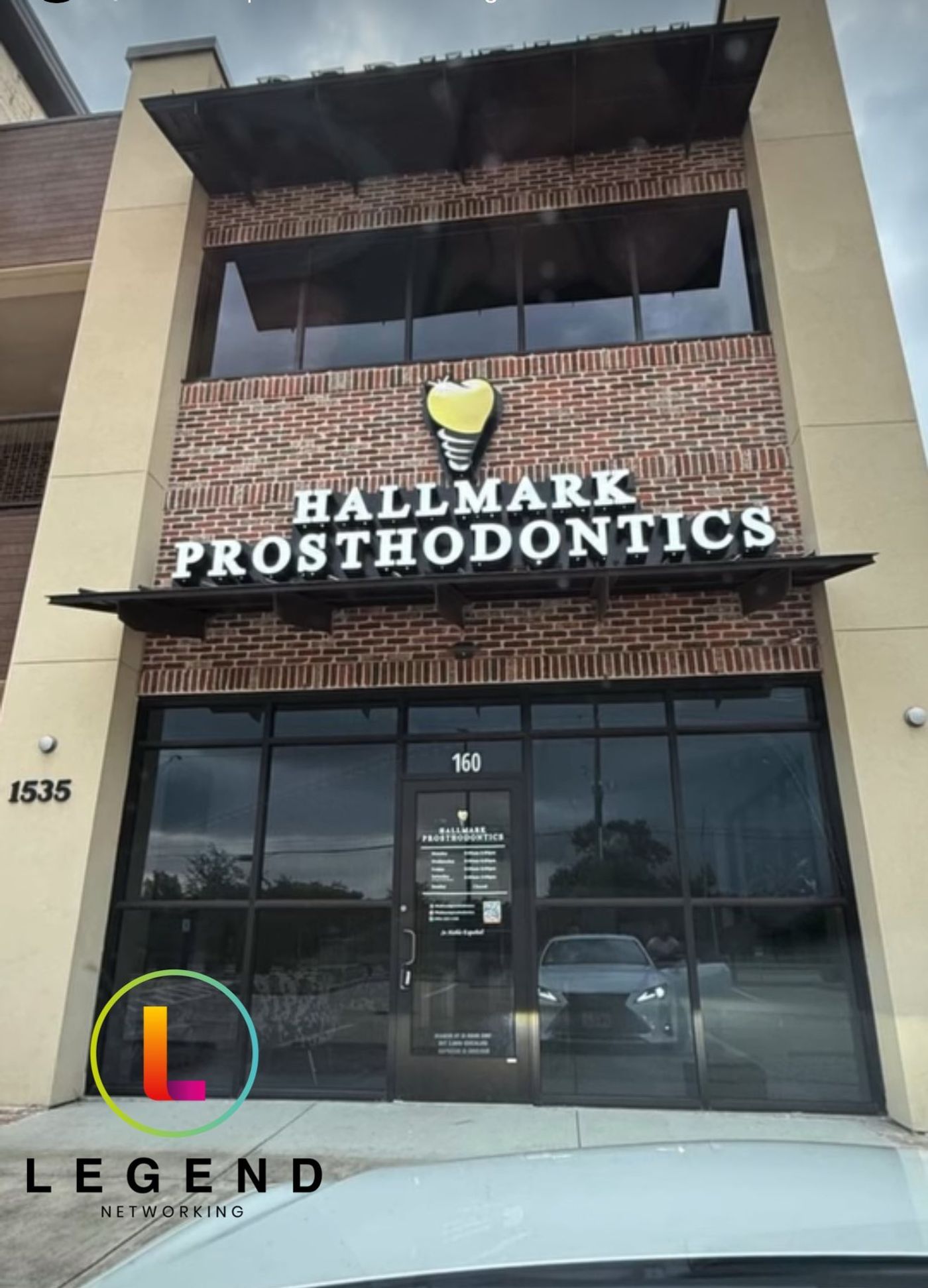
Hallmark Prosthodontics · Pearland, TXThe practice storefront
Which IT companies work with prosthodontic practices?
Look for an IT company with prosthodontic projects you can check, that knows the lab and design tools by name, and that puts its findings in writing before it changes anything. Legend’s prosthodontic work, listed above, includes Top Star Prosthodontics and Hallmark Prosthodontics; for a wider view, see top dental IT companies in America.
Remote first. Onsite when the fix needs hands.
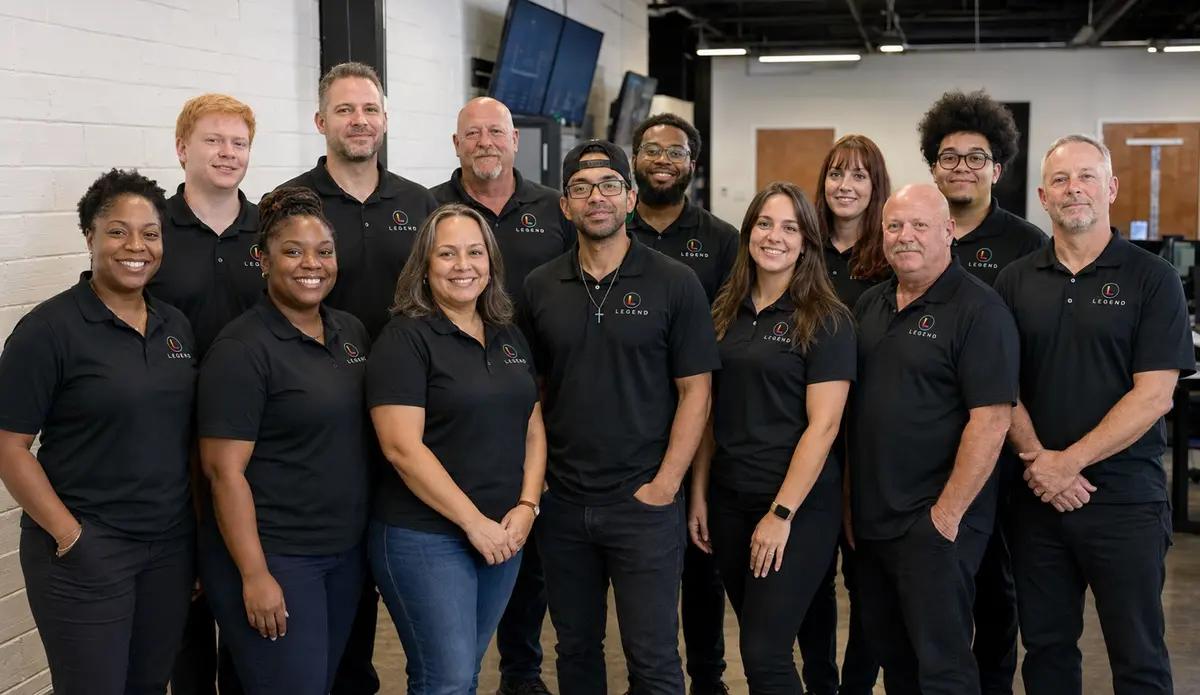
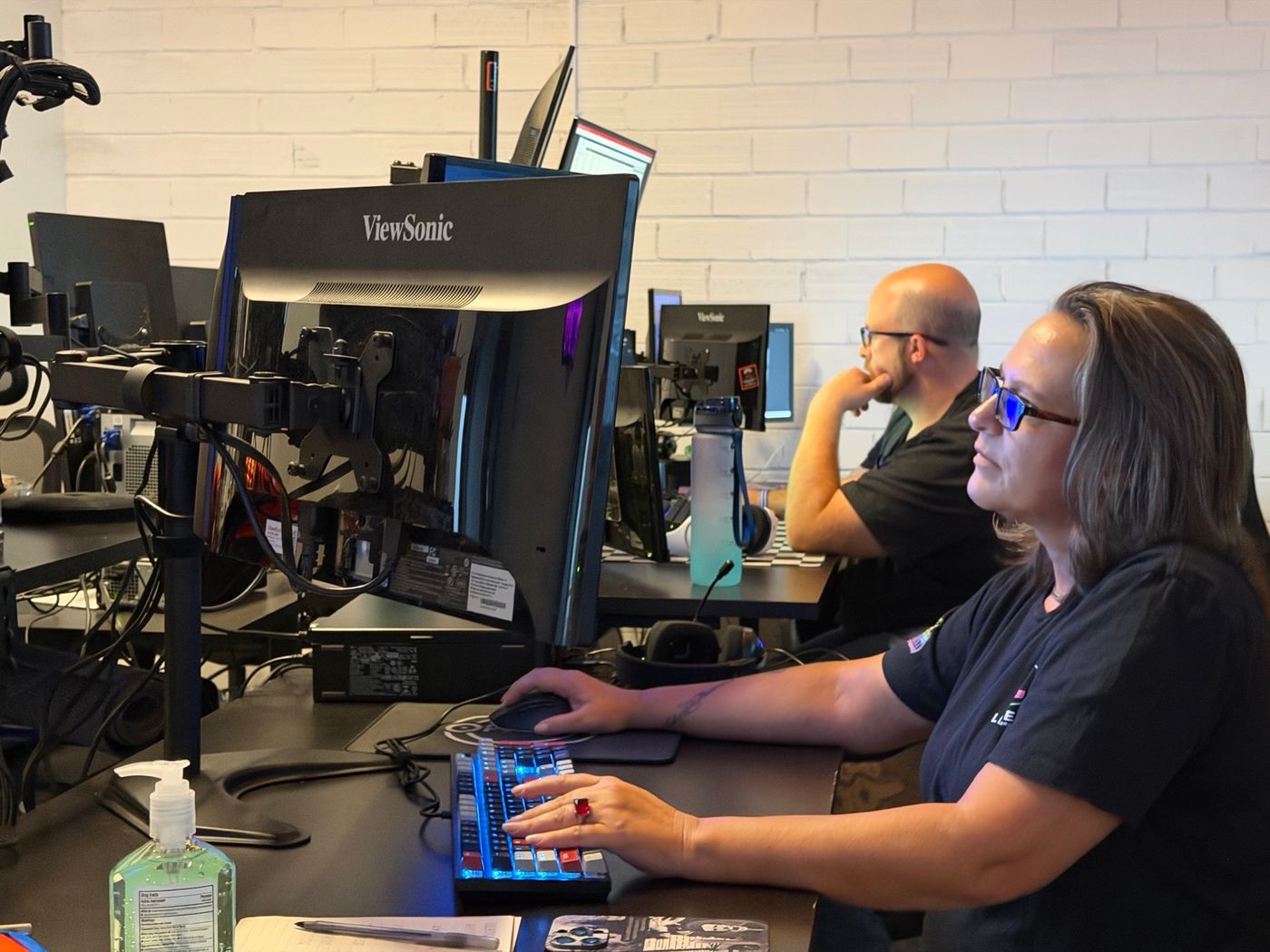
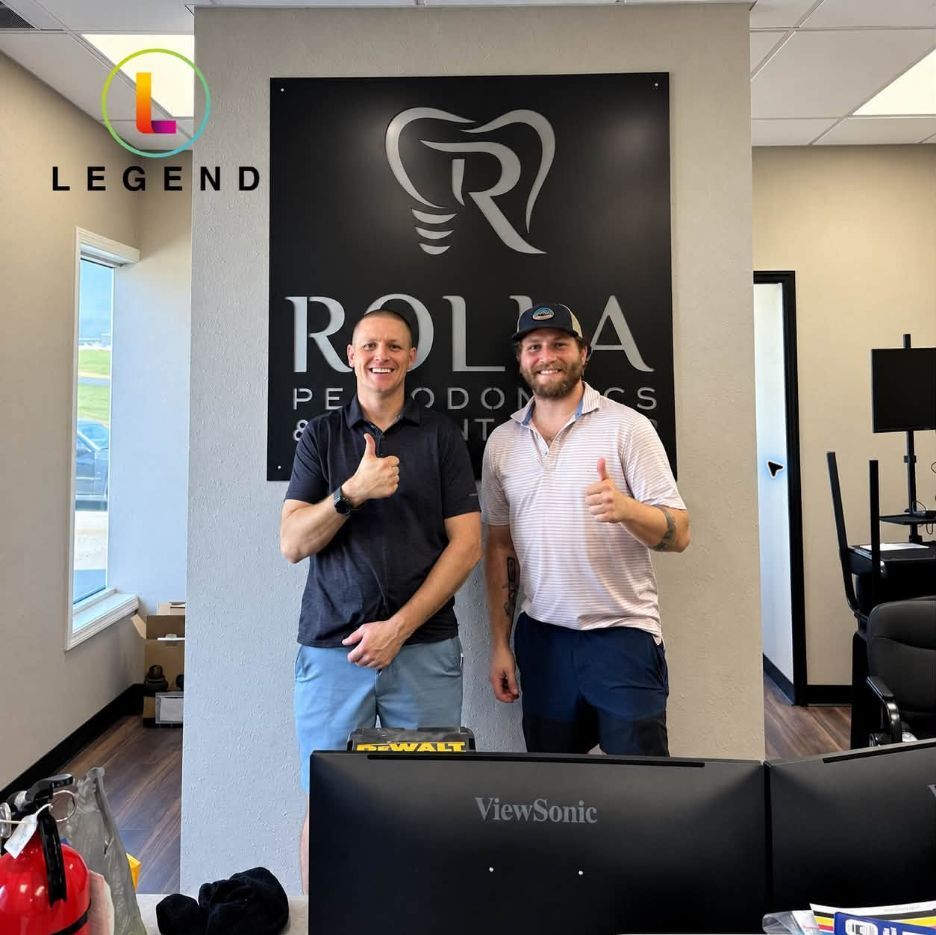
Remote and onsiteThe Dallas command center, the helpdesk, and a Legend field technician at Rolla Periodontics
Legend is remote-first nationwide, with onsite dispatch by appointment across served dental markets. In-house engineers; no outsourced first-level triage. The helpdesk is staffed 24/7 at 1-800-794-1588, and systems have 24/7 monitoring.
- 24/7 monitoring
- In-house engineers
- Onsite by appointment
What does IT cost for a prosthodontic practice?
Starting at $360 per month.
Backup protection from $39.99 per month (storage-dependent). Hardware procurement, major cabling projects and software licensing are quoted separately. New practices are always custom quoted.
What moves the price
- CAD and scanner workstations
- mills and printers on the network
- imaging and scan storage
- lab portals and users
- locations
- a startup or an existing office
Prosthodontic IT, answered.
Do you work with prosthodontists?
Yes. Legend worked with Dr. Amir El Hassan on the opening of Top Star Prosthodontics in Georgetown, Texas, and was part of the November 2025 grand opening of Hallmark Prosthodontics, Dr. Anna Karina Thorn’s new practice in Pearland, Texas. We look after the computers, network, backups and accounts a prosthodontic practice runs on. Across dental practices of every kind, Legend has served over 3,500 practices since 2004.
Can you set up the PCs for our in-house lab and CAD software?
We keep the workstation, Windows, drivers, network and backup working to the CAD vendor’s published requirements. The CAD licence and software support stay with your reseller or the vendor. Hardware procurement, major cabling projects and software licensing are quoted separately.
What does Legend handle, and what stays with the scanner and CAD vendors?
Legend handles the PCs, network, Wi-Fi, Windows, backup and user accounts. The scanner or CAD vendor, or the reseller you bought from, owns the scanner hardware, the software licences and faults inside the application. When a case won’t reach the lab, IT checks the PC and the network first; if both are fine, the vendor takes it from there.
Do you check our network before we add a mill, printer or in-house lab?
Yes. That is the job of the Free Dental IT Assessment: written findings and prioritized recommendations on your computers, software, network security, backups and performance. Bring the new device’s published network and PC requirements to the assessment, so the findings can take it into account before it arrives.
Can you help us open a new prosthodontic office?
Yes. New practices are always custom quoted, so the plan starts from your rooms, devices and opening date. Legend worked with Dr. Amir El Hassan on the opening of Top Star Prosthodontics, and was part of the grand opening of Hallmark Prosthodontics in November 2025.
Do you support prosthodontic practices outside Texas?
Yes. Legend is remote-first nationwide, with onsite dispatch by appointment across served dental markets. Monitoring, the helpdesk and day-to-day support run remotely, and onsite visits are scheduled when a fix needs hands. Ask at your Free Dental IT Assessment how onsite work is arranged where your practice is.
How much does IT support cost for a prosthodontic practice?
Starting at $360 per month. Backup protection is from $39.99 per month (storage-dependent). Hardware procurement, major cabling projects and software licensing are quoted separately, and new practices are always custom quoted. What moves the price: CAD and scanner workstations, mills and printers on the network, imaging storage, lab portals and users, and the number of locations.
Can we switch IT companies without disrupting cases in progress?
Yes, with a planned handover. Before anything changes, list the scanner and CAD PCs first, then every other computer and device, the admin credentials, every lab and scanner portal login, the licence details and where scan and design files are backed up today. Schedule the cutover around your patient day and the cases at the lab. Read how to switch dental IT providers without downtime.
Bring this list to your assessment
- Your scanners and CAD seats, and who you bought each one from
- The mills, printers and furnaces on your network, or the ones you plan to add
- The lab and scanner portals your team logs in to
- Where your scans and design files are backed up today
- Any plans to open, move or add a location
Guides for prosthodontic practices
The digital dental workflow, from the IT side
Where each scan, CBCT, design and print file lives in a prosthodontic practice, what it needs from PCs, network and backup, and who to call when it breaks.
CAD and scanner computer requirements
exocad, 3Shape, Medit and iTero PC requirements in one dated table, which scanner PCs are still worth keeping, and a buy checklist for your CAD workstation.
Sending scans, STL and CBCT files to your lab
HIPAA secure file sharing for dental labs: is Dropbox, WeTransfer or email OK for STL and CBCT files? A route-by-route table, portal checks and a case SOP.
Intraoral scanner IT requirements
Scan stuck or not reaching ClinCheck or the lab? A 5-minute triage, a who-to-call table for iTero, TRIOS and Medit, and the network spec each vendor publishes.
Implant planning software: what the computer needs
Blue Sky Plan, coDiagnostiX and DTX Studio requirements side by side, checked October 2026, plus Mac options, the dongle server and a planning PC spec sheet.
Dental backup and disaster recovery checklist
Could your backup reopen the practice tomorrow? A 12-point recovery checklist, a step-by-step restore test and a printable record.
Start with a clear technology plan for your practice and lab
The Free Dental IT Assessment gives you written findings and prioritized recommendations on your computers, software, network security, backups and performance.
Free Dental IT Assessment page · Prefer to talk first? Contact the Legend team
What the Free Dental IT Assessment covers
- Computers and workstations
- Practice software
- Network security
- Backups
- Performance
You receive written findings and prioritized recommendations. Any other work is quoted separately.