
The 7 Best Dental IT Support Companies in the USA - Compared on 7 Criteria
- 22+
- Years in Dental IT
- 3,500+
- Practices
- Nationwide
- Support
- 24/7
- Monitoring
The comparison at a glance
The table shows what each company publishes about itself: where it is, how long it has been doing this, where it covers, what it is built for, and whether it tells you its prices before a call.
It does not show service quality — that is what the entries beneath it are for. Every cell was checked against the company's own site on 22 September 2026. Where a company publishes nothing, the cell says so rather than guessing.
02 // 2026 Comparison
2026 Dental IT Provider Comparison
Dental IT support is the specialized oversight, maintenance, and defense of the complete clinical and administrative technology stack. It ensures that every dependency—from practice management databases to direct imaging bridges—functions cohesively under a unified architecture.
| Company | HQ | Founded | Dental-exclusive | Coverage | Startups | DSO / multi-site | Published pricing |
|---|---|---|---|---|---|---|---|
| Legend Networking | Dallas, TX | 2004 | Yes — dental IT focused | Nationwide — remote-first + coordinated onsite support | Yes — dedicated startup & buildout services | Yes — DSO integration services | Not publicly listed; detailed cost guide available |
| Medix Dental IT | Quad Cities, IA | 2003 | Yes | Nationwide, remote-first with on-call dispatch | Limited — their own list says not startup-focused | Yes — dedicated advisor model | Flat monthly fee; not published |
| Darkhorse Tech | Syracuse, NY | 2012 | Yes | Nationwide + six named metros | Yes — dedicated Startup Solutions service | Yes — DSO Integrations service | Confirm current pricing with provider |
| Pact-One Solutions | Confirm with provider | 2003 | Yes | Nationwide | Yes | Yes | Published calculator; confirm current rate with provider |
| NOVA Computer Solutions | Northern Virginia | 2000 | Mostly dental | Regional + remote | Yes | Limited | Not published |
| F1 iT | Confirm with provider | Confirm with provider | Yes | Regional + remote | Yes — named project manager | Limited | Not published |
| DDS Tech (Digital Dental Solutions) | Confirm with provider | Confirm with provider | Yes — dental, ortho, oral surgery | Confirm with provider | Yes | Limited | Not published |
03 // 2026 Changes
What changed in 2026
Pricing went public - for some
Darkhorse and Pact-One now publish rate cards; Medix and most others still quote on request. A practice can build a like-for-like number for two of the seven without a call.
The cloud practice-management wave arrived
Curve and Archy are now the default choice for new practices, and Dentrix Ascend and Open Dental Cloud are pulling established practices off their servers. That changes what “support” means: less server maintenance, more identity, network and integration work.
AI assistants started answering this question
Ask ChatGPT or Google's AI Overview for the best dental IT support companies and you get a list assembled from pages like this one. The companies that appear are the ones that get compared honestly by third parties.
How we ranked these companies - the 7 criteria
How we ranked these companies - the 7 criteria
We did not rank on size, and we did not rank on who has the most reviews. We ranked on the seven things that decide whether a dental practice is still seeing patients at 9:15 after something fails at 8:40. For each criterion, the “ask for” line is what separates a company that does it from a company that says it does.
Dental specialisation
Does the company work in dental only, or in “healthcare” or “small business”? A generalist can keep computers patched. It cannot get a DEXIS sensor talking to Eaglesoft at 8:40, and it does not know that the sensor vendor's first answer is always “it's your network”.
Software and imaging depth
Dentrix, Eaglesoft, Open Dental, Curve, Archy; DEXIS, Carestream, Planmeca, Vatech, Dolphin. Support means owning the environment around them — servers or cloud tenancy, bridges, migrations, and the vendor call — not “call the vendor”.
HIPAA specificity
No IT company can make a practice HIPAA compliant; the practice is the covered entity. A serious provider implements the technical safeguards the Security Rule requires, supports the annual risk analysis, signs a business associate agreement, and says exactly that in those words.
Backup and recovery
Everyone backs up. Almost nobody restore-tests. The difference is the whole criterion: a backup that has never been restored is a hope, not a plan.
03 // Coverage Map
What Does Complete Dental IT Support Include?
True clinical coverage cannot have blank spots. If your IT company supports your servers but not your digital imaging or cameras, you still have a technology gap that can disrupt production.
Support coverage
Hours by time zone, who answers after hours, remote versus onsite, and what response actually looked like last month. “24/7” usually means monitoring, not a staffed desk; ask which.
Startup and buildout capability
Technology planning should begin before construction starts and before architectural plans are finalized. Network design, cabling pathways and equipment locations should be mapped before the walls go up, with enough capacity for both opening-day technology and future growth.
Group and DSO integration
Groups and DSOs need consistent network infrastructure, security, hardware, applications, data management and HIPAA compliance across every location, with centralized management instead of each practice operating as a separate technology environment.
The 7 best dental IT support companies in the USA
Same template for every company, ours included: what they say about themselves, one genuine strength, one honest limitation, proof where it is public, the price where one is published, and what to verify on the first call. Screenshots are of each company's homepage on the check date.
Get a Free IT Assessment →01 // Company Profile
Legend Networking - best for one partner from blueprint through multi-site growth
Dallas-based dental IT support for practices, startups and DSOs since 2004.
Nationwide dental IT support for practices, startups and DSOs since 2004, Dallas-based, 3,500+ practices supported — one accountable team across networks, workstations, servers, cybersecurity, backups, the software and imaging environment and the vendors behind the schedule.
- Model
- One accountable team across networks, workstations, servers, cybersecurity, backups, software, imaging and vendor coordination.
- Platform coverage
- Named platform coverage includes Dentrix, Eaglesoft, Open Dental, DEXIS, Vatech, Carestream, Planmeca, Archy and Dolphin.
- Genuine strength
- Genuine strength in startup and buildout work, and what follows it: new-practice openings planned from floor plan through opening day.
- Honest limitation
- Legend does not publish a fixed monthly price for every practice; request a written quote with the included services and exclusions.
- Proof
- Named practices on the testimonials page include My DFW Dentist (Irving), Mecca Dental (Frisco), and Inspiration Dentistry (Wylie).
- Pricing
- Not publicly listed; detailed cost guide available
- What to verify
- Ask for the onsite map for your city, and for last month's response actuals for a practice your size.
02 // Company Profile
Medix Dental IT - best for established groups that want a dedicated advisor
In dentistry, 90% of workstation and software problems can be resolved immediately over remote connection. But for major hardware failures, network physical switches, or cabling issues, you need rapid, reliable on-site technician dispatch.
- What they say
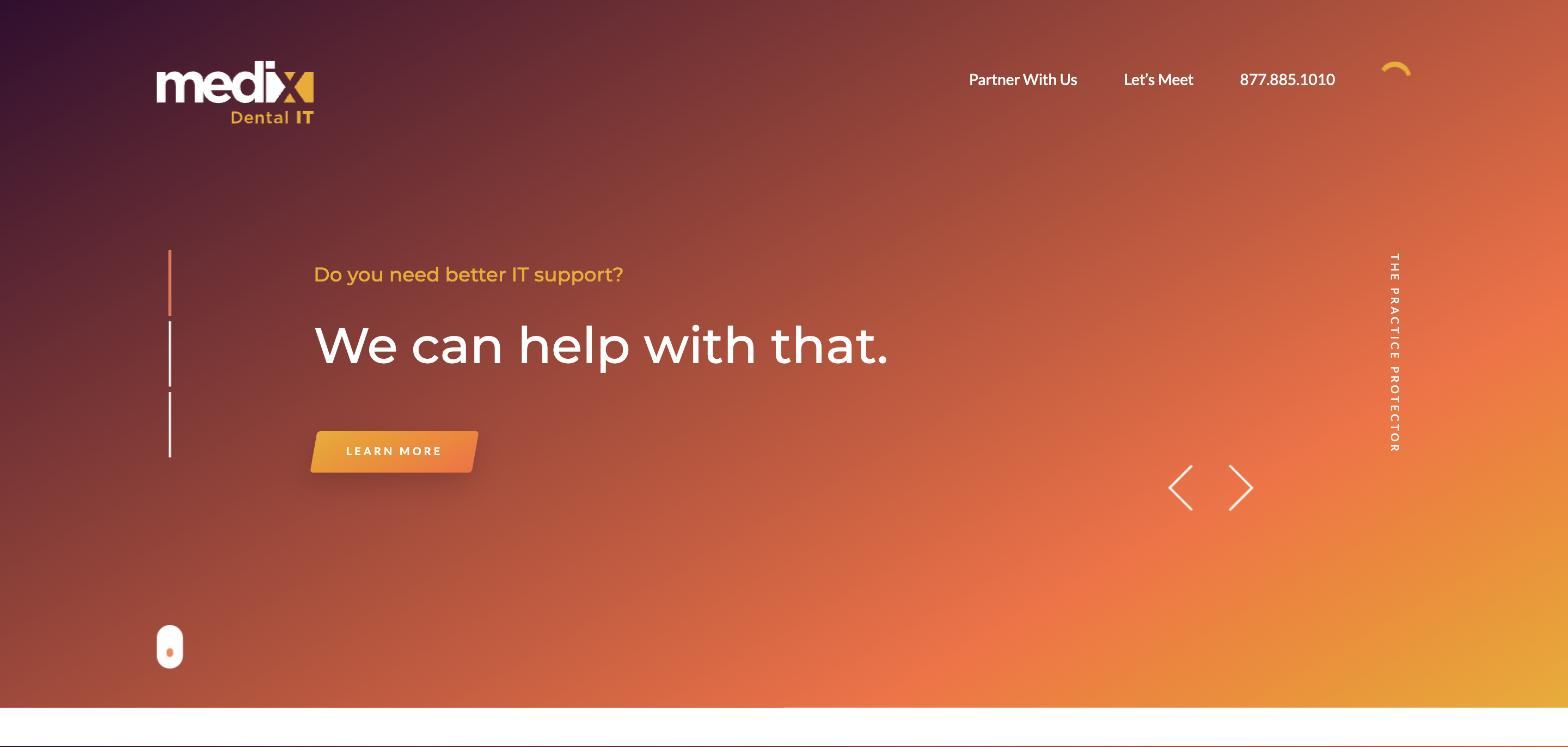
- Dental-exclusive IT since 2003, Quad Cities, Iowa, serving practices and DSOs nationwide, remote-first from a national operations centre with on-call dispatch. Their tagline is “Just be a dentist,” and their model gives each client a dedicated advisor who acts as a fractional CTO with a technology roadmap and budget. The homepage opens with three questions — better IT support, a CTO, a roadmap — and routes each to its own page.
- Genuine strength
- The advisor model and the corroboration behind it. Medix is the company in this category most often cited by third parties — a featured-company interview with AADOM, contributed articles in Dental Economics and DentistryIQ — and its own comparison and reference guides are the ones Google's AI Overviews quote when someone asks this question. If you want a partner that plans your technology budget three years out and shows up in the industry press, this is the reference point. Its Open Dental Cloud capability page is a real service, not a mention.
- Honest limitation
- Medix's own comparison page says it is not the choice for a startup, and its pricing is a flat fee that is not published; expect the premium tier of the market and expect to ask for the number. Their published list ranks themselves first, as we do ours. Coverage is remote-first; onsite is dispatch, like most national providers.
- Proof
- AADOM feature; dental-press bylines; named doctors and a project gallery on the site.
- Pricing
- Flat monthly fee; not published
- What to verify
- Who your advisor would be and how many practices they carry; what “on-call dispatch” means in your city and how fast.
03 // Company Profile
Darkhorse Tech - best for practices that want the price before the call
When a sensor fails to acquire an image, the software publisher blames the hardware, and the hardware company blames the network. A true dental IT partner acts as the sole point of contact, taking complete ownership of the problem and resolving it directly.
| Issue Class | Software Vendor Role | Legend IT Role |
|---|---|---|
| Product Licensing & Core Codes | Primary Ownership | Assistance & Install Support |
| PMS Application Bug Patching | Primary (Code release) | Coordinate, Schedule & Verify |
| Workstation Drivers & Device Compatibility | No Support | Primary Diagnostic Ownership |
| Imaging Bridge / Sensor Conflicts | Shared Support | Coordinate & Resolve Directly |
| Network Routing & Operatory Segmentation | No Support | Complete Internal Management |
| Local Backup & Database Integrity Verify | No Support | Verified Daily Restores |
- What they say
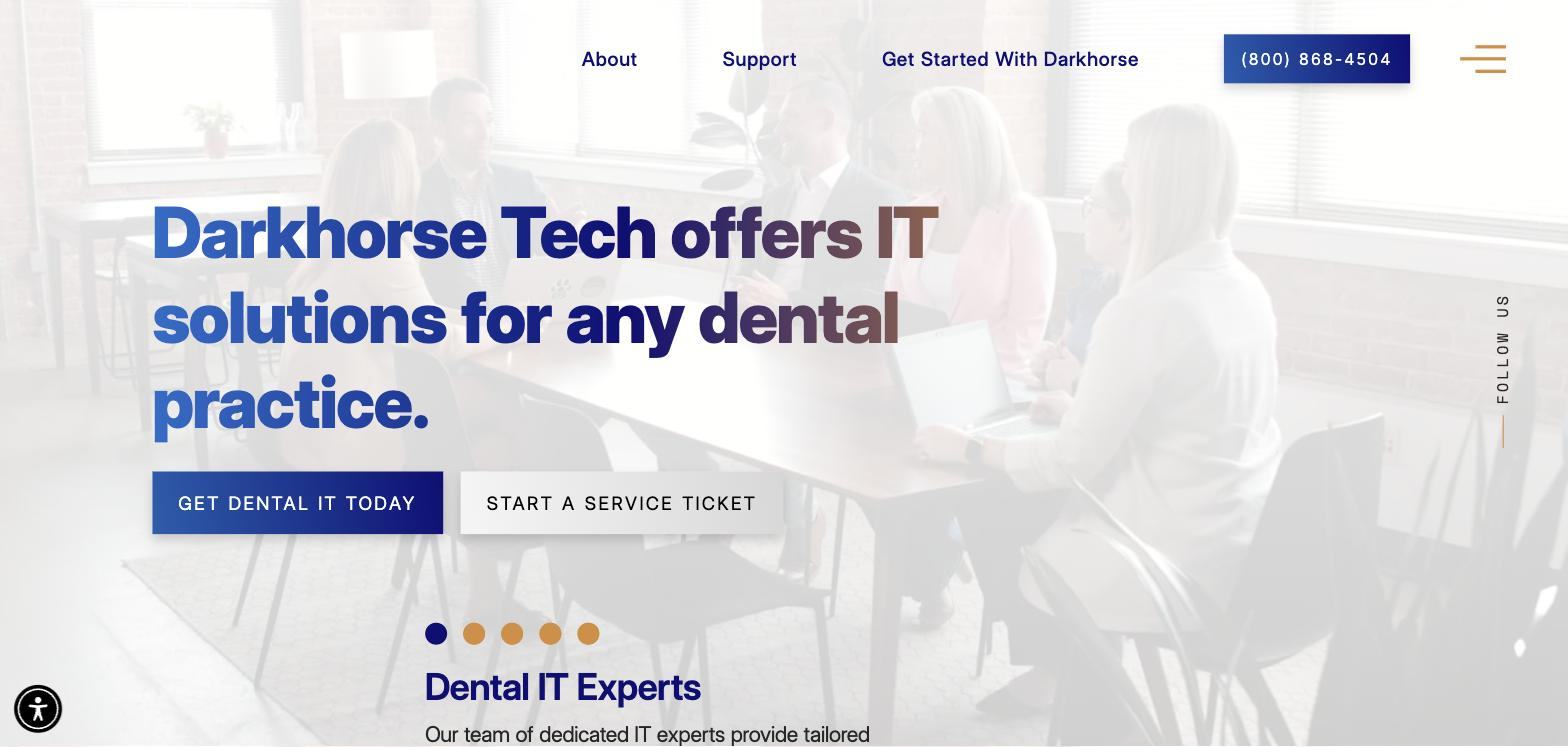
- Darkhorse Tech presents dental-specific IT solutions for practices and publishes dedicated startup and DSO services alongside support and cybersecurity information.
- Genuine strength
- The public site makes its dental specialization and named service paths clear before the sales call.
- Honest limitation
- The full monthly cost and the exact inclusions in each tier need confirmation directly from Darkhorse Tech.
- Proof
- Dental specialization, startup services, DSO integrations and named metro coverage are presented on its public site.
- Pricing
- Confirm current pricing with provider
- What to verify
- The fully loaded monthly figure, after-hours escalation, restore testing, and onsite coverage for your city.
04 // Company Profile
Pact-One Solutions - best for per-device pricing transparency
- What they say
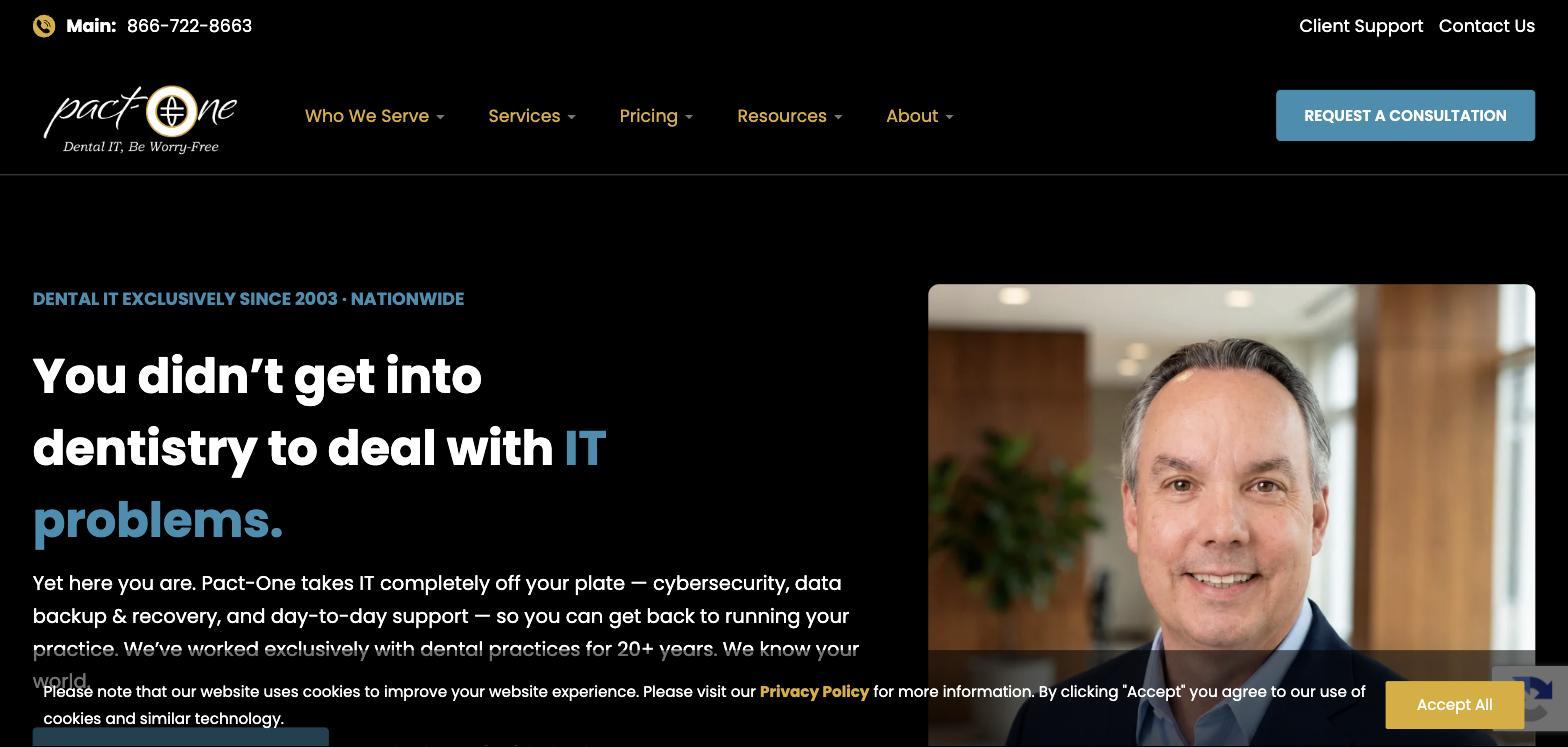
- “Dental IT, be worry-free” — exclusively dental since 2003, nationwide, cybersecurity, backup and recovery and day-to-day support, with a pricing calculator on the site and a “who we serve” menu that separates practices, startups and groups. The homepage leads with the founder's face and a plain promise: you did not get into dentistry to deal with IT problems.
- Genuine strength
- The pricing model is unbundled and published per device, which makes a like-for-like quote easy to build, and the company has been dental-only for as long as anyone on this list. It also ranks first on Google for “best dental IT support” with its own comparison page — a sign of how seriously it takes being compared — and it is the most-linked domain of the smaller providers here.
- Honest limitation
- Per-device pricing rises quickly past about twenty devices, and add-ons for security and backup can turn a low base into a normal total; a growing multi-operatory practice should model the fully loaded monthly number, not the per-device one. The company also runs paid search on the same terms as this page, so its ads and its organic listing may both appear when you search — that is marketing spend, not a ranking.
- Proof
- 20+ years dental-only; national coverage stated; a published calculator.
- Pricing
- Published calculator; confirm current rate with provider
- What to verify
- The fully loaded monthly figure for your device count with security and backup included; onsite coverage in your city.
05 // Company Profile
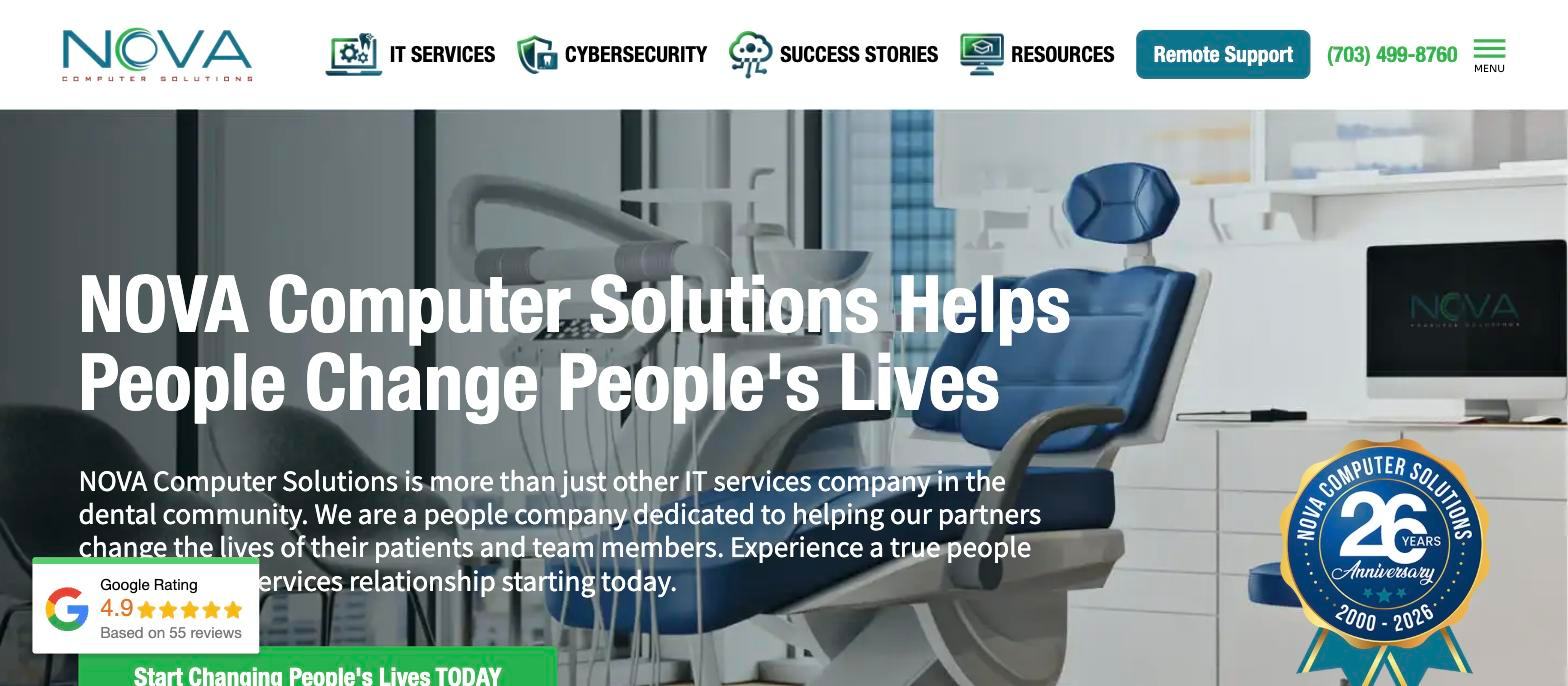
NOVA Computer Solutions - best for Northern Virginia practices that value long relationships
- What they say
- “NOVA Computer Solutions helps people change people's lives” — a Northern Virginia IT company founded in 2000, dental-focused, with IT services, cybersecurity and success stories. The pitch is people first: “more than just another IT services company in the dental community.”
- Genuine strength
- Tenure and relationships. NOVA is the kind of company a practice stays with for a decade, and its reviews read that way — names, not stars. For a single practice in the Mid-Atlantic that wants to know the person who answers, that is the offer.
- Honest limitation
- It is regional at heart; national coverage is remote. Its site calls itself “#1 rated,” a claim no third party corroborates. And it is the company most often confused with others by AI assistants — Google's Gemini has merged it with a different provider in the same answer — which matters if your office manager is researching with a chatbot.
- Proof
- Founded in 2000; named success stories are presented on the public site.
- Pricing
- Not published
- What to verify
- What onsite looks like outside Northern Virginia; who answers after hours; how many practices the team supports.
06 // Company Profile
F1 iT - best for a New York-area startup that wants a named project manager
Dental-exclusive managed IT with dedicated account management, pediatric and multi-location practice references, and dental digital marketing under the same roof.
- What they say
- “Proactive dental IT support worth smiling about” — dental-exclusive managed IT for over a decade, positioned as a “strategic technology and marketing partner” with dedicated account management and, unusually, dental digital marketing under the same roof. Client practices named on the site are in Brooklyn, Naples and the New York area; they are an Uptime Health partner for compliance tooling.
- Genuine strength
- Startup project management with a named person. A reviewer opening a pediatric practice credits her project manager by name for making the technology side “stress-free” and going “above and beyond” on things outside the IT scope. If you want one accountable person during construction, that is exactly the offer.
- Honest limitation
- Regional; national coverage is remote. Bundling marketing with IT is a choice some practices like and some do not — it can blur who is accountable for what. No published pricing, no published coverage map, no published support hours.
- Proof
- Named client practices; named reviews; a decade in dental.
- Pricing
- Not published
- What to verify
- Onsite coverage outside the New York area; whether the startup project manager stays with the practice after opening; whether IT and marketing are contracted separately.
07 // Company Profile
DDS Tech (Digital Dental Solutions) - best for orthodontic and oral-surgery practices
- What they say
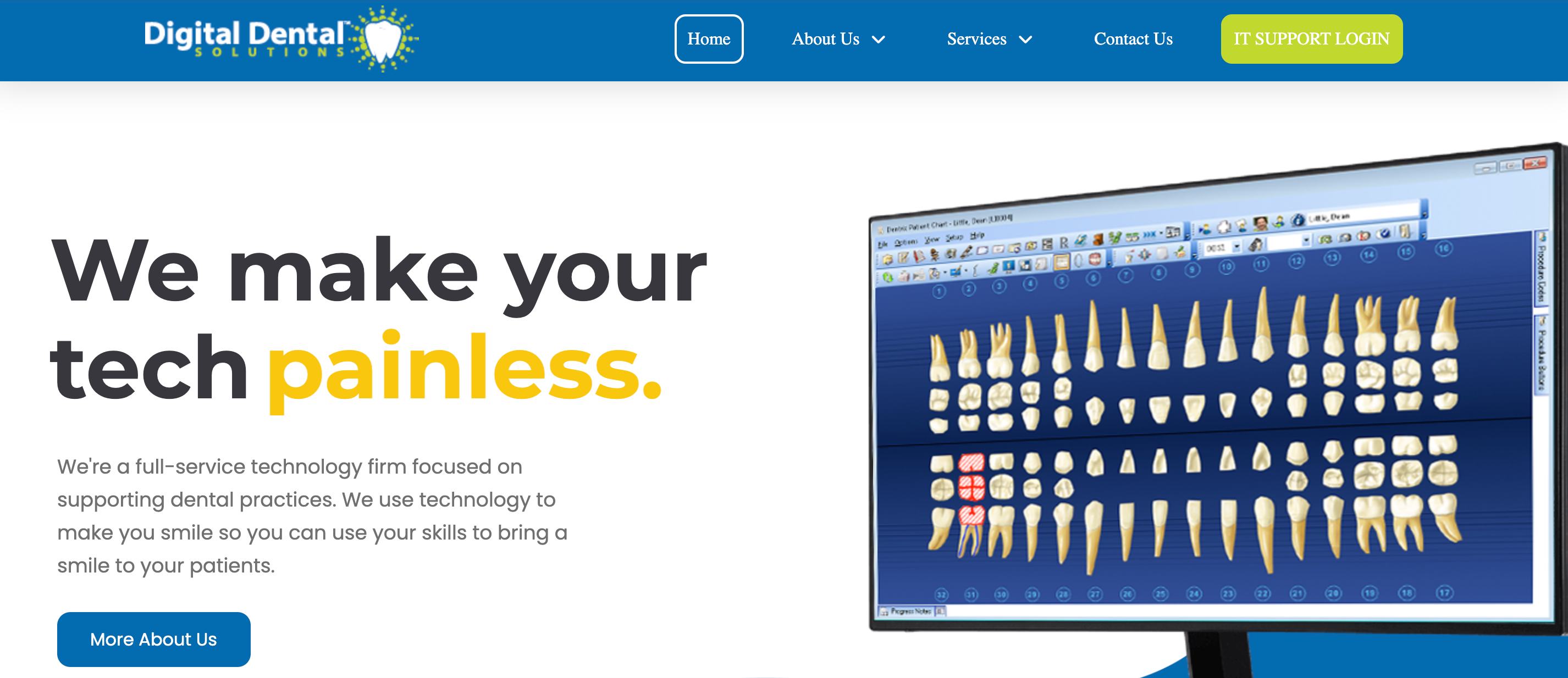
- Full-service IT for dental, orthodontic and oral-surgery practices across the United States — network installation and maintenance through data backups — with stated expertise in the major practice-management and imaging platforms and a client support login on the homepage.
- Genuine strength
- The specialty focus. Orthodontic and oral-surgery practices run different imaging — CBCT, cephalometric workflows, Dolphin — and different scheduling, and DDS Tech names them where most general dental IT companies treat specialty as an afterthought.
- Honest limitation
- The public site is thin — little on team, hours, coverage or proof — so most of what you need to know will come from the call, and there is no published pricing. A company that says less on its website is not necessarily worse, but it does put more of the burden of checking on you.
- Proof
- Limited public proof; ask for specialty references.
- Pricing
- Not published
- What to verify
- Hours and who answers; onsite coverage; a reference in your specialty; the platforms supported by name.
Best dental IT company for your situation
The same seven companies, sorted by the question a practice actually asks.
One named company per answer, one runner-up, one sentence why. If your situation is two of these at once — a startup that will become a group — read both cards.
Best for a dental startup or new office
Pick: Legend NetworkingPlanned from the floor plan, with the same team carrying the practice after opening day.
Runner-up: Darkhorse TechA dedicated Startup Solutions service; confirm current pricing directly.
Best for a DSO or multi-location group
Pick: Medix Dental ITThe dedicated-advisor model and the DSO guide are built for groups.
Runner-up: Legend NetworkingOne technology standard from the first office through acquisitions.
Best for a single practice on a budget
Pick: Darkhorse TechA published entry tier; confirm current pricing directly.
Runner-up: Pact-One SolutionsPer-device pricing that stays low at small device counts; confirm the current rate directly.
Best for published, predictable pricing
Pick: Darkhorse Tech and Pact-One SolutionsThe two companies that print their rate cards.
Runner-up: NoneEveryone else, including Legend, quotes on request; if a published number matters to you, start with these two and ask the others to match the format.
12 // Pricing Guide
What dental IT support costs in 2026
What dental IT support costs in 2026, by model and practice size, is in our cost guide.
| Model | How it is billed | Published examples | Watch for |
|---|---|---|---|
| Flat monthly fee | One figure per practice, sized on workstations and locations | Medix flat fee, amount not published; request current written quotes | What is excluded — onsite, projects, hardware |
| Per device or per user | A rate per workstation, server or user | Provider calculators may change; confirm current rates directly | Cost jumps with device count; security and backup add-ons |
| Break-fix / block hours | Pay when something breaks | Hourly; no monitoring | The cheapest until the first full-day outage |
A worked example at two practice sizes
For a single-location practice with ten workstations and one server, a per-device plan at the published mid-tier lands around $500-700 a month before security and backup add-ons; a flat-fee entry plan starts lower but excludes onsite visits. For a two-location group with twenty-five workstations, the per-device model is where the arithmetic turns: at the published rates it passes $1,000-1,700 a month, and a flat per-site fee usually wins. Neither figure includes projects, hardware, migrations or after-hours work, which every provider bills separately.
Two rules for reading any quote
Ask what the price does not include — onsite, after-hours, projects, hardware, migrations — because that is where the second invoice lives. And compare over three years, not one: the provider that costs 15% more and prevents one full-day outage a year is the cheaper one.
Who should not choose Legend
A practice that wants the lowest monthly number and is comfortable with break-fix; we are not that, and we will say so on the first call.
See what a free dental IT assessment covers →12 // Vendor Landscape
Regional Coverage
Compare Legend Networking directly against common dental IT alternatives. Notice the difference in clinical depth and national reach.
| Provider | Dental Focus | Coverage | Pricing Model | Key Point |
|---|---|---|---|---|
| Legend Networking | Dental IT focused | National | Written custom proposal | Direct diagnostic ownership of all bridges |
| Darkhorse Tech | Dental specialization | National + named metros | Confirm with provider | Dental support footprint |
| Medix Dental IT | Dental specialization | Nationwide, remote-first | Managed support | Dedicated-advisor model |
| Pact-One | Dental focus | Nationwide | Published calculator | Dental-only since 2003 |
How to choose between them - score the shortlist
How to choose between them - score the shortlist
Use the seven criteria as a scorecard. Here it is pre-filled for the three companies practices most often compare, as a worked example; your scores will differ, and they should, because your practice is not the example.
| Criterion (0–5) | Legend Networking | Medix Dental IT | Darkhorse Tech |
|---|---|---|---|
| Dental specialisation | 5 — dental IT focused since 2004 | 5 — dental only since 2003 | 5 — dental only since 2012 |
| Software & imaging depth | 5 — 9 named dental software & imaging platforms | 4 — Open Dental Cloud partner; PMS guide | 4 — Open Dental Cloud partner |
| HIPAA specificity | 4 — technical safeguards + risk-analysis support | 4 — states “cannot make you compliant” plainly | 3 — confirm exact safeguards and documentation |
| Backup & recovery | 5 — encrypted backup + restore verification | 3 — stated, not evidenced publicly | 3 — stated, not evidenced publicly |
| Support coverage | 4 — nationwide support + 24/7 monitoring | 3 — advisor + service desk; dispatch onsite | 4 — published support information; named metros |
| Startup & buildout | 5 — dedicated startup services from blueprint to opening day | 2 — not their focus, by their own account | 4 — dedicated startup service |
| Group & DSO fit | 5 — DSO integration + centralized multi-site management | 5 — advisor model, DSO guide | 4 — DSO Integrations service |
| Total | 33 / 35 | 26 / 35 | 27 / 35 |
The first-call test - five questions that expose the support model
- Give me a ticket number for a test call today. A company with a real help desk can do this in a minute.
- Who answers at 7am Central, and is it the same team that handles the ticket at 10am? Named, not “our help desk”.
- When Dentrix and the sensor vendor blame each other, who owns the call? The answer is either “we do” or it is a warning.
- Show me last month's response and resolution actuals for a practice my size. Actuals, not targets; a report, not a promise.
- What is not included in this price? Onsite, after-hours, projects, hardware, migrations. Get it in writing.
Questions worth asking on the first call
Which practice-management and imaging platforms did you support last month?
A good answer is a list; a bad answer is “all of them”.
When did you last restore a client's database from backup, and how long did it take?
A good answer has a date and a duration.
What is your onsite coverage in my city?
A good answer is a map; a bad answer is “everywhere”.
What happens in the first 30 days?
A good answer is a documented onboarding plan with dates.
What are your contract terms — length, notice, exit, hardware ownership?
A good answer is written down before you sign.
What would make us a bad fit for you?
A good answer exists. A company with no answer has never turned anyone away.
Red flags - what to walk away from
“HIPAA compliant IT” as a promise.
Compliance is yours; safeguards are theirs. A company that does not know the difference will not get the risk analysis right either.
“24/7 support” with no hours stated.
Ask what 24/7 means; if the answer is monitoring, it is not support.
A backup that has never been restored.
If they cannot show a restore log, assume there is no backup.
No ticket number.
A support model without a queue is a cell phone, and a cell phone goes on holiday.
A price with no exclusions list.
The exclusions are the price.
“We cover everywhere.”
Nobody does. A coverage map with dispatch times is the honest version.
A contract that owns your documentation.
When you leave, the network diagrams, credentials and vendor contacts are yours. Confirm it before signing.
14 // Why dental practices need a dental-specific IT company
Why dental practices need a dental-specific IT company
A dental practice runs software no other business runs, on hardware no other business has. The practice-management system holds the schedule and the ledger; the imaging stack — sensors, panoramic and CBCT units, and the bridging software that gets an image into the chart — sits beside it; and four or five vendors are involved in any imaging failure, each with its own support line and its own view of whose fault it is. A general IT company escalates that to the vendor while the practice waits. A dental IT company owns the environment around it and makes the vendor call itself. That is the whole difference, and it is the difference between a workaround at 9:05 and a lost morning of production.
The practical test is one question: ask a provider to name the practice-management and imaging software they supported last month. A dental IT company answers with a list. A general firm answers with a question.
What dental IT support actually includes — the twelve systems, the support models, the costs — is in our complete guide to dental IT support. If you are ready to talk rather than compare, start here.
15 // Glossary
Glossary - the terms that come up in every proposal
- MSP - managed service provider
- A company that runs your IT for a monthly fee rather than billing per incident.
- Response vs resolution
- When a provider acknowledges a ticket, versus when the problem is fixed. Ask for both; also ask for “workaround” — when you are back seeing patients.
- Dental MSP / dental IT company
- An MSP that works only in dental, with the software and vendor knowledge that implies.
- PMS
- Practice-management system: Dentrix, Eaglesoft, Open Dental, Curve, Archy.
- EDR / MDR
- Endpoint detection and response (software that watches every workstation for attack behaviour) and managed detection and response (the same, with a team watching the alerts). Neither is antivirus.
- Imaging bridge
- The software that connects a sensor or CBCT unit to the PMS chart. Where most “IT problems” in a dental office actually live.
- BAA
- Business associate agreement: the HIPAA contract between a practice and any vendor that touches patient data. Your IT provider must sign one.
- Onsite by dispatch
- The provider sends a technician from a partner or a regional pool rather than a local employee. Not worse, but ask the dispatch time.
- Risk analysis
- The annual assessment HIPAA's Security Rule requires; the practice owns it, a good IT provider runs it with you.
- Restore test
- Actually recovering data from a backup to prove it works. The only backup metric that matters.
Frequently asked questions
Frequently asked questions
Who are the best dental IT support companies in the USA?
The seven compared above: Legend Networking (startups through multi-site, nationwide), Medix Dental IT (dedicated-advisor model for groups, Iowa), Darkhorse Tech (published service information, Syracuse plus named metros), Pact-One Solutions (per-device pricing model, nationwide), NOVA Computer Solutions (Northern Virginia), F1 iT (New York-area startups) and DDS Tech (orthodontic and oral surgery). Which is best depends on whether you are opening, growing or switching — the “best for your situation” cards above sort them by that.
What are the top dental technology companies?
If you mean IT support companies, the list above is the answer. If you mean the makers of dental equipment and software — Henry Schein, Patterson, Dentsply Sirona, Planmeca — that is a different category: they build and sell the systems, and the companies on this page keep them running inside a practice. Most searches for “dental technology companies” mean the makers; most practices asking the question need the supporters.
What is the most popular dental software?
Dentrix and Eaglesoft lead among established practices; Open Dental is the largest open-platform option; Curve and Archy are the cloud-native systems new practices most often choose in 2026. Every company on this list supports the first three; ask specifically about the cloud platforms. How to choose between them is in our Dentrix vs Open Dental comparison.
Is Dentrix or Eaglesoft better?
Neither in general — it depends on your imaging stack, your plans for the cloud and which one your team already knows. Dentrix has the larger install base and Dentrix Ascend for the cloud; Eaglesoft is tightly integrated with Patterson's imaging. What matters more for IT is who supports the environment around whichever you choose — see our Dentrix IT support page for what that split looks like.
How do I choose a dental IT company?
Score every candidate on the same seven criteria — dental specialisation, software and imaging depth, HIPAA specificity, backup and recovery, support coverage, startup capability and DSO fit — and ask each for the evidence listed under the criteria above. Then run the five-question first-call test and compare the answers side by side. The scorecard on this page is built for exactly that.
How much does dental IT support cost per month?
Providers use flat monthly, per-device and break-fix models. Most companies, including Legend, quote on request. Ask each provider for a complete written scope covering security, backup, onsite work, after-hours support, projects and migrations before comparing the monthly figure.
What is the difference between a dental IT company and a general MSP?
A general managed service provider keeps computers patched and email working across many industries. A dental IT company does that and owns the dental-specific layer — the practice-management and imaging environment, the vendor relationships, and the HIPAA safeguards — which is where the failures that stop production actually happen. The full comparison is in dental IT support vs general IT support.
Do I need onsite IT support, or is remote enough?
Most dental IT work — software, network configuration, most outages — is resolved remotely, and a national provider with a real operations centre can support a practice in any state. Hardware swaps, cabling, sensor installs and construction phases need someone on the floor. Ask every provider for its coverage map and dispatch time for your address, and read our guide to remote versus onsite dental IT support.
How often should we re-evaluate our IT provider?
Annually, and at three triggers regardless: a second location, a practice-management or imaging change, and any incident where you were down for a day. If you are switching, our guide to changing dental IT providers without downtime covers the overlap period and what to ask the outgoing provider for.
Is this list independent?
No, and it says so at the top: it is published by Legend Networking, which is on it. What makes it useful anyway is the method — the same seven criteria and the same template for every company, an honest limitation for each including ours, prices only as published, and a check date. Read it the way you would read any vendor's comparison: for the facts, with the source in mind.
Sources and methodology
Sources and how this list was checked
Every fact in the comparison table and the company entries was taken from the company's own website on 22 September 2026: homepages, “about” pages and, where they exist, pricing pages. Prices are quoted as published by the company on that date and linked; we do not estimate a price a company has not stated. The list is refreshed quarterly on this same URL, with the check date updated; companies are added or removed only with a note here. Corrections: Help@LegendNetworking.com.
- Legend Networking
- Medix Dental IT
- Darkhorse Tech
- Pact-One Solutions
- NOVA Computer Solutions
- F1 iT
- DDS Tech (Digital Dental Solutions)
Change log
September 2026 — rebuilt: entity table, best-for cards, pricing section, regional coverage, red flags, glossary added; Patterson and Advantage removed (not dental-exclusive IT providers); ten FAQs.
May 2026 — first published as a Top 10.
Resources
Related Guides
Continue learning about clinical technology, compliance, and dental software integrations.