
Periodontal IT Support
Periodontal IT support for the implant-planning workstations, CBCT and imaging computers, charting devices, network, backups and accounts your practice runs on, from the surgical suite to the front desk.
- 22+Years in dental IT
- 3,500+Practices served since 2004
- 24/7Monitoring
- 4.8Rating from 173 Google reviews
What has to work before the first surgery day.
For the opening of Rolla Periodontics & Implant Center in September 2026, Legend’s buildout covered office computers, imaging connectivity, networking and cybersecurity.
- Office computers
- Imaging connectivity
- Networking
- Cybersecurity
What does your periodontal practice need right now?
Opening a periodontal office
A periodontal office decides where the CBCT, the planning workstation and every operatory drop go while the walls are still open. When IT arrives late, the imaging computer ends up on Wi-Fi it should not need and the surgical suite has a cable short. Rolla Periodontics & Implant Center opened in September 2026 with office computers, imaging connectivity, networking and cybersecurity in Legend’s buildout. See dental startup IT.
Replacing your current IT company
Most practices switch after the same fault keeps coming back, or after nobody can say whether a problem belongs to the planning-software vendor or to IT. The risk in a switch sits in the handoff: admin passwords, licence dongles, backups and the imaging archive. The six steps are further down this page, and the longer version is in switching dental IT providers.
Adding CBCT, implant planning or a second location
A new CBCT unit, a guided-surgery workflow or a second office changes what the network, storage and backups have to carry. Plan the IT side before the equipment is ordered, not after it is delivered. The full picture is in the periodontal practice technology guide. Larger groups can start with IT for multi-location groups and DSOs.
What does a periodontal IT company do?
Periodontal IT support is the setup and day-to-day care of the technology a periodontal practice runs: the network, front-desk and operatory computers, perio charting devices, CBCT and imaging, the implant-planning workstation and its licence, file exchange with referring dentists and labs, backup and security. Surgery days, 3D imaging and referrals are what set it apart.
The software vendors support their own applications. An IT company looks after the computers, network, server, backups and accounts those applications run on. Legend Networking has 22+ years in dental IT and has served over 3,500 practices since 2004. Room by room, the full picture is in the periodontal practice technology guide.
What changes in a periodontal office?
Three things change once a practice plans implants and takes referrals every day.
General dental office vs periodontal office
| General dental office | Periodontal office | |
|---|---|---|
| Planning computer | Front-desk and operatory PCs run the practice software | Implant planning needs a workstation with a dedicated graphics card and more memory than a front-desk PC |
| Software licences | Licences live on the server or in the vendor’s cloud | Planning software may be licensed by a USB dongle, a dongle server on the network, or an internet licence |
| Referrals | Mostly patients going out to specialists | Images and reports go back to referring dentists every day, and CBCT files are too large for most email |
The full comparison is in the periodontal practice technology guide.
Planning software, CBCT or network: who do you call?
When something stops on a surgery morning, the first call decides how long it takes. Start here:
Who to call first, by problem
| What went wrong | Call first |
|---|---|
| A planning-software licence error or a bug inside the application | The software vendor |
| The planning PC is slow, a graphics driver or Windows update broke something, or the disk is full | IT |
| A client PC says the network licence is “not found” | IT first: firewall, network or a sleeping dongle server |
| A CBCT export will not reach the planning PC or a referring dentist | IT first, then the imaging vendor |
Legend looks after the computers, network, Wi-Fi, Windows, backup and accounts around these systems.
In the vendors’ own requirements
Blue Sky Plan
A dedicated NVIDIA or AMD card with at least 3 GB of video RAM, at least 16 GB of RAM and 64-bit Windows 10 or newer. Blue Sky Bio says the software is no longer available for Mac.
coDiagnostiX
Graphics support for OpenGL 3.3 or higher, at least 8 GB of RAM and at least 10 GB of free disk space before each start. The dongle-free licence needs a stable internet connection.
coDiagnostiX network licence
With a dongle licence, a separate Windows PC with a free USB port holds the dongle as a “dongle server”, and client PCs keep a permanent network link to it. Dongle-free subscription plans are available in selected countries only.
Full specs for each planner are in the implant planning computer requirements guide.
What Legend looks after in a periodontal office
Workstations and planning PCs
Front-desk, operatory and imaging computers, plus the planning workstation, which needs its graphics card, drivers and free disk space kept in line with the planner’s requirements. We set them up, keep Windows current and plan replacements before a surgery day finds the weak one. See workstations and servers.
Network and Wi-Fi
A periodontal office network should keep three kinds of traffic apart: clinical computers, CBCT and planning traffic, and guest and patient Wi-Fi. The dongle server and the imaging computers stay on cable wherever the floor plan allows. See network design.
Backup and recovery
CBCT studies, planning projects and surgical-guide files belong in the backup scope discussion alongside the practice database. A backup only counts once a restore has been tested. Backup protection from $39.99 per month (storage-dependent). See backup and recovery.
Security
A periodontal office should have multi-factor sign-in on email, referral and vendor portals; no shared logins that outlive the staff member who used them; and a clinical network that guests and cameras cannot reach. Read more about dental cybersecurity.
Phones and referral fax lines
Phones and referral fax lines need a plan, especially as copper lines are retired. Know which numbers referring dentists use, and what happens to them in a move or a switch. Read when the copper phone and fax lines go away and about VoIP for dental offices.
Room-by-room setup is in the periodontal practice technology guide; for a new office, start with the periodontal startup technology plan.
Software and imaging we support, and the tools you run
Practice and imaging software
Legend supports the IT environment for:
Tools periodontists run
We keep the infrastructure under each of these:
- Blue Sky Plan
- coDiagnostiX
- DTX Studio
- 3Shape Implant Studio
- DSN Perio
- PerioVision
- CareStack
- Denticon
- Florida Probe
- Dentrix Voice (powered by Bola AI)
These are systems your practice runs. The vendor supports the application; we keep the computers, network, server, backups and accounts around it working.
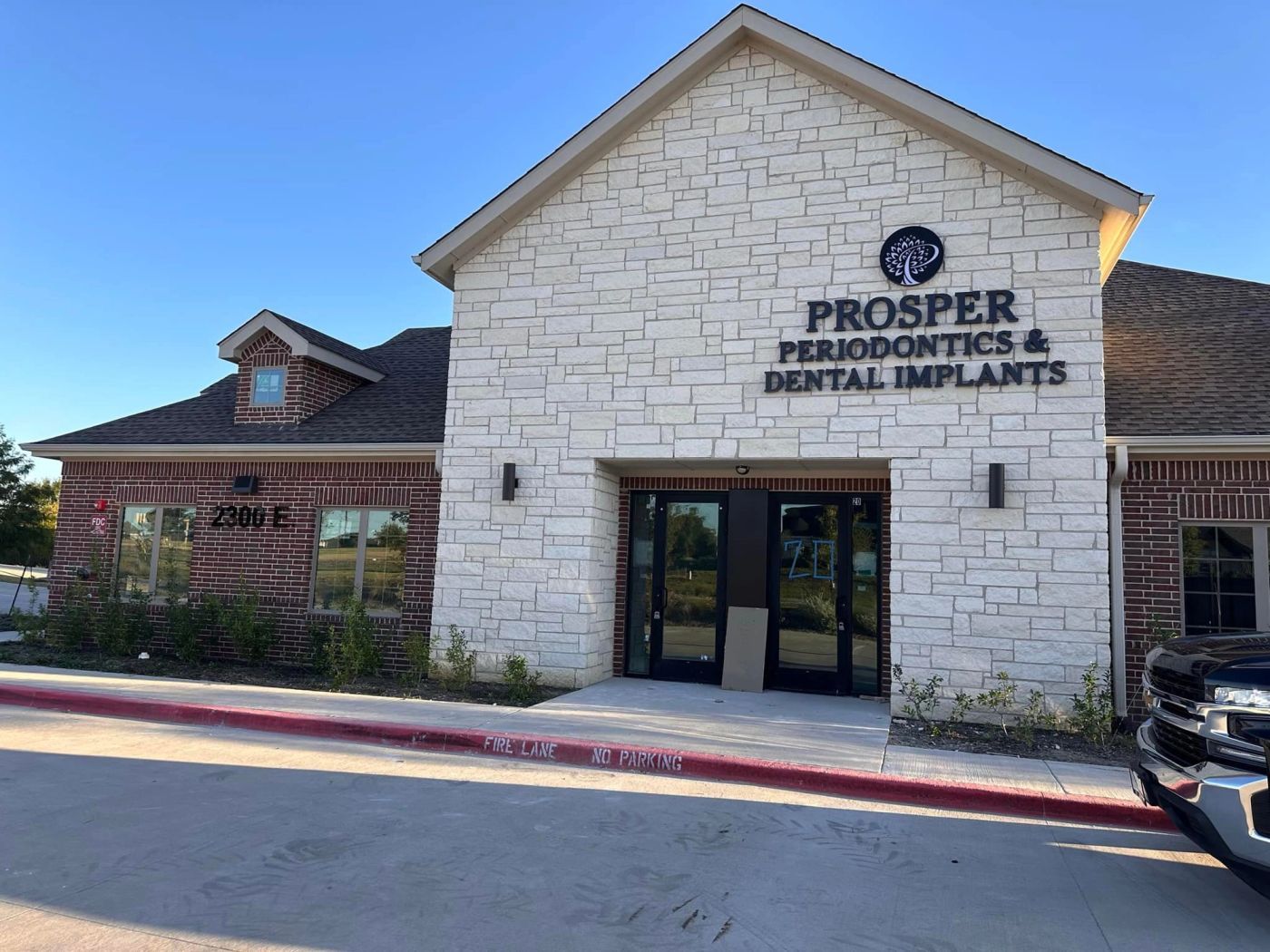
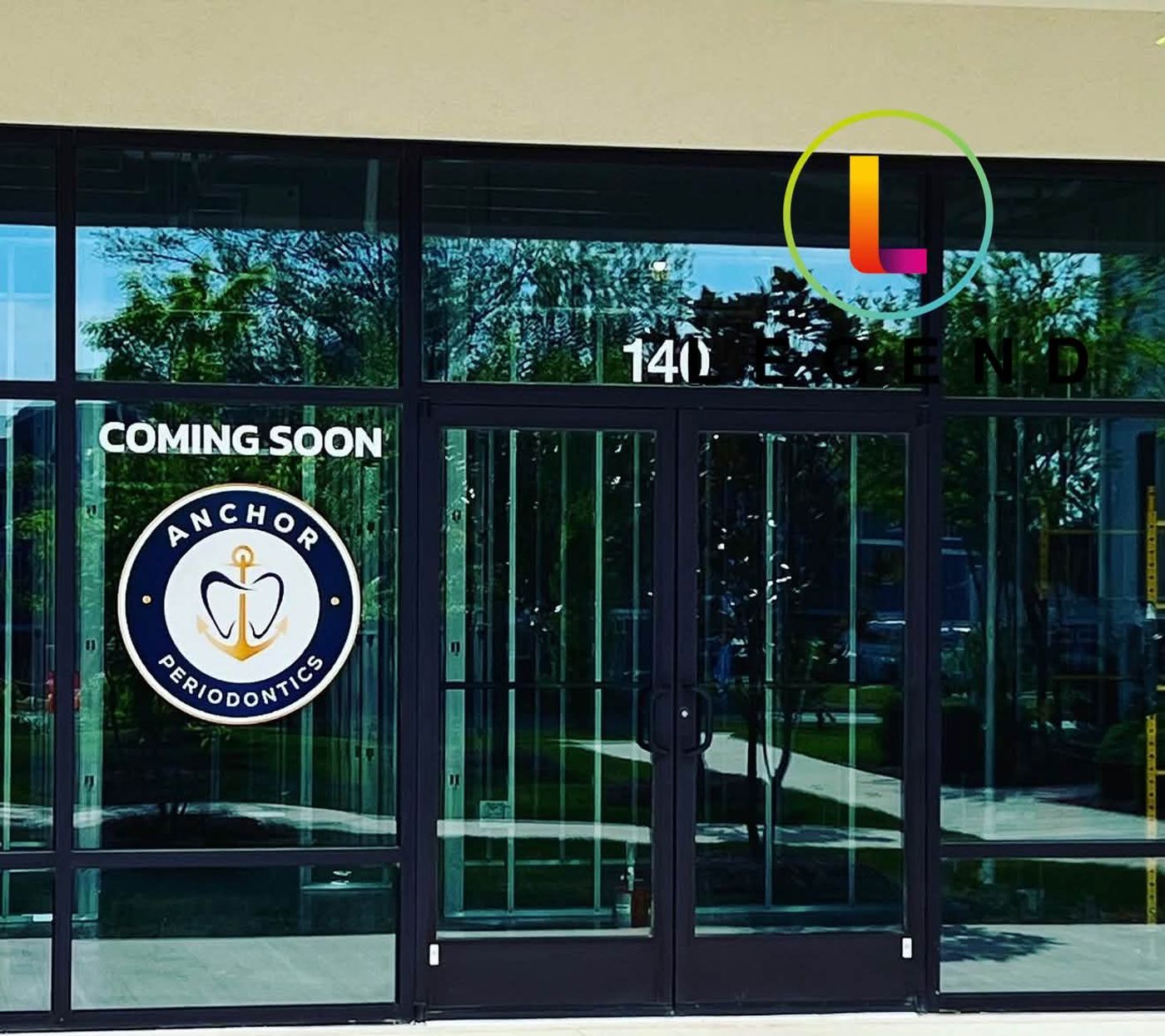
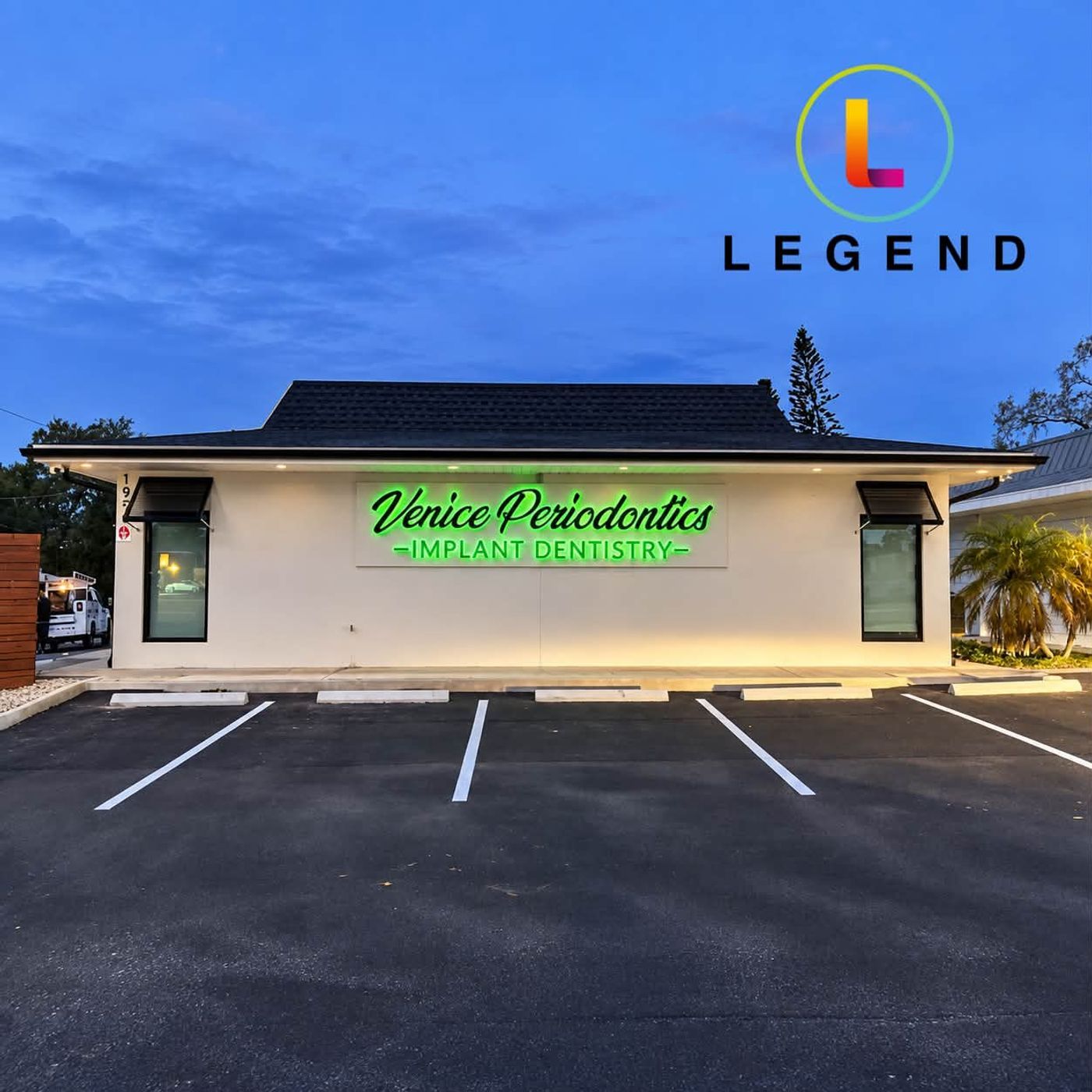
From the project pagesProsper, TX · Stevensville, MD · Venice, FL
Periodontal practices Legend has worked with
Periodontal offices from Legend’s public project pages. Each card says only what the project page records.
Rolla Periodontics & Implant Center
New practice opening (September 2026). Office computers, imaging connectivity, networking and cybersecurity.
Anchor Periodontics
Technology infrastructure for the new practice (September 2026): network infrastructure, workstations, clinical technology and imaging connectivity.
Prosper Periodontics & Dental Implants
New practice (October 2024): the final stages of building out its technology and security systems.
Gum Specialty Center
A planned periodontal and cosmetic practice (February 2024 construction update).
Venice Periodontics & Implant Dentistry
Joined Legend in September 2026.
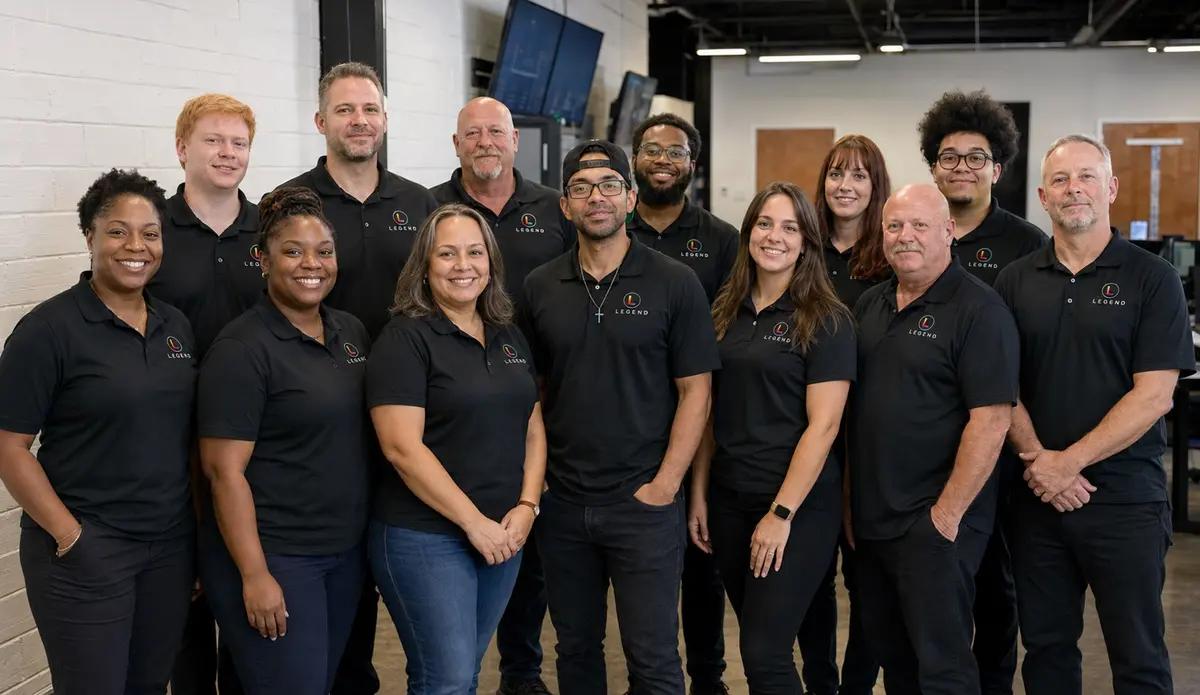
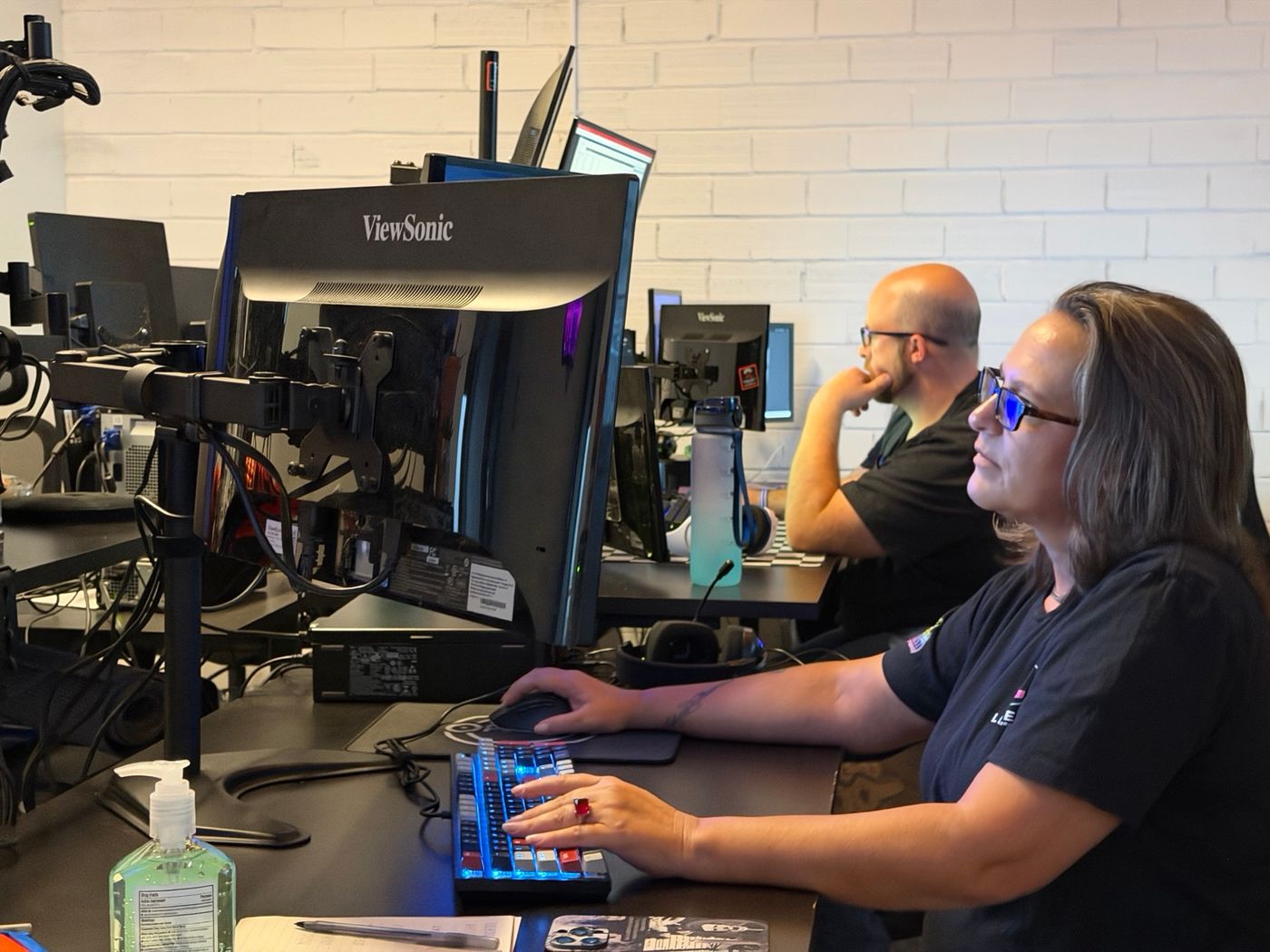
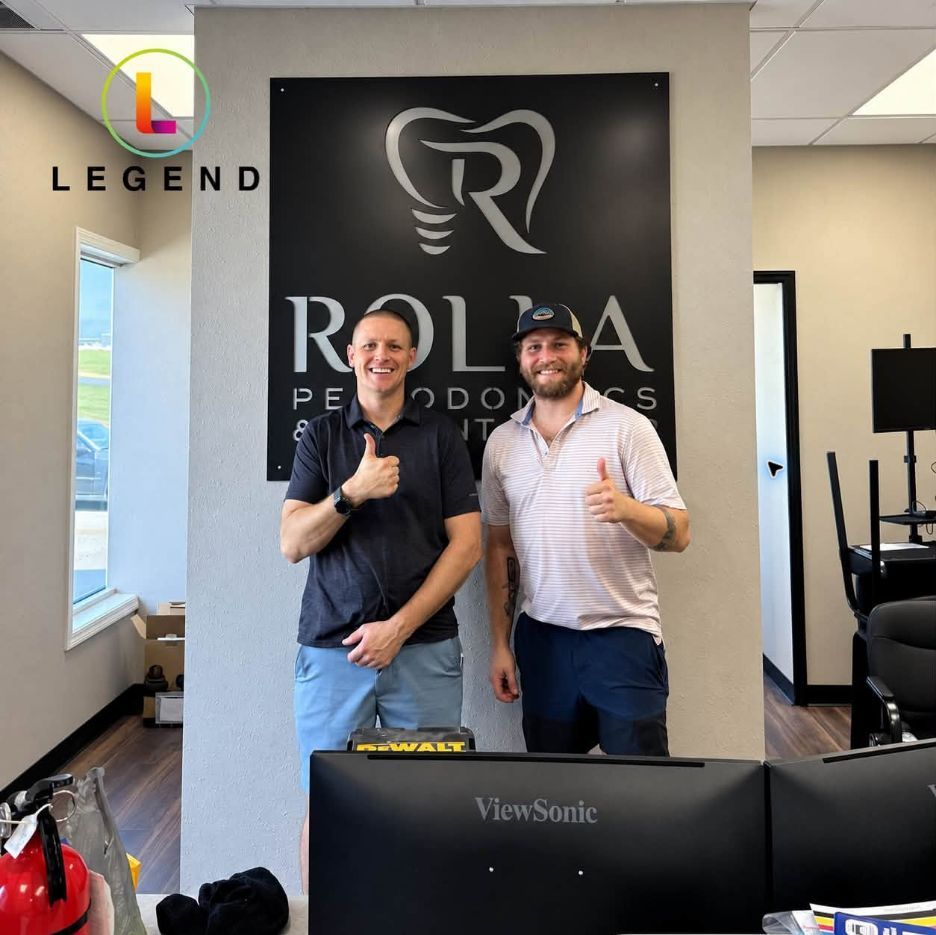
Remote and onsiteThe command center, the helpdesk, and a Legend field technician at Rolla Periodontics & Implant Center
Who answers when something breaks?
Remote first. Onsite when the fix needs hands.
Legend’s engineers are in-house, with no outsourced first-level triage. The helpdesk is staffed 24/7 at 1-800-794-1588, and Legend runs 24/7 monitoring. Support is remote-first nationwide, with onsite dispatch by appointment across served dental markets. Ian Lynch has 22 years in dental IT and oversees the NOC, onsite dispatch and client technology roadmaps.
In-house engineers 24/7 monitoring Onsite dispatch by appointment
What does IT cost for a periodontal practice?
Starting at $360 per month
Hardware procurement, major cabling projects and software licensing are quoted separately.
Backup protection from $39.99 per month (storage-dependent).
New practices are always custom quoted.
What moves the monthly price in a periodontal office:
- How many planning and CBCT workstations you run
- How much CBCT and imaging storage you keep, and how fast it grows
- Whether a dongle or licence server sits on your network
- How many operatories use perio charting devices
- How many locations you run
- How many users, and how many vendor and referral portals they sign in to
- Whether you are opening a new office or running an existing one
For the general picture, read the dental IT support cost guide. Get your number in a Free Dental IT Assessment.
What should a periodontist ask an IT provider before signing?
Five questions sort out most IT providers in one meeting. Ask them of anyone you are considering, including us.
Five questions, and what a good answer sounds like
| Ask | A good answer sounds like |
|---|---|
| Where will the dongle or licence server live, and what happens if it reboots on a surgery morning? | A named machine, on cable, with a plan for the restart, not “the front-desk PC”. |
| How do you spec a planning workstation? | It names the vendor’s requirements document and the graphics card and video memory it calls for. |
| Where do our CBCT studies live, and when did you last restore one? | A location, a date and the method. “The backup runs every night” is not a restore test. |
| How would we send a CBCT to a referring dentist without email attachments? | A method that fits the file size, with access that can be closed afterwards. |
| Who answers at 6:30 a.m. on a surgery day? | A staffed helpdesk and a number, with no response-time promise. Legend’s is the staffed 24/7 helpdesk at 1-800-794-1588. |
The full 15-question scorecard is in the periodontal practice technology guide; the general version is 20 questions to ask before signing with a dental IT company. Ask us all five in your Free Dental IT Assessment.
How does switching IT companies work for a periodontal office?
Most of the risk in a switch sits in the handoff. Six steps keep it under control:
- 01List every admin account.
Domain, Microsoft 365 or Google Workspace, firewall, Wi-Fi, server and vendor portals. The practice should own each one, not the IT company.
- 02Record every licence.
Note which planning software uses a USB dongle, a network dongle server or a cloud licence, and who holds the licence account.
- 03Take a verified backup.
Confirm the practice database, a CBCT study and a planning project all restore from the copy, not only from the live system.
- 04Document internet, firewall, phone and fax details.
Circuit IDs, static IPs, firewall rules and the numbers referring offices use.
- 05Cut over on a non-surgical day.
Move licences and dongle servers when no guided surgery is booked.
- 06Keep the old provider’s handoff in writing.
Keep their contact open until the first full surgery day has run.
The longer version is in switching dental IT providers. Plan the switch in a Free Dental IT Assessment.
Periodontal IT support: frequently asked questions
Do you provide IT support for periodontists?
Yes. Periodontal practices on Legend’s public project pages include Rolla Periodontics & Implant Center in Missouri, Anchor Periodontics in Maryland, Prosper Periodontics & Dental Implants and Gum Specialty Center in Texas, and Venice Periodontics & Implant Dentistry in Florida. Legend has 22+ years in dental IT and has served over 3,500 practices since 2004.
What does a periodontal IT company do?
It sets up and looks after the technology a periodontal practice runs: the network, front-desk and operatory computers, perio charting devices, CBCT and imaging computers, the implant-planning workstation and its licence, file exchange with referring dentists, backup and security. The software vendors support their own applications.
Can you support our CBCT and 3D imaging?
For DEXIS, Vatech, Carestream, Planmeca/Romexis and Dolphin Imaging, Legend supports the IT environment: the acquisition and viewing computers, server, network and backups. With another CBCT unit, we look after the computer it connects to, the network path, storage and backup, and the imaging vendor supports the unit. See dental imaging troubleshooting.
Can you support us if we run Blue Sky Plan, coDiagnostiX or DSN Perio?
Those are systems your practice runs. The vendor supports the application; Legend keeps the computers, graphics drivers, network, licence or dongle server, backups and accounts around it working. Each planner publishes its own computer requirements, and a planning workstation should be bought against that document, not against a front-desk spec.
How do you help protect surgical records, photos and implant documentation?
Start with practice controls: multi-factor sign-in on email, referral and vendor portals; a clinical network kept apart from guest Wi-Fi and cameras; backups that include imaging and implant-planning data, with tested restores; and a written list of every vendor that holds patient data. See dental cybersecurity and backup and recovery.
Can you help us open a new periodontal office?
Yes. At Rolla Periodontics & Implant Center, opened in September 2026, Legend’s buildout covered office computers, imaging connectivity, networking and cybersecurity. Anchor Periodontics and Prosper Periodontics & Dental Implants are new practices on Legend’s project pages too. New offices are always custom quoted. Start with dental startup IT.
We already have an IT company: can we switch without disrupting surgery days?
Plan the cutover for a non-surgical day and most of the risk sits in the handoff. List every admin account, record how each planning licence is held (dongle, network or cloud), test-restore a CBCT study and a planning project, and get the old provider’s handoff in writing before anything moves.
Do you work with periodontists outside Texas?
Yes. Legend is remote-first nationwide, with onsite dispatch by appointment across served dental markets. Periodontal practices on Legend’s project pages outside Texas include Rolla Periodontics & Implant Center in Rolla, Missouri, Anchor Periodontics in Stevensville, Maryland, and Venice Periodontics & Implant Dentistry in Venice, Florida.
What should we prepare for the assessment?
Bring your planning software and licence type, your CBCT make and where studies are stored, your charting method, how referrals and images go out today, where backups live and when one was last restored, and your locations and users. You get written findings and prioritized recommendations on computers, software, network security, backups and performance.
Guides for periodontal practices
Periodontal practice technology guide
What a periodontal office runs that a general office doesn't, what each system needs from your PCs, network and backup, and 15 questions to ask an IT provider.
Implant planning software: what the computer needs
Blue Sky Plan, coDiagnostiX and DTX Studio requirements side by side, checked October 2026, plus Mac options, the dongle server and a planning PC spec sheet.
Voice perio charting: headsets, editions and probes
Before voice or Florida Probe charting works chairside: which PMS editions allow it, which headsets work, PC and server specs, and a 10-step setup checklist.
Sending CBCT scans, X-rays and perio charts to referrers
How to send a CBCT scan, X-rays and perio charts between referring offices: real file sizes, which channel to use, a copyable referral form and report-back.
Starting a periodontal practice: the technology plan
Opening a perio office? What the CBCT room, surgical suites, implant planning workstation and referral line need from IT, and when to order each one.
Dental backup and disaster recovery checklist
Could your backup reopen the practice tomorrow? A 12-point recovery checklist, a step-by-step restore test and a printable record.
Start with a clear technology plan for your practice
Book a Free Dental IT Assessment: written findings and prioritized recommendations on your computers, software, network security, backups and performance, including your planning workstation, CBCT storage and charting devices.
Prefer to talk first? Call 1-800-794-1588 or contact the Legend team.
Bring this list to the assessment
- Planning software and licence type
- CBCT make and where studies are stored
- Charting method
- How referrals and images go out today
- Where backups live and the last restore test
- Locations and users