
IT Support for Endodontists
The computers, network, server, CBCT and microscope PCs, backups and security around the endo software you run.
- 3,500+Practices served since 2004
- 22+Years in dental IT
- 24/7Monitoring
- 4.8Rating from 173 Google reviews
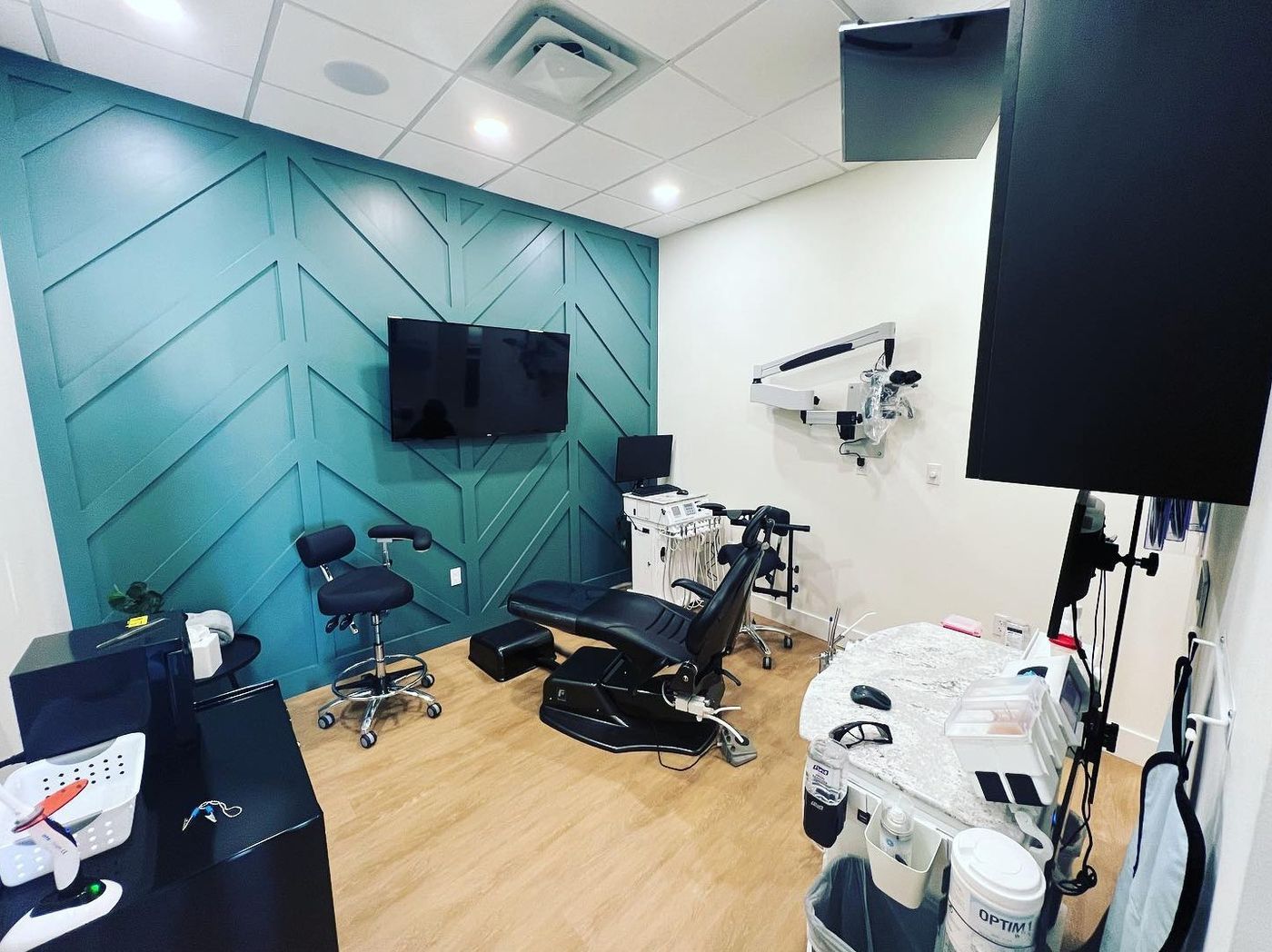
Leon River Endodontics · Temple, TXA treatment room with the operatory microscope
What is endodontic IT support?
Endodontic IT support is the setup and day-to-day care of the technology an endodontic practice runs: the practice-management server or cloud connection, wired operatory computers, CBCT acquisition PCs and scan storage, microscope video capture, sensors, phones, backup and security. It differs from general dental IT because a referral-and-emergency schedule leaves little slack for downtime.
What does your endodontic practice need right now?
Opening an endodontic office
Bring IT in before the low-voltage plan is final, so every operatory, the CBCT room and the server closet have the wired drops they need. Legend’s team was on site at Transcend Endodontics in Midlothian, building out the technology backbone while the new practice was under construction. See how we approach dental startup IT.
Replacing your current IT company
Start with a Free Dental IT Assessment: written findings and prioritized recommendations on your computers, software, network security, backups and performance. Then plan the switch: admin credentials, licence details for your endo software and imaging, and a backup check that includes the scan folders, before anything changes. Read how to switch dental IT providers without downtime.
Adding a location or moving to the cloud
A second endodontic office means a choice: a replicated database, the vendor’s hybrid option (such as TDO Hybrid) or the cloud. Each one changes the internet, server and backup plan. Legend’s team handled the final stages of the tech build-out for Dr. Russell’s second location at Elite Endodontic Specialists. Groups: see IT for DSOs and multi-location practices.
How is IT for an endodontic practice different from a general dental office?
An endodontic office runs on referrals and same-day emergencies, with 3D imaging and a microscope in most rooms. The software vendors publish what the computers and network under them must look like. Here is where an endo office differs, layer by layer.
General dental office vs endodontic office, layer by layer
| Layer | General dental office | Endodontic office |
|---|---|---|
| Schedule | Hygiene and restorative visits booked weeks ahead | Referred cases and same-day emergencies; when systems stop, patients in pain and referring offices wait |
| Network | Wi-Fi is common at the chair | Wired operatory PCs: TDO’s requirements list a 1Gb Ethernet adapter and “WIRELESS NOT SUPPORTED” for workstations (TDO KB 39) |
| Server | Often a general-purpose server | TDO’s requirements: mirrored data drives (“RAID 1 or RAID10, NOT RAID 5”), a private static IP address and a UPS “strongly recommended” (TDO KB 39) |
| 3D imaging | A pano, sometimes a CBCT | CBCT is routine; TDO integrates CBCT from three makers: Carestream, J. Morita and PreXion (TDO KB 333) |
| Where data lives | Mostly on the server | Carestream 3D scans are often saved to “a second internal hard drive on the Acquisition PC” (TDO KB 854), so the backup has to know where |
| Microscope capture | Rare | A capture device and computer in most rooms; where video and stills are saved is decided before the first case |
| After the case | Patient records stay in-house | Reports and images go back to referring dentists |
What endo software vendors’ own documents say your IT must get right
Wired, not wireless.
TDO’s minimum requirements list a 1Gb Ethernet adapter for every workstation and say “WIRELESS NOT SUPPORTED”.
Three CBCT makers integrate.
“There are only three companies that have integrations with TDO”: Carestream, J. Morita and PreXion.
The cloud does not move your imaging.
TDO’s data-import page lists “External Imaging (Dexis, Schick, Carestream, etc.)” under what does not transfer, and DentalEMR says moving to its cloud “does not remove every server in your office.”
Keeping your server or moving to the cloud
When an endo software vendor hosts the practice-management database, the vendor runs that cloud.
Your office still runs
- the CBCT and imaging software
- the acquisition and capture PCs
- the network
- the internet line
- the backup of everything that stays on site
Compare the options in dental server replacement vs cloud migration, and see where cloud dental software (general dentistry) is heading.
CBCT, microscope or practice software: who do you call?
Who to call first, by problem
| What’s wrong | Call first |
|---|---|
| A software bug, an error inside the program, or an update question | The practice-management software vendor |
| Slow, or “can’t connect”, at every chair | IT |
| Scans won’t open from another PC, or the backup is missing scans | IT first |
| CBCT hardware fault or calibration | The imaging vendor or dealer |
How should the CBCT and imaging PCs sit on the network?
Wire them at 1 Gb, give every PC a unique computer name (“Duplicate computer names are not supported, even for replicated offices”, TDO KB 854), and decide where scans are saved before the first patient, so the backup includes that location.
What we look after in an endodontic office
For new endodontic offices, established practices and practices adding a location.
Startups and new locations
Plan the network, drops, server, operatory and acquisition PCs before the walls close. New practices and new locations are always custom quoted.
Servers and workstations
We look after the computers, network, backup and access around your endo software: mirrored server drives, a static IP and a UPS where the vendor asks for them, and wired operatory PCs.
Network and Wi-Fi
Wired operatories first. Then check whether clinical, imaging, staff-device and guest traffic sit on separate networks; the Free Dental IT Assessment shows how yours is set up today.
Backup and recovery
What to check: are the CBCT and capture folders in the backup, and when was a restore last tested? In TDO offices, TDO’s own backup utility stays the primary backup (“The doctor is responsible for the TDO backup!”, TDO KB 675); the drive it writes to, an offsite copy and the imaging folders it does not cover need their own plan. Backup protection from $39.99 per month (storage-dependent).
Cybersecurity
What every practice should have: multi-factor sign-in, endpoint protection, patching and a separated clinical network. The assessment shows which of these your office has today.
Phones and fax (checklist)
Before you change phones, list which lines carry referrals and fax, and plan for when the copper phone lines go away.
Software and imaging we support, and the tools you run
Legend supports the IT environment for
- Dentrix
- Eaglesoft
- Open Dental
- Archy
- DEXIS
- Vatech
- Carestream imaging (CS Imaging)
- Planmeca/Romexis
- Dolphin Imaging
Carestream is the one CBCT brand on this list that TDO also integrates (TDO KB 333).
Endo software and devices you may run
We look after the computers, network, server and backups under them, and the vendor supports the application.
- TDO (TDO Software) and TDOS (TDO’s browser-based cloud software)
- PBS Endo (Henry Schein One)
- DentalEMR
- EndoVision
- XLDent
- J. Morita and PreXion CBCT
- ZEISS, Global Surgical and Leica microscopes
- GentleWave
- TDO InfoGrabber
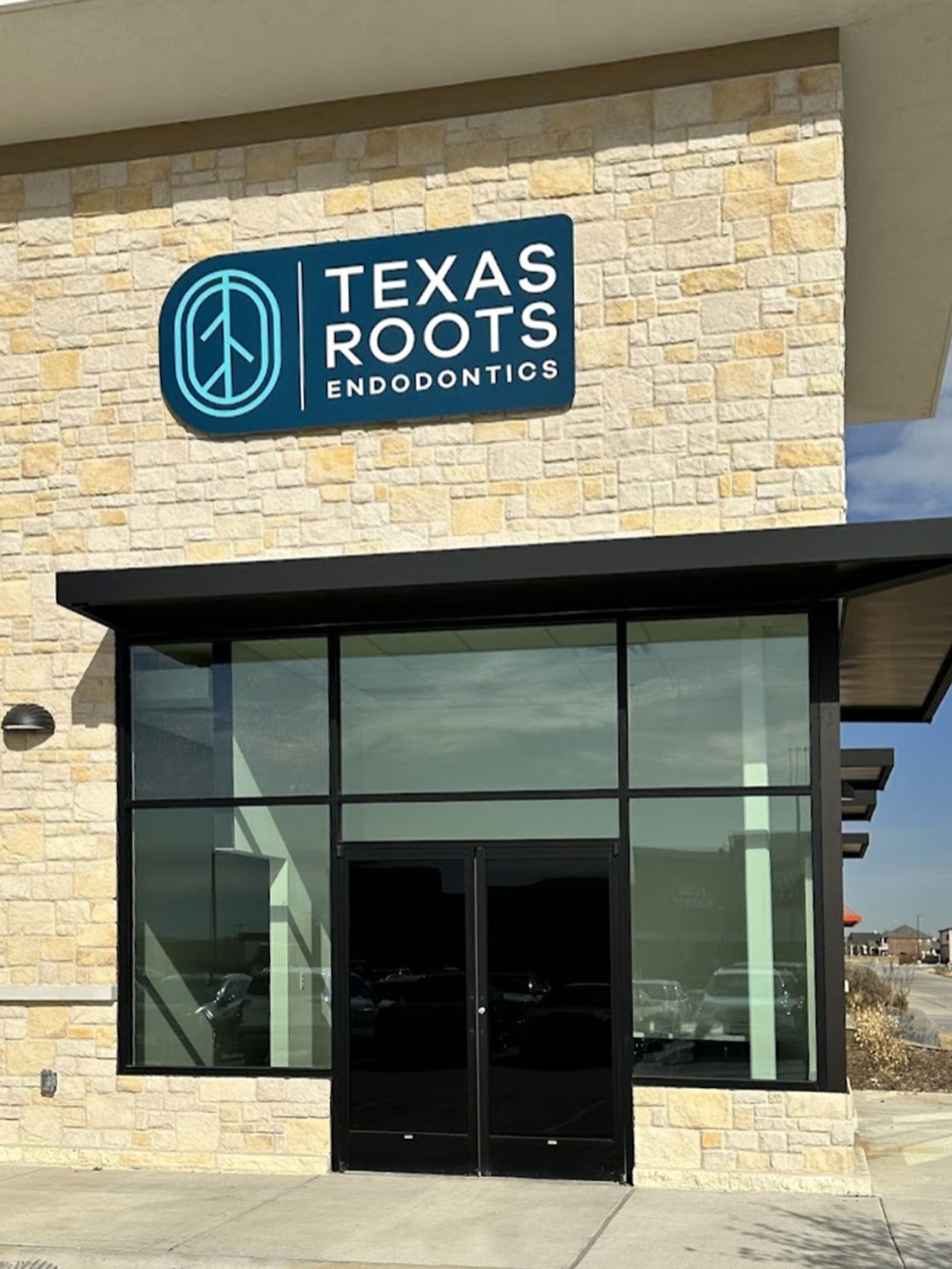
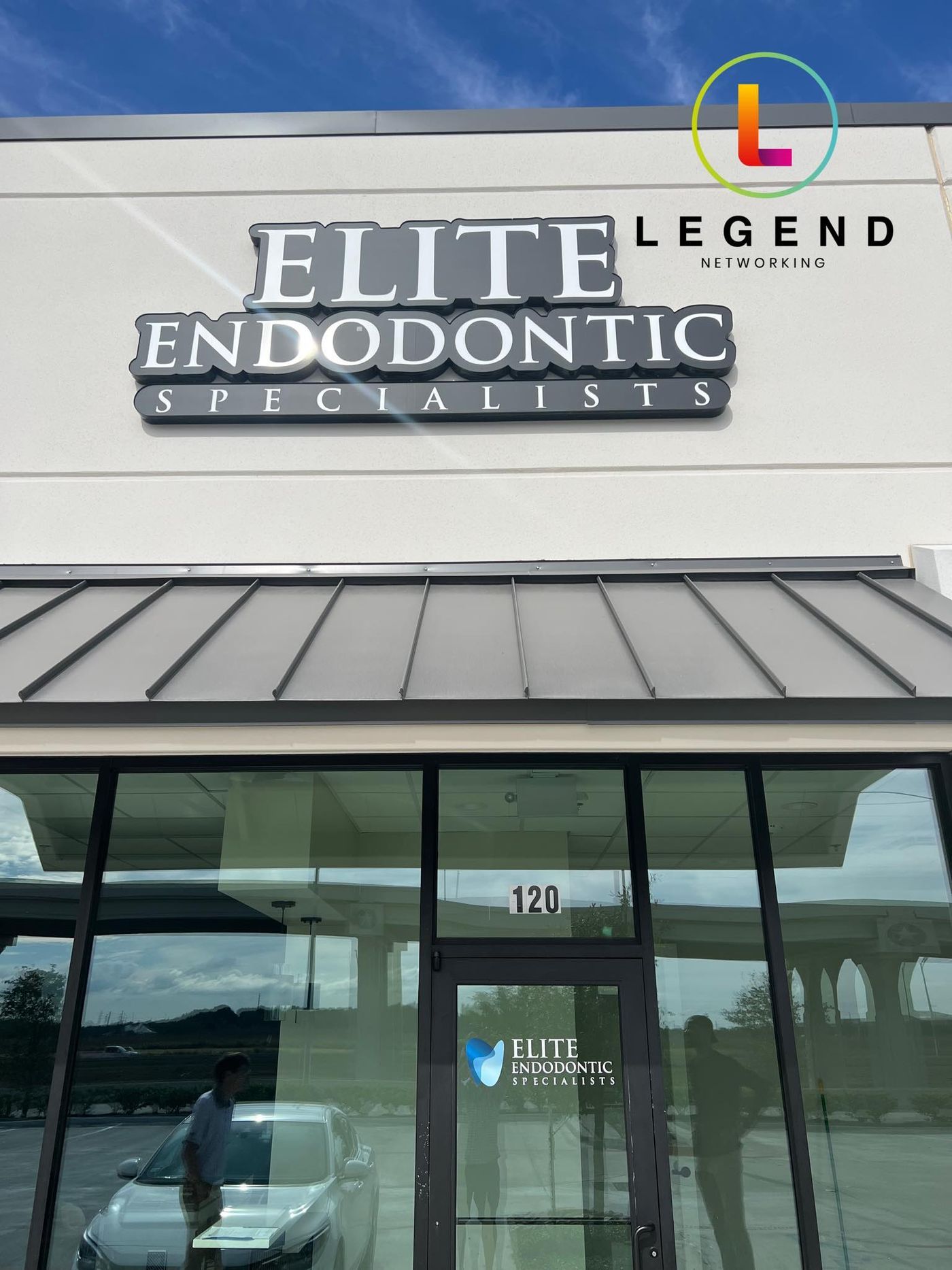
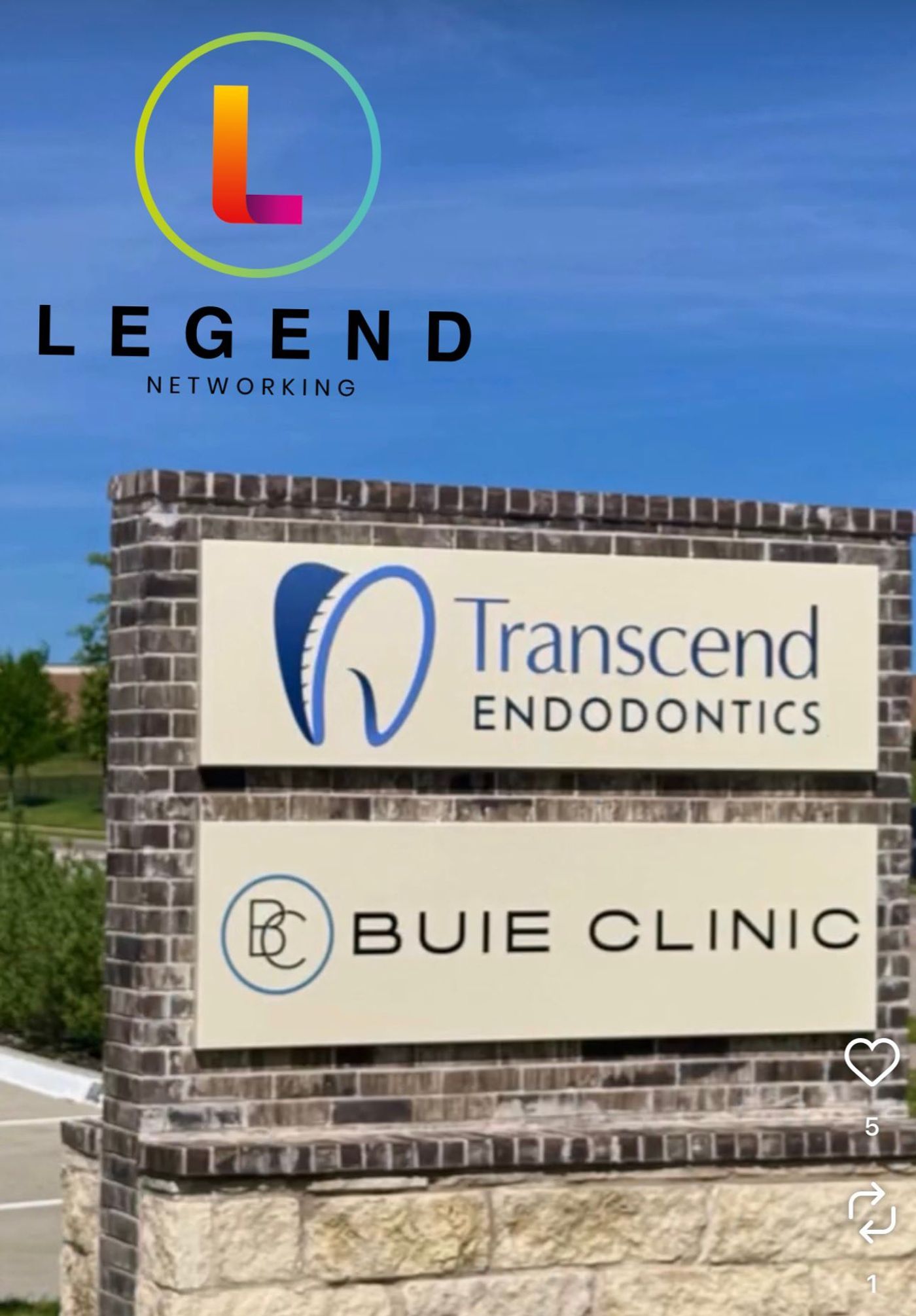
From the project pagesTexas Roots Endodontics, Fort Worth · Elite Endodontic Specialists, Missouri City · Transcend Endodontics, Midlothian
Endodontic practices Legend has worked with
Endodontic projects documented on Legend’s own project pages.
Transcend Endodontics
In May 2026, Legend’s team was on site building out the technology backbone for this new endodontic practice while it was under construction.
Elite Endodontic Specialists
Final stages of the tech build-out for Dr. Russell’s second location, set to open in November 2024.
Leon River Endodontics
With Dr. Scott Thayer since the initial buildout; in May 2024 Legend took part in adding a new operatory and office.
Texas Roots Endodontics
IT infrastructure, technology installation and daily oversight since day one, marked at the practice’s first year with Dr. Joshua Melton (February 2024).
Five questions to ask any IT company before it touches an endodontic office
Five questions, and why each one matters
| Ask | Why it matters |
|---|---|
| Have you set up offices on our endo software, and do you know its published requirements? | The vendor’s requirements decide the network, server and workstation build. |
| Are our operatory PCs wired, and is the server on a static IP and a UPS? | All three are in TDO’s minimum requirements (KB 39). |
| Where are our CBCT scans saved, and do our backups include that location? | Scans often sit on the acquisition PC, outside the server. |
| What happens to our imaging if we move the PMS to the cloud? | External imaging does not move with the database. |
| What is the plan for a second location? | Replication, hybrid and cloud each need a different setup. |
More questions: 20 questions to ask before signing with a dental IT company.
Which IT companies specialize in endodontic practices?
Look for named endodontic projects you can check, knowledge of the endo software vendors’ own requirements, a clear split between what the vendor supports and what IT supports, and stated helpdesk hours. Legend’s endodontic projects are listed above, and its helpdesk is staffed 24/7 at 1-800-794-1588. For a wider view, see top dental IT companies in America.
Bring this to your assessment
- The name and version of your endo software, and whether it runs on a server or in the cloud
- Your CBCT and sensor makes, and which PC each one connects to
- Where your CBCT scans and microscope captures are saved today
- How your backups run, and when a restore was last tested
- How reports and images reach your referring dentists today
- Your internet plan and who provides it
- Any plans to open, move or add a location
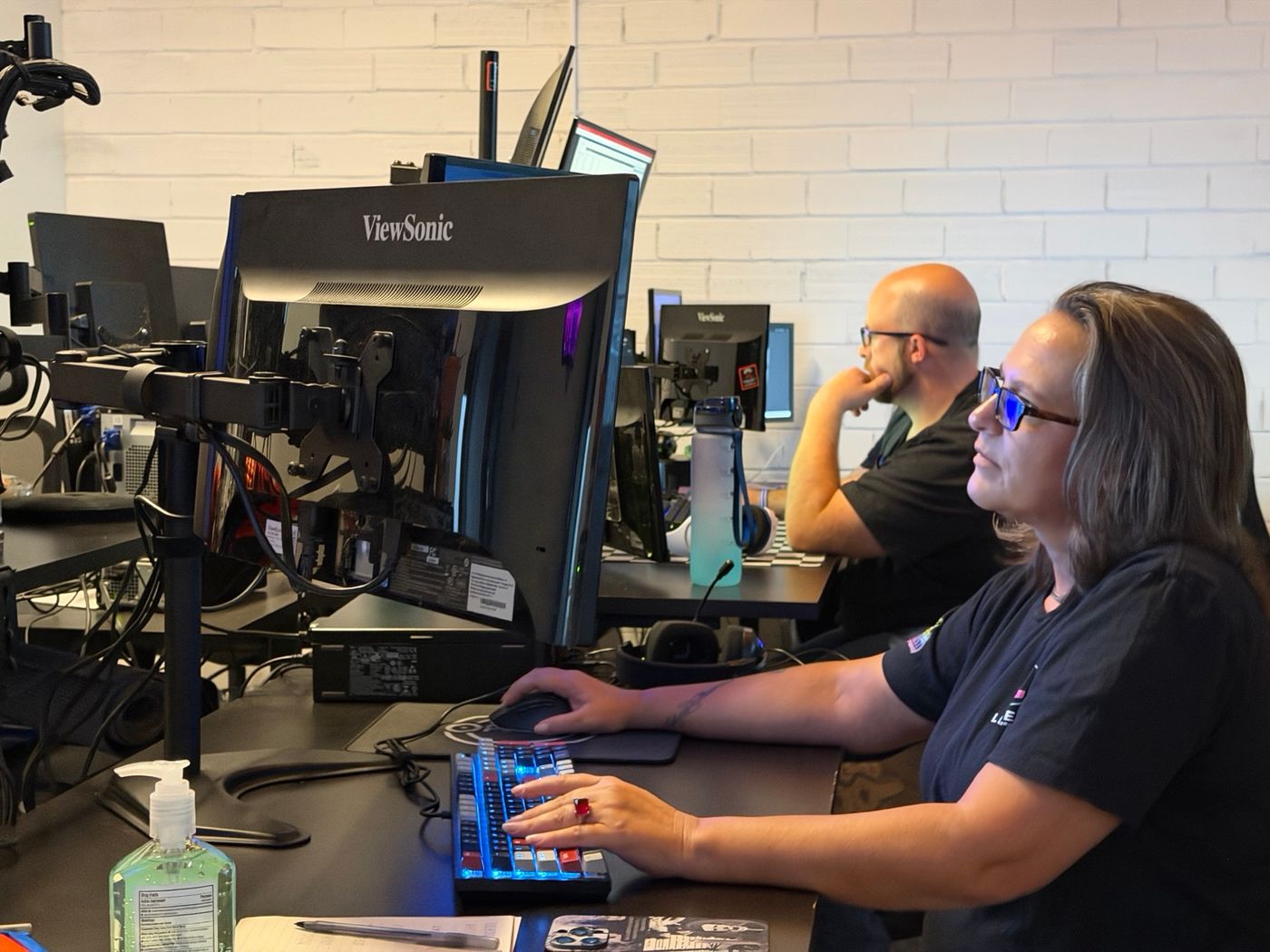

Remote and onsiteThe Dallas command center, the helpdesk, and a Legend field technician at Rolla Periodontics
Remote first. Onsite when the fix needs hands.
Legend is remote-first nationwide, with onsite dispatch by appointment across served dental markets. In-house engineers; no outsourced first-level triage. The helpdesk is staffed 24/7 at 1-800-794-1588, and systems have 24/7 monitoring.
- 24/7 monitoring
- In-house engineers
- Onsite by appointment
What does IT cost for an endodontic practice?
Starting at $360 per month.
Backup protection from $39.99 per month (storage-dependent). Hardware procurement, major cabling projects and software licensing are quoted separately. New practices and new locations are always custom quoted.
What moves the price
- a server or the cloud
- how many operatory and acquisition PCs
- how much CBCT and capture storage
- how many locations
- users and portals
- a startup or an existing office
Endodontic IT, answered.
Do you provide IT support for endodontists?
Yes. Legend looks after the computers, network, server, imaging PCs, backups and security in endodontic offices. Endodontic practices we have worked with include Transcend Endodontics in Midlothian, Elite Endodontic Specialists in Missouri City, Leon River Endodontics in Temple and Texas Roots Endodontics in Fort Worth, all in Texas. Across dental practices of every kind, Legend has served over 3,500 practices since 2004.
How is IT for an endodontic practice different from a general dental office?
The schedule runs on referrals and same-day emergencies, so downtime lands on patients in pain and on referring offices. The hardware is different too: wired operatory PCs (TDO’s requirements say wireless is not supported), CBCT acquisition PCs with their own scan storage, and microscope capture in most rooms. Reports and images also go back to referring dentists after each case.
Can you support us if we run TDO, PBS Endo or DentalEMR?
Yes for the IT around it: we look after the computers, network, server hardware, backups, Windows and accounts your endo software runs on. The software vendor supports the application itself.
Can you help us open a new endodontic office or add a location?
Yes. Legend’s team was on site at Transcend Endodontics building the technology backbone while the new practice was under construction, and handled the final stages of the tech build-out for Elite Endodontic Specialists’ second location. A second site chooses between a replicated database, TDO Hybrid or the cloud. New practices and new locations are always custom quoted. See dental startup IT.
How do you protect our patient records and imaging?
We check for the practical controls every practice should have: multi-factor sign-in on email and remote access, endpoint protection, regular patching, a clinical network separated from guest and staff devices, and monitored backups that include imaging, with restore tests. These are technical safeguards inside your practice’s broader HIPAA program, and the Free Dental IT Assessment shows which of them your office has today. See dental cybersecurity and HIPAA Security Rule updates.
We already have an IT company: can we switch without disrupting patients?
Yes, with a planned cutover. Before anything changes we take an inventory of every computer and device, collect the admin credentials, record the licence details for your endo software and imaging, and check that backups include the scan folders. The switch is then scheduled around your patient day. Read how to switch dental IT providers without downtime.
Do you work with endodontic practices outside Texas?
Yes. Legend is remote-first nationwide, with onsite dispatch by appointment across served dental markets. Monitoring, the helpdesk and day-to-day support run remotely, and onsite visits are scheduled when the fix needs hands. Ask at your Free Dental IT Assessment how onsite work is arranged where your practice is.
Guides for endodontic practices
Endodontic office technology guide
For endodontic practice owners and office managers: what the office runs, where it lives and what IT must do. Technology map, network zones, dates, scorecard.
Endo software: keep the server or move to the cloud
Server or cloud for your endo software: the TDO spec, what moves and what stays, the SQL question and a 30-day cutover checklist. Checked Oct 2026.
Operatory imaging: microscope video, sensors and CBCT
Get microscope video into the chart, see which CBCTs integrate with TDO Software, find where your scans are saved and check they are in the backup. Oct 2026.
Opening an endo practice or second location
Opening an endo office or adding a site? Wiring for the microscope and CBCT PC, the closet your endo software needs, and the second-location decision.
Dental server replacement vs cloud migration
Replace the server or move to the cloud? A scenario worksheet with PMS requirements, imaging limits and exit terms to check first.
Dental office network setup
Drops per room, cable standards, the network closet, switching, Wi-Fi and testing, plus what you should receive at handover.
Dental imaging integration troubleshooting
Sensor or imaging bridge stopped after an update? Find the failing layer, run an eight-step acceptance test and see who fixes what.
Dental backup and disaster recovery checklist
Could your backup reopen the practice tomorrow? A 12-point recovery checklist, a step-by-step restore test and a printable record.
Start with a clear technology plan for your practice
The Free Dental IT Assessment gives you written findings and prioritized recommendations on your computers, software, network security, backups and performance.
Prefer to talk first? Contact the Legend team or call 1-800-794-1588. Or visit the Free Dental IT Assessment page.
What the Free Dental IT Assessment covers
- Computers and workstations
- Practice software
- Network security
- Backups
- Performance
You receive written findings and prioritized recommendations. Any other work is quoted separately.