

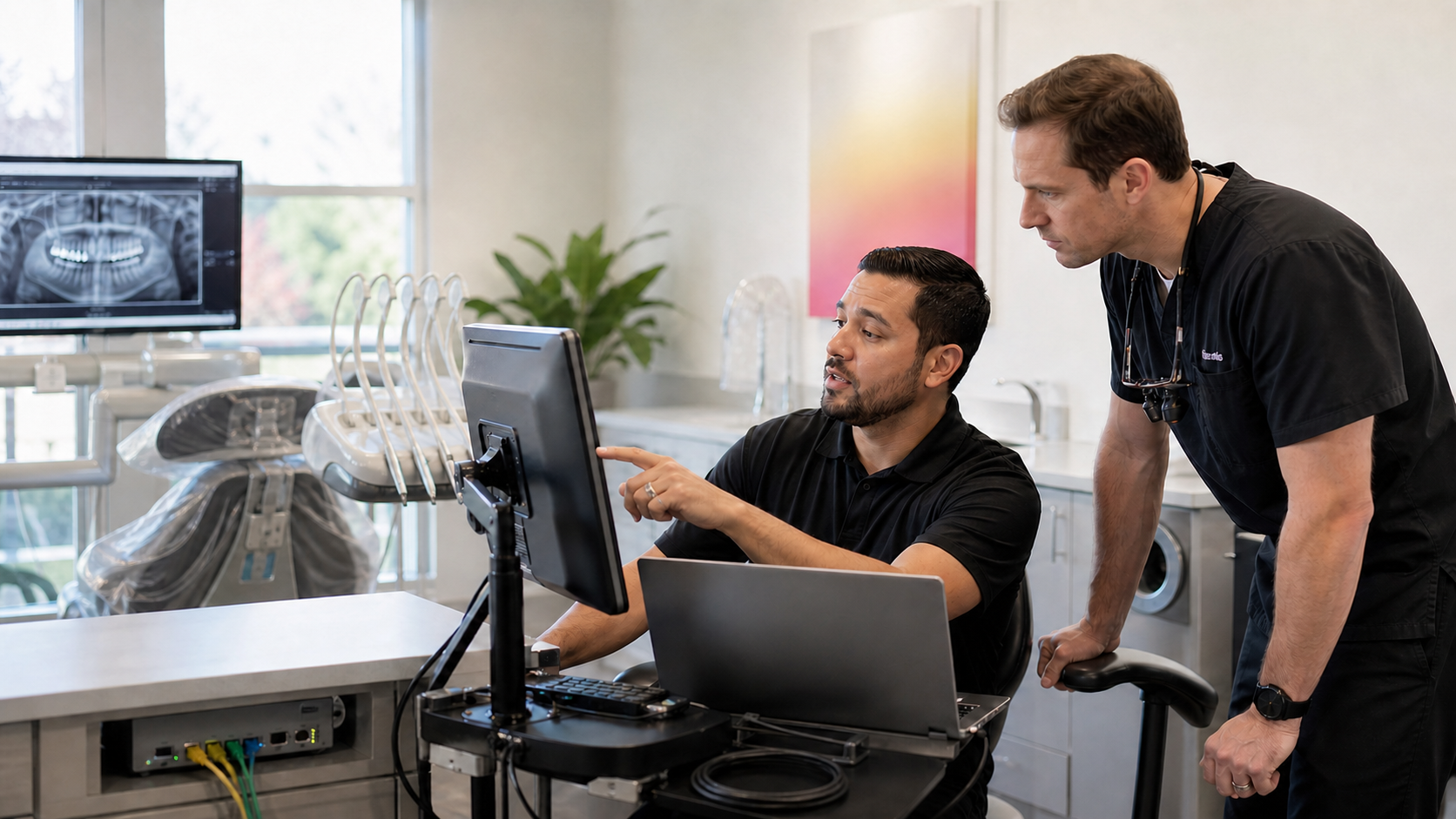
Call the software vendor when the problem lives inside the application: licensing, product bugs, application settings, vendor updates, and vendor-operated cloud services. Call the dental IT provider when the problem lives in the environment the software depends on: workstations, servers, network, accounts and permissions, imaging connectivity, backups, and security. When the cause is unclear, the IT provider should own the diagnosis and the vendor handoff.
That boundary resolves most of the back-and-forth dental teams experience. Below is a responsibility matrix, the scenarios practices actually call about, and what to require from a provider that supports practice software.
Key takeaways
- The software vendor owns the product. The IT provider owns everything the product runs on.
- Symptoms rarely announce which side they belong to, so someone must own the diagnosis.
- One workstation failing and every workstation failing are almost never the same root cause.
- Imaging bridges, sensors, and CBCT sit on the boundary and need both parties.
- The office manager should never be the person relaying technical detail between two vendors.
Where the line actually falls
A practice management or imaging vendor supports its own product: license keys and seat counts, defects in the software, application-level configuration such as fee schedules and module settings, its own update packages, and any hosted service it runs. Vendors also publish minimum specifications and installation requirements, and those documents are the reference point when a dispute starts.
A dental IT provider supports the environment: workstations and operating systems, the server or hosting arrangement, the network and internet circuits, Wi-Fi, switching and firewalls, user identity and file permissions, drivers and imaging hardware connectivity, patching, endpoint security, and backup and recovery. Our managed IT services page describes that scope, and the helpdesk page covers daily triage.
One responsibility is easy to overlook: coordination. Somebody has to gather evidence, decide which side owns the fault, open the vendor ticket, and stay on the call. In practices where nothing gets resolved, that role is unassigned and lands on the office manager.
Under HIPAA, both relationships can carry obligations. A vendor with access to protected health information is generally a business associate, and HHS addresses software vendors specifically in its published FAQ and in its broader business associate guidance. The safeguards around the systems themselves fall under the HIPAA Security Rule.
Responsibility matrix
| Problem | First call | Why | What good coordination looks like |
|---|---|---|---|
| Application will not open on one workstation | Dental IT provider | Points at that machine, its profile, drivers, or path to the server | IT checks other workstations, then escalates with logs if the install is damaged |
| No workstation can reach the database | Dental IT provider | Server, service, storage, or network scope | IT restores the service or the data path, and involves the vendor if the database itself is corrupt |
| Error naming the application, on every machine | Software vendor | Product defect or configuration | IT confirms the environment is healthy first so the ticket is not bounced back |
| Sensor, scanner, or CBCT stops capturing | Both | Bridge software is the vendor's, drivers and connectivity are IT's | IT verifies the device, driver, and share path, then joins the imaging vendor call |
| Software is slow at certain times | Dental IT provider | Usually storage, network, endpoint security, or contention | IT measures the bottleneck and shares data if the vendor must tune the application |
| Version upgrade | Software vendor | The vendor owns the upgrade package and its prerequisites | IT validates specs, backups, and a rollback point, and schedules the window |
| New workstation or operatory | Dental IT provider | Hardware, imaging, and network setup | IT builds and images the machine, the vendor supplies licensing and install media |
| Restore after data loss | Dental IT provider | Backups are infrastructure | IT restores, then the vendor validates database integrity |
| Remote access for a doctor at home | Dental IT provider | Identity and security controls | IT provides a controlled path, not an ad hoc remote tool |
| Suspicious login or ransomware indicators | Dental IT provider, immediately | Incident response is infrastructure work | IT contains and investigates, then notifies affected vendors |
| Licensing, seat counts, renewals | Software vendor | Product entitlement | IT confirms deployed counts match what is billed |
| Claims or e-services module failing | Software vendor | Vendor-operated service | IT rules out the firewall, DNS, and outbound filtering first |
The ten scenarios practices actually call about
One workstation cannot open the application. Start with what is different about that machine: a recent Windows update, a corrupted profile, a mapped drive that no longer resolves, endpoint security quarantining a component, or a partial install. This is IT work, and the vendor is only involved if the install fails for a product reason.
Every workstation loses the database. This is a server, service, storage, or network fault until proven otherwise. IT should check whether the database service is running, the server is reachable, the volume is full, or a switch or cable path failed. This is also where a tested backup matters most, which is why backup and recovery belongs to the same party that owns the server.
A sensor, intraoral scanner, or CBCT stops working. Imaging sits on the boundary. The bridge application belongs to the vendor; the USB controller, driver version, calibration files, image storage path, and permissions belong to IT. IT should verify the device on another workstation and confirm the storage path first, then bring the imaging vendor in with those findings documented.
The software is slow. Slowness is the most commonly misrouted issue in dental IT. Establish when it is slow, which machines are affected, and what else is running. Aging drives, a saturated network segment, an undersized server, endpoint security scanning the database directory, or a backup job running during patient hours are frequent causes. If measurements point at the application, the vendor can act on real data instead of an impression.
A version upgrade is due. The vendor owns the upgrade. IT owns readiness: checking hardware and operating system requirements against published specifications, verifying a current backup and a rollback point, scheduling outside patient hours, and testing imaging bridges and the claims path afterward.
A new workstation or operatory is going in. IT builds the machine, joins it to the network, applies the security baseline, connects imaging hardware, and validates database access. The vendor supplies licensing and installation media. Cabling, power, and switch capacity should be planned in advance; our guide to dental office network setup covers that groundwork.
A restore is needed. Backups are infrastructure, and the measure of one is a documented test restore rather than a green status icon. Open Dental documents its own backup tool, which complements rather than replaces an infrastructure backup with offsite copies.
A doctor needs remote access. This is an identity and security question. It belongs on a controlled path with multi-factor authentication and logging, reviewed when staff change.
Multiple locations need to share data. Site-to-site connectivity and how the database is reached across sites are IT responsibilities, but supported architectures come from the vendor. Open Dental publishes guidance for multiple locations, and design decisions should follow supported patterns rather than workarounds.
A suspicious login or ransomware indicator appears. Treat this as an incident immediately. Containment, investigation, and recovery are IT responsibilities, and vendors whose hosted services may be affected should be notified once the scope is understood.
When the answer is both
Plenty of problems are genuinely shared. An imaging bridge failing after a Windows update involves the operating system, a driver, and the vendor's software at once.
The failure mode here is procedural, not technical. The vendor says it is the network, IT says it is the application, and the office manager relays messages between two parties who never speak to each other.
The fix is to assign a single owner for the diagnosis, and that owner should be the IT provider, because it can see the whole environment. IT gathers evidence, opens the vendor ticket in the practice's name, joins the call, records what has been ruled out, and reports back in plain language. The practice should be told what is happening, not asked to translate it.
Notes on Dentrix, Eaglesoft, and Open Dental
Product names below are used for identification only.
Dentrix. Henry Schein One publishes product information on the Dentrix site and operates a support portal. Product defects, licensing, and application configuration go there; server performance, workstation health, imaging connectivity, and backups sit with the IT provider.
Eaglesoft. Patterson publishes installation documentation, including a workstation installation guide that sets out prerequisites and installation steps. Those requirements are the reference point when validating an environment before an install or upgrade.
Open Dental. Open Dental documents its environment expectations publicly, including computer and network setup, so an IT provider can verify that a deployment matches the supported configuration.
None of this replaces the vendor's product support. A dental IT provider should make the vendor relationship work better, not stand in front of it.
What to require from a dental IT provider that supports practice software
Ask for evidence, not assurances.
- Named practice management and imaging platforms the team has supported, and roughly how many practices on each.
- A description of who opens and owns vendor tickets, in writing.
- Willingness to join vendor calls rather than forwarding email.
- A documented restore test from the last quarter, with the date and the result.
- A written server and workstation specification checked against the vendor's published requirements.
- An imaging inventory approach covering sensors, scanners, and CBCT, including driver and bridge versions.
- Defined maintenance windows that sit outside patient hours.
- A business associate agreement and a description of how administrative access is controlled and logged.
- Practice ownership of tenants, domains, backup platforms, and network devices, with the provider holding delegated access.
- A clear escalation path with response expectations and a named point of contact.
Our guide to choosing a dental IT provider covers the wider evaluation, and if you are already mid-decision, switching providers without downtime covers the transition mechanics.
What to send before you call
A short checklist that shortens most tickets:
- The exact error text, as a screenshot or photograph of the screen.
- Which machine or machines are affected, by name or operatory.
- Whether it affects one user, one workstation, or everyone.
- When it started, and what changed just before that.
- Whether anyone has already restarted the workstation or the server.
- Whether imaging, claims, or the phone system are affected as well.
- Whether a vendor ticket is already open, and its number.
Tired of Being Sent Back and Forth?
Legend Networking can assess the network, server, security, backup, and vendor dependencies behind recurring dental software problems. The practice keeps the findings whether or not it hires Legend.
Frequently Asked Questions
Should I call my software vendor or my IT provider first?
If the problem is inside the application on every machine, such as licensing or a product error, call the vendor. If it affects one workstation, the server, the network, imaging hardware, or access, call the IT provider, who can see the whole environment.
Does a dental IT provider replace Dentrix, Eaglesoft, or Open Dental support?
No. Product support remains with the software vendor. A dental IT provider supports the infrastructure the software runs on and coordinates with the vendor when a problem crosses the boundary.
Why does my software vendor say it is a network problem?
Because it often is. Application symptoms are frequently caused by storage, network, or endpoint security behavior. The right response is measurement rather than argument.
Who is responsible for backups of my practice management database?
The IT provider owns the backup and recovery process, including offsite copies and documented test restores. Vendor backup tools help but are not a complete strategy; our backup and recovery page explains the difference.
Is my dental software vendor a HIPAA business associate?
Generally yes, when the vendor creates, receives, maintains, or transmits protected health information on the practice's behalf. HHS addresses software vendors directly in its published FAQ, and practices should keep signed agreements on file.
What should happen when imaging stops working?
The IT provider verifies the device, driver, storage path, and permissions and documents what has been ruled out. If the bridge software is at fault, the vendor is brought in with that evidence assembled.
How do I stop the back-and-forth between vendors?
Assign a single owner for diagnosis and vendor coordination in writing, as a stated expectation of your IT agreement. The office manager should receive updates rather than relay technical detail.
Can an IT provider guarantee our software will never go down?
No. Practice software depends on hardware, networks, and vendor services that can all fail. What a provider can do is reduce the likelihood, shorten recovery, and make sure a tested restore exists.
Sources and further reading
- HHS: HIPAA Security Rule
- HHS: Business Associates
- HHS FAQ: Is a software vendor a business associate?
- Dentrix and the Dentrix support portal
- Patterson: Eaglesoft workstation installation guide
- Open Dental: computer and network setup, backup tool, and multiple locations
Dentrix, Eaglesoft, Open Dental, and other product names are trademarks of their respective owners and are used here for identification only. Legend Networking claims no affiliation, endorsement, or partnership with those vendors in this article.