Dental IT support

Dental Office IT Support

Practical IT support and managed IT services for a dental office: the computers your team touches all day, the network they run on, the imaging and practice management environment around them, and someone to call while patients are in chairs.

What this covers

Most dental offices do not need a technology strategy before lunch. They need the operatory machine to wake up, the sensor to acquire, the front desk to print, and the phones and internet to stay up while the day runs. That is the work this page describes.

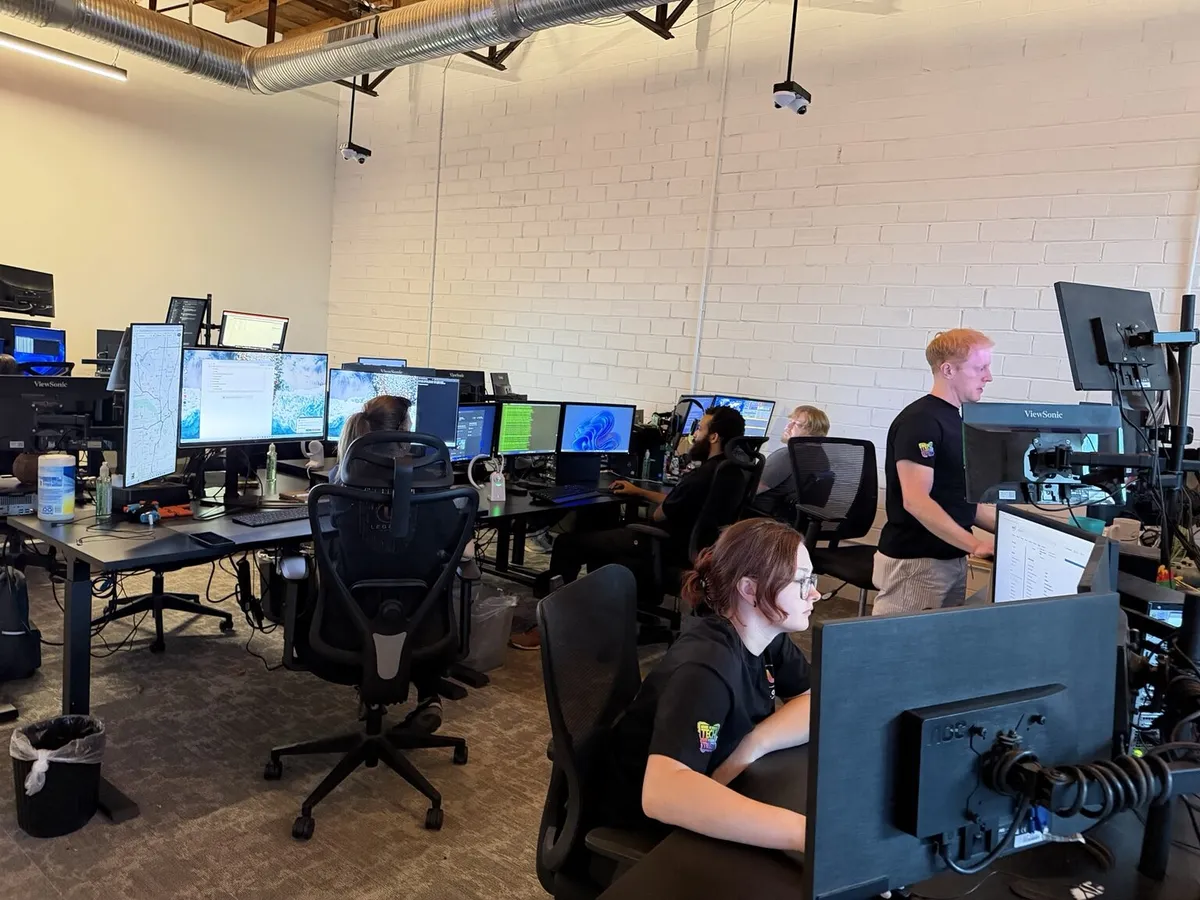
Legend Networking has spent 20+ years in dental IT and supports practices nationwide with 24/7 monitoring, remote help desk and onsite help when hardware needs hands on it. We are used to offices where the previous setup grew one purchase at a time and nobody wrote any of it down.

If you run several locations, the group page covers standardisation across offices. This page is written for a single office or an established practice being run as one.

Dental office front desk workstation with clinical software on screen

What's included

  • Operatory, front-desk and doctor workstation support and performance tuning
  • Network, switch and Wi-Fi reliability across clinical and administrative areas
  • Support for the environment around your practice management and imaging software
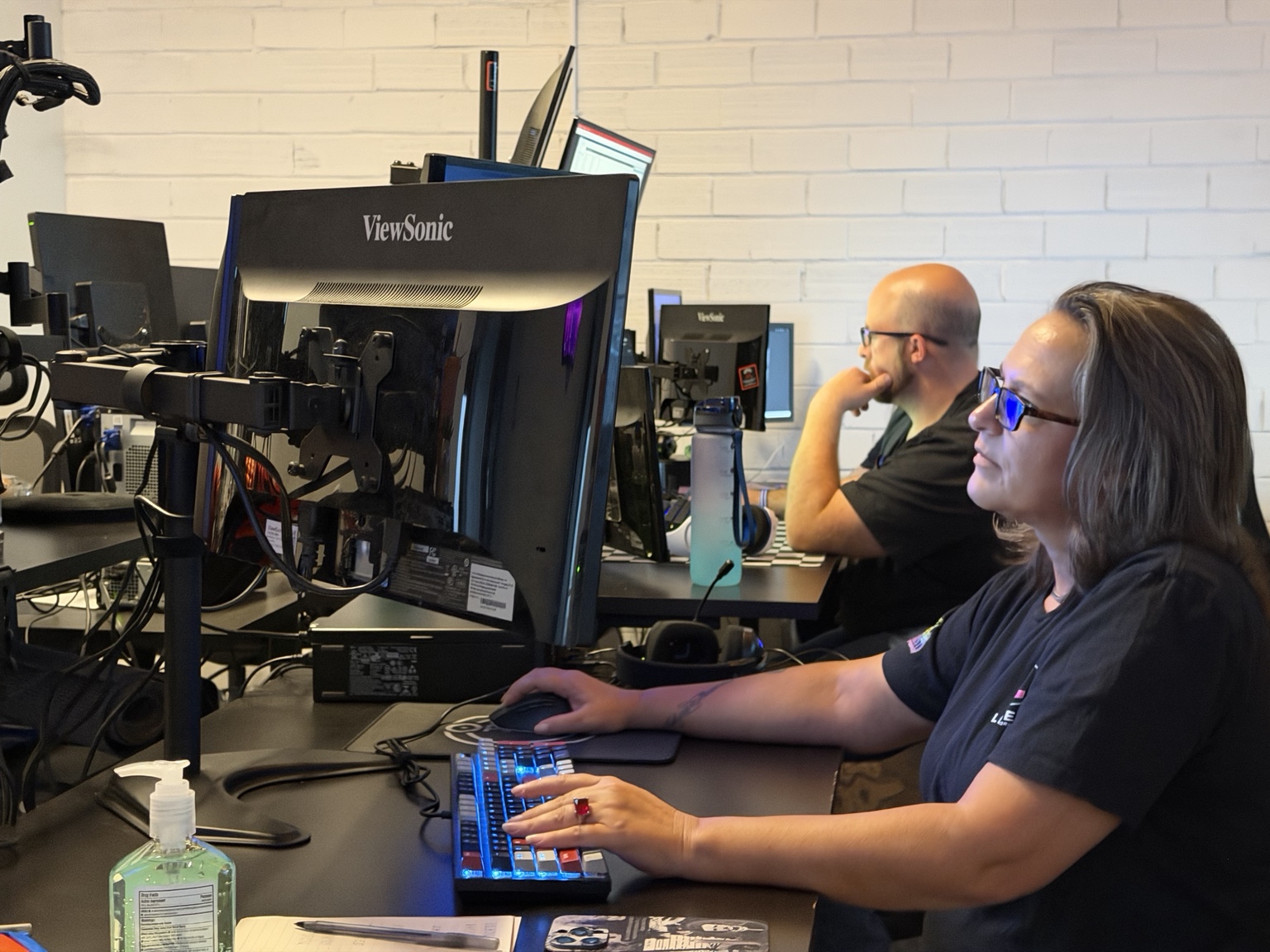
  • Help desk for staff issues during patient hours, remote first
  • Encrypted backups with restores tested rather than assumed
  • Cybersecurity controls: endpoint protection, firewall, multi-factor authentication
  • Unique logins, access changes and audit logging aligned to HIPAA expectations
  • Patching and updates staged so an update never lands mid-morning
  • Equipment lifecycle planning so replacements stop arriving as emergencies
  • Coordination with internet, phone, software and imaging vendors on your behalf

Starting with an assessment

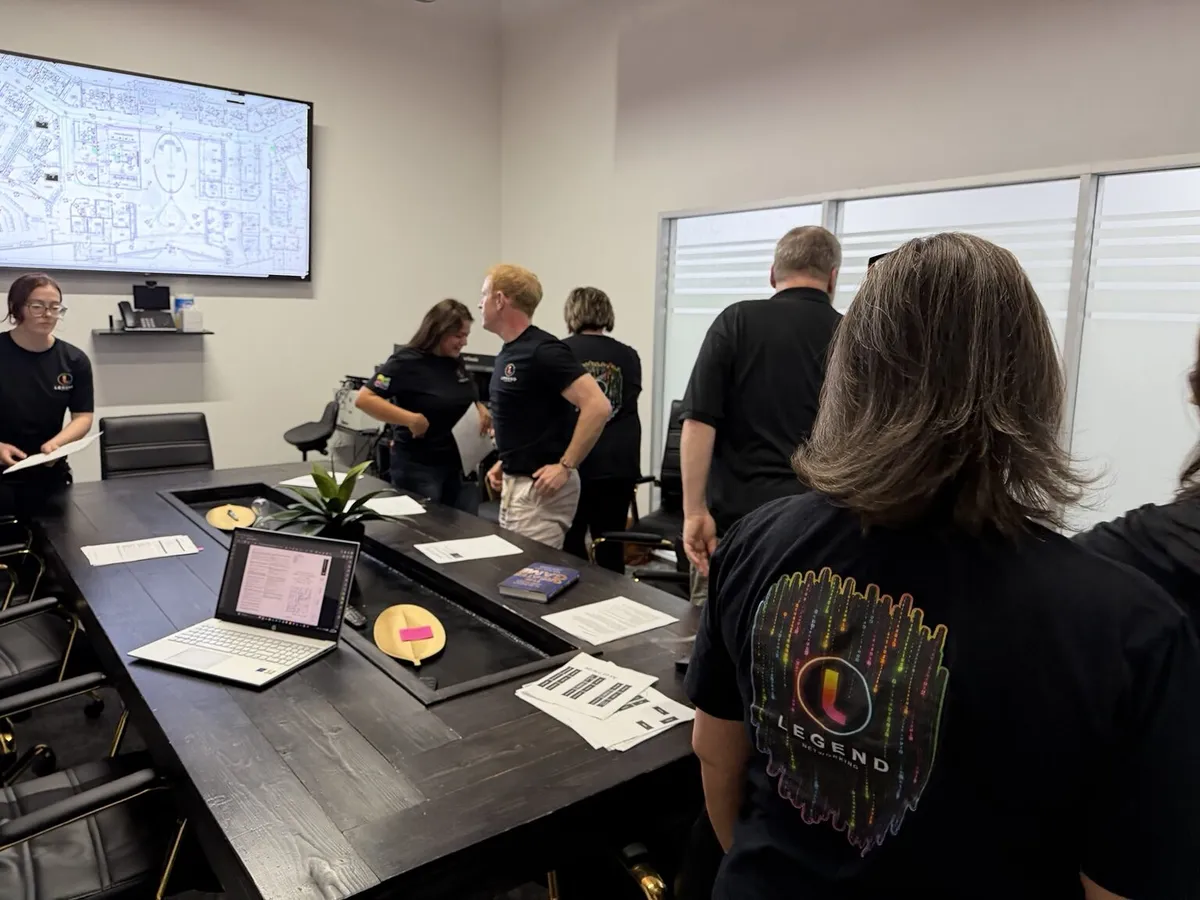
A transition starts by seeing the office as it is. The assessment is a normal first step, and we agree scope and sequencing with you before anything is replaced.

  • Onsite or remote environment review
  • Backup and restore verification
  • Security and access review
  • Prioritised remediation plan
  • Planned transition from your current provider

Scope and timing are agreed with you. We do not offer a response-time guarantee or promise an outcome we cannot evidence.

Day-to-day support during patient hours

The measure of support in a dental office is whether the schedule keeps moving. Issues are picked up remotely first, and someone comes out when the fix needs hands on the hardware.

  • Help desk for chairside, front-desk and doctor machines while patients are in
  • Printer, scanner, sensor and peripheral problems handled as routine work
  • Wi-Fi drops, slow charts and stalled operatories investigated to a cause
  • Onsite visits when a workstation, switch or cable needs replacing
  • Escalation to your internet, phone or software vendor with the evidence attached

Proactive managed IT and security

Most office downtime is predictable. Monitoring, patching and backup verification exist so problems are found before a patient is waiting on them.

  • 24/7 monitoring on servers, workstations, switches and backups
  • Patch and update policy applied on a schedule you approve
  • Endpoint protection, firewall and multi-factor authentication kept consistent
  • Encrypted backups with periodic restore testing and a documented path back up
  • Access reviews when staff join, change role or leave

Support around practice management and imaging

We do not sell or publish clinical software. We keep the technology it depends on healthy and work with your vendor when the fault sits in their product.

  • Workstation, server and network readiness for the platform you already run
  • Sensor, intraoral camera, pan and CBCT workstation support per operatory
  • Bridge and driver checks between imaging and the patient chart
  • Database backups and upgrade windows planned around the appointment book
  • Vendor coordination so your team is not left translating between providers

Fixing inherited and deferred IT

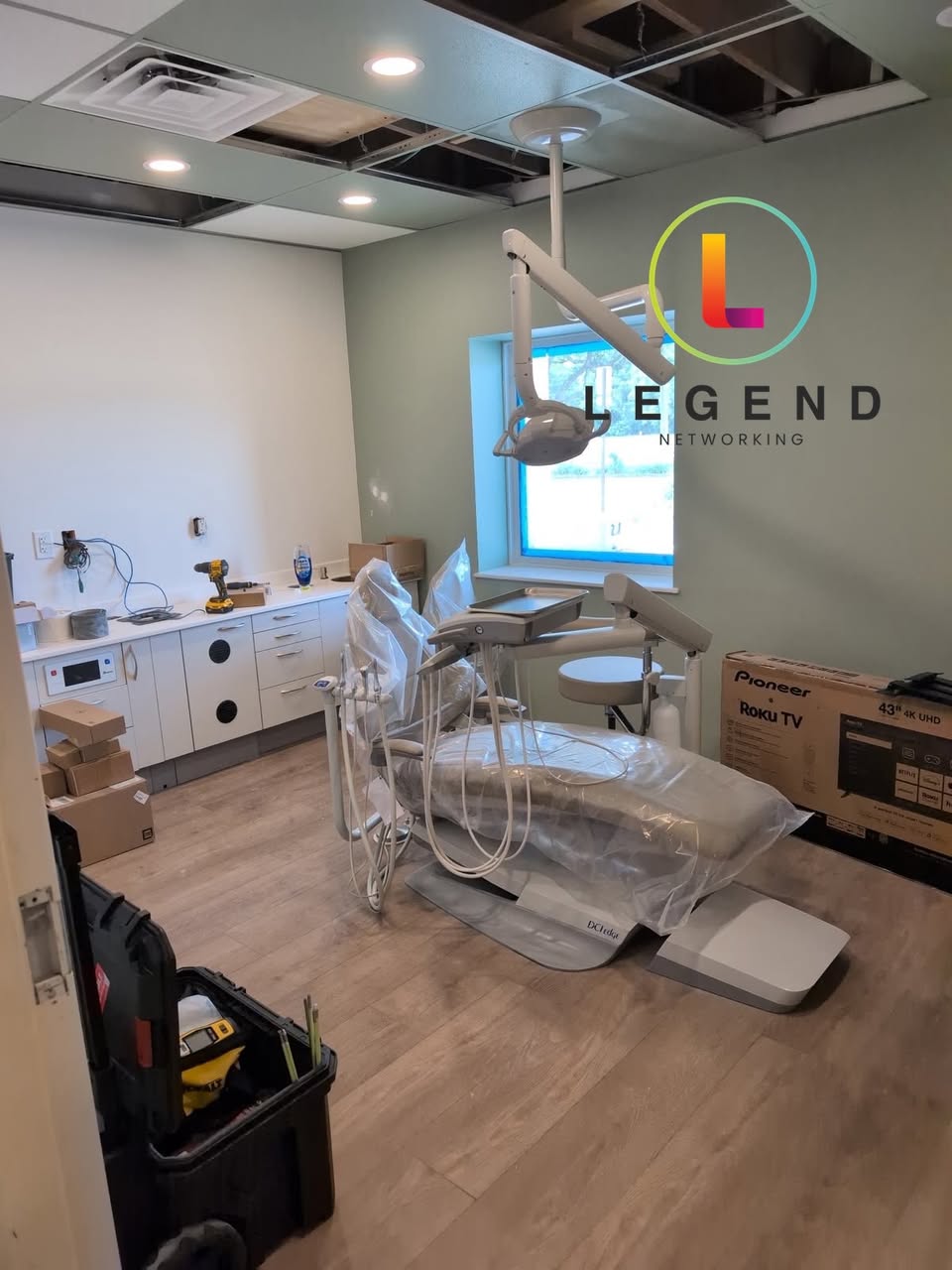
Offices often come to us with equipment nobody documented and maintenance that was postponed. The first job is finding out what is actually there before anything is changed.

  • Inventory and documentation of every device, credential and dependency
  • Backup restore tested before other work begins
  • A prioritised remediation list separating urgent work from next year's capital
  • Planned handover from your current provider, with nothing switched off early
  • Ongoing managed support once the environment is stable

Frequently asked questions

What does dental office IT support actually cover day to day?

Workstations in the operatories and at the front desk, the network and Wi-Fi they run on, the environment around your practice management and imaging software, backups, security and the vendors behind your internet, phones and clinical systems.

Can you help while patients are in chairs?

Yes. Support is remote first so an issue can be picked up without waiting for a visit, with onsite help when the fix needs someone in the building.

We already have someone who fixes our computers. Why change?

General IT support often has not seen sensors, imaging bridges, chart software or HIPAA access expectations. If your current arrangement works, we are happy to review what is documented and leave the rest alone.

Do you support the practice management software itself?

We are not the publisher and not a reseller. We look after the workstations, servers, network, imaging devices and backups the software depends on, and coordinate with your vendor when the fault is in their product.

Do you only work with practices in Texas?

No. We are based in Dallas and support dental practices nationwide with remote help desk and 24/7 monitoring, plus onsite assistance when a visit is needed.

Schedule your free dental IT consultation call

Get clarity on technology, HIPAA compliance, and infrastructure in just 30 minutes.